Table of Contents
Explore 6 clever and unique ways to reuse old usb drives, including the key concepts, practical examples, important considerations, and useful guidance.
This SEO-optimized article will show you 6 smart ways to repurpose your old USB drives, turning them into powerful and cost-effective tools.
6 Creative Uses of Old USB Drives
1. Creating a Tiny Portable Operating System
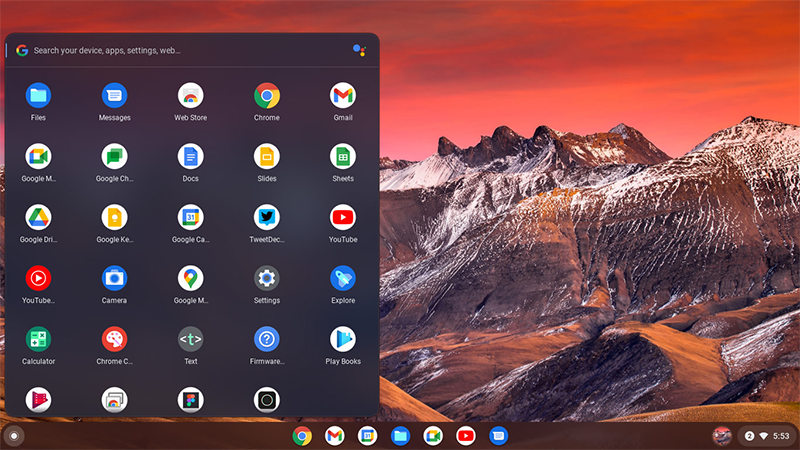
One of the best applications for an old USB drive is to turn it into a portable operating system that can boot from almost any computer.
-
Linux Live USB: This is a great option. The Linux operating system runs independently of the host PC, creating a secure working environment and not affecting the computer's internal hard drive. Persistent Linux installations also allow you to save files and settings, turning the USB into a lightweight laptop that can be carried on a keychain.
-
Windows To Go: The official Windows To Go project has been discontinued, but the Rufus tool allows you to create an unofficial Windows To Go environment for testing or debugging. However, since Windows consumes significantly more resources than Linux, you should prioritize using Linux Distros on older , slow USB drives.
2. Create a Bootable Rescue Toolkit
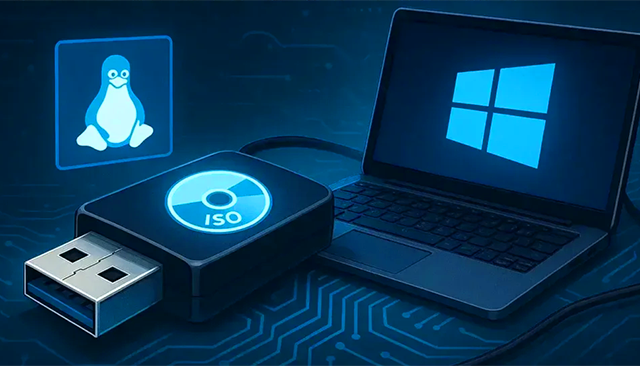
Unlike a backup operating system, a Rescue Toolkit is a bootable USB drive packed with utilities to help troubleshoot problems on Windows, Linux, and macOS.
-
Functions: File recovery, RAM testing, partition repair, and more.
-
Recommended tools: Hiren's BootCD PE, SystemRescue, and GParted Live.
-
Advantages: Many of these tools can fit neatly on small-capacity drives (including old USB 2.0 drives), making them a "one-time, forget-it-all" tool that is extremely useful when disaster strikes.
3. Offline Encrypted Password Vault
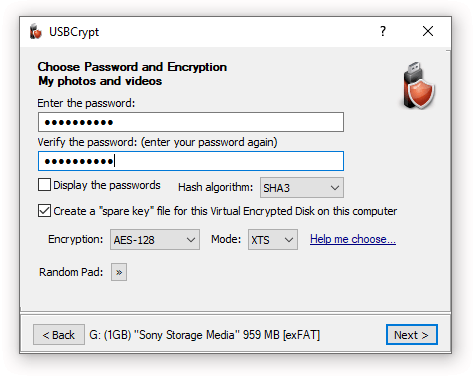
Although cloud-based password managers are convenient, many people still prefer the absolute control of an asynchronously encrypted password vault that can be accessed from anywhere.
-
Instructions: Use password managers like KeePassXC or Bitwarden to export a version of the password vault and store it on a USB drive. The password vault is strongly encrypted, providing high USB security .
-
Enhance security: Consider encrypting the entire contents of your drive using VeraCrypt – a free and open-source tool.
4. Handy Travel Drive with Portable Apps
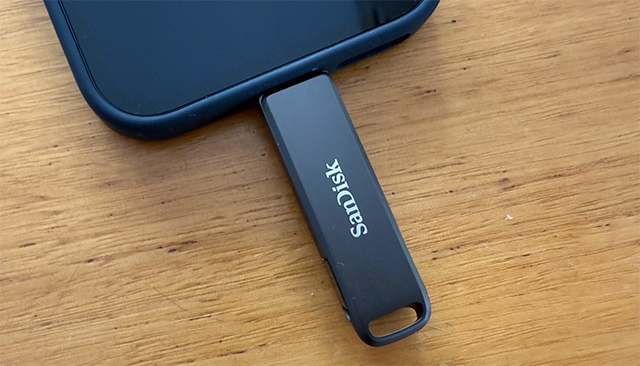
When using public or shared computers, you face security risks. Using a portable USB drive containing portable apps is a safe solution.
- Mobile applications: These applications don't require installation; you can run them as long as your computer recognizes the USB drive. You can find mobile applications for browsers, office utilities, etc.
- Benefits: Helps protect your privacy and security without having to install anything on the host computer.
5. Transform it into a Basic Security Hardware Key
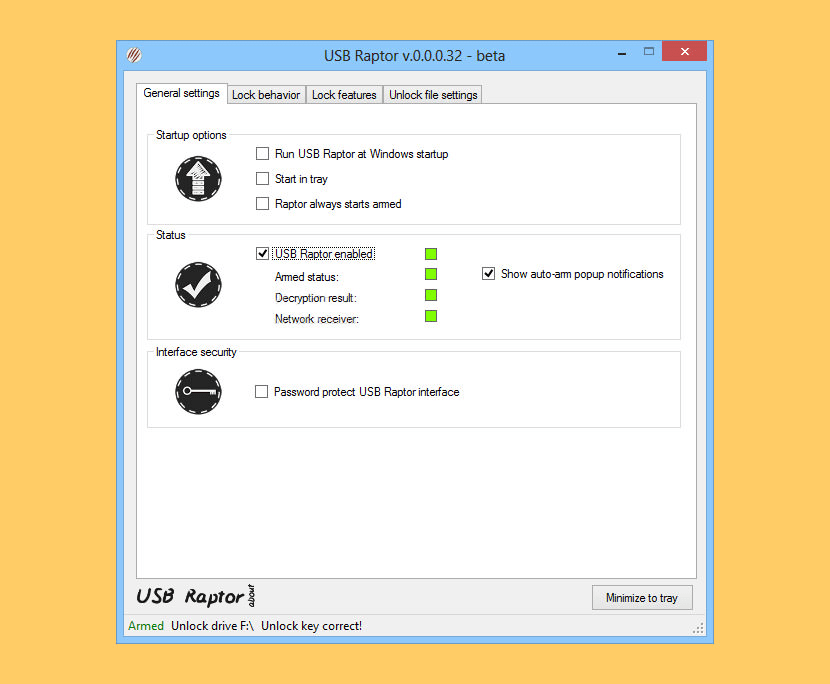
While it can't completely replace dedicated security keys like YubiKey, you can still use an old USB drive to enhance PC login security.
- Software: Use free software like USB Raptor to turn your USB drive into a computer security key.
- Note: This is a software-based solution, less secure than dedicated hardware keys using built-in encryption and the FIDO2 standard. However, it's an interesting way to experience the concept of a secure key.
6. Create a Portable Retro Gaming Center

Turning virtually any old USB drive into a super-portable gaming device is one of the most interesting ways to repurpose old USB drives.
- Instructions: Download the portable version of RetroArch, add the emulator and your favorite ROM files to a USB drive.
- Advantages: Retro games and emulators are usually very small, allowing you to fit a large number of classic games onto a compact USB drive.
- Performance Note: USB speed will affect performance. USB 2.0 has a maximum speed of 480Mbps, while USB 3.0 can reach 5Gbps. Keep this in mind when choosing a USB drive.
Important Tip: Check the Reliability of Used USB Drives
Before entrusting any important data to an old USB drive, check its reliability.
- Error checking: Use a tool like CrystalDiskInfo to check your drive.
- Speed test: Conduct speed tests to ensure performance remains consistent.
- Decision: If the drive is reporting errors, is too slow, or won't read/write, it's best to discard it. Data security is always the top priority.
Final Thoughts
Understanding 6 clever and unique ways to reuse old usb drives makes it easier to evaluate the information and apply the most relevant recommendations. Focus on the key points above and verify details that may change over time.
FAQ
What is 6 clever and unique ways to reuse old usb drives?
Explore 6 clever and unique ways to reuse old usb drives, including the key concepts, practical examples, important considerations, and useful guidance.
What key points does this article cover?
The article focuses on 6 Creative Uses of Old USB Drives, 1. Creating a Tiny Portable Operating System, 2. Create a Bootable Rescue Toolkit, with practical explanations and examples.
How can you use this information in practice?
Use the explanations to compare options, verify important details, and make a more informed decision. Apply the recommendations that best match your goals and situation.
Related Articles
 4 Ways to Reuse Hard Drives7 minutes read
 8 Ways You Can Reuse Your Smart TV7 minutes read
 Simple Ways to Reuse Expired Products: What to Know5 minutes read
 A Clever Way to Answer the Question: Why Do You Quit Your Job?4 minutes read
 7 Creative Ways to Reuse or Recycle Old Speakers8 minutes read
 14 Cool Things You Can Do with Your Old iPhone15 minutes read
Reader Comments 0
Sign in with email or Google to join the discussion.