Table of Contents
14 Cool Things You Can Do with Your Old iPhone brings together practical options worth considering. Below, you'll find clear explanations, useful context, and tips for deciding which choices best match your needs.
Key Takeaways
- Review high resolution webcam.
- Learn how to use as mac speaker.
- Understand turn into a VR headset.
1. High Resolution Webcam
Most MacBooks have built-in webcams, but the quality isn't always the best. You might consider using your old iPhone as a high-quality webcam instead if you spend many time on video calls for work.
You'll be happy to know that Apple recently released a feature that allows you to use your iPhone's camera as a webcam. So if your Mac is running macOS Ventura and your iPhone is running iOS 16, you can use Continuity Camera to turn your iPhone into a webcam.
You can download an app called Camo to connect your iPhone, PC, or Mac (if it's running an older operating system) if you're using a Windows PC. With this app, you can use your iPhone as a webcam to make high-quality video calls on popular apps like Zoom, Skype, and Microsoft Teams.
- Download Camo for iOS (Free)
2. Use as Mac Speaker
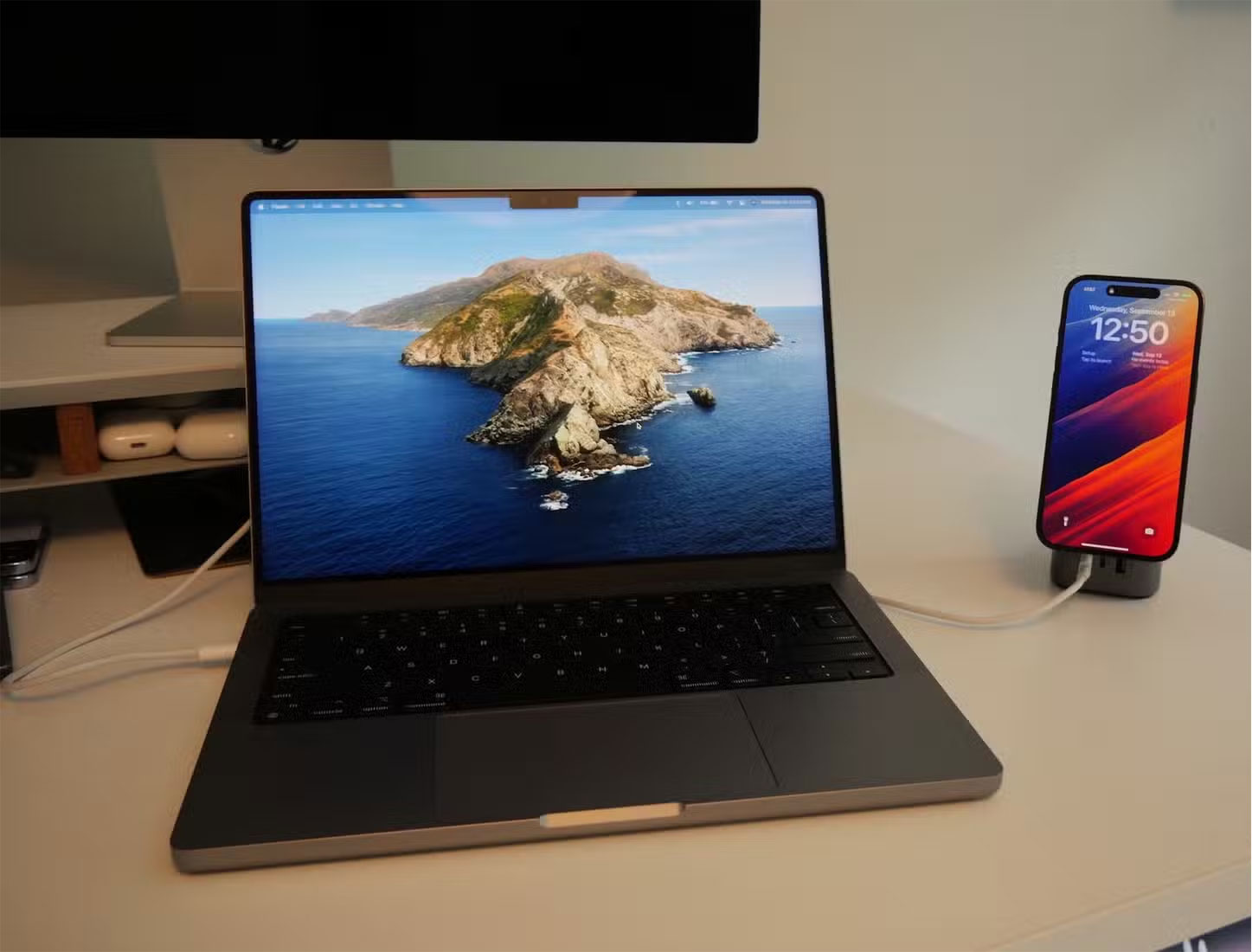
You can use your iPhone as a speaker for your Mac if you're not happy with your Mac's built-in speakers. However, since macOS doesn't provide an option to stream audio directly to your iPhone, you'll need a third-party app like Airfoil to do this.
Airfoil allows you to stream audio from your Mac to your iPhone over Wi-Fi or Bluetooth, turning your iPhone into a wireless speaker. It's a great way to improve your audio experience without investing in new hardware.
- Get Airfoil for iOS | Mac (Free, premium version available).
3. Turn into a VR Headset
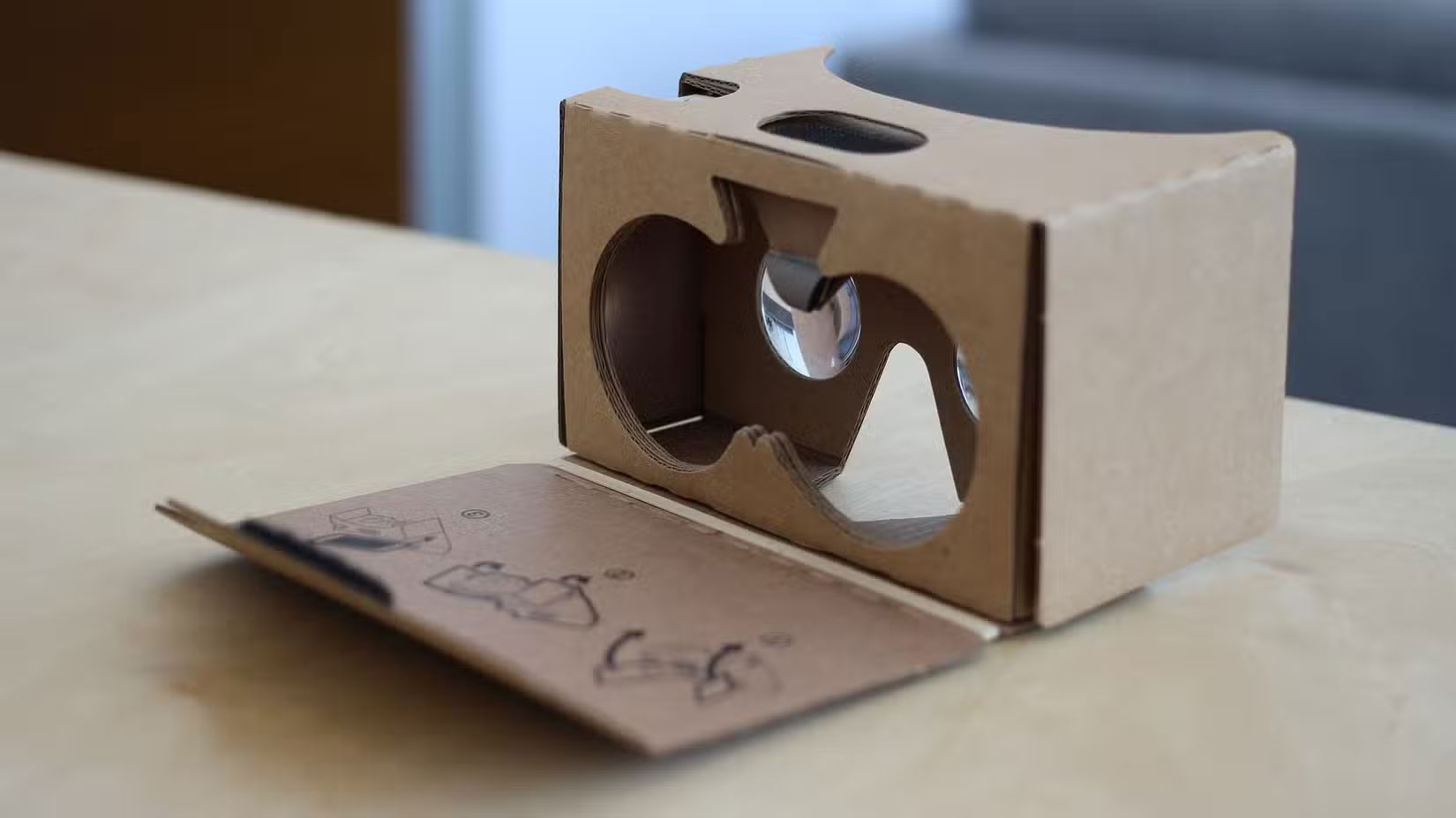
Using a VR headset is a fun experience, but if you don't want to buy one, you can use your old iPhone with a Cardboard VR headset.
There are still plenty of affordable alternatives available online while Google has discontinued its Cardboard VR headset. Once you buy one, you just pop your old iPhone into the headset.
You can then watch immersive 360-degree videos in the YouTube app or try out games like Roller Coaster for thrilling rides. This setup is perfect for virtual tours, interactive experiences, and basic VR gaming.
- Download Roller Coaster VR Theme Park (Free, in-app purchases available).
4. Use as an AI Chatbot
You know how useful these AI assistants can be for brainstorming ideas and exploring topics if you've tried ChatGPT or Gemini Live's voice mode. You might consider repurposing an old iPhone as a dedicated AI chatbot for your desk if you enjoy using them.
With this setup, you can chat in real time, ask it to tell you a joke, or get help with an idea without having to reach for your main phone. Install your favorite AI app, connect your iPhone to Wi-Fi, and leave it on your desk or nightstand. This helps you do this.
5. Turn into iPod
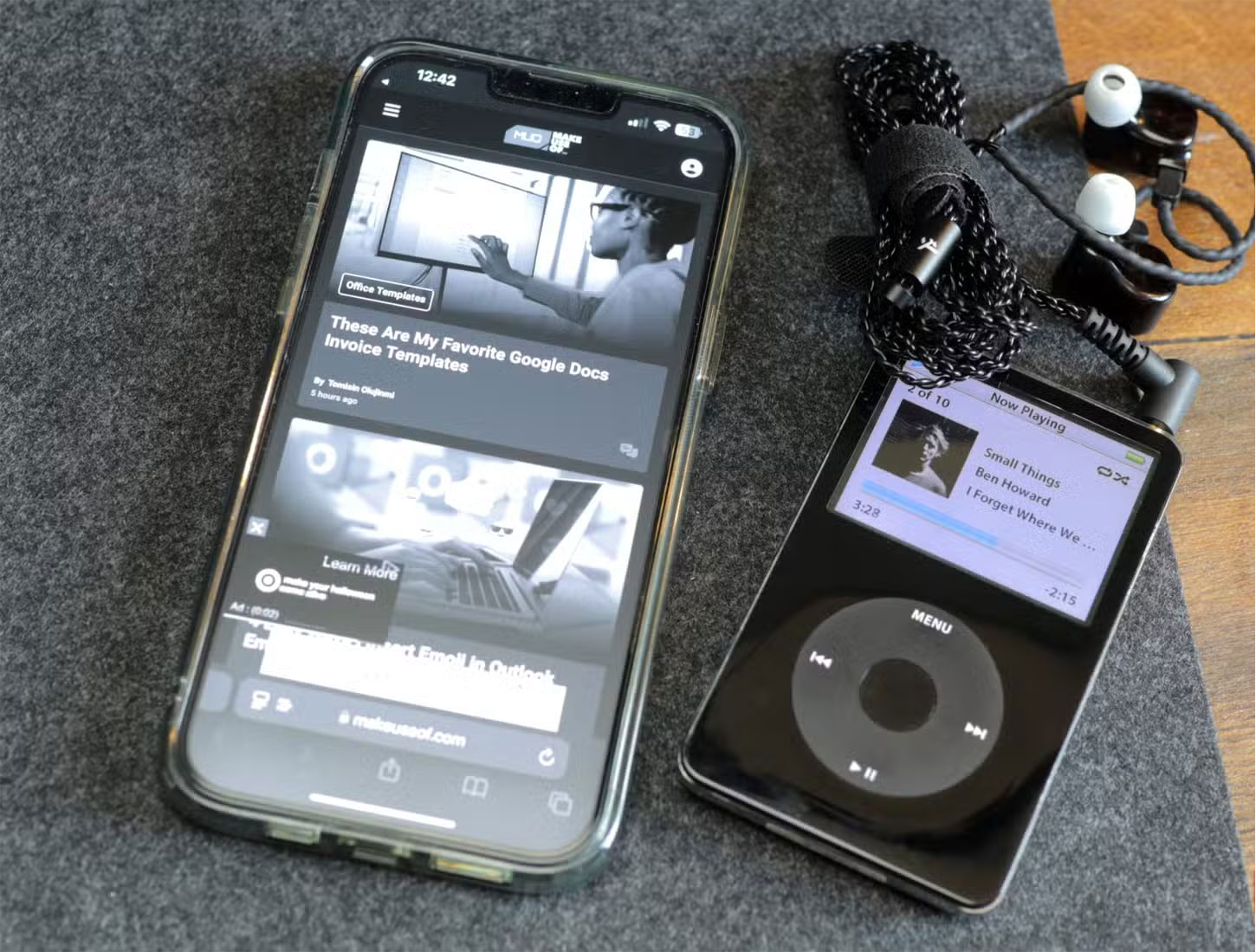
Music and audiobook lovers can also turn their old iPhone into an iPod. There's no complicated setup required; just purchase the My Classic app from the App Store and you're good to go.
At first glance, My Classic looks like a Game Boy emulator by default, but it hides a fun Easter egg. You can enter a special code to transform it into an iPod Classic interface (as outlined by Pocket-lint), complete with the iconic click wheel. From there, you can browse and play your favorite songs and podcasts using Apple Music.
- Download My Classic ($3)
6. Use to Control Smart Home Devices
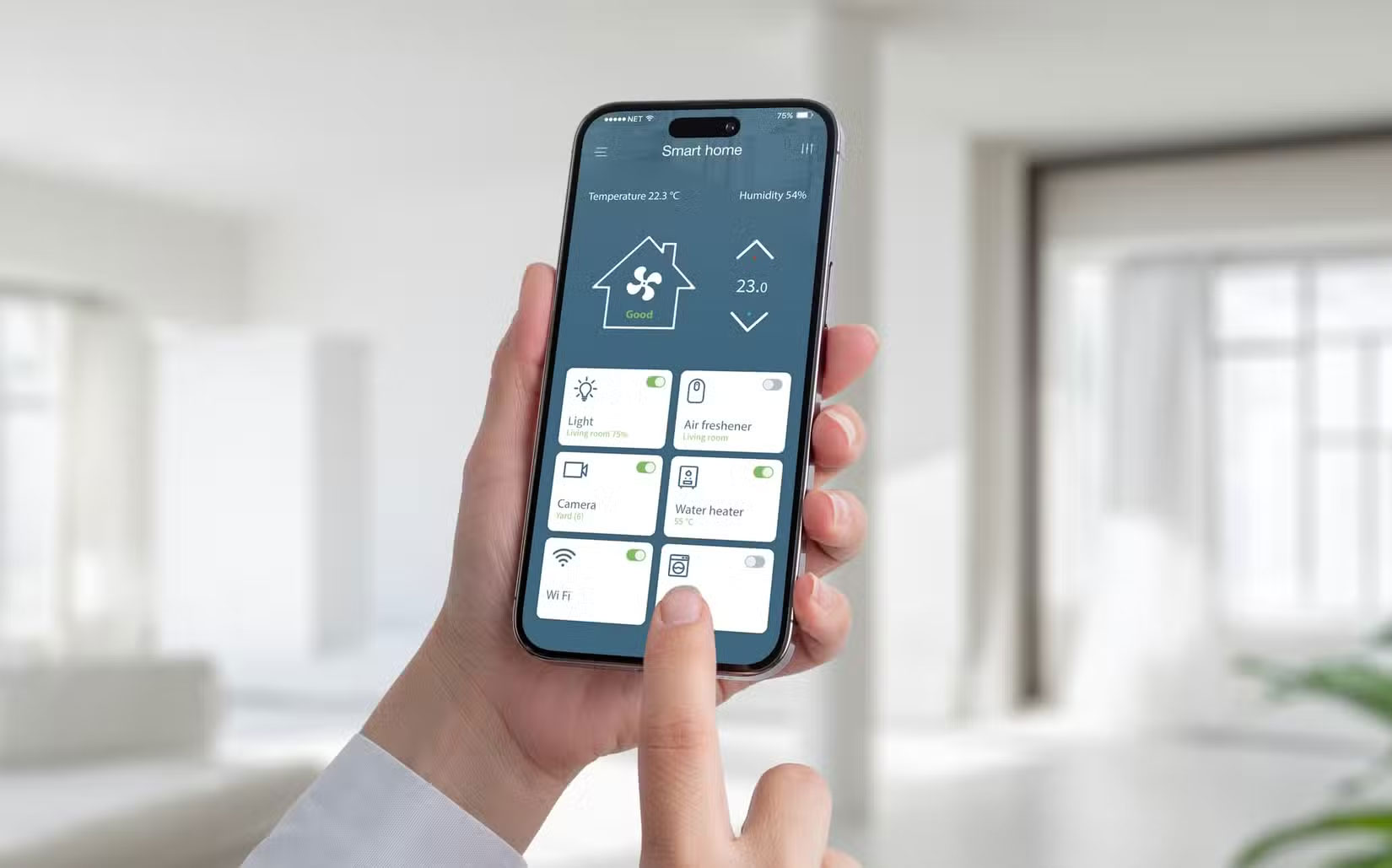
Another great way to repurpose an old iPhone is to turn it into a dedicated smart home controller. With apps like Apple Home and Google Home, you can control your compatible devices, including lights, thermostats, cameras, and more.
You should mount your iPhone in a convenient location, like the living room or entryway, so everyone in the house can easily access it if you plan on doing this.
7. Use Your iPhone as a Kitchen Assistant
Instead of risking spills or dirtying your main device, you can dedicate your old iPhone to kitchen duties. You can install one of the best recipe organizing apps and use the built-in Clock app to set timers. Plus, with Siri, you can set hands-free timers or quickly convert measurements while cooking.
And if you like listening to music while you cook, your old iPhone can also serve as an entertainment center in the kitchen with apps like Spotify and Apple Music. For easy access, you can mount your iPhone on a stand or attach it to the fridge with a magnetic mount.
8. Upgrade Any Speaker into a Smart Speaker
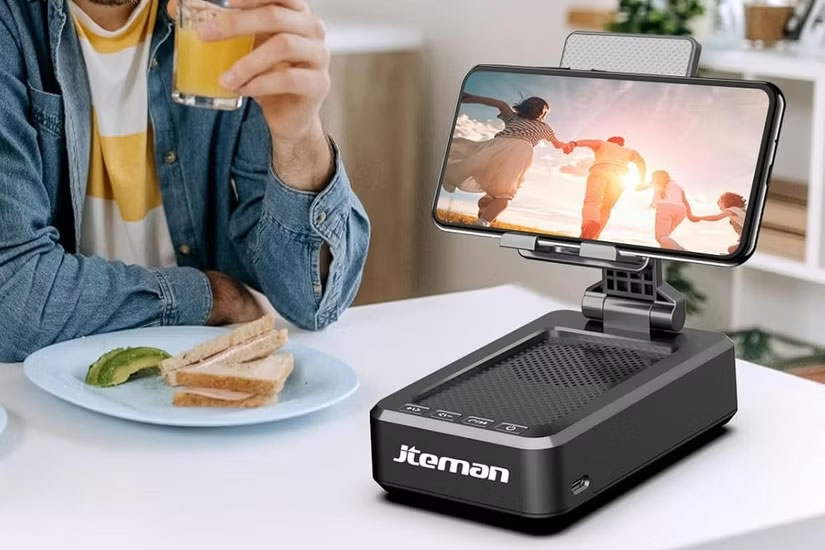
They're nothing more than regular speakers with a voice assistant, some processing power, and a microphone if you look at smart speakers. Your old iPhone had all of these things too.
So if you have a spare Bluetooth speaker or even a wired speaker, you can connect your old iPhone to it and create a cheap smart speaker system. All you have to do is enable Hey Siri on your iPhone and connect the speaker.
Once set up, you can use your speaker to play music, control smart home devices, check the weather, set reminders, and do pretty much anything a smart speaker can do.
9. Turn It into a "Brick" Phone
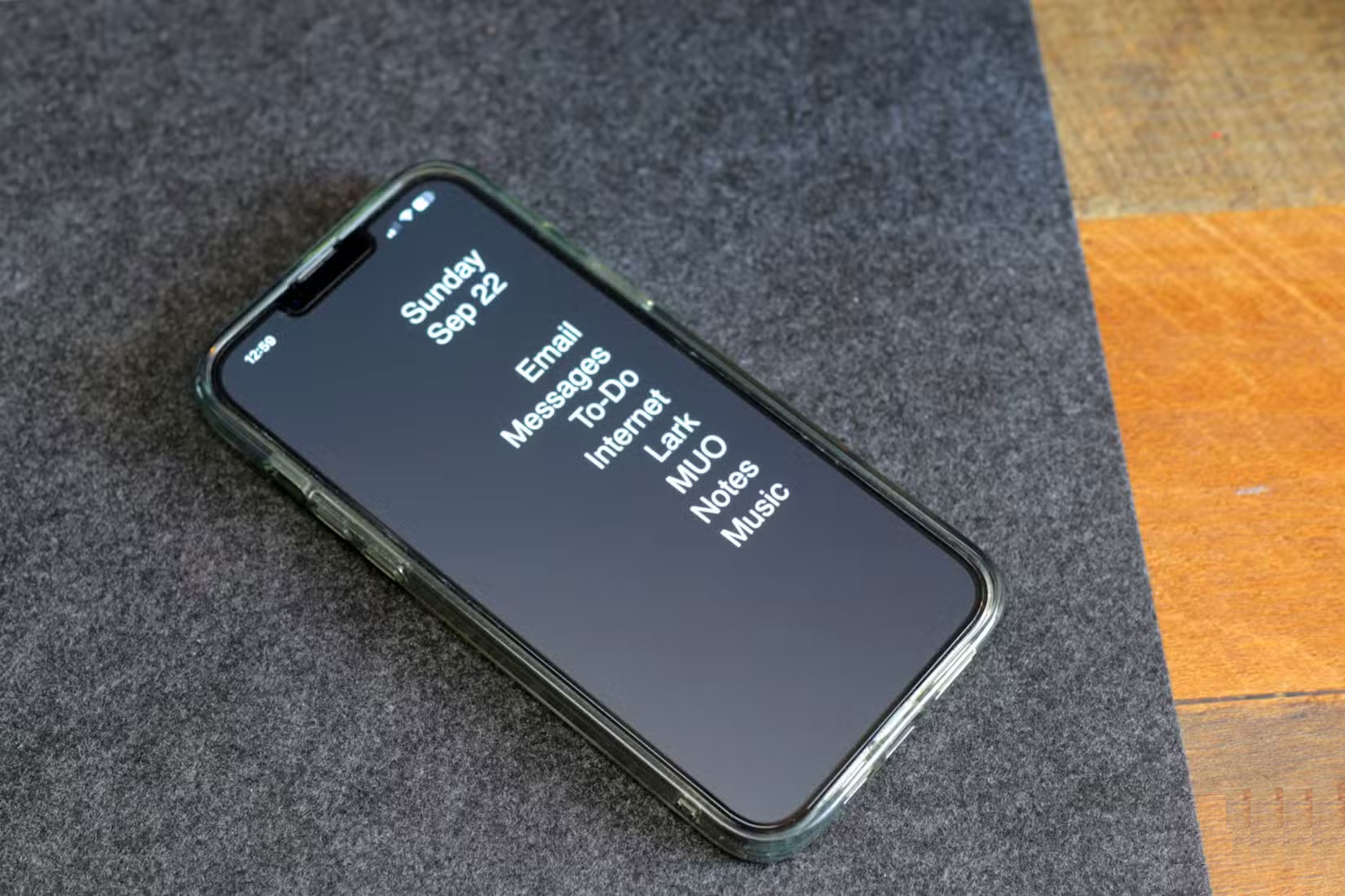
A 'brick' phone is a device with limited functionality, usually only allowing for calling, texting, and maybe a few basic apps. One of its biggest advantages is that it reduces distraction and increases concentration.
Turning your iPhone into a 'brick' phone isn't too difficult. You can do it easily by deleting all the unnecessary apps and installing Blank Spaces Launcher. You can set up Assistive Access for a similar experience if you have an iPhone running iOS 17.
This setting is perfect for anyone who wants to get away from endless notifications while still being able to be reached. Plus, since it disables all the battery-draining features, older iPhone batteries will last much longer between charges.
- Download Blank Spaces (Free, in-app purchases available).
10. Remote Control for Apple TV
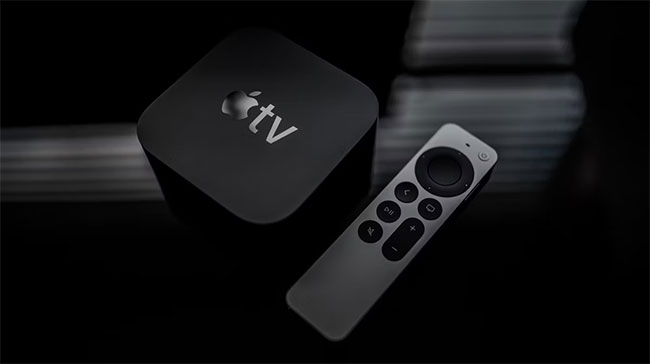
You might consider using your old iPhone as a remote instead if your Apple TV remote spends more time sliding down the couch cushions than it does controlling your TV. All you have to do is add the Apple TV Remote app to Control Center.
Open Settings > Control Center and tap the green plus sign next to Apple TV Remote. This helps you do this. From here, you can access the app via Control Center by swiping down from the top-right corner. Open the app and pair it with your Apple TV by following the on-screen instructions.
That's not all; you can also use your old iPhone to control other smart devices. For instance, you can download the best TV remote control apps for your phone and use them to control your smart TV.
11. Home Security Camera or Baby Monitor
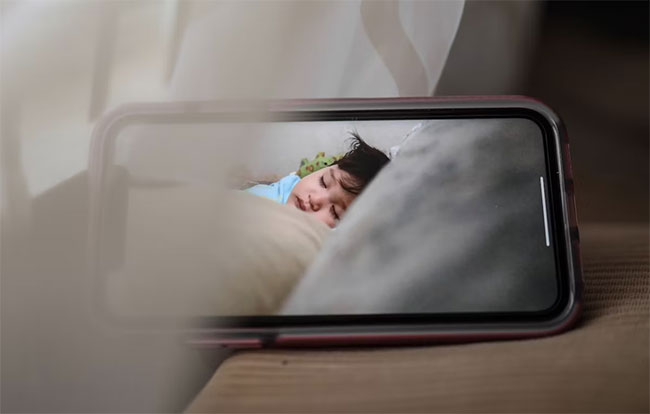
If you want to keep an eye on your home while you're away but don't want to spend money on an expensive home security system, you can use your old iPhone as a security camera. All you need to do is download an app like Alfred Home Security Camera.
Alfred Home Security Camera is an easy-to-use app that turns your iPhone into a security camera. All you have to do is download the app on your old iPhone and your current iPhone, log in to both phones with the same account, and set your older phone as a surveillance device. You'll then be able to view a live feed of your home on your current iPhone.
Additionally, you can use a number of apps specifically designed to help you keep track of your baby. Some options include sending you notifications when your baby wakes up, allowing you to talk to them through the app, and even playing lullabies.
- Get Alfred Home Security Camera for iOS (Free, offers in-app purchases).
12. Alarm Clock
Chances are, the first thing you do when you wake up in the morning is reach for your iPhone to turn off the alarm. However, one of the downsides of using your main phone as your alarm is that you're more likely to stay in bed longer. Most people would agree that this isn't an effective morning routine.
You can use your old iPhone as a dedicated alarm clock to avoid this. This means deleting all distracting apps from your old phone and keeping only the Clock app. Doing this will make you less tempted to start scrolling through social media when your alarm goes off in the morning.
13. Office Phone
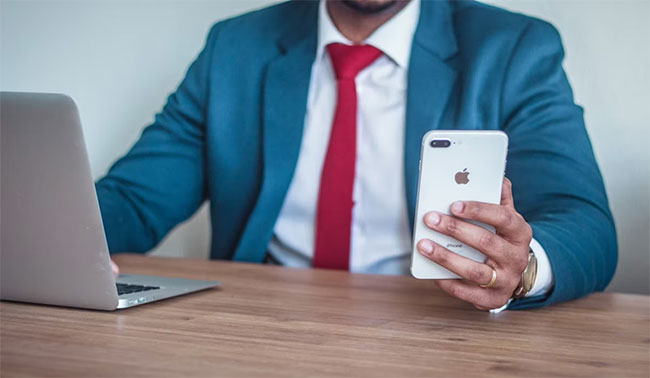
You can use your old iPhone as your work phone if you want to separate your work life from your personal life. This is especially useful if you rely on your phone for work-related tasks like sending emails, scheduling, and managing projects and deadlines. Having a dedicated work phone is also a great idea if you handle sensitive information (just make sure your phone still gets the latest security updates).
All you need to do is log into your work email and download any work-related apps on your old iPhone. This helps you set up your work phone. For instance, a calendar to schedule meetings, a project management app to track deadlines, and a notes app to jot down ideas.
Once you have all the apps you need, make sure to turn off notifications for each individual app. You can also delete them on your other phone to save space.
Last but not least, make sure you follow some basic security measures like using strong passwords, two-factor authentication, and not sharing your work phone with anyone.
14. Handheld Game Console
Mobile gaming is more popular than ever, and chances are you've downloaded a few games onto your iPhone. You can use your old iPhone as a portable gaming console if you play games on your phone regularly but are worried about draining the battery.
You can delete all the unnecessary apps from your old iPhone and fill it with your favorite games. You can also subscribe to Apple Arcade if you want access to a wide variety of games without having to pay for each one. You can also use the phone to stream games from your PS5 using the Remote Play app.
Now you can take your old iPhone out of the dusty drawer and use it. You've probably found some inspiration in this article and have a few ideas for how to reuse your old iPhone. You can still sell, trade, or donate your device if none of these work for you.
It's better to put it to good use than let it collect dust in a drawer if you don't want to part with your beloved iPhone. These ideas are just the tip of the iceberg - there are many other ways to reuse an old iPhone, such as turning it into a security camera, digital photo frame, e-reader, and more.
Final Thoughts
The most reliable way to handle cool things you can do with your old iPhone is to follow the process in order, verify each important setting, and test the result before moving on. Use the guidance above as a practical reference, then adjust the details for your device, software version, or specific goal.
FAQ
What should I know first about Cool Things You Can Do with Your Old iPhone?
You might be leaving a perfectly good old iPhone in the drawer if you tend to upgrade your phone as soon as a new model comes out to enjoy the latest features.
How do I get the best results with Cool Things You Can Do with Your Old iPhone?
Use current software or equipment, follow the steps in order, review the recommended settings, and test one change at a time so you can identify what improves the result.
What should I do if Cool Things You Can Do with Your Old iPhone doesn't work as expected?
Check compatibility, permissions, connectivity, and version-specific settings. Restart the relevant device or app, then repeat the process carefully before trying a more advanced fix.
Related Articles
 What Is 'Cool Cool'? New Fashion Style5 minutes read
 How to Cool Down Quickly When Your iPhone Is Hot3 minutes read
 This Guy Combines the Iphone X Camera with the Arkit to Create a3 minutes read
 Things Were Killed by iPhone in the Past 7 Years4 minutes read
 What to Do After Buying a New AMD Laptop6 minutes read
 Should GPUs Be Liquid-cooled for Better Performance: Main Insights7 minutes read
Reader Comments 0
Sign in with email or Google to join the discussion.