Table of Contents
If the picture and HDMI inputs still work, an old smart TV can be useful even after its apps stop receiving updates. Disconnect it from the internet if you only need it as a display, and connect a supported device for any online content.
1. Show photos or artwork
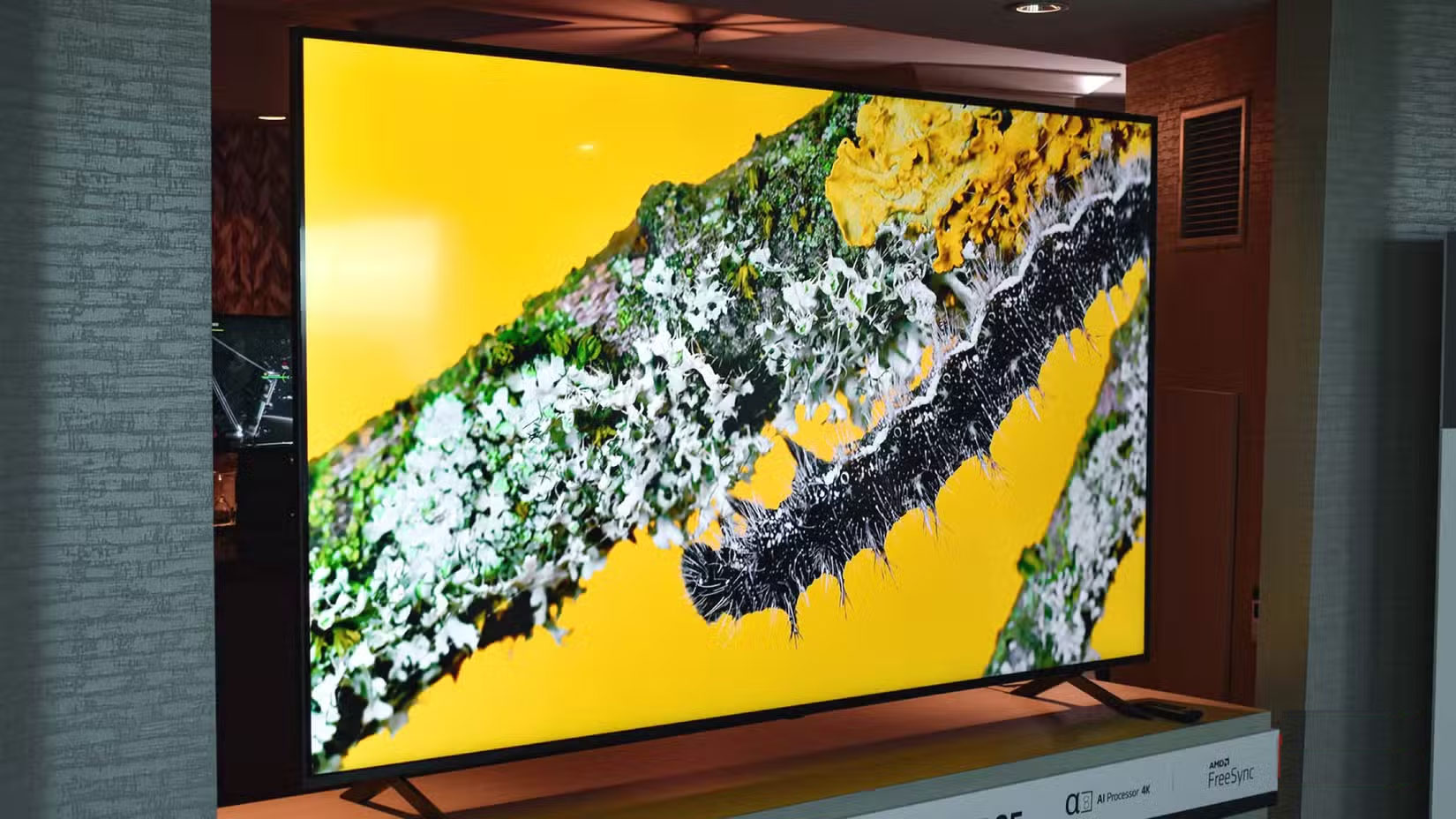
Load a few images onto a USB drive and open the TV’s media player. Check which image formats it can read and set a slideshow if the option is available. On an OLED or plasma display, avoid leaving one static picture on screen for long periods.
2. Add a second screen for a computer
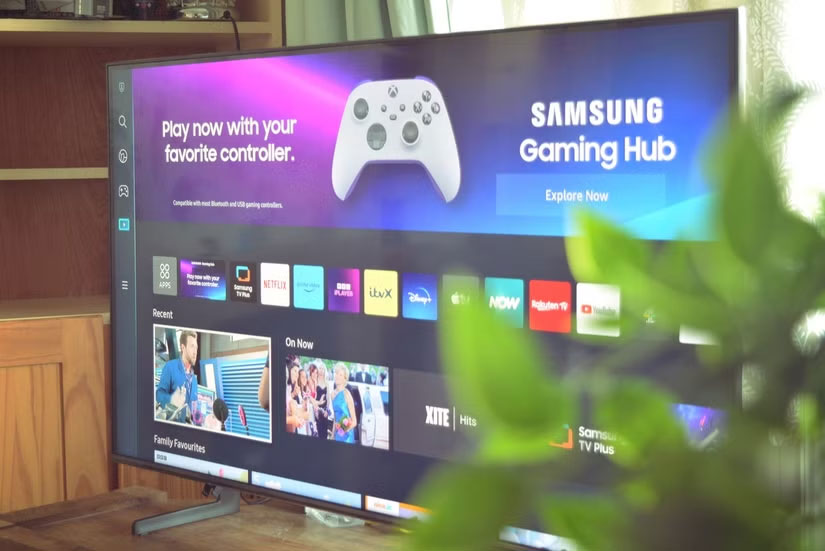
Connect a computer by HDMI, select the matching input, and set the display mode to Extend. If the edges are cropped, look for a setting such as Just Scan or Screen Fit. See ways to connect a computer to a TV if you need an adapter or another connection.
3. Monitor a supported security camera feed
Connect your camera system’s recorder by HDMI if it has an output. For a cloud camera, check whether its current app supports a separate streaming device. Use a private viewing location if the feed shows household activity.
4. Play console or retro games
Connect an HDMI console and turn on the TV’s Game mode if input feels delayed. For a console that uses analog video, check whether the TV has a matching input or whether you need an active converter.
5. Put video calls on a bigger screen
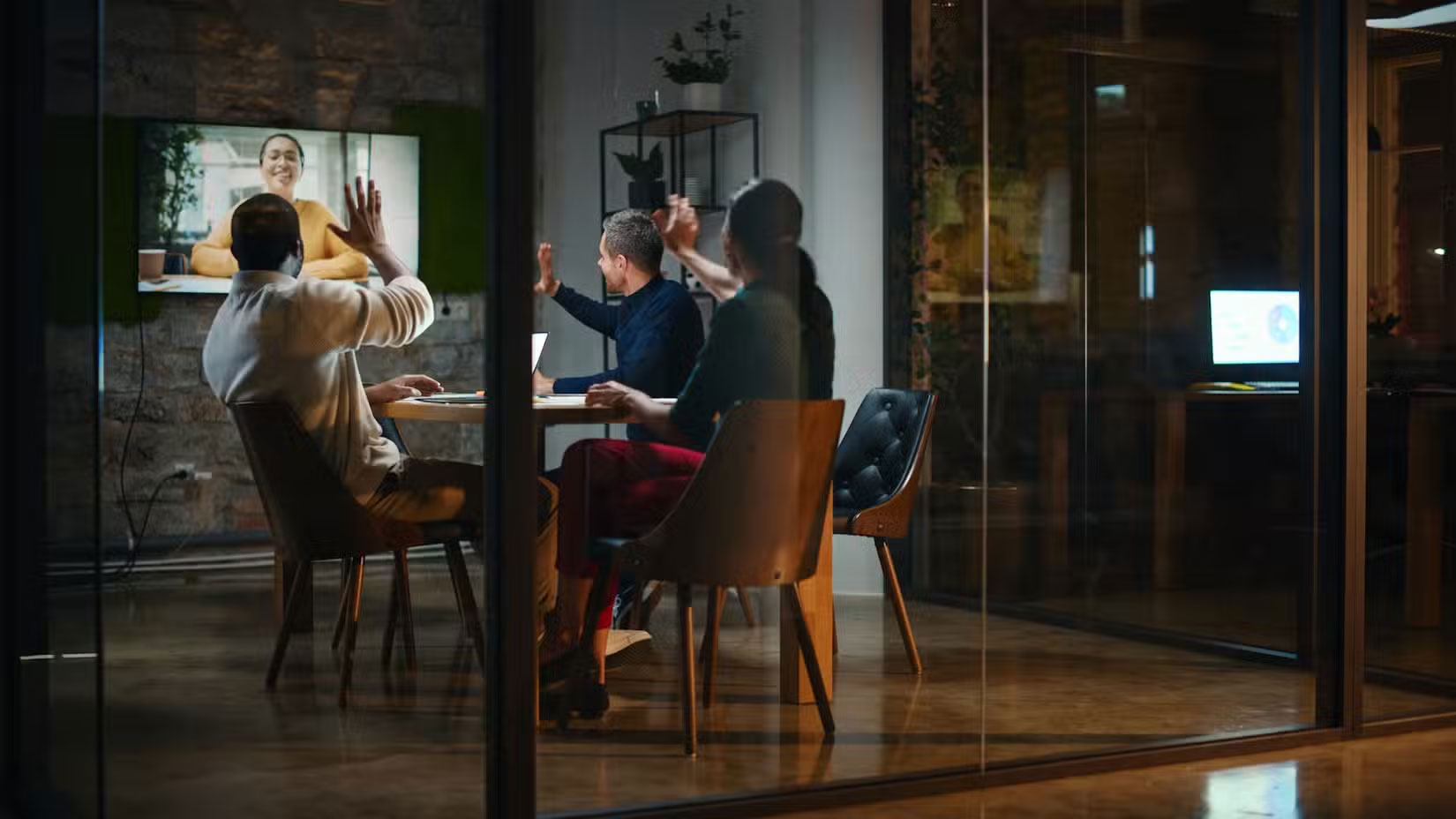
Connect a laptop by HDMI and move the meeting window to the TV. Keep using the laptop or a webcam for your camera and microphone. Test the selected speakers and microphone before the meeting so you can hear without causing an echo.
6. Set up a shared family viewing spot
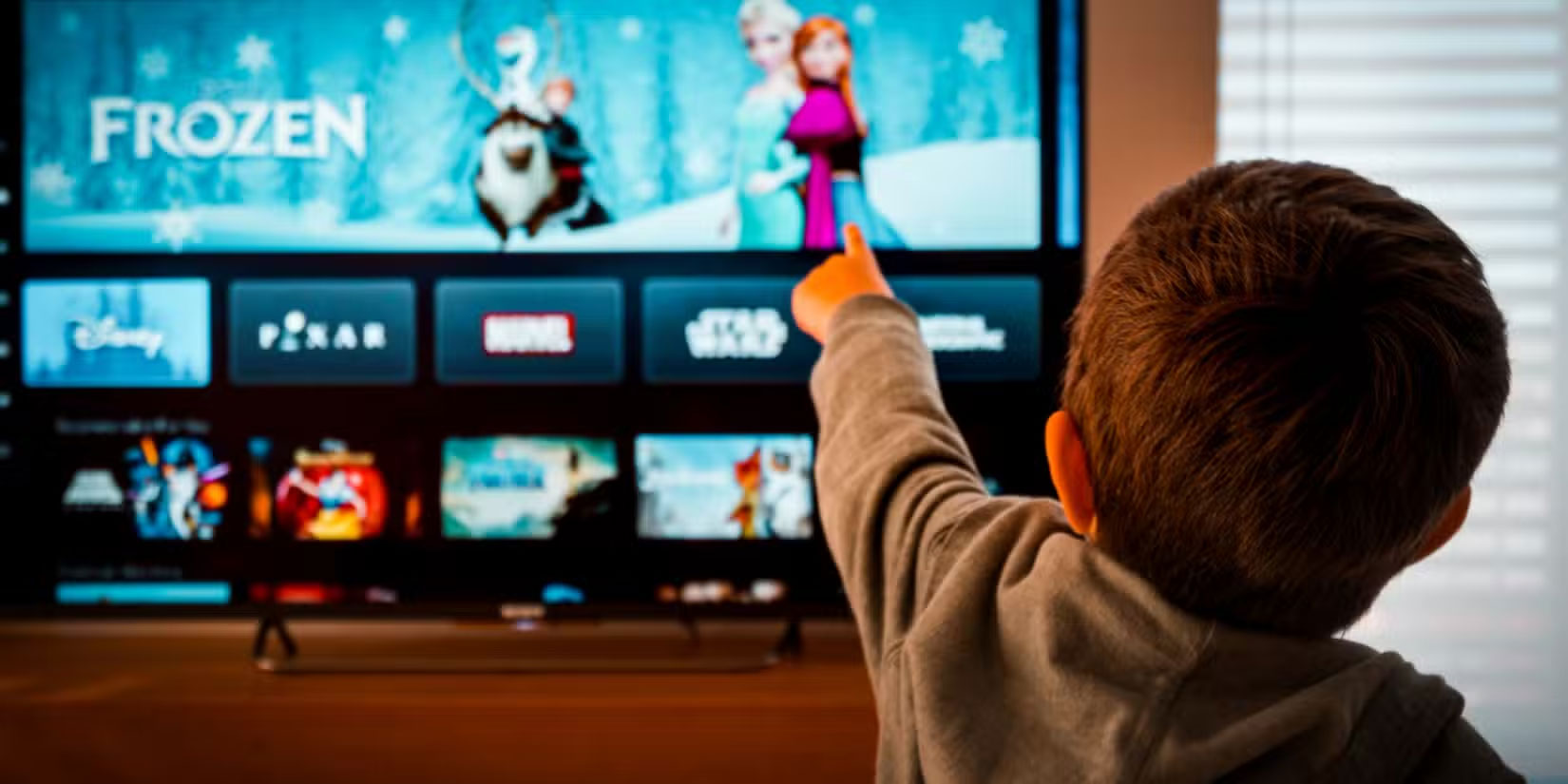
Connect a supported player or console and use its parental controls. Secure the TV with a suitable mount or anchor, especially if children can reach the stand or cables.
7. Play aquarium or nature footage
Play a video from a USB drive or an external streaming device. Check whether your player can loop it and use a sleep timer if you tend to leave it running.
8. Donate or recycle a set you can’t use
If it still works, erase your accounts and Wi-Fi settings before donating it. If the set is damaged or won’t turn on, use a local electronics collection or recycling program. Leave internal disassembly to a qualified repairer or recycler.




Reader Comments 0
Sign in with email or Google to join the discussion.