Table of Contents
Google Photos lets you reduce extra editing screens, hide unwanted items from the main view and choose which memories or notifications you see. Change the settings that bother you, rather than disabling every feature. The paths below mainly describe the Android app; labels and available controls can vary by version.
1. Skip Quick Edit before sharing
If you already edit pictures before sharing, open Photos settings > Sharing and turn off Quick edit before sharing, when available. This skips an extra editing step; it does not prevent you from opening the photo editor yourself.
2. Hide clutter from other apps
Open Photos settings > Preferences > Photos view and look for Show content from other apps. Turn it off to reduce app-generated content in the main view.
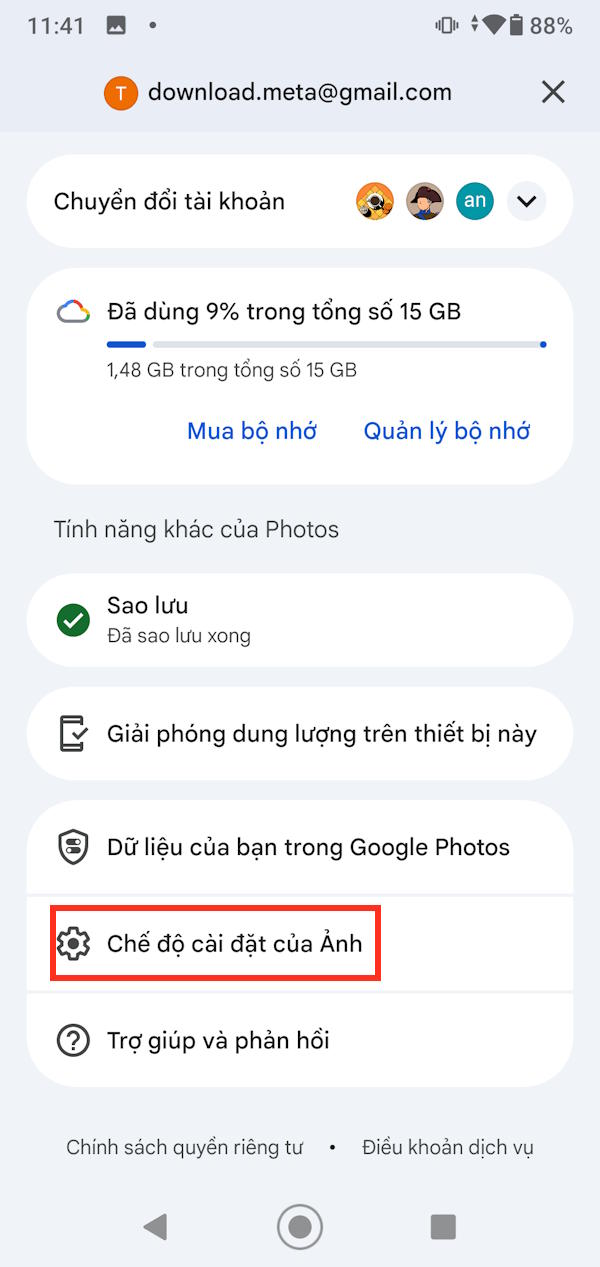
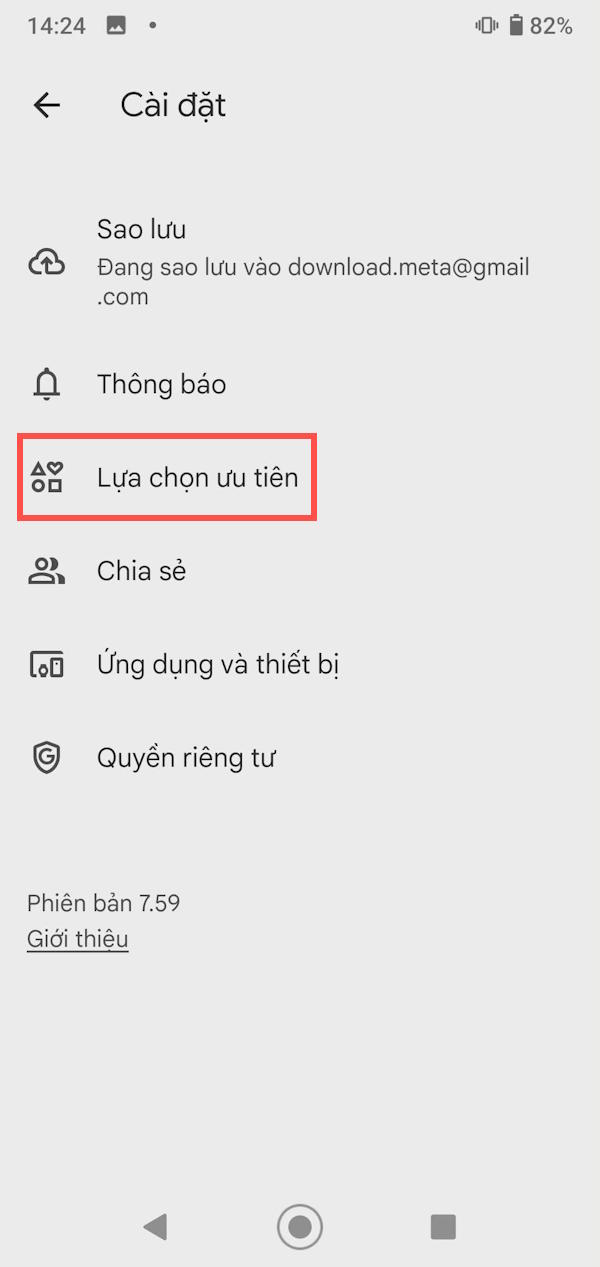
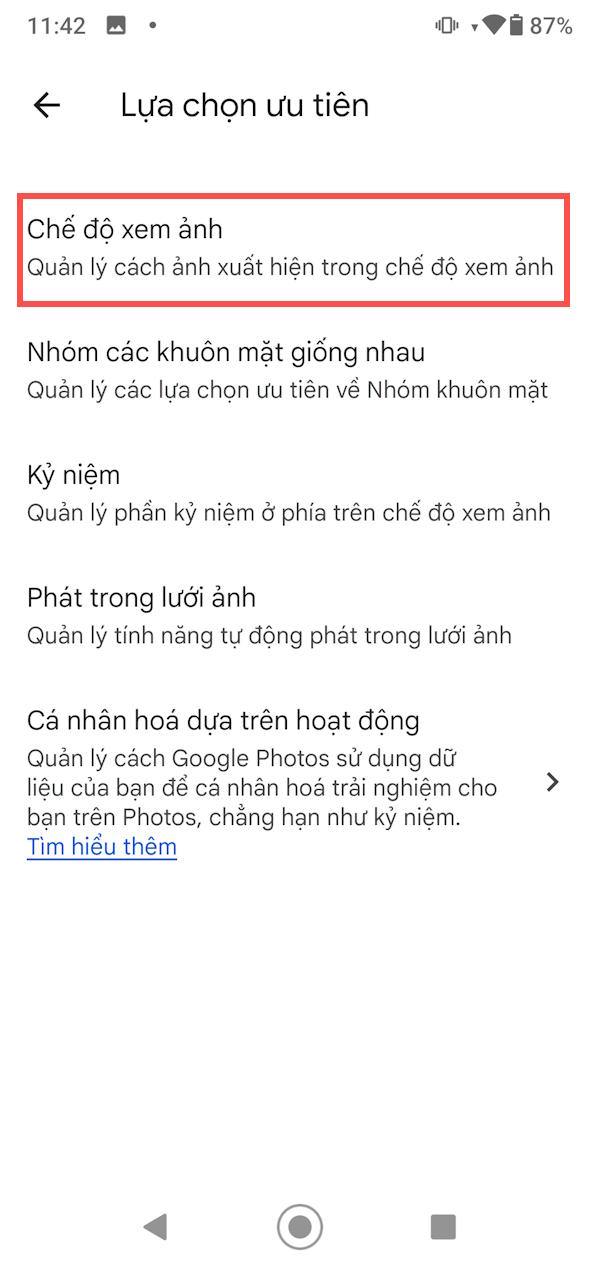
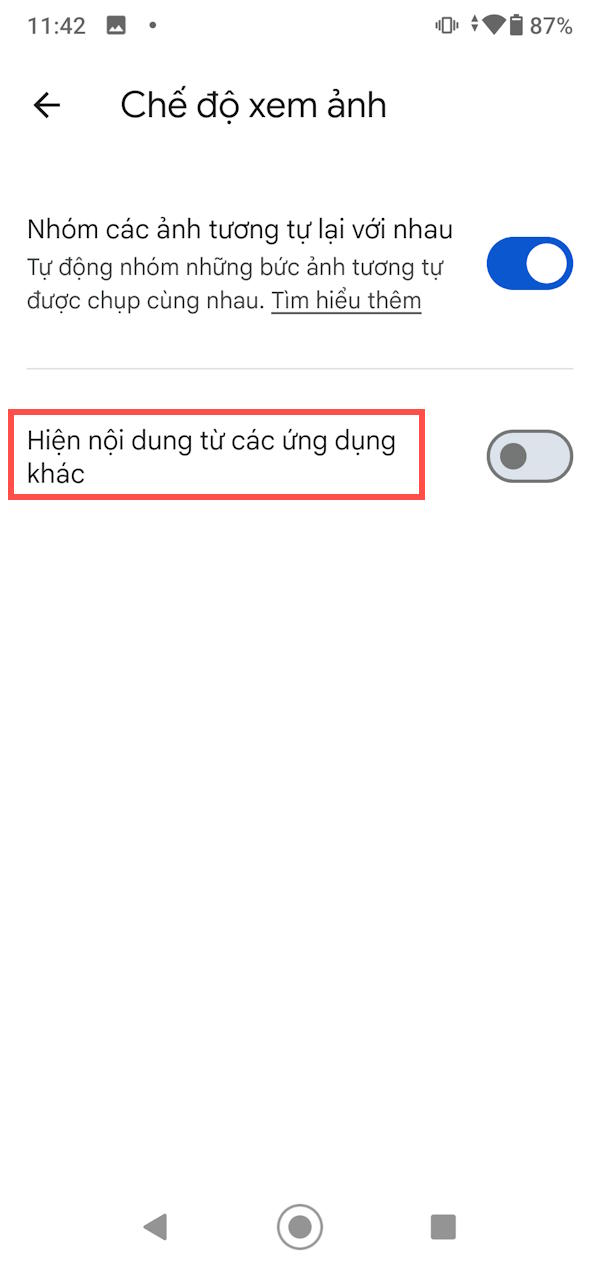
If you want finer control, use Customize by app and choose what to show for each app. Some versions offer the same controls through photo-stack settings; Google’s Photos view guide describes the alternatives.
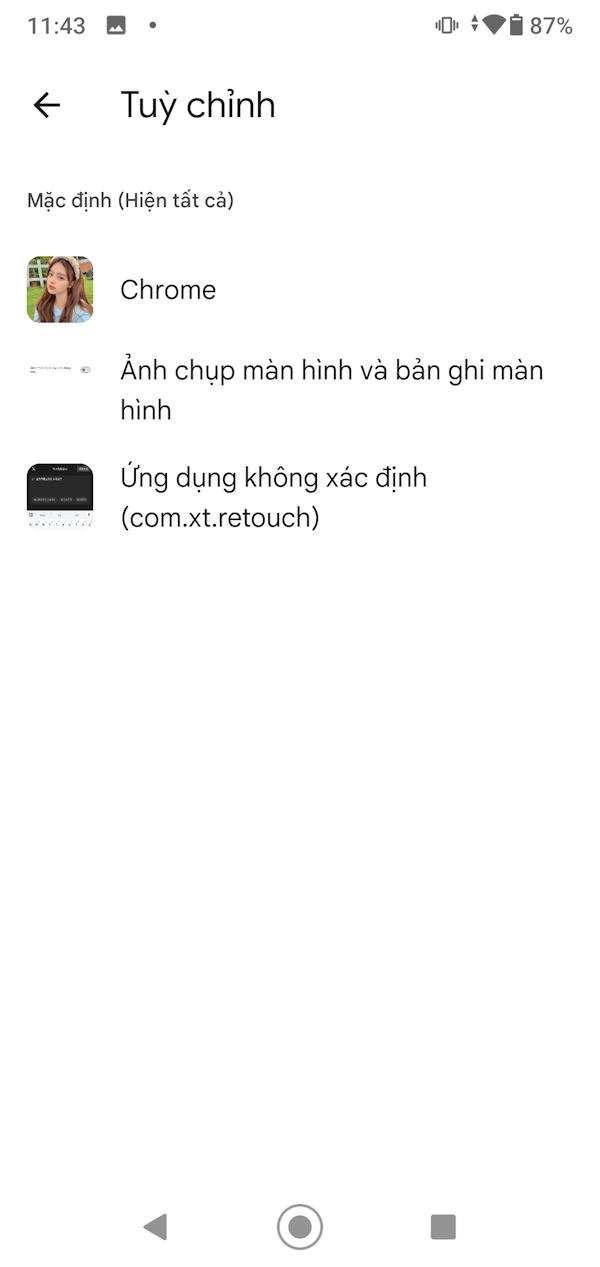
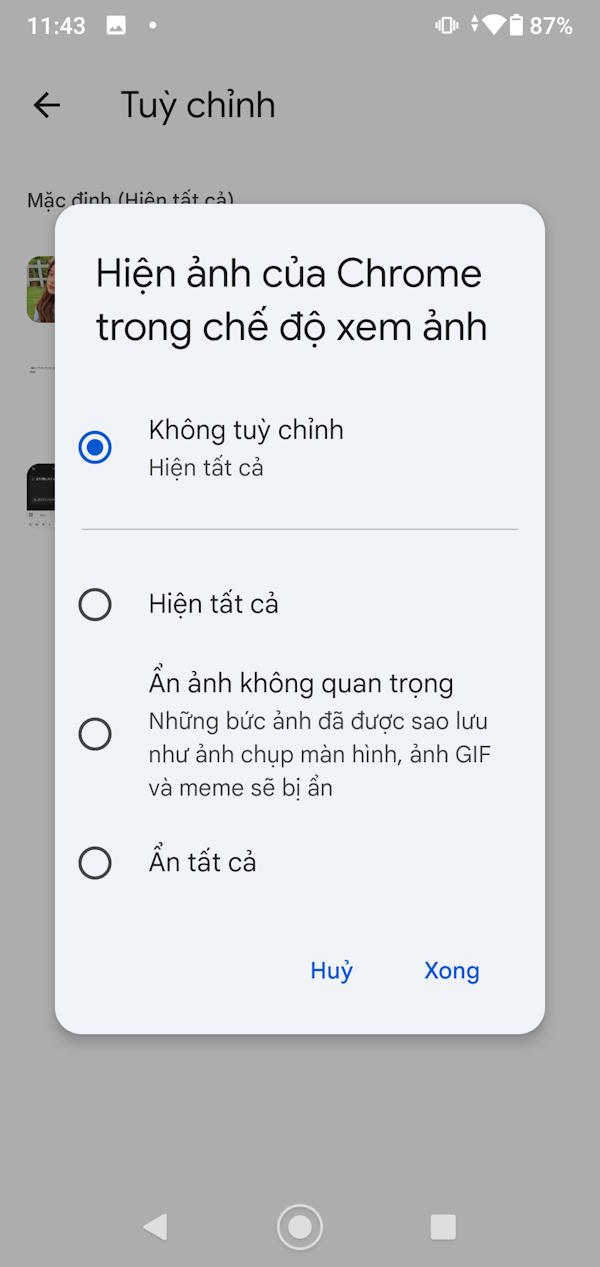
Hiding content does not delete it or necessarily stop it being backed up. If your concern is storage or uploads, check Backup separately. See where Google Photos pictures are stored.
3. Reduce unwanted faces in Memories
Open Preferences > Memories and look for Hide people and pets or the equivalent face controls. Select the people or pets you do not want featured. Where the app offers different hide levels, read what each one covers.
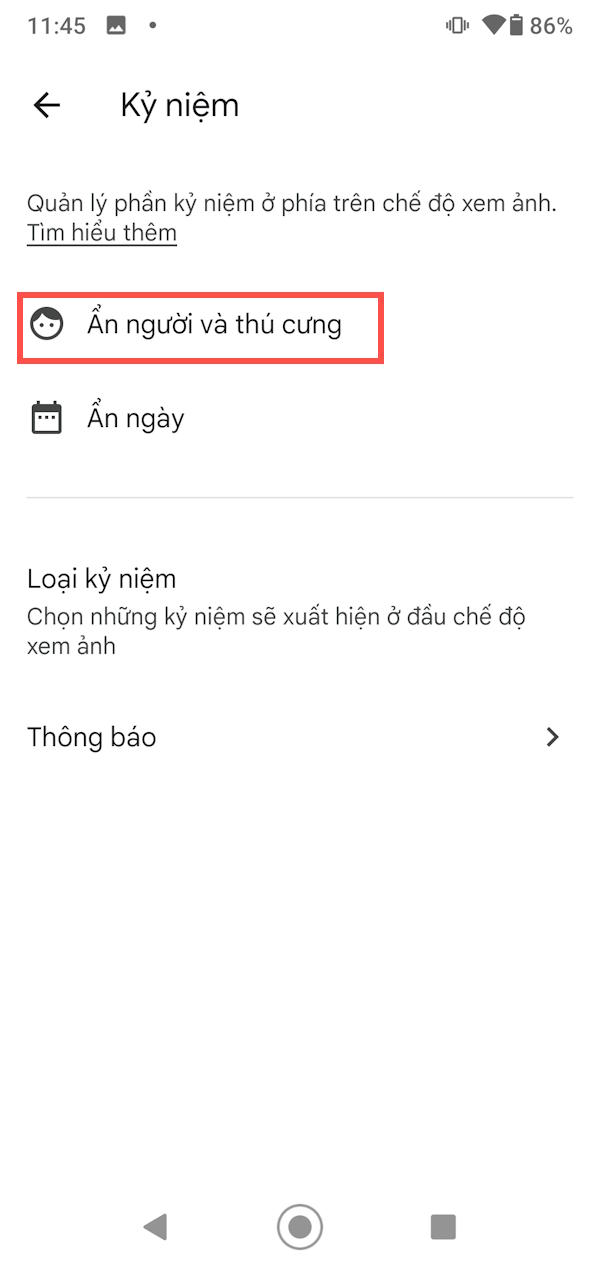
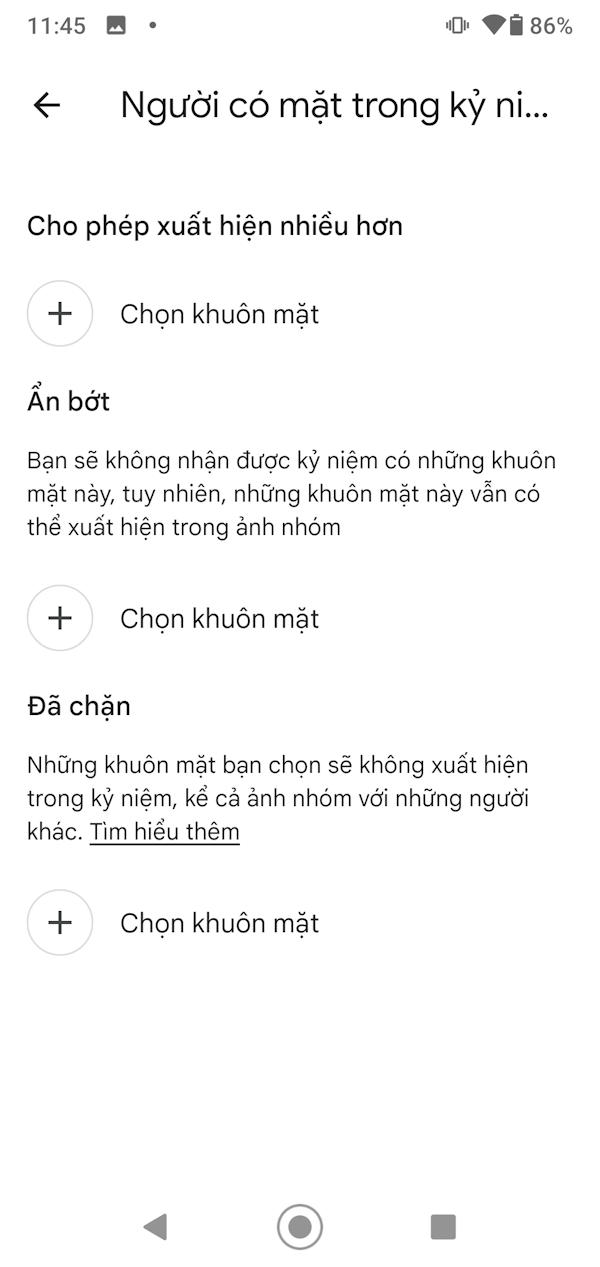
Face recognition is imperfect, so these controls may not catch every appearance. The underlying photos remain in your library.
4. Hide a date range from Memories
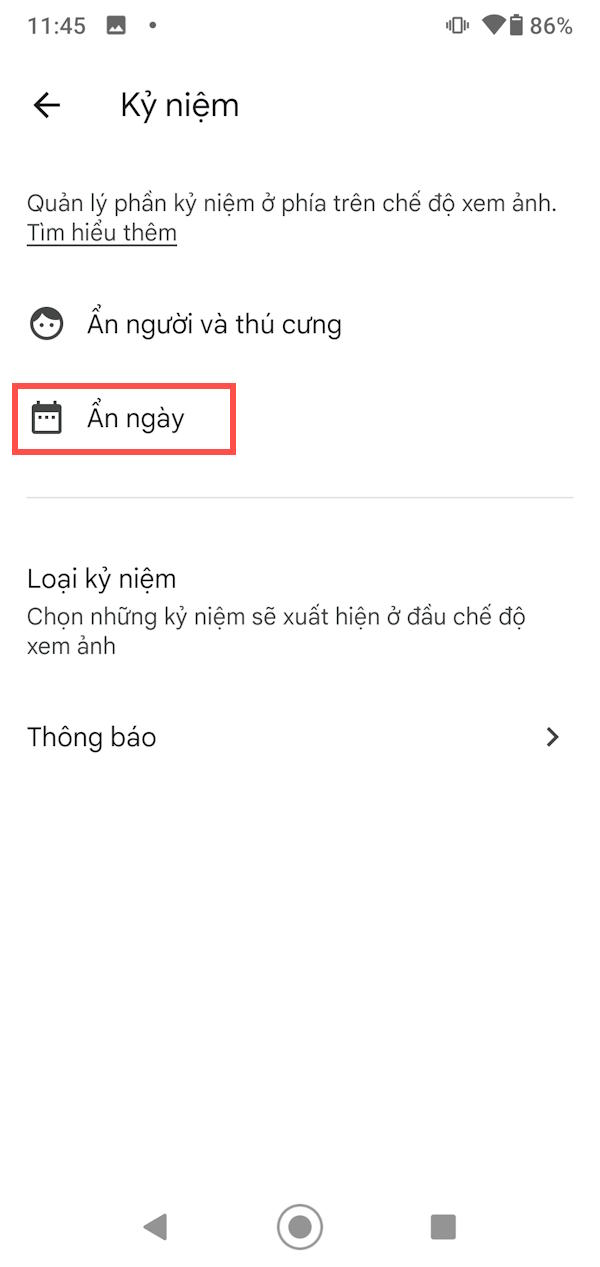
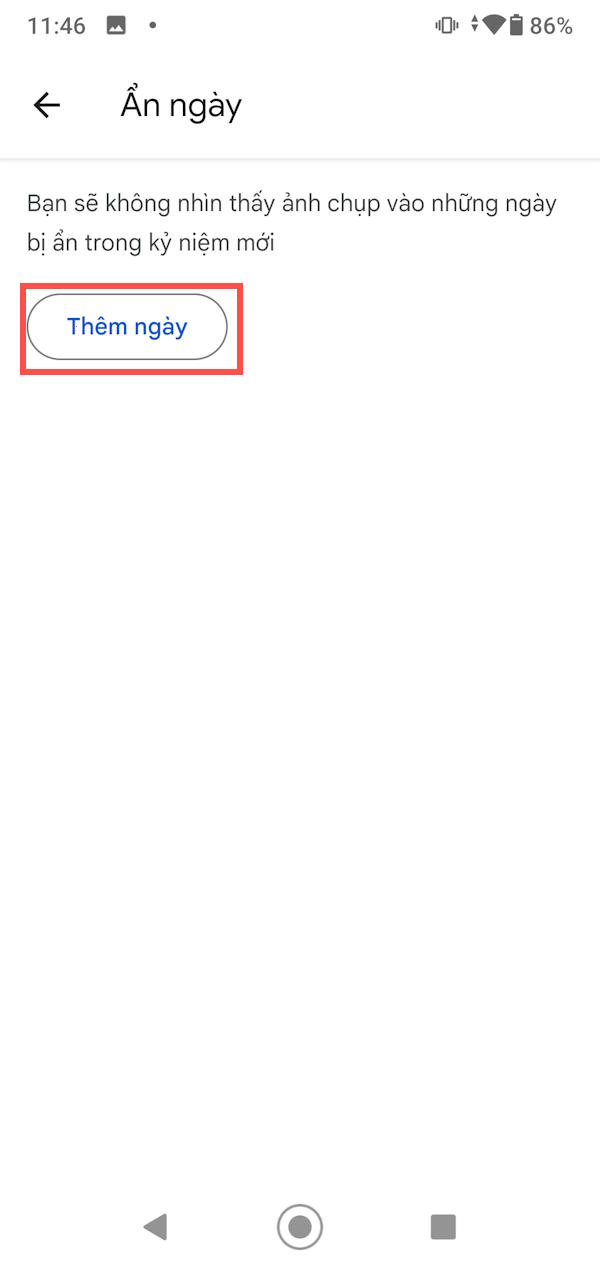
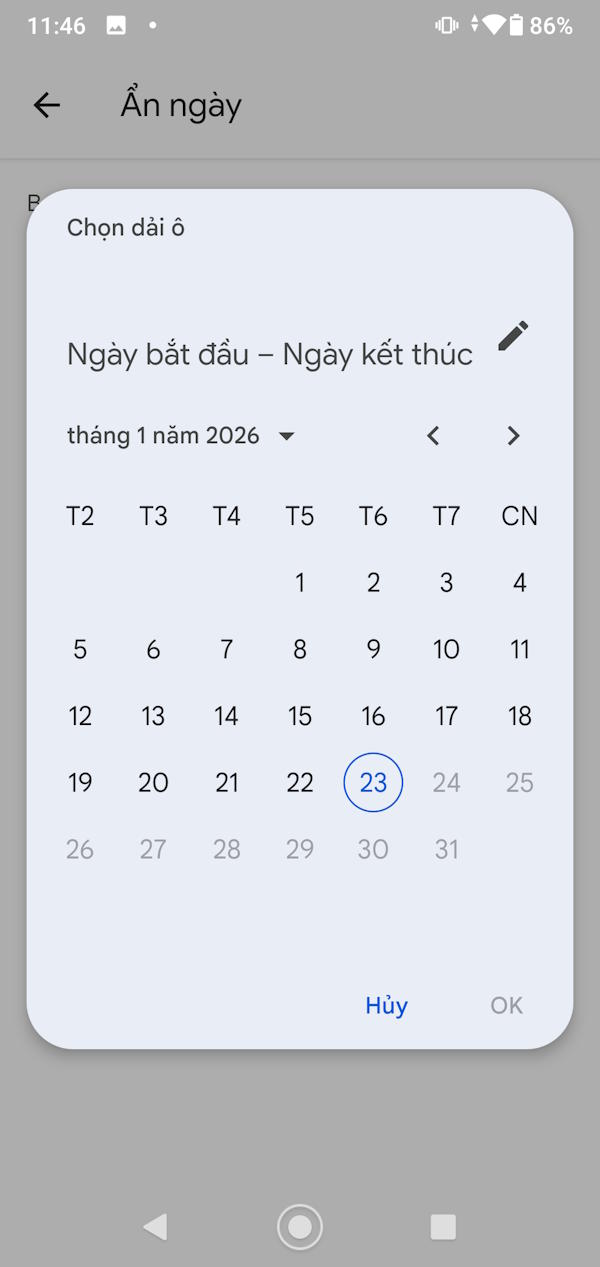
In the Memories settings, choose Hide dates and add the unwanted day or date range. Check the start and end dates before saving. This changes memory selections rather than removing the photos taken during that period.
5. Turn off selected promotional notifications
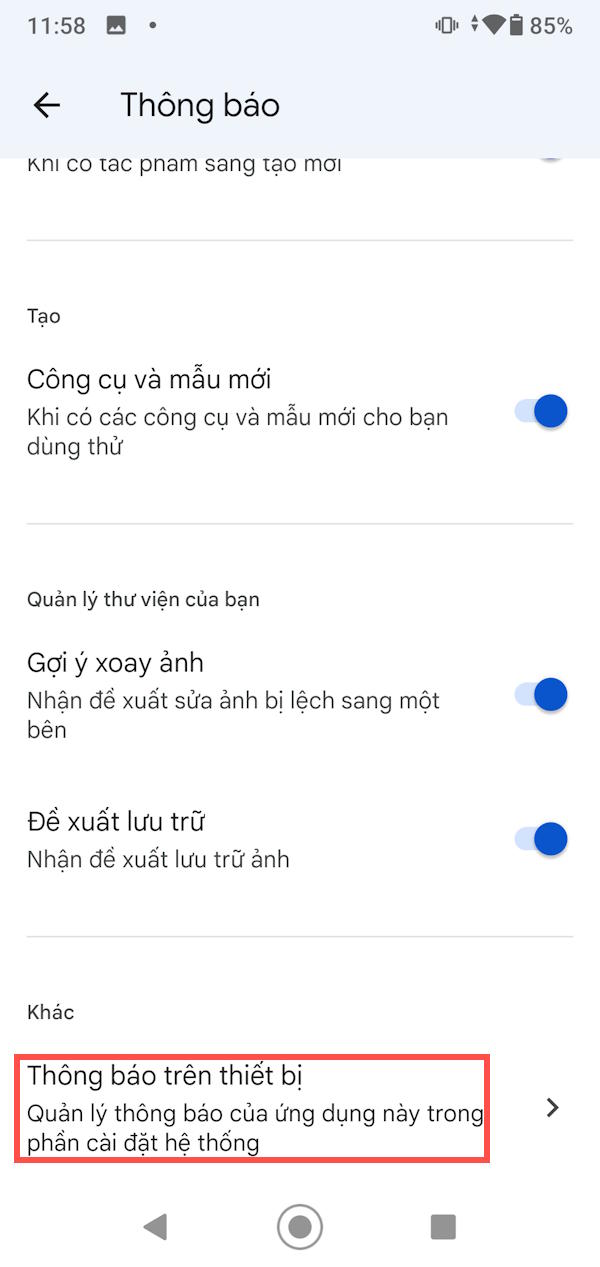
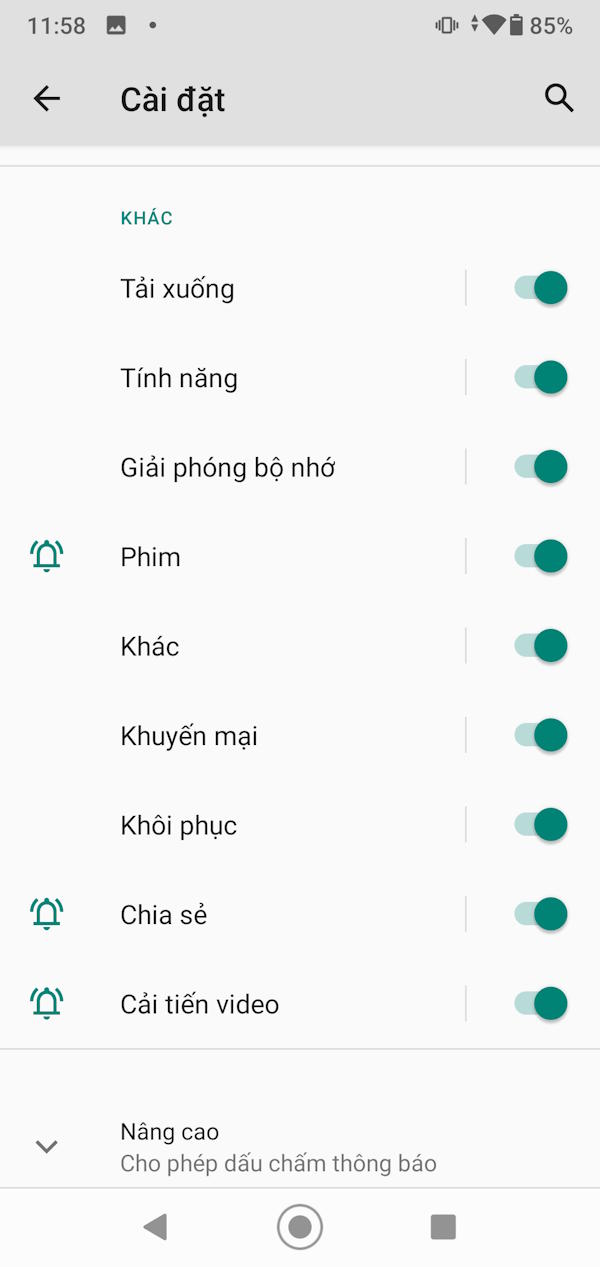
Open the app’s Notifications settings, then the device notification controls if shown. Disable promotional categories you do not want. Keep useful backup or account alerts enabled if you rely on them.
6. Stop automatic grid playback
Open Photos settings > Preferences > Photo grid playback and turn off automatic video or animation playback as desired. You can still open an item to play it manually. Google includes these controls in its Photos accessibility guidance.
These display preferences do not revoke existing shares or make ordinary library items private. Review shared-album access separately when you need to change who can see a photo.
Related Articles
 5 Annoying Features on Google Photos You Should Turn Off Immediately6 minutes read
 5 Settings That Make Using Google Photos Easier: Explained8 minutes read
 How to Turn Off Moving Photos in Google Photos: Step-by-Step Guide4 minutes read
 Turn Off These Annoying Features Immediately on iOS 107 minutes read
 What Are the 6 New AI Features in Google Photos: Clear Explanation5 minutes read
 8 Google Photos Features You're Missing7 minutes read
Reader Comments 0
Sign in with email or Google to join the discussion.