Table of Contents
QANDA is an AI study-help app from Mathpresso. Its central workflow is to photograph a question and use the returned explanation to work through the problem. It is most useful when you check the reasoning and then attempt the problem yourself, rather than copy the final answer.
The app's available subjects, study tools, and paid features can vary by region and version. Check the current official listing before relying on a particular feature or subscription.
What QANDA can help you do
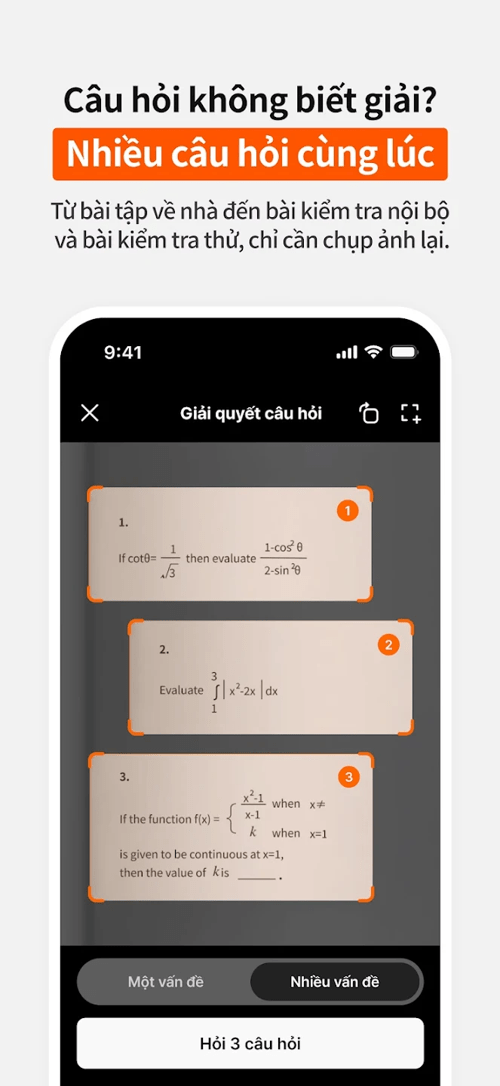
QANDA's official app listings describe photo-based problem solving, step-by-step explanations, and AI follow-up questions. Start with a clear image containing one complete question, including any diagram or answer choices needed to understand it.
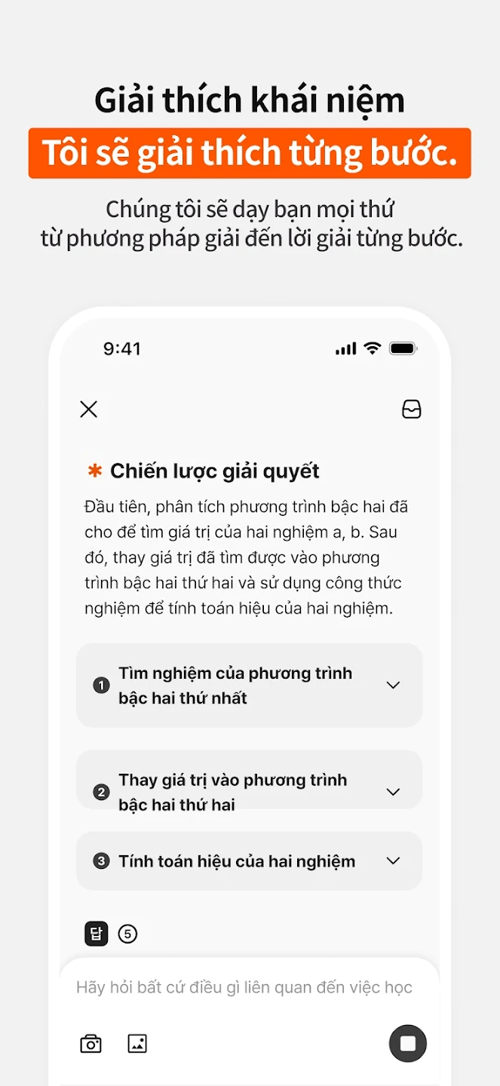
Use the explanation to identify the method: which formula applies, why a transformation is valid, or where your own attempt went wrong. A plausible answer can still contain an error, especially if the app reads a symbol incorrectly or lacks part of the question.
How to use a photographed question
- Attempt the problem first. Write down what you know and mark the step where you become stuck.
- Capture a readable image. Use even lighting, avoid glare, and keep fractions, exponents, units, and diagram labels visible.
- Check the recognized question. Make sure a minus sign, decimal point, or variable has not been misread before judging the solution.
- Read the steps. Ask why the unclear step follows from the previous one. If available, use the app's follow-up chat to request a simpler explanation.
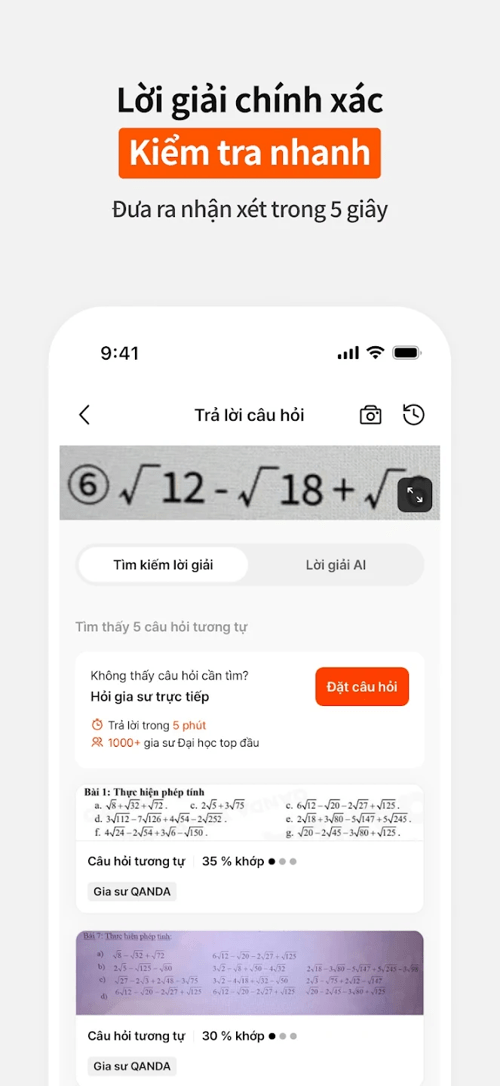
- Verify independently. Substitute an algebraic answer back into the original equation, check units, or compare the method with your class notes.
- Try again without the app. Close the solution and solve the original problem or a similar exercise from your textbook.
Use study tools without losing track of mistakes
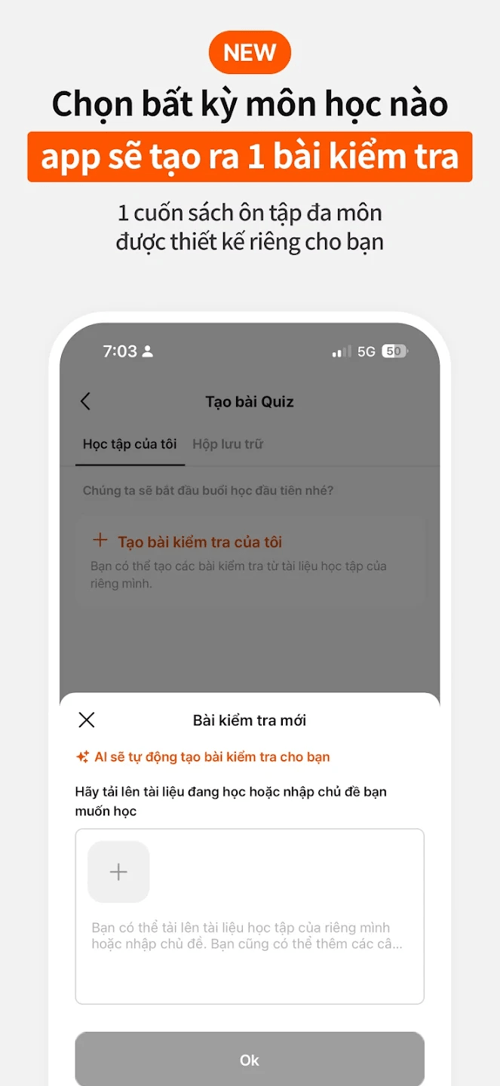
Additional review, quiz, note, or tutoring options may appear in the version available to you. Check their actual controls and access terms before planning around them. Do not assume that a feature described in another country's listing is included in your account.
Keep a simple error log whether you use an in-app tool or a separate notebook. Record the topic, the incorrect step, the corrected rule, and an exercise to retry. “I forgot to reverse the inequality after multiplying by a negative number” is more useful than saving only the correct answer.
For a wider view of study software, compare AI tools for students. Choose tools by the learning task they support, and verify their current features.
Download and compatibility
| Item | What to check |
|---|---|
| Developer | Mathpresso |
| Official website | QANDA |
| Android | QANDA on Google Play |
| iPhone and iPad | QANDA on the App Store |
| Device requirements and storage | Use the requirements displayed for your device in the official store. |
| Cost | Check included features, in-app purchases, renewal terms, and regional pricing before subscribing. |
Review the app's permission requests and your school's rules for AI assistance. Crop student names or other unnecessary personal details from homework images. A study app should help with practice, not replace work you are expected to complete independently.
When to ask a teacher instead
Ask for human help if the explanation contradicts your textbook, skips the step you need, or repeatedly produces a different result without explaining why. Show your attempt and the exact disputed step so the teacher can diagnose the misunderstanding.
If you compare QANDA with another AI homework assistant such as Quiz AI, use the same questions and judge the explanations, not just how quickly an answer appears. No app can guarantee a perfect score, a fixed improvement in memory, or correct answers to every exercise.
Related Articles
 QANDA - Korean Learning App Achieved the No.1 Chart of5 minutes read
 How to Play Pokémon GO on a Computer6 minutes read
 How to Play Pokémon GO on a Smartphone6 minutes read
 26 Types of Poké Balls Explained: Part 25 minutes read
 How to Earn and Use Stardust in Pokémon GO5 minutes read
 Pokémon GO Eggs: Incubation and Hatching Guide4 minutes read
Reader Comments 0
Sign in with email or Google to join the discussion.