Table of Contents
Touch-typing software ranges from current Windows tutors with guided courses to legacy arcade games that may no longer run safely on a modern PC. The options below explain what each tool is good for, what it costs, and when a browser-based alternative is a better choice.
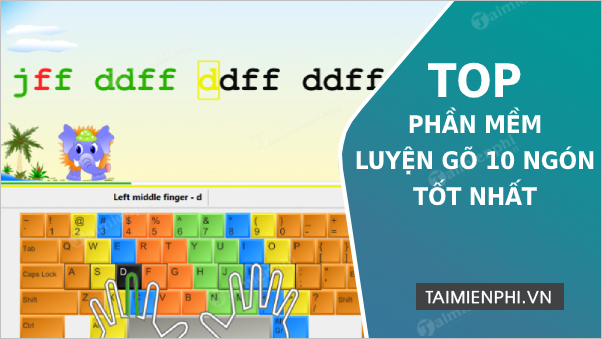
Choose software based on your goal
- Learn from the beginning: choose structured lessons with finger prompts and accuracy targets.
- Practice offline: use a current program with an official installer or portable build.
- Target weak keys: look for error analysis and custom drills.
- Keep children engaged: add games after they learn correct finger placement.
- Use several operating systems: a browser tutor is usually simpler than desktop software.
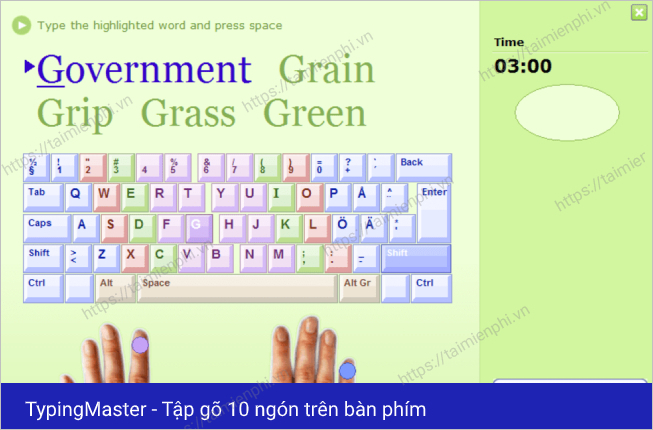
1. TypingMaster
TypingMaster is a Windows typing tutor with interactive lessons, drills, tests, games, and personalized practice for weak keys. The current product is commercial; its free course or trial does not mean every feature is permanently free.
2. 10 Finger BreakOut
10 Finger BreakOut is a legacy Windows arcade game in which letter keys control Breakout-style action. It can train key recognition, but it was designed for much older Windows versions and is not a complete touch-typing course.
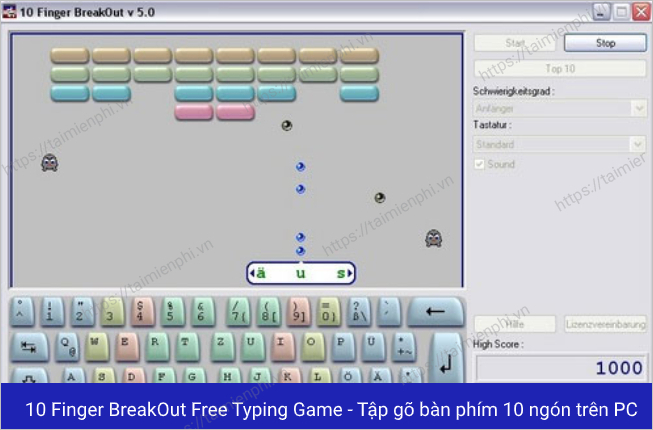
If you already have a trusted copy, read TipsMake's 10 Finger BreakOut guide. Do not use random download mirrors or disable security features to force it to install.
3. Mario Teaches Typing
Mario Teaches Typing is a DOS-era educational game with progressively harder key, word, and sentence activities. It requires DOSBox on current Windows PCs and should be used only with files you legitimately own.
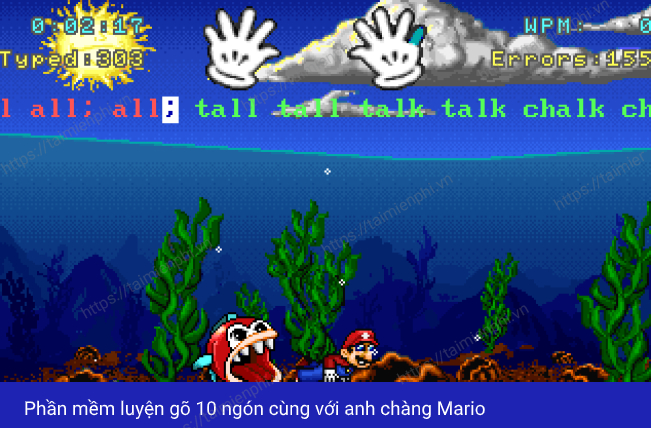
See how to run Mario Teaches Typing in DOSBox without exposing the rest of your drive to the emulator.
4. RapidTyping
RapidTyping is a current free Windows tutor available as both an installer and a portable package. It includes guided courses, a virtual keyboard, moving finger prompts, progress charts, custom lessons, and classroom features.
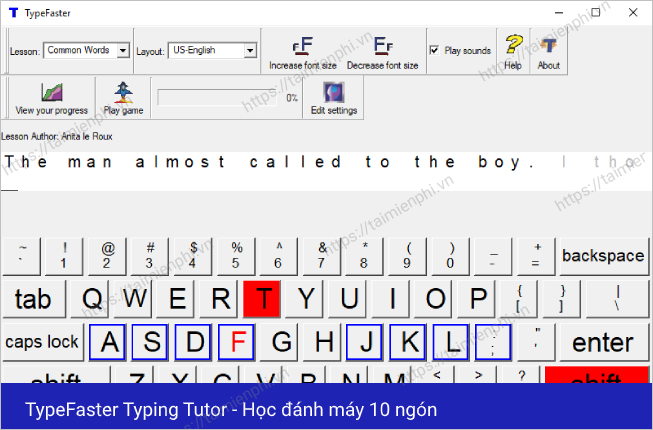
For most people who want free offline lessons on Windows, RapidTyping is a more practical option than the legacy games above.
5. GNU Typist
GNU Typist is a free, open-source command-line typing tutor. It supports lesson files and displays finger guidance, but its text interface suits users who are comfortable working without a graphical game.
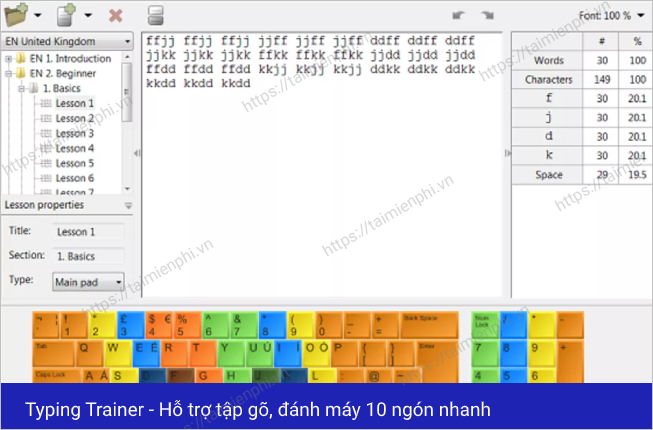
How to use TypingMaster
The screenshots below show an older TypingMaster interface. Current versions may use different labels and licensing, but the workflow remains useful.
1. Install from the official site
Download the Windows installer from TypingMaster's official website, scan it, run the setup, and review the license options before purchasing or activating anything.
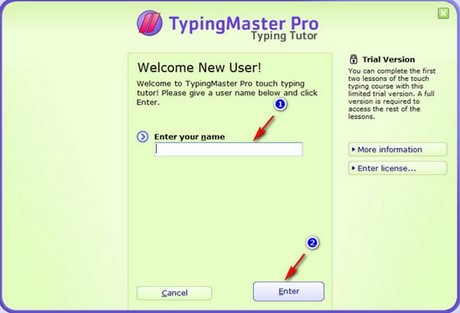
2. Create a local learner profile
Open the program, enter a profile name, and continue. On a shared PC, use a nickname rather than unnecessary personal information.
3. Choose a course
Open the course section and start with the placement lesson or beginner material. Course length and the number of exercises vary by current edition, so rely on the interface rather than an old fixed lesson count.
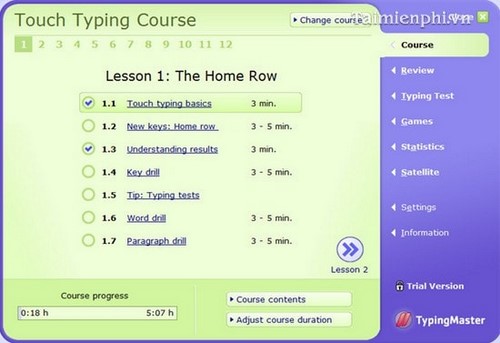
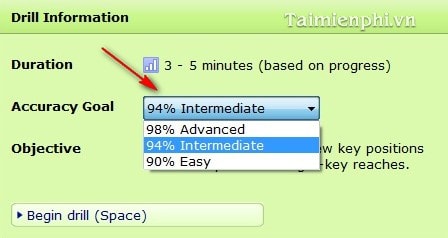
Select an accuracy target you can meet consistently. Do not use a lower threshold simply to unlock more lessons.
4. Complete lessons and review progress
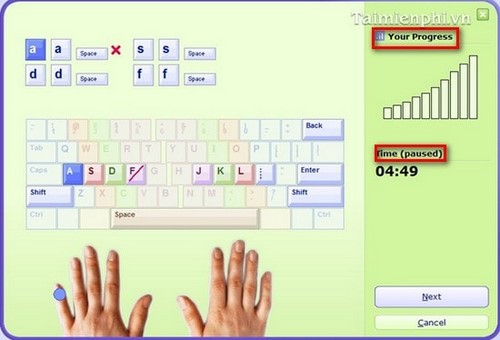
During an exercise, watch the time and progress indicators without letting them distract you from correct finger placement.
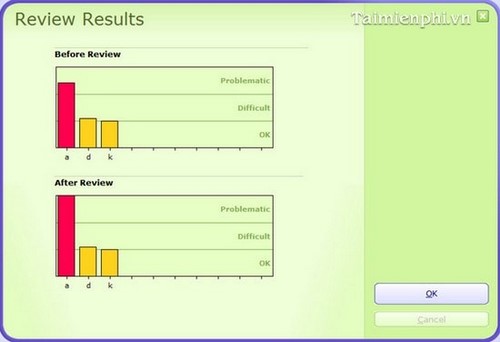
Use the review section to find keys and words you miss repeatedly. Personalized drills are more useful than repeating easy lessons.
5. Take a realistic test
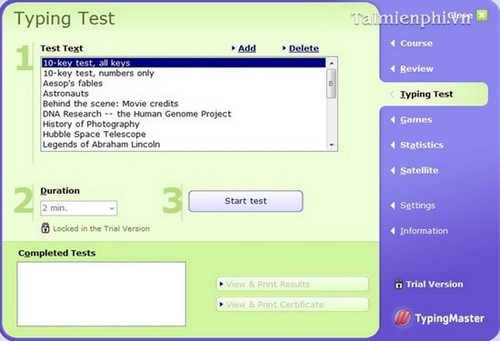
Use a passage that resembles the text you normally type. Record both WPM and accuracy, and keep the duration and correction rules consistent between tests.
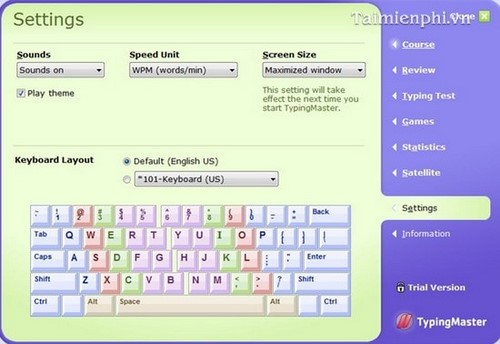
6. Adjust settings
Change sound, speed units, display size, and other preferences as needed. These settings affect comfort and measurement, not the underlying finger technique.
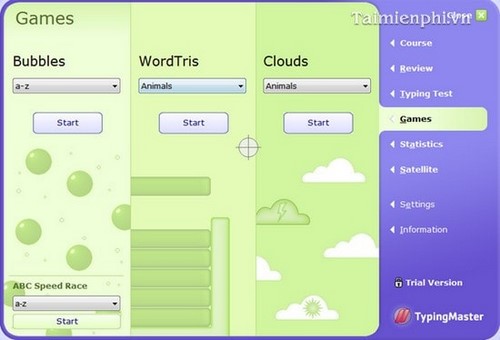
7. Use games for reinforcement
TypingMaster games such as bubbles, WordTris, or Clouds can make repetition less monotonous. Use them after structured practice and keep using the assigned fingers even when the game speeds up.
A practical 15-minute routine
- 8 minutes: complete one structured lesson at an accuracy-first pace.
- 4 minutes: repeat weak keys or words identified by the software.
- 3 minutes: type a short realistic passage or play one focused game.
If you do not want to install anything, compare TipsMake's touch-typing websites and online typing tests. For detailed offline setup, follow the RapidTyping installation guide.
Download safety checklist
- Use the software publisher's official site.
- Avoid bundles, cracks, key generators, and obsolete “free” installers.
- Scan the file and verify its digital signature when available.
- Do not disable antivirus protection to complete setup.
- Uninstall the program if it adds unexpected browser extensions or background services.
Related Articles
 How to Practicing Fast and Efficient 10-Finger Typing for Beginners7 minutes read
 Practice Typing 10 Fingers to Speed up Typing: Office Computing4 minutes read
 Tux Typing - Free Typing Practice Tool for Kids: Main Insights6 minutes read
 How to Luyen Go 10 Delicious12 minutes read
 Typing 10 Fingers, Practice Typing with 10 Fingers Fastest4 minutes read
 minutes read
Reader Comments 0
Sign in with email or Google to join the discussion.