Table of Contents
The best typing game is one that matches your current skill. Beginners should start with a structured tutor such as TIPP10 or RapidTyping; people who already know the home row can build fluency with TypeRacer or Nitro Type; experienced typists may prefer story-driven games such as Epistory or The Textorcist. Accuracy should come before speed in every category.
Typing games turn repeated keyboard practice into races, action scenes, or short challenges. They can improve rhythm and confidence, but a game that only rewards frantic key presses will not correct poor fingering. Pair games with focused lessons if you still look at the keyboard or use only a few fingers.
Quick picks
| Need | Good starting choice | Why |
|---|---|---|
| Learn touch typing from the beginning | TIPP10 or RapidTyping | Structured lessons, finger guidance, and progress tracking |
| Race other players in a browser | TypeRacer or Nitro Type | Immediate practice with live competition |
| Play a typing adventure | Epistory | Typing is integrated into exploration and combat |
| Get a difficult action challenge | The Textorcist | Requires typing while dodging attacks |
| Help a child stay engaged | Animal Typing or an age-appropriate web course | Visual feedback and short activities |
| Use an older PC game | Mario Teaches Typing or Typer Shark Deluxe | Simple drills presented as familiar arcade play |
For a lesson-first approach, read TipsMake's guide to typing with ten fingers. Parents can also compare typing games and courses for children.
Best browser typing races
TypeRacer
TypeRacer places players in short races where a car advances as the displayed passage is typed correctly. It is best for practicing continuous prose and tracking words per minute after you already know the keyboard layout. Do not sacrifice accuracy to win a single race; repeated corrections can reinforce uneven rhythm.
Nitro Type
Nitro Type uses a car-racing theme and live competition. Its short sessions are useful for daily warm-ups and for learners motivated by progression and friendly competition. Account and classroom features can change, so review the current site before using it with a school group.
Ratatype games
Ratatype combines lessons, speed tests, and racing activities. Its typing race provides quick multiplayer practice for children and adults. Use the lesson material if repeated mistakes cluster around the same keys.
Story-driven typing games
Epistory – Typing Chronicles
Epistory is an atmospheric adventure in which movement, exploration, and combat are controlled through keyboard input. It is a better fit for players who want typing to feel like part of a full game instead of a separate drill.
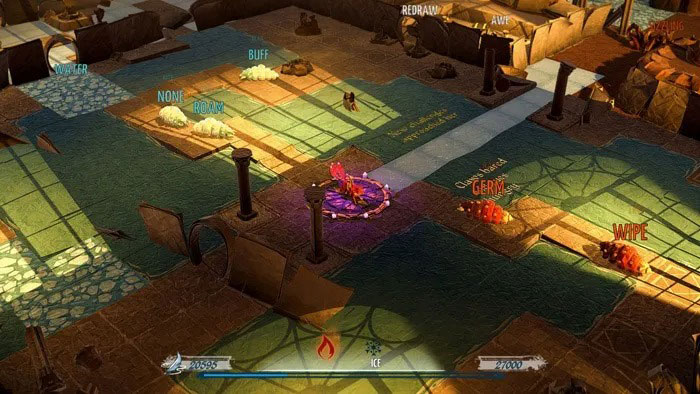
The game is currently listed on Steam. Because the action gradually adds pressure, it works best after a learner can type common words without constantly checking key positions.
The Textorcist: The Story of Ray Bibbia
The Textorcist combines bullet-hell movement with typing exorcisms. You must watch hazards and type at the same time, making it a demanding coordination challenge rather than a beginner course.
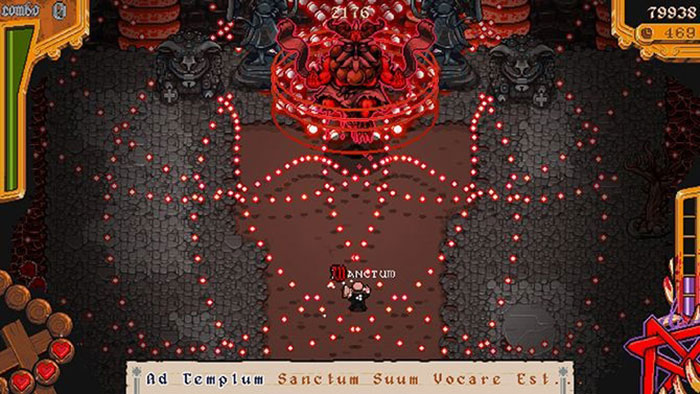
Its mature supernatural theme is not aimed at young children. Check the current store page for platform requirements and content information.
The Typing of the Dead: Overkill
This horror-comedy game replaces shooting controls with words and phrases. It is entertaining for experienced typists and supports a more varied vocabulary than simple falling-letter games.
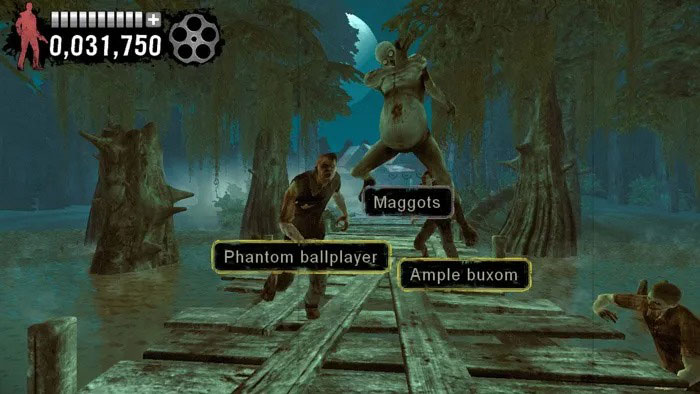
The game contains violence and mature content, so it is not an educational choice for children. Its current availability and system requirements are listed on Steam.
God of Word
God of Word mixes typing and word puzzles with a Greek-mythology setting, equipment upgrades, and boss encounters. It rewards vocabulary as well as speed, which makes it more game-like than a conventional tutor.
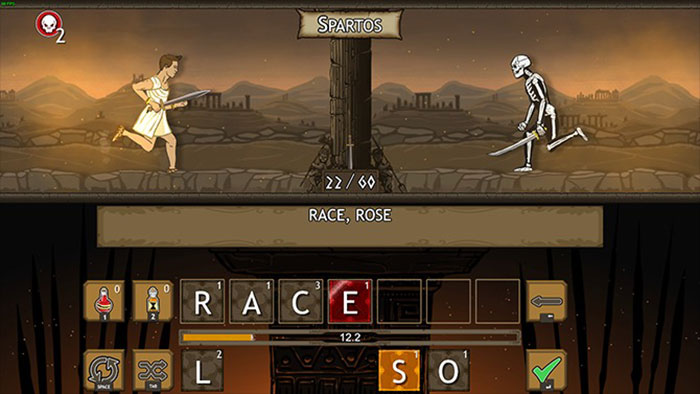
The Steam listing describes multiple typing and word-game modes. Check its supported languages before buying, since the dictionary used by a typing game strongly affects its usefulness.
Structured typing tutors
TIPP10
TIPP10 is a touch-typing tutor that runs in a browser and is also offered as software for Windows, macOS, and Linux. It repeats characters that cause errors and shows finger placement, making it more suitable than an arcade game for learning technique.
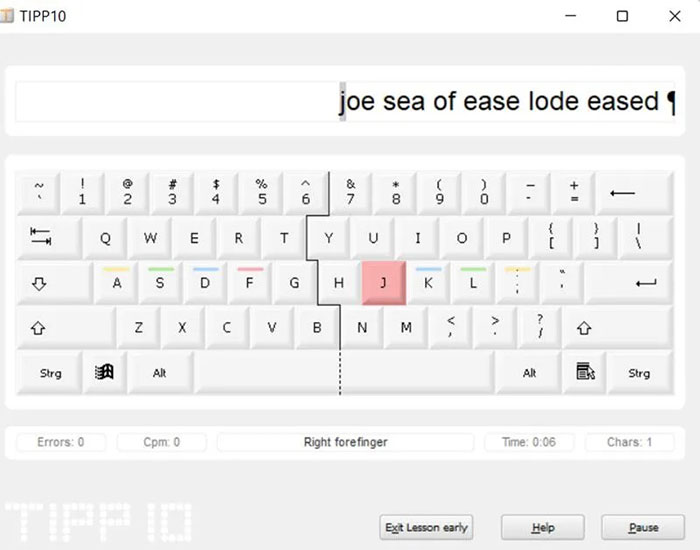
The official TIPP10 site provides the current online and downloadable options.
RapidTyping
RapidTyping organizes practice from individual keys to longer text and provides typing statistics. It can also be used in a classroom and supports custom lesson material, which is useful when a group needs consistent practice.
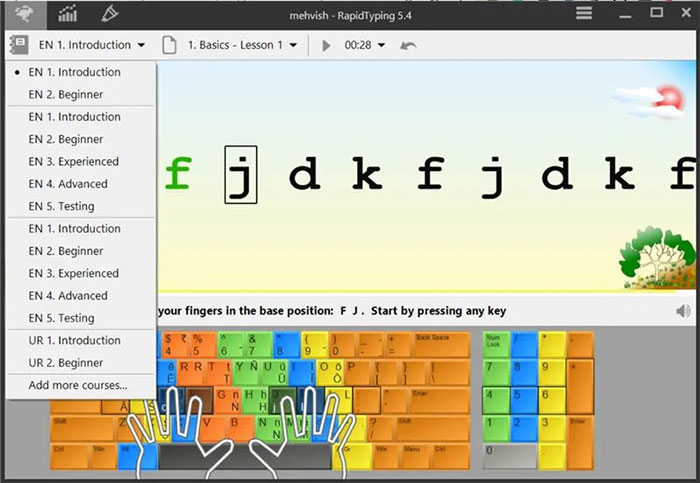
Download it only from the official RapidTyping site. Avoid third-party installers that bundle unrelated software.
Typing Fingers and Animal Typing
Typing Fingers uses guided activities and a visual keyboard for children. Animal Typing uses animals that move faster as the player's typing improves, turning speed feedback into an easy-to-understand reward.
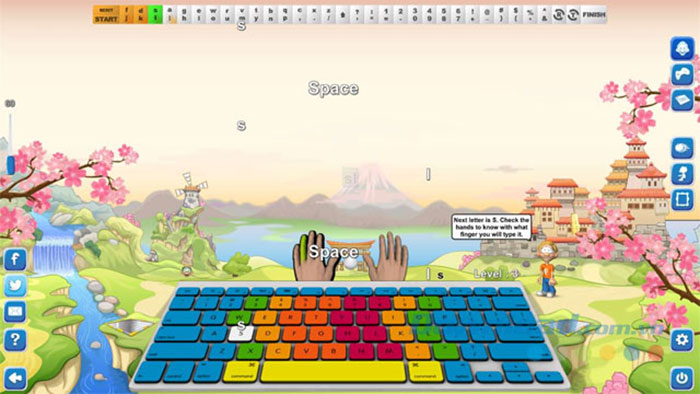
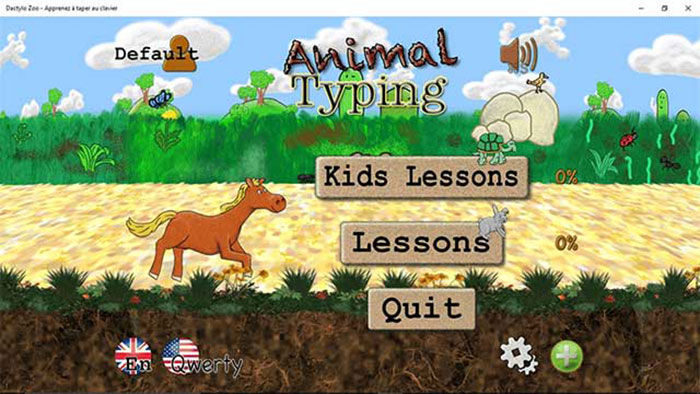
Before giving any typing app to a child, confirm the supported device, language, in-app purchases, advertising, and privacy settings in the current app-store listing. No app can guarantee touch typing after a fixed number of lessons; progress depends on correct practice.
Classic typing games
Mario Teaches Typing
Mario Teaches Typing is an older educational game with several exercise types and end-of-level statistics. It remains familiar and approachable, but it was designed for much older computer systems and may require compatibility software on a modern PC.
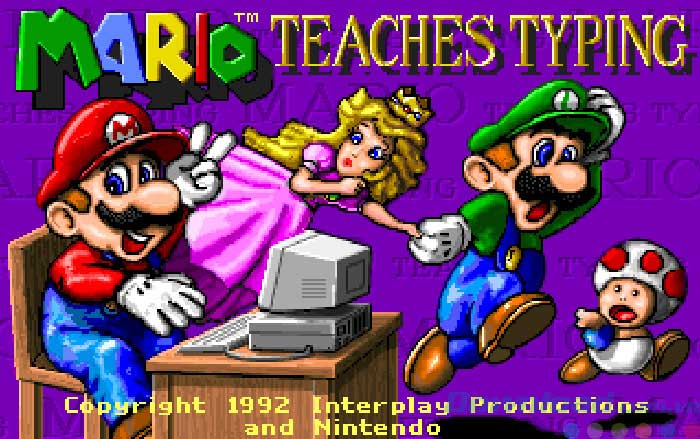
If you want to run this legacy title, use TipsMake's guide to running Mario Teaches Typing with DOSBox. Obtain software only from a lawful, trusted source.
Typer Shark Deluxe
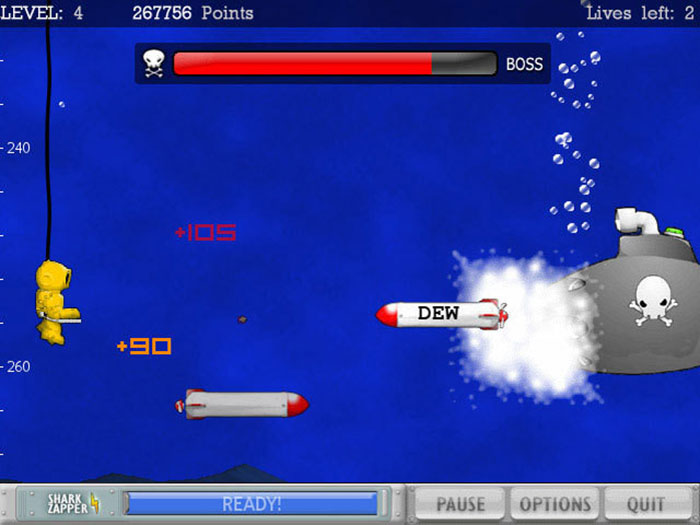
Typer Shark places words on approaching sea creatures. Typing each word clears the threat, so difficulty rises naturally as more words appear. It is useful for word recognition and sustained accuracy, although its lesson design is less systematic than a dedicated tutor.
Bird Shooting Typing
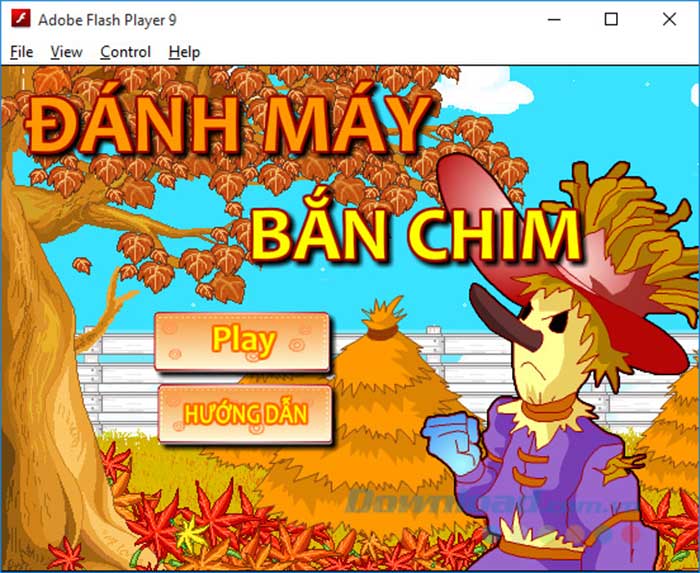
This small arcade-style game puts letters or words on birds and asks the player to type them before time runs out. It can help beginners locate keys, but it should supplement—not replace—home-row and fingering lessons.
Short arcade challenges
Slash It 2
Slash It 2 combines timed letter, number, and word input with rhythm-like arcade play. It is useful for reaction practice, but a learner should slow down if the game encourages repeated mistakes.
Spacebar Invaders
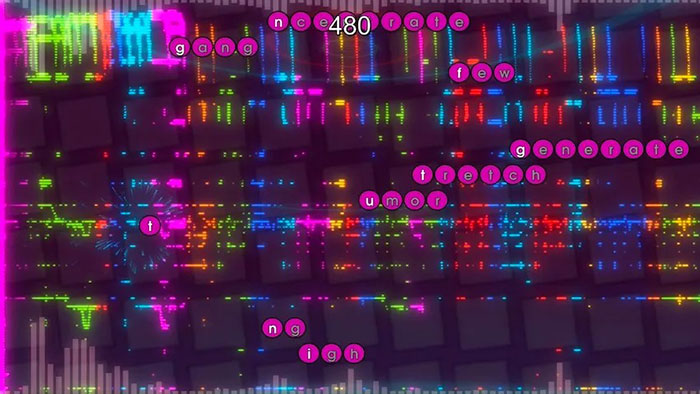
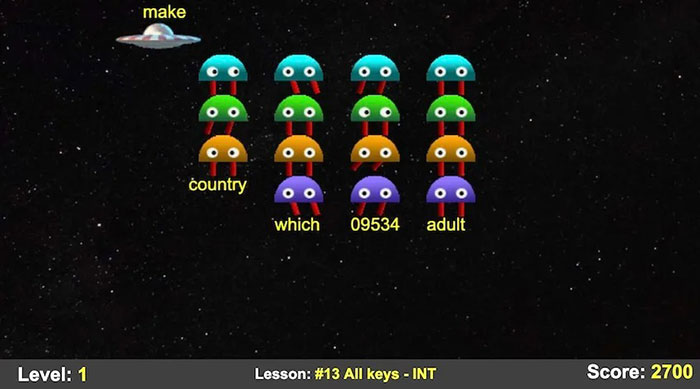
Spacebar Invaders uses a familiar alien-invasion format: type the label beneath each target before it reaches the bottom of the screen. Difficulty choices and key-specific practice make this style suitable for short drills.
Hot Type
Hot Type uses an arcade presentation and tightly timed word prompts. The varied words can exercise keys across the keyboard, but its pace is better for warm-ups than for first-time instruction.
Typing Ninja, Ghost Typing, and similar mini-games
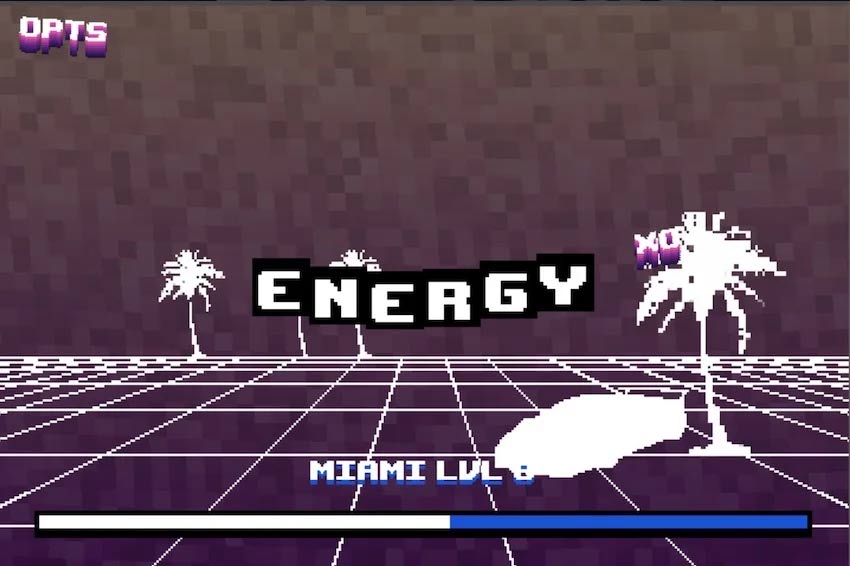
Typing Ninja mixes letters or numbers with hazards, while Ghost Typing asks the player to finish words before an enemy gets close. These quick games can make repetition less dull. Treat obscure download pages cautiously: confirm the developer, scan installers, and avoid software that demands unnecessary permissions.
How to improve instead of only playing
- Measure a baseline. Take a one-minute test and record both words per minute and accuracy.
- Practice weak keys for 10 minutes. Use a tutor that reports frequent errors.
- Play for 10 minutes. Choose a game that uses full words or sentences at a comfortable difficulty.
- Finish with normal text. Type a paragraph without looking at the keyboard.
- Review weekly. Compare accuracy first, then speed. Increase difficulty only when mistakes stay low.
Use the same keyboard layout during practice and real work. Keep wrists neutral, avoid striking keys harder than necessary, and take breaks if you feel pain or numbness. A steady routine produces more useful progress than occasional high-speed sessions.
For separate benchmarking tools, see TipsMake's list of online typing speed tests. The goal is not merely a high WPM score: it is accurate, comfortable typing that transfers to school, work, and everyday communication.
Related Articles
 Practice Typing 10 Fingers, Typing Fast with Mario Teaches Typing6 minutes read
 Tux Typing - Free Typing Practice Tool for Kids: Main Insights6 minutes read
 How to Luyen Go 10 Delicious12 minutes read
 Top-Rated Typing Practice Games for Children6 minutes read
 Typing 10 Fingers, Practice Typing with 10 Fingers Fastest4 minutes read
 Top 5 Best Free 10-Finger Typing Practice Software 20245 minutes read
Reader Comments 0
Sign in with email or Google to join the discussion.