Table of Contents
TypingMaster is a Windows touch-typing tutor with lessons, drills, tests, games, and analysis of weak keys. The current release is TypingMaster 12, so the TypingMaster 10 screenshots below are retained for orientation but may not match the latest installer. Download from the publisher, review the license options, and decline any optional software you do not want.
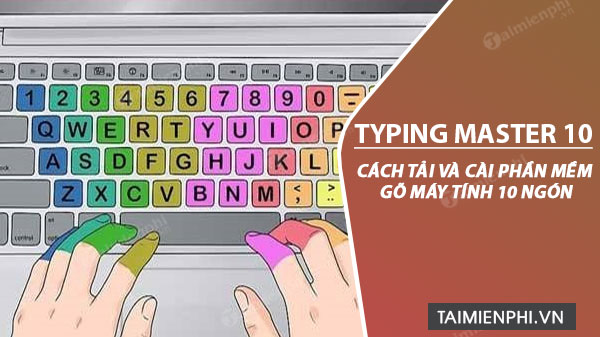
Before downloading TypingMaster
- TypingMaster runs on Windows; use an online tutor if you need macOS, Linux, or Chromebook support.
- The current product offers limited free access and paid licenses. Check the current terms before installing.
- Use the official TypingMaster website or Microsoft Store rather than a software mirror.
- Scan the installer and read every setup screen instead of clicking through automatically.
Download the current installer
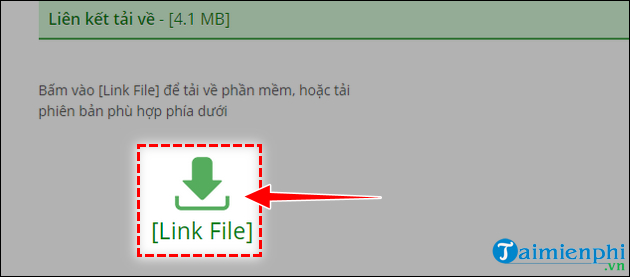
Open the official website and choose the Windows download. Your browser should save a file named similarly to TypingMaster12.exe.

In Chrome or Edge, check the Downloads button or press Ctrl+J if you cannot find the file.
Install TypingMaster on Windows
1. Start setup
Open the downloaded file. If Windows asks whether to allow changes, confirm that the file came from the official source before selecting Yes.
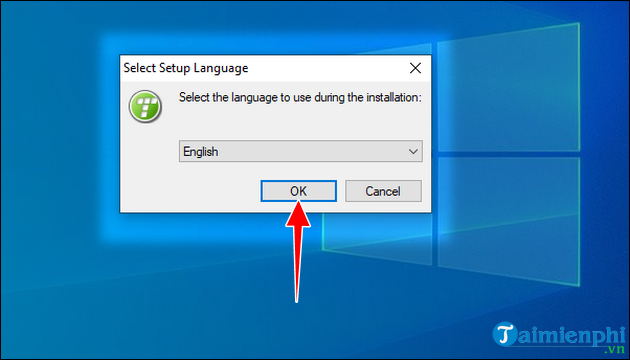
2. Choose the installer language
Select the language you want to use during setup and click Next.
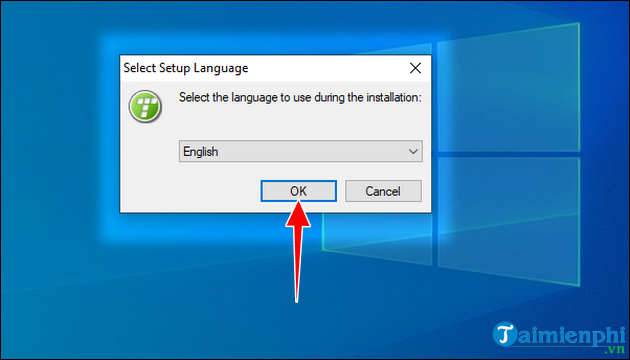
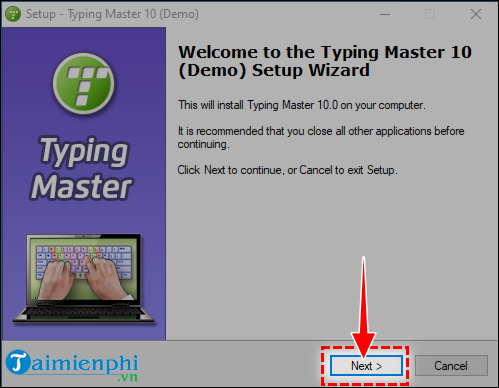
Review the welcome screen, then continue.
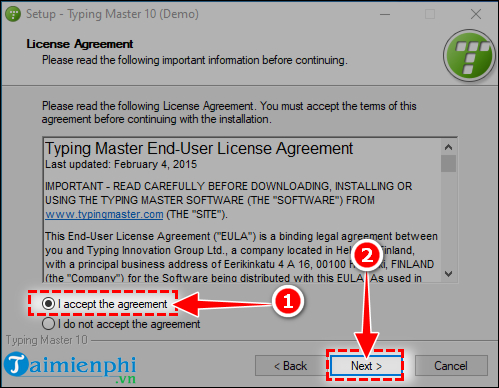
3. Review the license agreement
Read the terms. Select I accept the agreement only if you agree, then click Next.
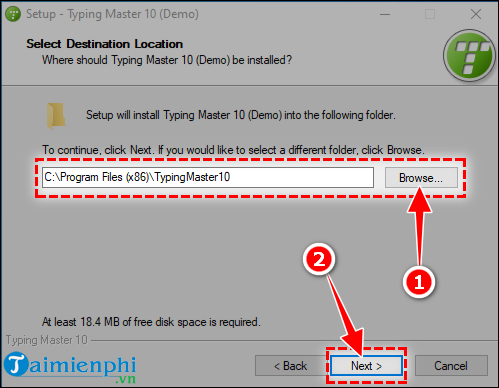
4. Choose the install folder
The default destination is suitable for most people. Use Browse only if you need another local drive and know the folder has appropriate permissions.
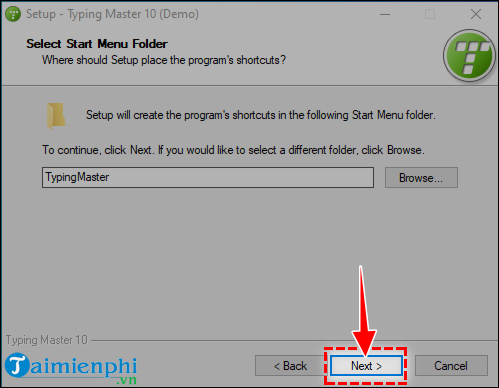
5. Review optional components
Current installers may offer TypingMeter startup behavior, notifications, browser-related bonuses, or other optional choices. Clear any option you do not want. You do not need to change your default browser to learn touch typing.
6. Install and finish
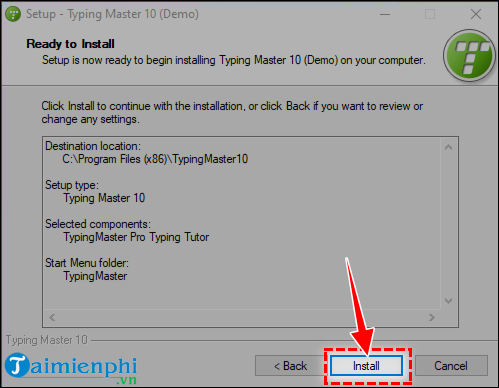
Review the summary, click Install, and wait for setup to complete.
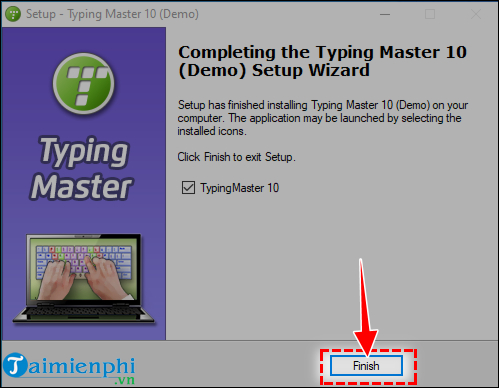
Click Finish. Leave the launch option selected if you want to configure the tutor immediately.
Start your first course
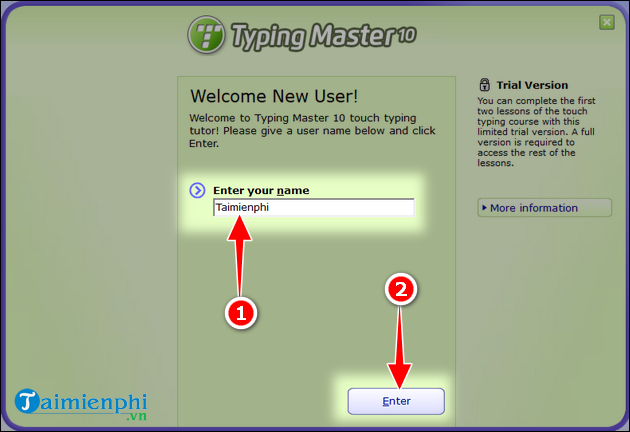
1. Create a learner profile
Enter a profile name so TypingMaster can keep results separate. On a shared PC, a nickname is sufficient.
2. Open the course area
Select the course or studying section and choose Start Now. The wording in the current release may differ from the older screen below.
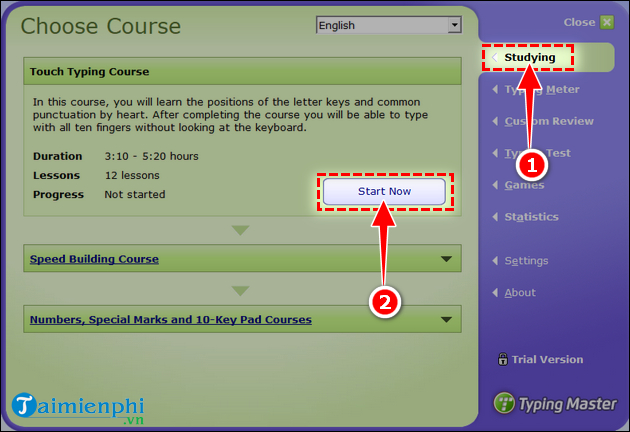
Confirm the course and continue.
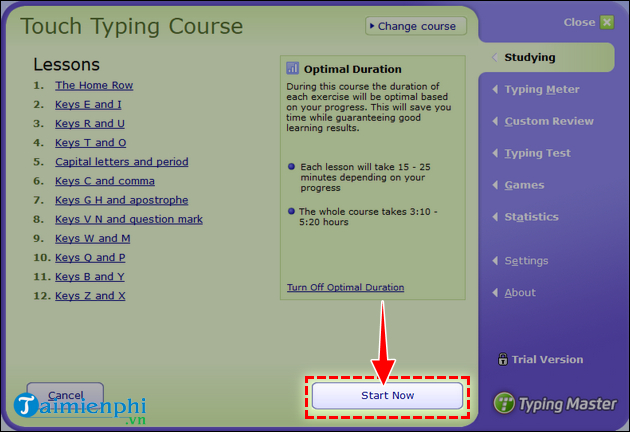
3. Choose a suitable lesson
Beginners should start with the placement or home-row material. Experienced typists can use a test to identify weak keys before choosing drills.
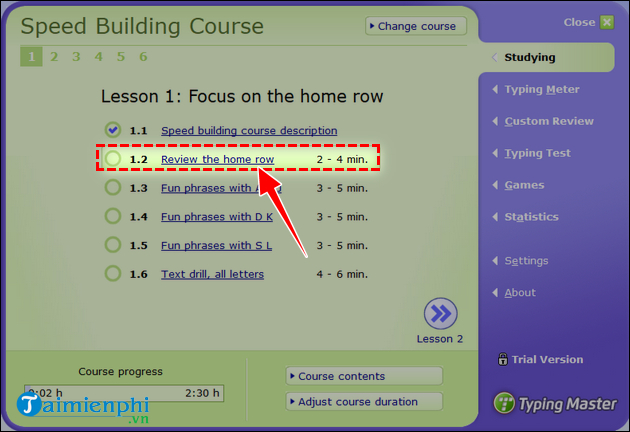
4. Complete the exercise accurately
Type the displayed characters using the highlighted or assigned fingers. Keep your eyes on the screen and return each finger to the home row.
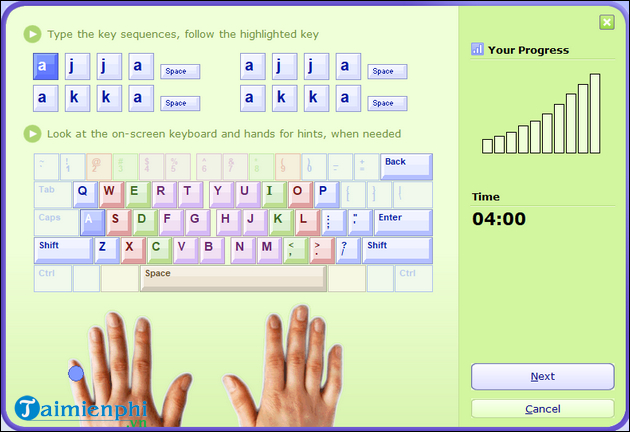
TypingMaster licensing and TypingMeter
The current edition has Standard and Premium license options, and free access may be time-limited or tied to optional offers. Premium features can include deeper weak-key analysis, custom tests, and use on additional devices. Confirm prices and device limits on the official purchase page rather than relying on an old article.
TypingMeter can analyze typing outside the lesson window and suggest targeted exercises. During setup, decide whether it should launch with Windows and show notifications. On a shared or work computer, review privacy and company policy before enabling continuous typing analysis.
If TypingMaster will not install
- Download a fresh copy from the official site; an old installer may be blocked as outdated.
- Make sure the Windows architecture and account permissions meet the current requirements.
- Close an existing TypingMaster process before updating.
- Do not download missing DLL files or cracked licenses from third-party sites.
- Try the Microsoft Store version if the conventional installer repeatedly fails.
Practice beyond the first lesson
Use TipsMake's comparison of touch-typing programs to decide whether TypingMaster fits your needs. You can also follow the home-row technique, compare progress with online typing tests, or install the free RapidTyping alternative.
Practice for 10–15 minutes several days a week. Track accuracy as well as WPM, and repeat the keys you miss instead of racing through every lesson.
Related Articles
 Link to Download Typing Master 10.1.1.8497 minutes read
 5 Best 10-finger Typing Software That Is Easy to Download and Fastest4 minutes read
 Practice Typing 10 Fingers to Speed up Typing: Office Computing4 minutes read
 Tips for Effective 10-finger Typing6 minutes read
 Typing with 10 Fingers, Practice Typing with 10 Fingers6 minutes read
 Typing 10 Fingers, Practice Typing with 10 Fingers Fastest4 minutes read
Reader Comments 0
Sign in with email or Google to join the discussion.