Table of Contents
A good touch-typing website should teach finger placement, provide graduated lessons, show both speed and accuracy, and match your language and keyboard layout. The ten options below cover beginners, children, classrooms, multilingual learners, and experienced typists who want configurable practice.
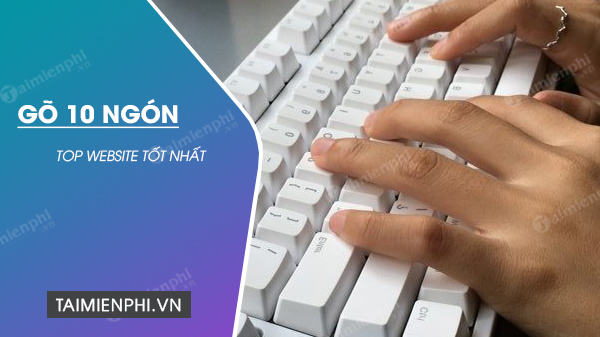
How to choose a typing website
- For a complete beginner: choose guided lessons with an on-screen keyboard and finger prompts.
- For a child or class: look for age-appropriate text, teacher controls, and a clear privacy policy.
- For another language or layout: confirm support before creating an account.
- For speed training: use realistic text, punctuation, and longer tests rather than only common-word sprints.
- For progress tracking: compare accuracy and WPM under the same test settings.
1. Typingtop
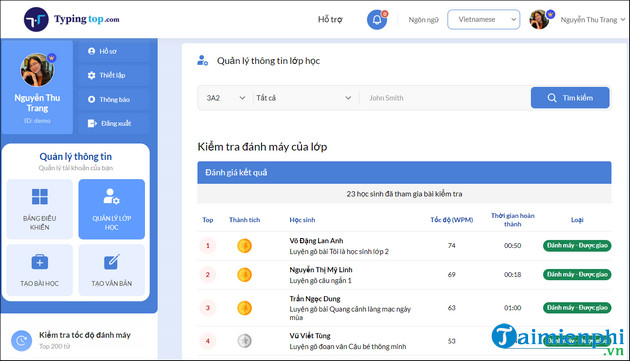
Typingtop combines structured lessons, finger-position guidance, speed tests, goals, games, and saved progress. You can try a test without registering; an account is useful for history and classroom features.
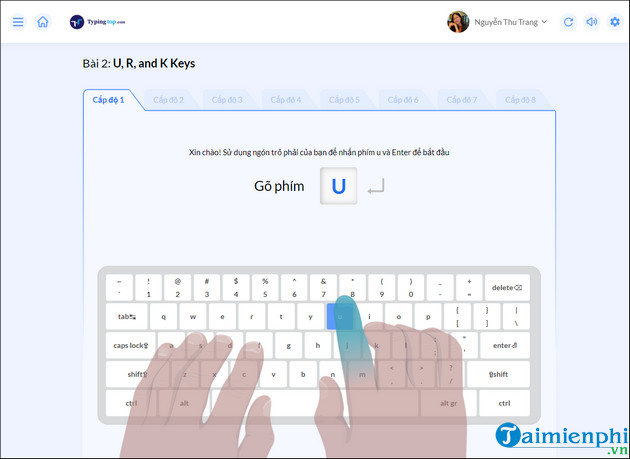
Begin with the earliest lesson that makes you use the assigned fingers correctly. Moving ahead while looking down at the keyboard defeats the purpose of touch-typing practice.
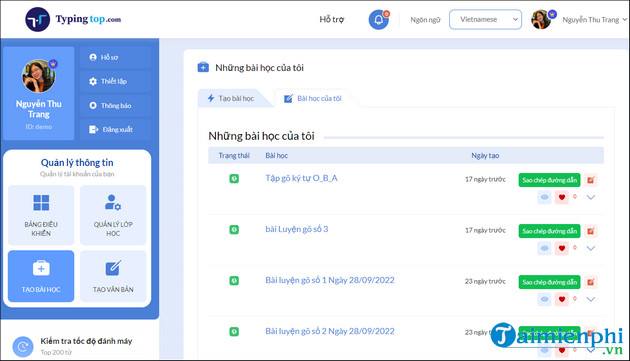
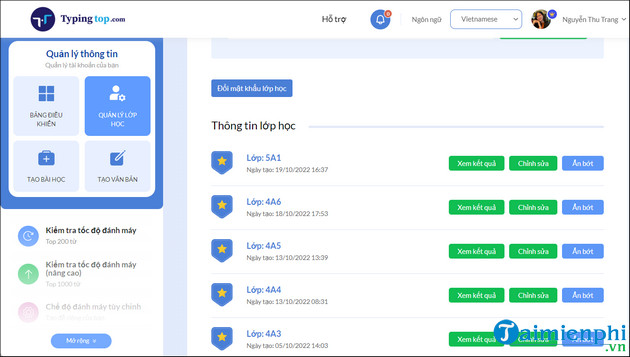
Teacher tools can assign exercises and monitor class progress. Schools should test the current account and privacy settings with a sample class before deployment.
Goals and rewards can motivate regular practice, but accuracy should remain the condition for advancing.
2. Typing.com
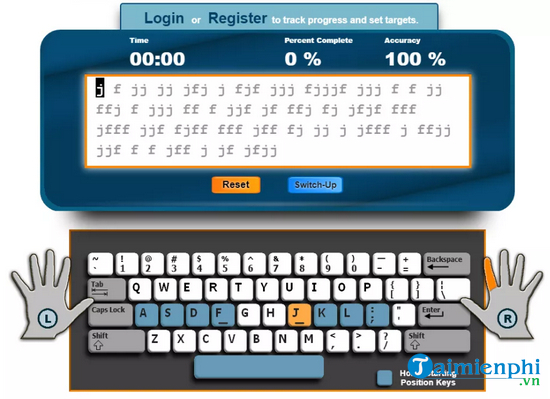
Typing.com offers beginner-to-advanced lessons, virtual hand guidance, games, and typing tests. A learner can practice without a class, while educators can use teacher accounts to assign and review work.
3. SpeedTypingOnline
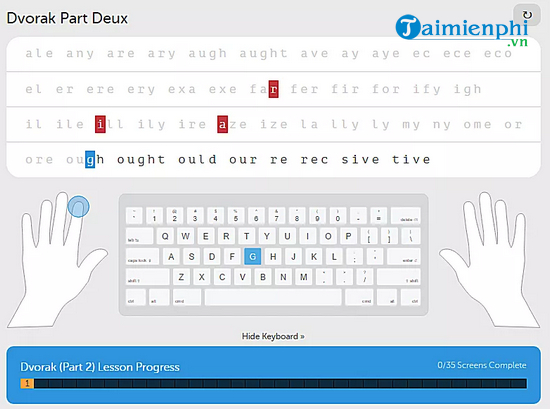
SpeedTypingOnline provides classic and advanced lessons, adjustable lesson lengths, custom key drills, and target speed and accuracy. An account is optional for basic practice and useful for tracking progress.
4. Ratatype
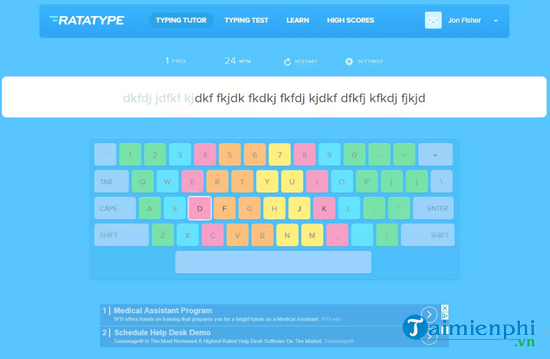
Ratatype combines guided courses, multiple languages and layouts, game elements, and speed tests. It is a practical option when English QWERTY is not the only layout you need to learn.
5. TypingClub
TypingClub has courses for different ages and needs, including colorful early-learning material and the longer Typing Jungle curriculum. Lessons combine video, virtual hands, games, words, numbers, and punctuation.
6. Sense-Lang
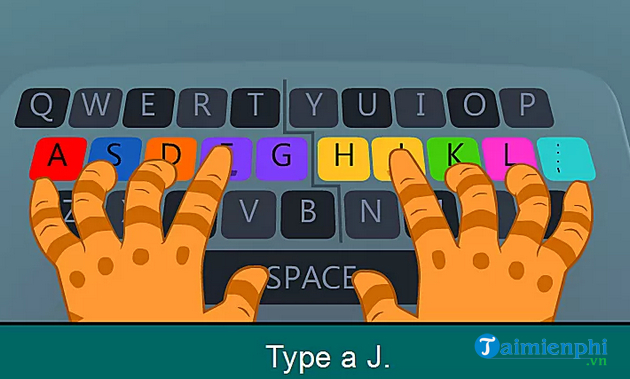
Sense-Lang includes keyboard tutorials, animated practice, games, a timed test, numeric-keypad exercises, and several interface languages. It suits learners who want a simple browser tutor without a heavily gamified dashboard.
7. Touch Typing Study
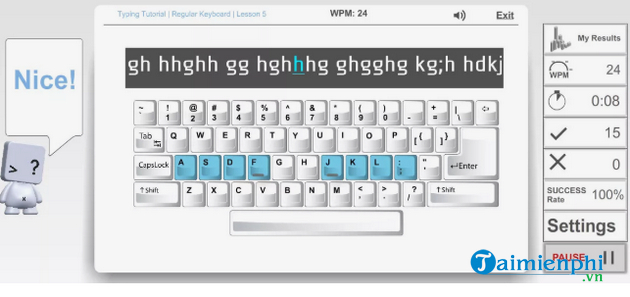
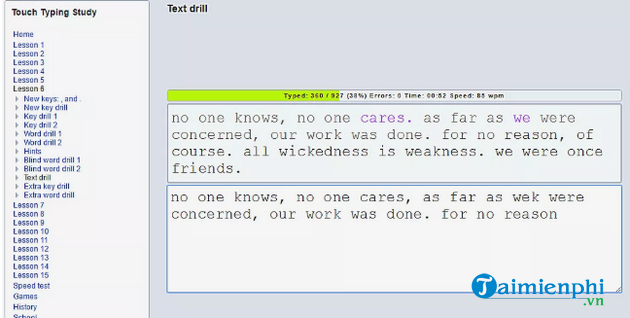
Touch Typing Study offers 15 progressive lessons, speed and typing tests, games, numeric-keypad work, and a broad choice of languages and keyboard layouts.
8. TypeTastic
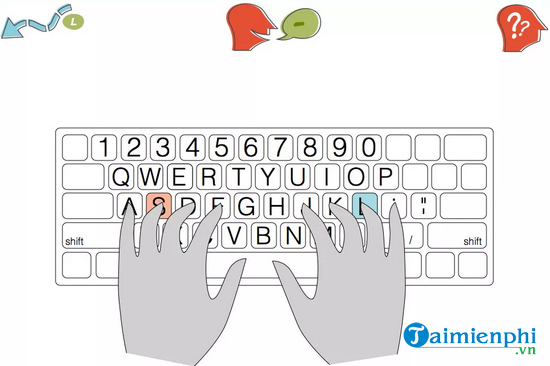
TypeTastic organizes keyboarding into units. Early games build key awareness, later lessons introduce all fingers and punctuation, and the final unit focuses on confidence and speed. A physical keyboard is recommended.
9. 10FastFingers
10FastFingers is better for testing and repetition than for learning finger placement from scratch. Its one-minute tests support many languages, and custom text, competition, and multiplayer modes provide variety.
10. Monkeytype
Monkeytype is a configurable practice and testing tool for experienced beginners and faster typists. Choose timed, fixed-word, quote, or custom modes, then add punctuation and numbers when basic word lists become too easy.
What changed from older lists?
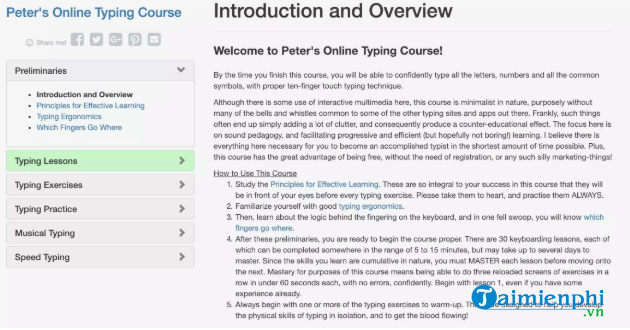
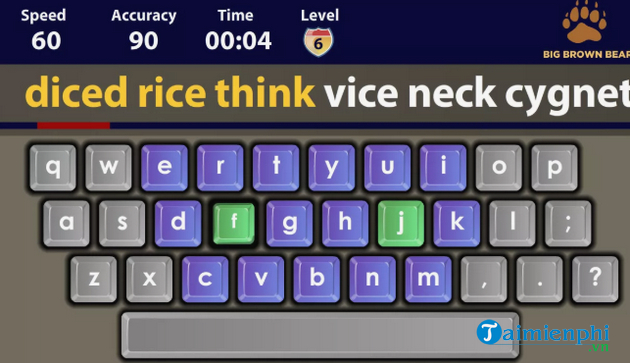
Legacy recommendations often included Dance Mat Typing, GCFLearnFree typing pages, Peter's Online Typing Course, and Big Brown Bear. Some old pages are difficult to find, may not work in current browsers, or provide limited progress data. The screenshot below is retained for reference, but use an option above when the original page is unavailable or lacks a secure connection.
A four-week practice plan
Week 1: home row
Practice A, S, D, F and J, K, L, ; for 10–15 minutes a day. Keep your eyes on the screen and return each finger to its home position.
Week 2: upper and lower rows
Add a small group of keys at a time. Repeat lessons that produce frequent errors instead of unlocking as much content as possible.
Week 3: words and punctuation
Move from isolated characters to real words and short sentences. Add Shift, commas, periods, and question marks only after letter accuracy is stable.
Week 4: realistic tests
Take two or three tests with the same duration and settings. Record WPM and accuracy, then practice the keys that caused the most mistakes.
TipsMake's touch-typing guide explains the home-row method. Use these online typing tests for a repeatable baseline, or see typing games for children. If you prefer offline lessons, install RapidTyping on Windows.
Do not compare unlike test results
Sites use different word lists, timers, correction rules, and WPM calculations. A score can change simply because punctuation was enabled or the language changed. Track improvement on one primary tool, using the same settings, and treat results from other sites as separate baselines.
Related Articles
 Software for Practicing 10-Finger Typing and Increasing Typing Speed11 minutes read
 To Improve Typing Speed, Visit These 5 Websites5 minutes read
 How to Practicing Fast Keyboard Typing, Effective 10-finger Typing7 minutes read
 5 Best 10-finger Typing Software That Is Easy to Download and Fastest4 minutes read
 Tux Typing - Free Typing Practice Tool for Kids: Main Insights6 minutes read
 How to Practicing Fast and Efficient 10-Finger Typing for Beginners7 minutes read
Reader Comments 0
Sign in with email or Google to join the discussion.