Table of Contents
Online typing tests provide a quick way to measure words per minute (WPM), accuracy, and errors without installing software. The six options below suit different goals: a simple baseline, structured lessons, longer passages, or competitive races. Because each site calculates results differently, use the same test and settings when tracking progress.

Before choosing a typing test
- Match the language: unfamiliar words and punctuation can make a test harder than your everyday typing.
- Check both speed and accuracy: a high WPM score with many errors is a poor baseline.
- Use a suitable duration: one minute is convenient; three to five minutes better reflects sustained performance.
- Keep conditions consistent: use the same keyboard, layout, duration, and correction rules for comparisons.
1. Typingtop: lessons and progress tracking
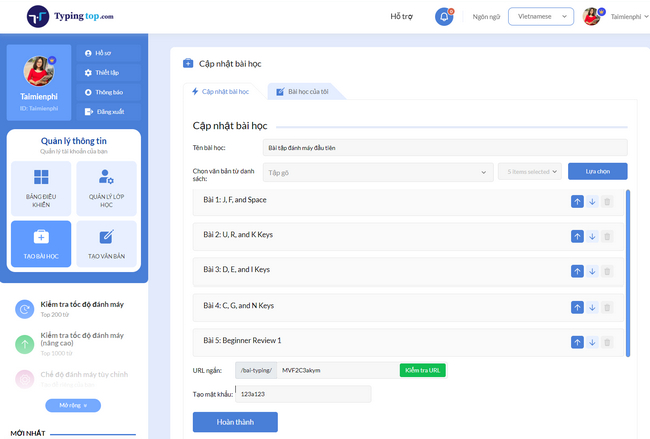
Typingtop combines browser-based typing tests with lessons, practice goals, and progress tracking. You can test without an account; registration is useful only if you want to save results.
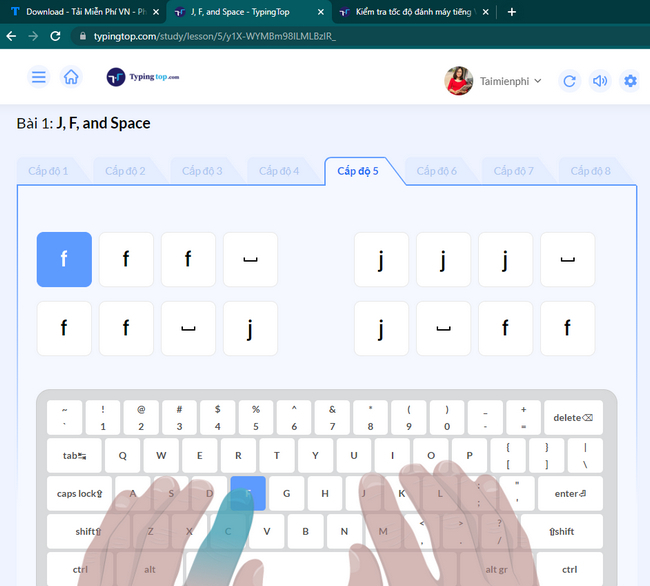
Begin with a placement test or the earliest lesson that challenges you without forcing you to look at the keyboard.
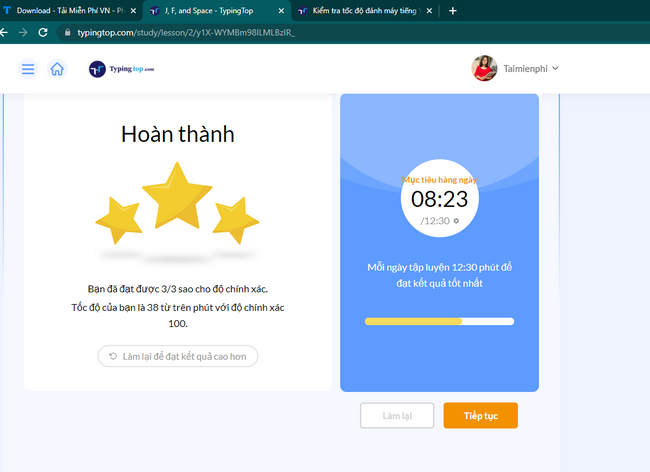
Set a small daily practice target and focus on accurate finger placement before increasing speed.
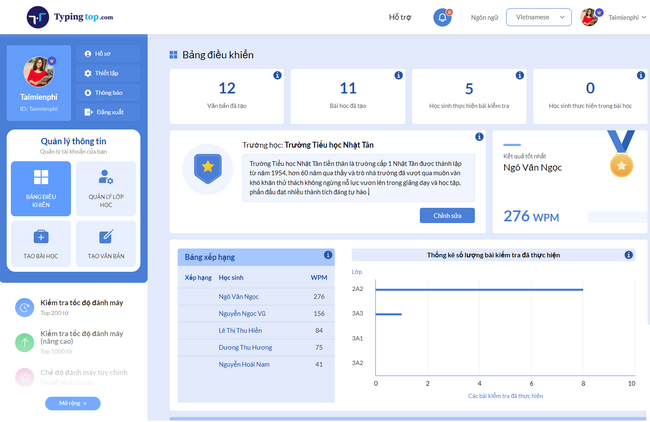
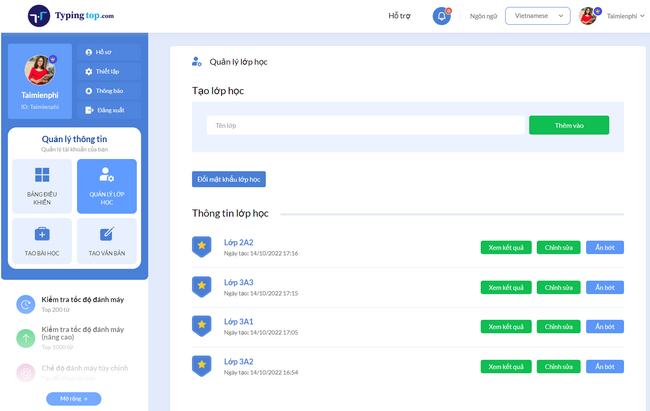
Typingtop also presents teacher and class-management screens. Schools should review the current account, privacy, and management options before assigning the service to students.
2. 10FastFingers: a quick multilingual test
10FastFingers is useful when you want a fast one-minute result. It supports many languages and also includes text practice, custom tests, competitions, and multiplayer modes.
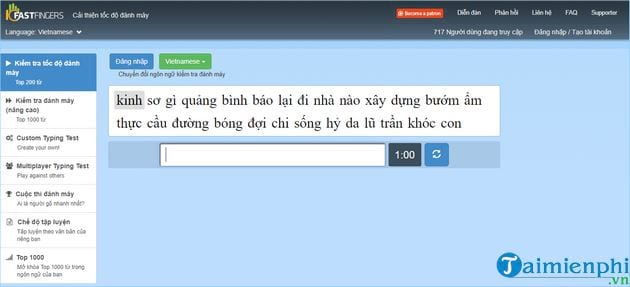
Select your language before typing. The default test uses common words, so it measures rapid word entry more than sustained paragraph composition.
3. Typing.com: selectable test lengths
Typing.com offers timed tests of one, three, or five minutes as well as page-length tests. Results include WPM and accuracy, making it a practical choice for a repeatable baseline.
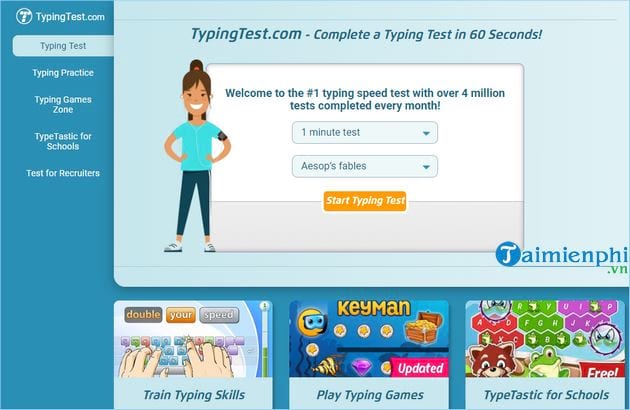
The screenshot above may show an older test interface. On the current site, choose the duration first, complete the test, and record both reported metrics.
4. TypeRacer: competitive practice
TypeRacer turns paragraph typing into a race. Your car advances as you enter the passage correctly, which can make practice engaging for people who prefer a challenge.
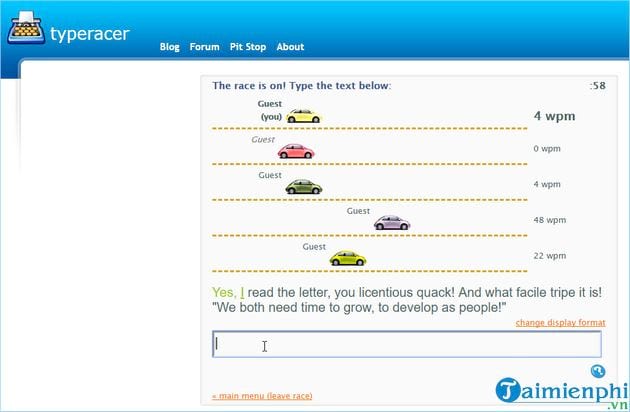
Competition may encourage rushed input, so watch accuracy and compare several races rather than treating one result as a formal typing assessment.
5. Official-Typing-Test.com: paragraph-based tests
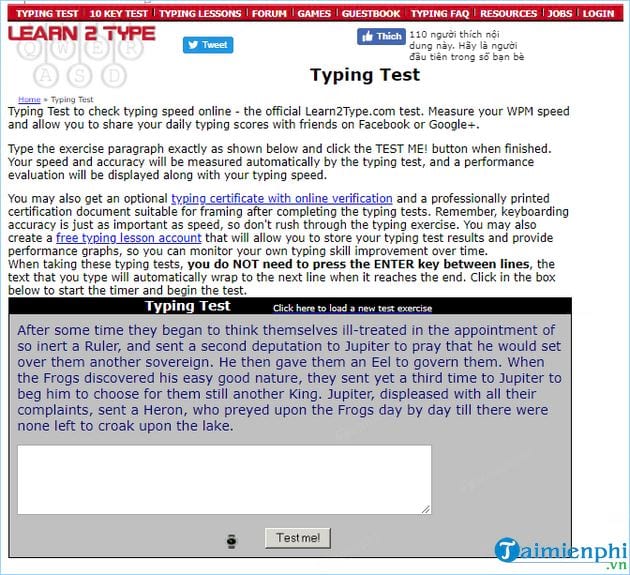
Official-Typing-Test.com provides timed paragraph tests and reports gross and error-adjusted WPM. It is useful when you want continuous prose rather than a sequence of isolated words.
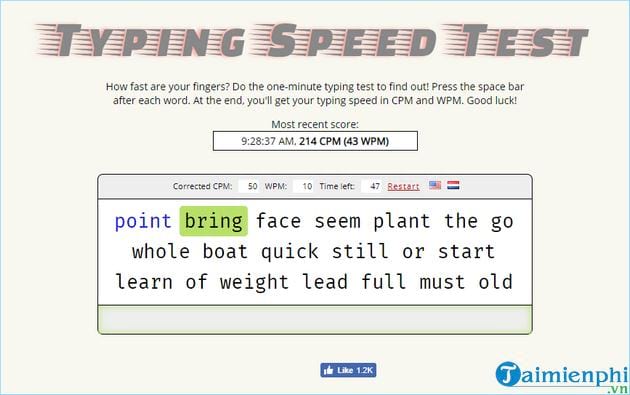
Choose the same passage length for every retest. A longer test can reveal whether your pace remains comfortable after the first minute.
6. Monkeytype: highly configurable tests
Monkeytype supports timed, fixed-word, quote, and custom modes, with options for language, punctuation, and numbers. This flexibility is useful when a basic word list no longer resembles the material you type at work or school.
For a fair comparison, save a preset or write down the exact mode, duration, language, and punctuation settings.
How to interpret the result
WPM is commonly based on groups of five characters, but error penalties and correction rules vary. That is why a score from one website may differ from another even when your real ability has not changed. Accuracy should remain high enough that you are not spending extra time correcting text after the test.
Take two or three attempts after a short warm-up and use the middle score as your baseline. Then practice weak keys for 10–15 minutes a day and retest weekly. TipsMake's guide to online touch-typing practice explains the home-row technique; you can also try Mario Teaches Typing or Tux Typing for game-based repetition.
If the keyboard skips characters or responds late, fix that issue before judging your typing ability. Start with these Windows keyboard-delay troubleshooting steps.
Related Articles
 How to Check Typing Speed, Typing 10 Fingers7 minutes read
 How to Check Your Typing Speed Online, Online Typing Test4 minutes read
 Check the Typing Speed, Typing Speed3 minutes read
 The Most Accurate Way to Check Your Typing Speed20 minutes read
 Top Websites for Practicing 10-Finger Typing and Improving Keyboard Speed11 minutes read
 Check Your Typing Speed3 minutes read
Reader Comments 0
Sign in with email or Google to join the discussion.