How to create a visual script and storyboard for AI videos
Turn a narration script into a practical storyboard, B-roll plan, and shot list with AI-assisted prompts, then organize filming for long, short, and tutorial videos.
Fix Windows problems, troubleshoot devices, understand AI, secure your accounts and get more from your technology with tested step-by-step guides.
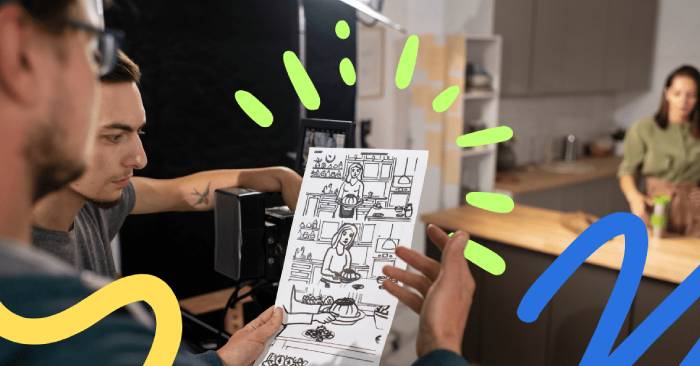
Turn a narration script into a practical storyboard, B-roll plan, and shot list with AI-assisted prompts, then organize filming for long, short, and tutorial videos.
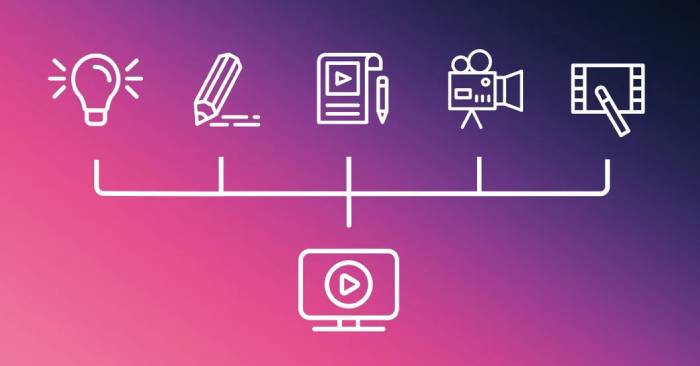
Use AI to build a pre-shoot checklist and batch schedule, then capture clean audio, consistent lighting, stable footage, and usable takes with any budget.

6G research points to integrated sensing, edge computing, precise positioning, and coordinated machines—but safer robots still depend on local control and better AI.
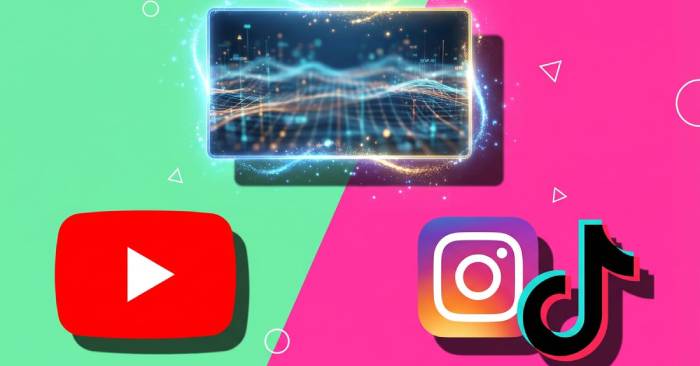
Create accurate, readable thumbnails and titles, write useful descriptions, and test packaging without clickbait or misleading promises.

Use reach, click-through, retention, watch time, traffic sources, conversions, and feedback to diagnose video performance and plan a measurable next improvement.

Build a repeatable workflow from audience research and scripting through storyboards, filming, editing, packaging, publishing, and post-release analysis.
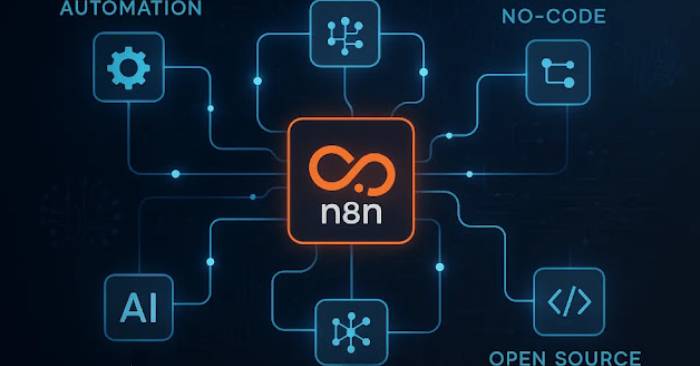
Learn how n8n combines triggers, integrations, models, tools, memory, and retrieval—and set up a safe foundation for practical AI workflows.

Use five Excel formula tasks to compare AI assistants fairly, with correct reference formulas, edge cases, version checks, and a repeatable scoring method.
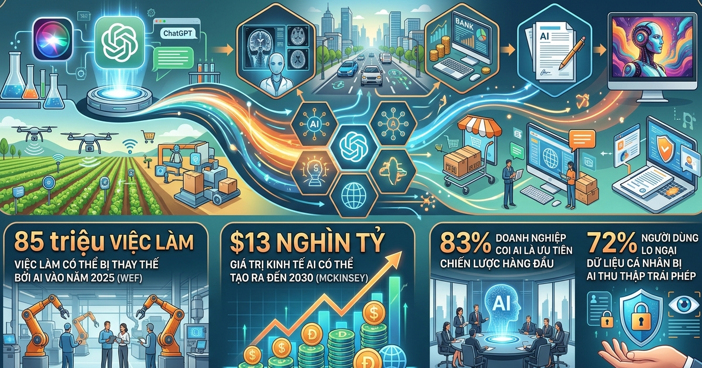
Understand the main AI risks—from unreliable outputs and privacy loss to bias, cyber abuse, labor disruption, misinformation, concentration of power, and environmental cost.

Edit video in clear passes—organize, assemble, cut, refine, caption, mix, correct color, and export—while using AI as a reviewed assistant.

Plan and build a Gemini-powered agent with a defined scope, restricted tools, session state, evaluation cases, staged deployment, monitoring, and cost controls.

Use conversation branches, precise output instructions, voice, memory controls, Temporary Chat, image tools, camera input, critical review, and guided study more effectively.

Turn scripts, images, lessons, and campaign ideas into practical AI-assisted videos with a clear workflow for planning, generating, reviewing, and publishing.
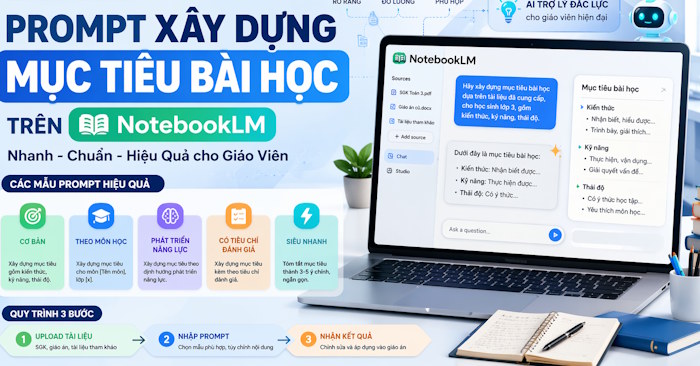
Use adaptable NotebookLM prompts to turn course sources into clear, measurable lesson objectives, assessment criteria, and aligned classroom activities.
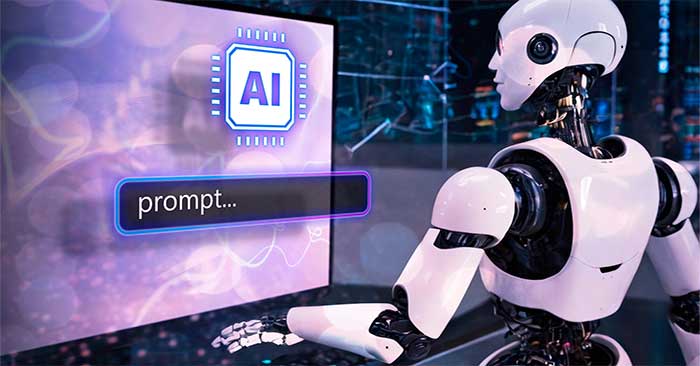
Improve AI responses with clear context, examples, constraints, iteration, source grounding, reusable templates, and structured quality checks.
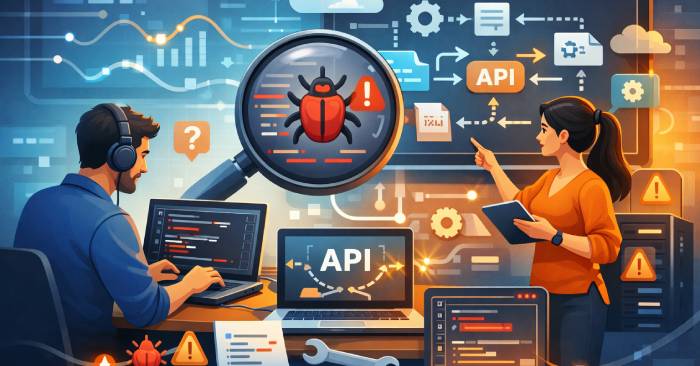
Use a structured AI prompt to diagnose API requests, responses, authentication, timeouts, schemas, and error handling without exposing secrets.
Learn how prompt engineering turns a goal, context, sources, constraints, and evaluation criteria into reliable instructions for generative AI.

Create a clearer Copilot caricature prompt by defining the subject, level of exaggeration, expression, style, composition, background, and intended use.

Write clearer AI music prompts by defining genre, tempo, instrumentation, arrangement, vocals, lyrics, production choices, and revision goals.

Compare six education tools for lesson planning, quizzes, visual materials, study resources, classroom management, and teacher-reviewed AI drafting.