Table of Contents
The best AI tool for a teacher is the one that removes a specific bottleneck without creating extra review work. A quiz generator may help with retrieval practice, while a design tool may be better for visual materials and an education platform may be needed for assignments and class communication.
The six options below serve different purposes. Features, availability, and plan requirements can change, so confirm them with the provider and your school administrator before adopting a tool.
Quick comparison
| Tool | Best fit | Review priority |
| Nearpod | Interactive lessons and formative checks | Standards alignment, question quality, pacing |
| Kahoot! | Live or self-paced quiz activities | Correct answers, distractors, accessibility |
| Canva for Education | Presentations, worksheets, visuals, and media | Readability, licenses, generated facts and images |
| NotesXP | Turning source material into study formats | Source fidelity, omissions, age suitability |
| Google Classroom with Gemini | AI-assisted planning inside a Google environment | Admin controls, availability, factual accuracy |
| Microsoft Teams for Education and Copilot | Class collaboration plus draft teaching resources | Licensing, permissions, standards and content review |
Nearpod
Best for interactive lessons and formative assessment
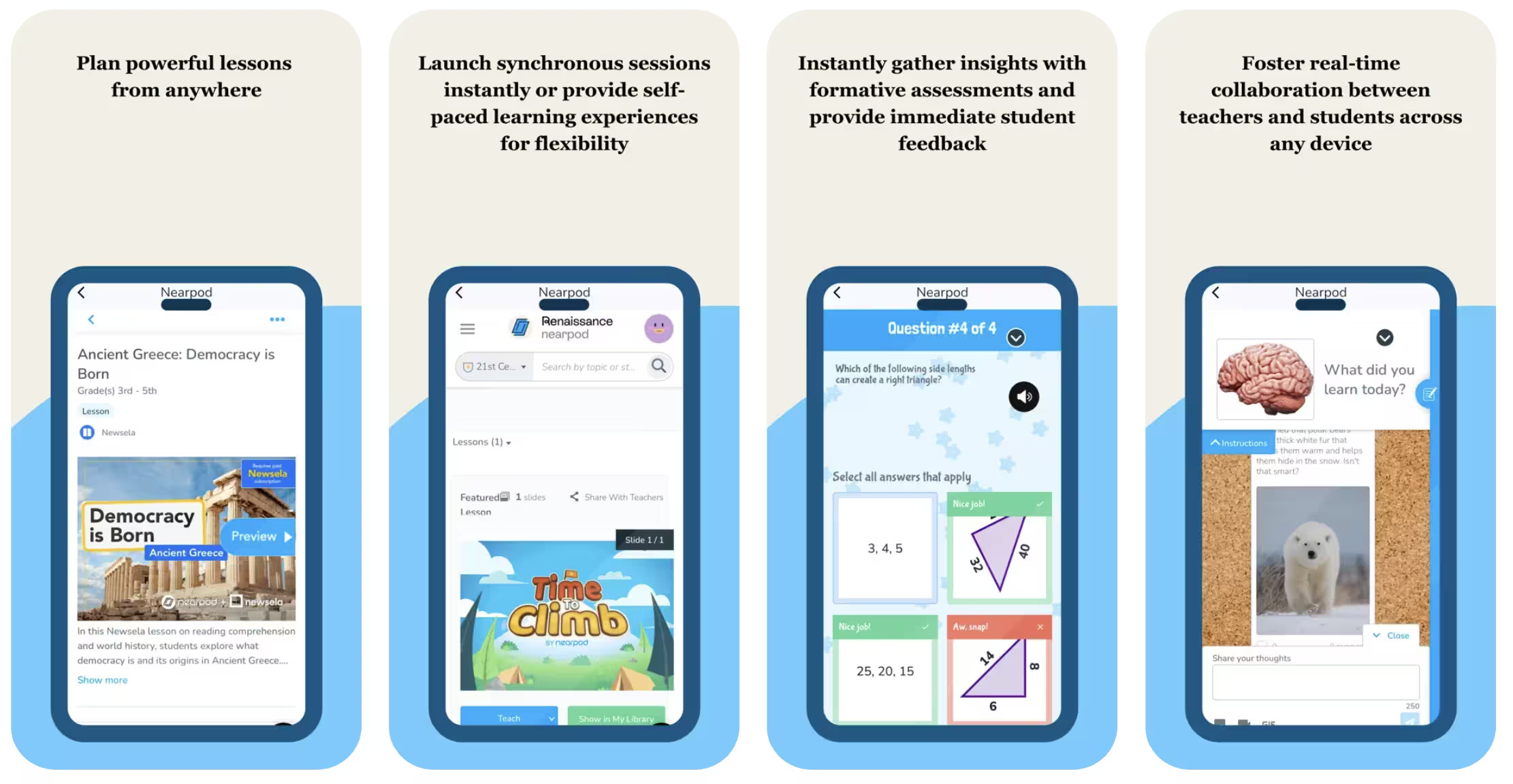
Nearpod combines lesson delivery with interactive activities and assessment. Its AI Create tools can generate questions, activities, or lesson drafts from a topic or objective. According to Nearpod's current product information, availability differs by license; the full lesson generator requires a school or district license, while other AI features may be tied to specific plans. Check the official AI Create page for current access.
Useful when: You want students to respond during a presentation and need results that can inform the next explanation or activity.
Check before assigning: Verify every generated answer, make sure distractors are plausible but unambiguous, and confirm that the activity measures the stated objective. Adjust reading load, timing, and device requirements for the class.
Kahoot!
Best for fast quiz creation and group review
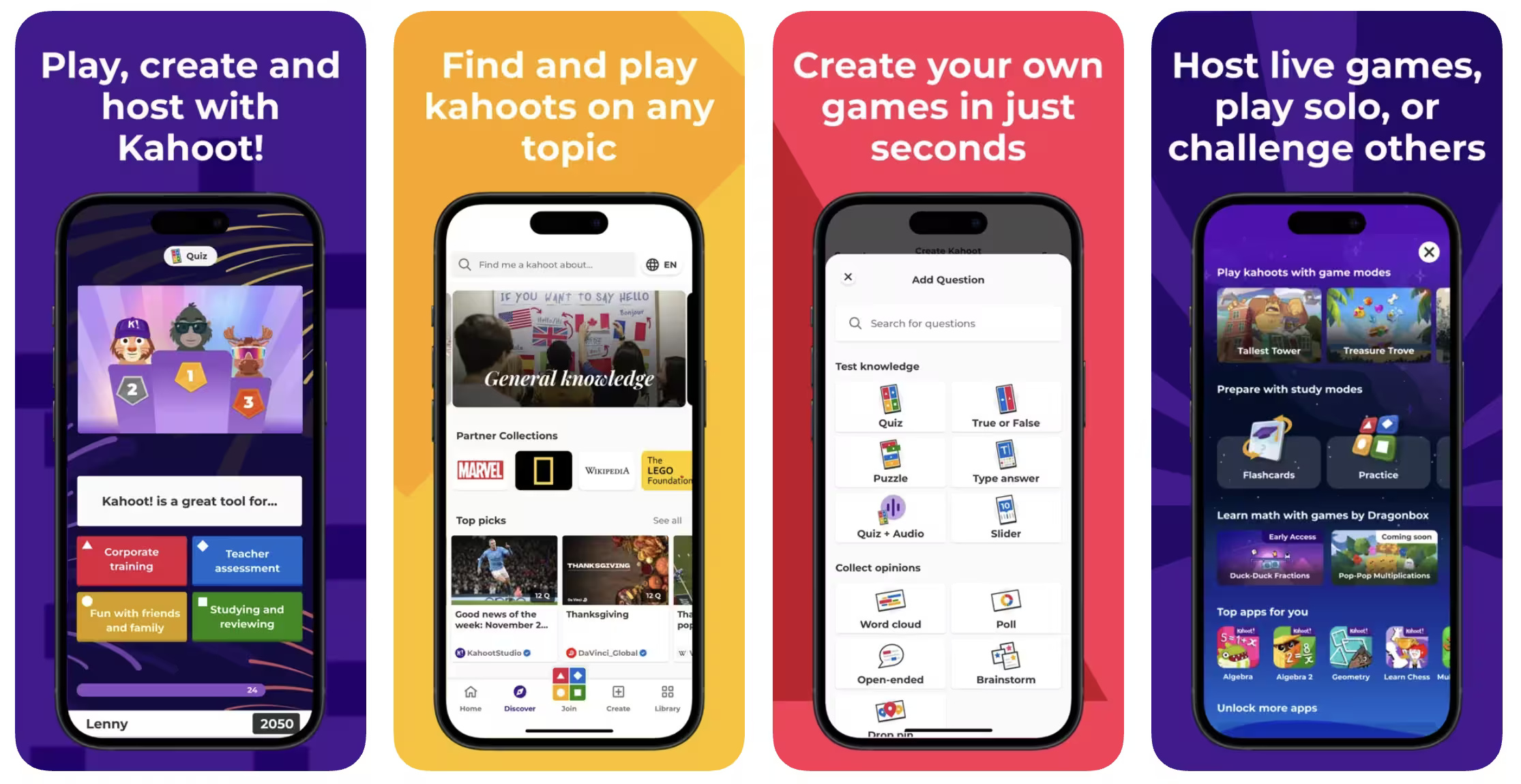
Kahoot! supports game-based quizzes and other interactive question formats. Its AI-assisted creator can propose questions and answers from inputs such as a topic, document, or web page, depending on the user's plan. The official AI tools guide lists the current creation options.
Useful when: You need a short knowledge check, retrieval-practice activity, or review session that students can join on their devices.
Check before assigning: Generated quizzes can contain incorrect keys, weak distractors, or questions that reward speed more than understanding. Review the content manually, allow appropriate response time, and provide another participation route when devices or connectivity are uneven.
Canva for Education
Best for visual teaching materials
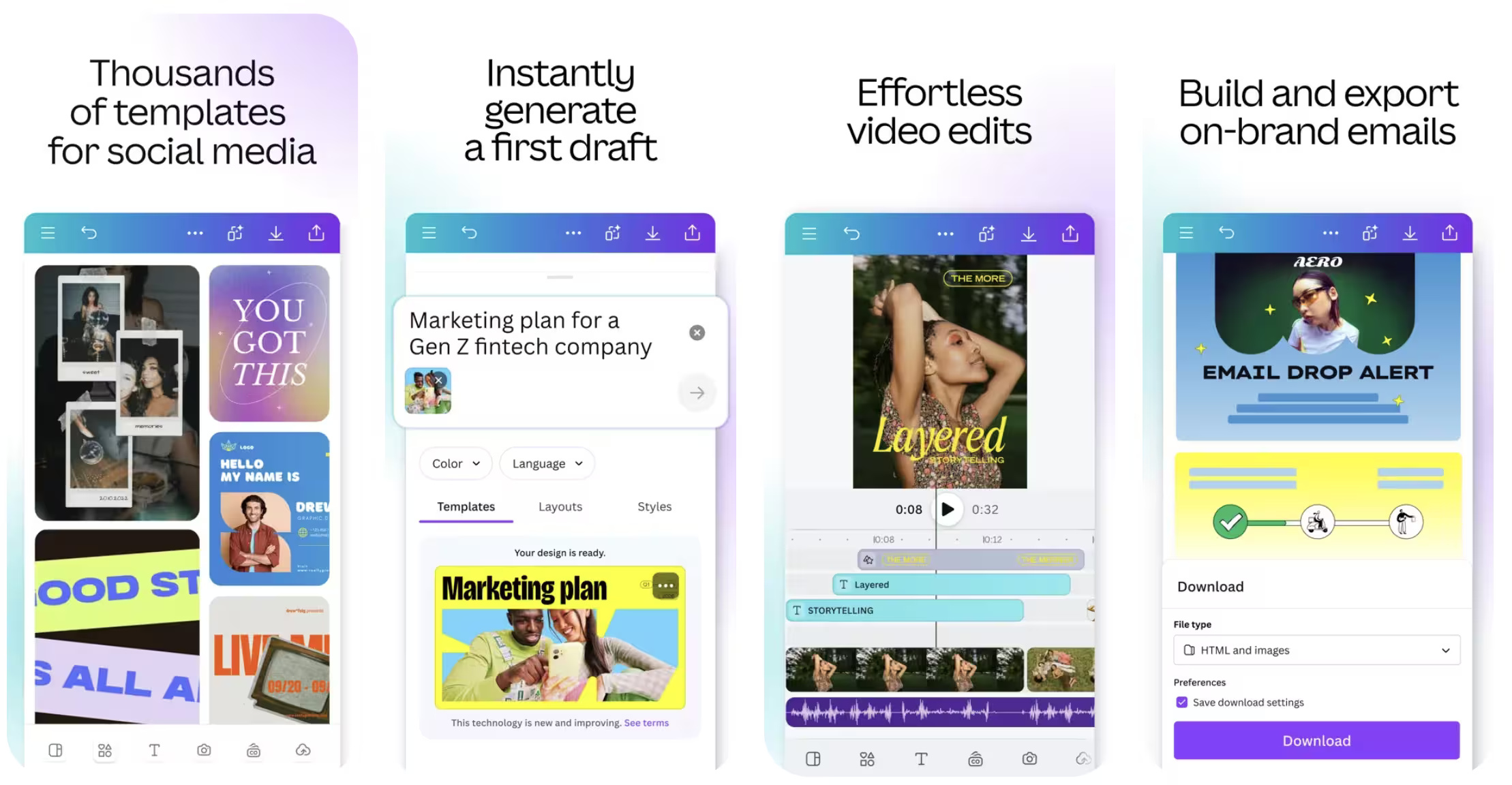
Canva for Education provides templates and creation tools for presentations, worksheets, posters, videos, whiteboards, and other classroom materials. Its AI features can help draft text, generate or edit images, create presentation starting points, and transform designs. Canva states that its education offering is available to eligible educators and institutions; access and administrative controls depend on account type. Review the Canva for Education page for eligibility and current features.
Useful when: The main challenge is creating a clear visual resource or adapting one design to several classroom formats.
Check before assigning: Make sure text remains readable when printed or projected, add alt text or equivalent descriptions where needed, and verify licenses for uploaded or generated assets. Do not assume a polished design contains accurate instructional content.
NotesXP
Best for converting source material into study formats
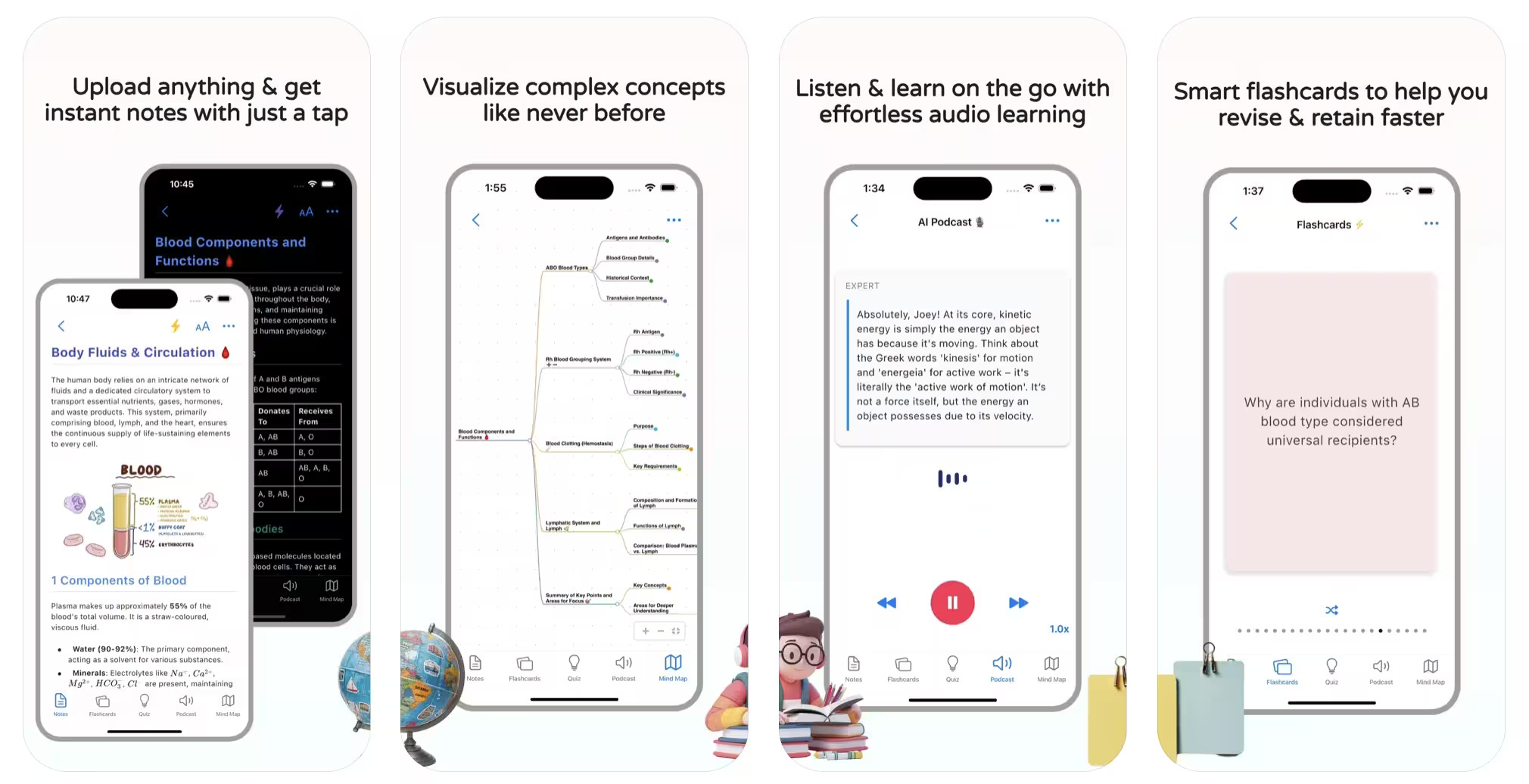
NotesXP is a study-focused app that can turn PDFs, images, lecture material, handwriting, audio, and supported links into formats such as notes, mind maps, flashcards, quizzes, and audio study material. Its official site describes an account-optional workflow and iCloud-based synchronization; teachers should confirm platform compatibility and current privacy terms before using student or school content.
Useful when: You want to test different study formats from the same approved source, or help learners turn dense material into a review set.
Check before assigning: Compare generated summaries and questions with the original. A shorter study guide can omit qualifications, diagrams, or exceptions that students need. Confirm whether the app and its data processing are approved by your institution.
Google Classroom with Gemini
Best for schools already using Google Workspace for Education
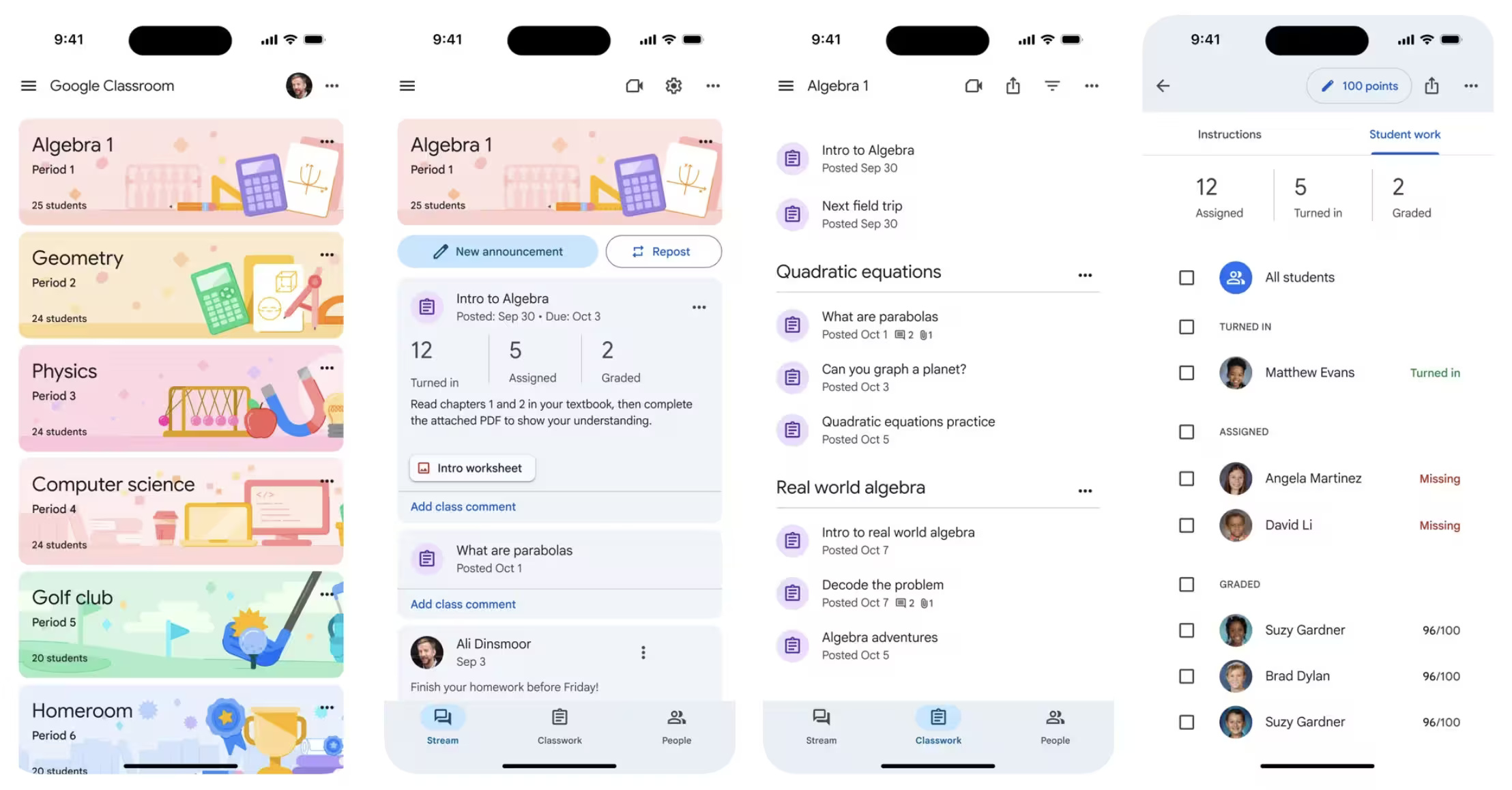
Gemini in Google Classroom provides educator tools for drafting content and resources, while Classroom handles classes, assignments, grades, and feedback. Google says Gemini in Classroom is available across Google Workspace for Education editions, but individual capabilities can vary by edition, device, language, eligibility, and administrator settings. The official Classroom support page gives the current feature list and explicitly advises users to check generated responses.
Useful when: Your school already uses Classroom and wants planning support without moving the assignment workflow to a separate platform.
Check before assigning: Do not assume that AI-generated feedback is a defensible final grade. Apply the teacher's rubric, inspect the student's actual work, document substantive grading decisions, and follow the institution's policy on student data and automated tools.
Microsoft Teams for Education and Copilot
Best for collaboration in a Microsoft environment
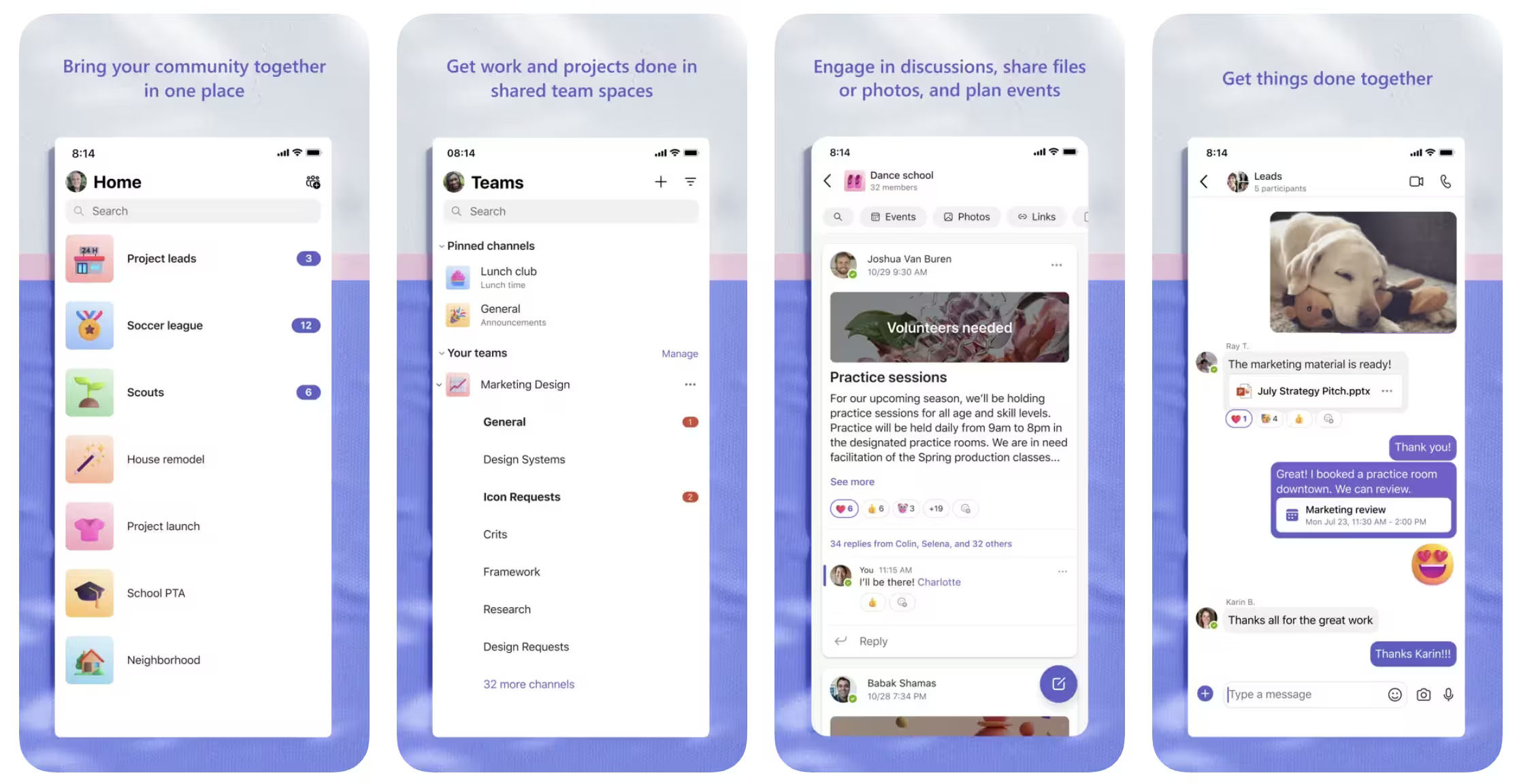
Teams for Education brings together class communication, meetings, assignments, materials, and notes. Microsoft's education-focused Copilot tools can draft lesson plans, quizzes, rubrics, flashcards, and other resources. Some capabilities appear in the Microsoft 365 Copilot app's Teach experience, while Create with Copilot is available through Classwork in Teams. Start with the official Teach guide and confirm licensing and administrator access.
Useful when: The school already relies on Microsoft 365 and wants generated drafts to fit an existing collaboration and class-management workflow.
Check before assigning: Review standards references, timing, materials, and differentiation suggestions. A generated plan may be well structured but unsuitable for the actual learners or resources. Keep channels and notifications simple enough that students can find the current task.
How to choose without creating more work
- Name one bottleneck: Choose lesson drafting, visual design, quiz creation, study conversion, or class management—not “use more AI.”
- Check school approval: Confirm privacy, security, age, accessibility, procurement, and account requirements before uploading content.
- Run a small pilot: Test one lesson or unit with material you can verify easily.
- Measure total time: Include prompt writing, corrections, formatting, student setup, and troubleshooting—not just generation time.
- Ask students what changed: Determine whether the tool improved understanding and access, not merely novelty or participation counts.
- Keep an alternative: Plan for students without a compatible device, account, or reliable connection.
A teacher review checklist for AI-generated material
- Every fact, answer key, quotation, and calculation has been checked.
- The material matches the objective, age group, language level, and available lesson time.
- Examples represent students respectfully and do not expose personal information.
- Instructions are accessible and a non-AI or non-device route is available where needed.
- The assessment measures the intended learning rather than speed, prompt familiarity, or device access.
- Students know when AI was used and what they are expected to do themselves.
No tool is automatically the best choice for every class. Select the smallest tool that solves the immediate problem, review its output as carefully as any other teaching resource, and expand only after the pilot demonstrates a real learning or workload benefit.
Related Articles
 Good Poems for Teachers on the Day of Vietnamese Teachers15 minutes read
 Summary of Good 20-11 Wishes for Teachers14 minutes read
 Good Lyrics and Meaning About Vietnamese Teachers' Day5 minutes read
 Suggest Ways to Choose Meaningful Gifts for Teachers on November 206 minutes read
 5 Best Google Slides Templates for Teachers5 minutes read
 10 Profound Lessons About Life We Will Learn from Teachers6 minutes read
Reader Comments 0
Sign in with email or Google to join the discussion.