Table of Contents
NotebookLM can help turn source material into a first draft of lesson objectives, but the quality of the result depends on the information and constraints in the prompt. Give it the grade level, subject, lesson scope, available time, and the type of evidence students should produce. Then check every objective against the source material and your curriculum requirements.
The templates below use placeholders in square brackets. Replace each placeholder before submitting the prompt, and keep the relevant curriculum, textbook chapter, or lesson notes in the notebook's sources.
Start with a complete lesson-objective prompt
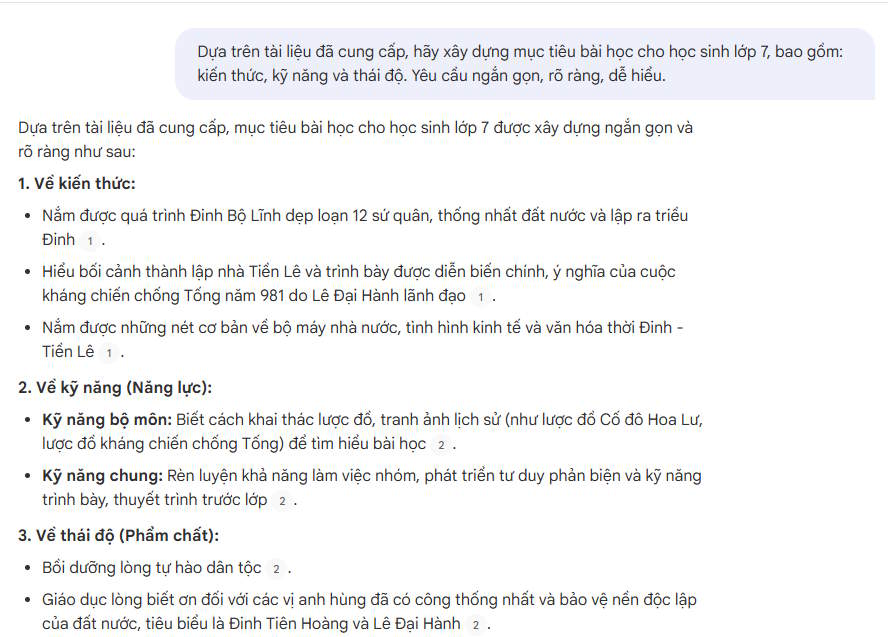
Using the provided sources, draft lesson objectives for a [duration] lesson on [topic] in [subject] for [grade/age group].

Organize the objectives under:
- Knowledge and understanding
- Skills
- Attitudes or dispositions, where relevant

Use observable action verbs. For each objective, state what the student will do and what evidence would show that the objective has been met. Do not introduce facts that are not supported by the sources.
This version gives NotebookLM enough context to produce objectives that can be used in a lesson plan. Remove the attitudes category when it is not relevant rather than forcing a vague statement.
Subject-specific prompt
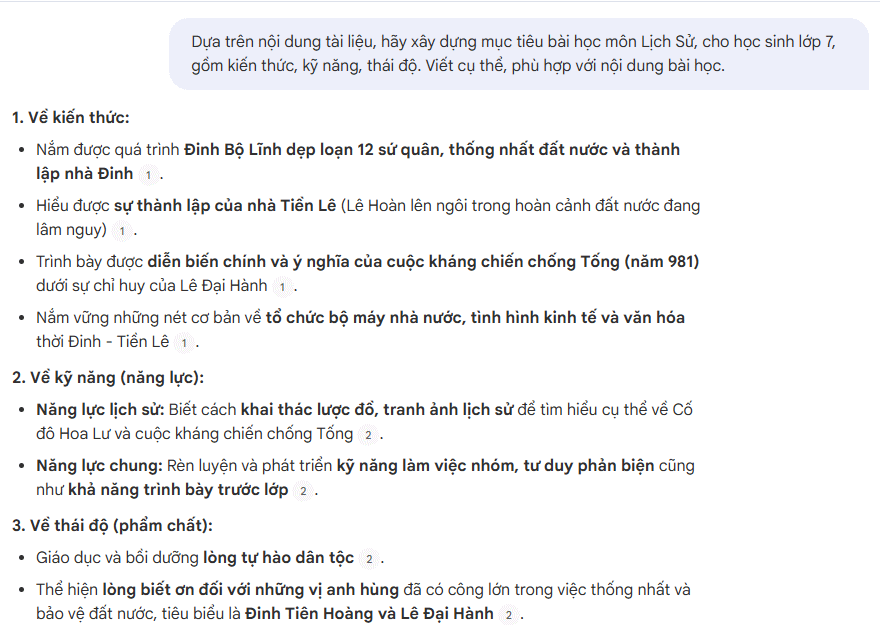
Based only on the supplied [subject] materials, write [number] lesson objectives for [grade] students studying [topic]. Identify the important concepts, the subject-specific skills students should practice, and a suitable way to check each objective. Keep the objectives achievable within [duration].
Adding the lesson duration and number of objectives prevents the response from becoming an unrealistic list. For a practical subject, also specify the equipment, software, or materials available.
Differentiate objectives by level
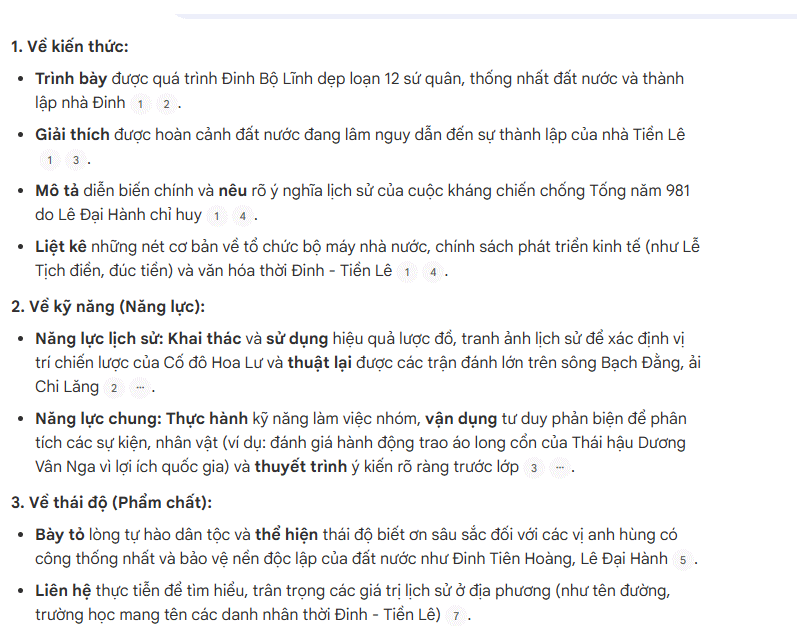
Create learning objectives for [topic] at three levels:
1. Foundational: identify or describe the essential ideas.
2. Developing: explain relationships or apply a taught procedure.
3. Extending: analyze a new example, justify a choice, or create a solution.

For each level, cite the source section that supports the objective and suggest one piece of observable evidence.
This format is useful when students have different levels of prior knowledge. Review the levels carefully: a more complex verb does not automatically make an objective appropriate for the lesson.
Useful follow-up prompts
Make the objectives measurable
Review the draft objectives. Replace vague verbs such as "know," "understand," or "learn" with observable actions. Preserve the intended difficulty and show the revised version beside the original.Turn objectives into concise lesson-plan bullets
Rewrite the approved objectives as concise bullet points for a lesson plan. Keep the meaning and assessment evidence unchanged. Do not merge objectives that measure different skills.Adapt for a different age group
Adapt these objectives for [grade/age group]. Explain which vocabulary, task complexity, and expected evidence you changed. Flag any objective that cannot be made appropriate without changing the lesson content.Connect objectives to content
For each objective, list the specific concepts or procedures from the sources that must be taught. Identify any objective that is not adequately supported by the supplied material.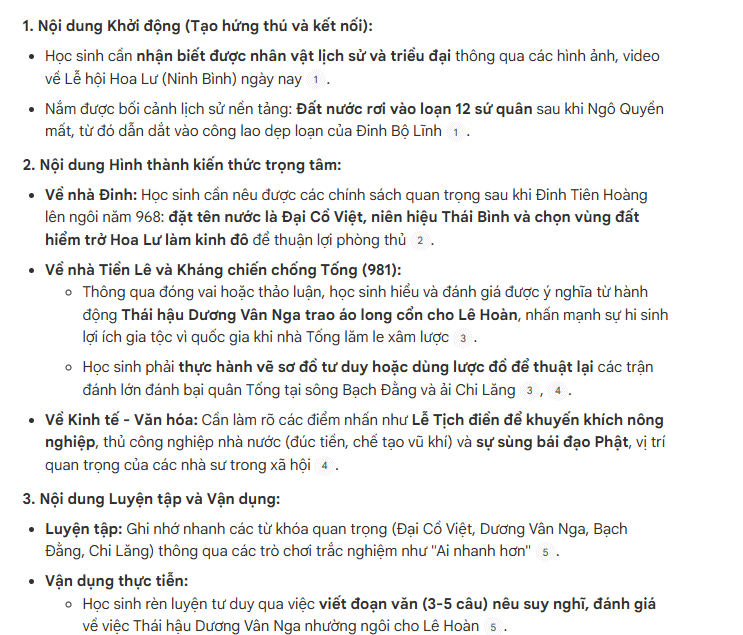
Build assessment and activity alignment
Add success criteria
Create a table with four columns: lesson objective, student evidence, success criteria, and source support. Make each criterion specific enough that two teachers could apply it consistently. Do not invent a grading scale unless one appears in the sources.Suggest an activity for each objective
Match each approved objective to one teaching and learning activity for [grade]. Explain how the activity lets students practice the intended skill and how the teacher can check progress during the lesson.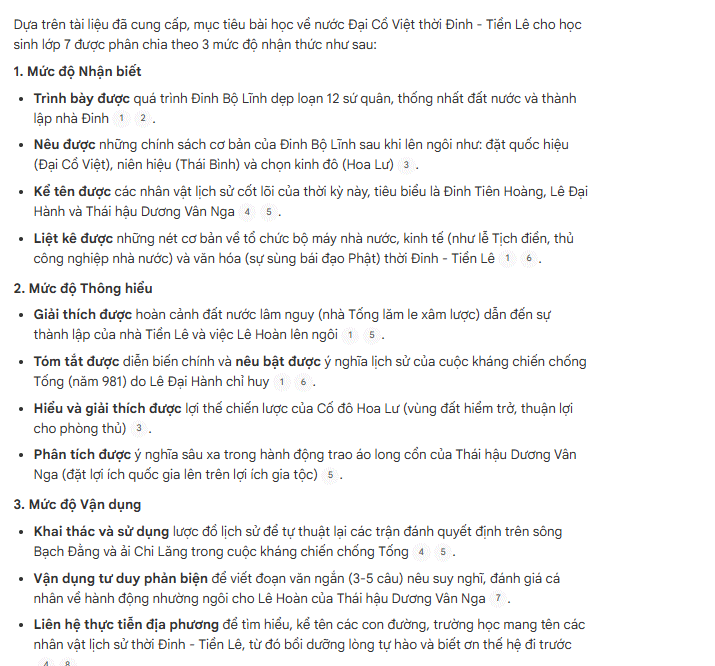
Check cognitive demand
Classify each objective as recall, explanation, application, analysis, evaluation, or creation. Explain the classification briefly. Identify objectives whose wording does not match the actual task and propose a correction.Audit the final set
Audit these lesson objectives for clarity, source support, measurability, age appropriateness, and feasibility within [duration]. Return:
- objectives that are ready to use;
- objectives that need revision, with a corrected version;
- missing prerequisites or source information the teacher should check.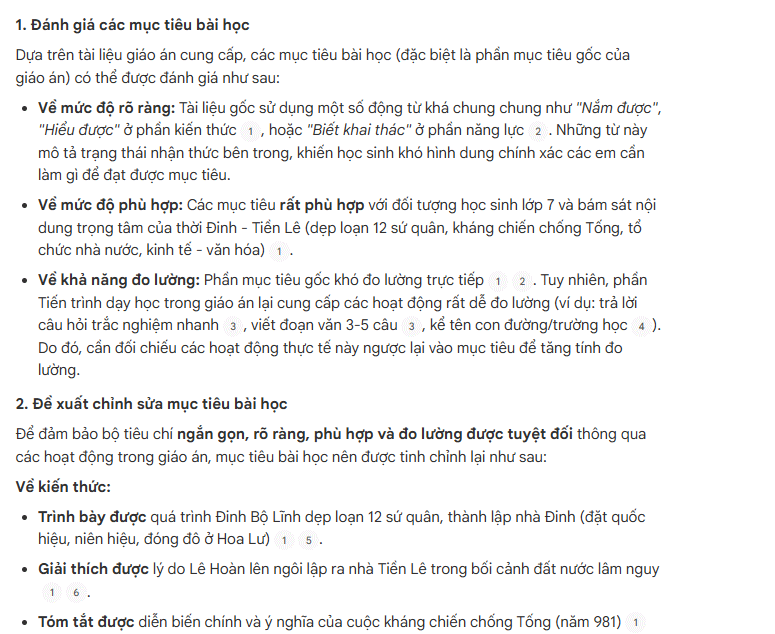
Review the output before using it
A generated objective is only a draft. Confirm that it matches the actual lesson content, can be completed in the available time, and describes an observable student outcome rather than a teacher activity. Check references to the source material, remove duplicate objectives, and make sure the proposed assessment measures the stated skill.
For example, an objective that asks students to “evaluate” an argument should not be assessed only with a recall question. The activity, evidence, and success criteria should all require evaluation. This alignment check is where the teacher's judgment remains essential.
Related Articles
 Create AI-Integrated Lesson Plans on NotebookLM3 minutes read
 Guide to Creating Lesson Plans Using NotebookLM4 minutes read
 Instructions on Converting Videos into Lesson Plans Using NotebookLM4 minutes read
 Guide to Converting Videos into Lectures Using NotebookLM4 minutes read
 Top Gorgeous Word Cover Templates for Books, Reports, Lesson Plans8 minutes read
 Guide to Building AI-integrated Lesson Plans4 minutes read
Reader Comments 0
Sign in with email or Google to join the discussion.