Table of Contents
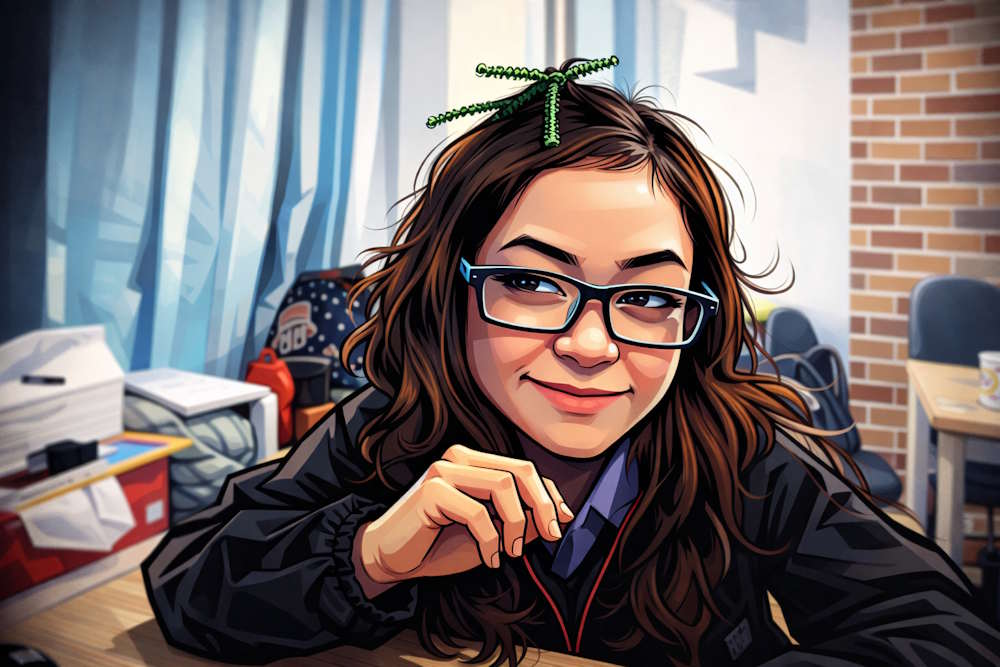
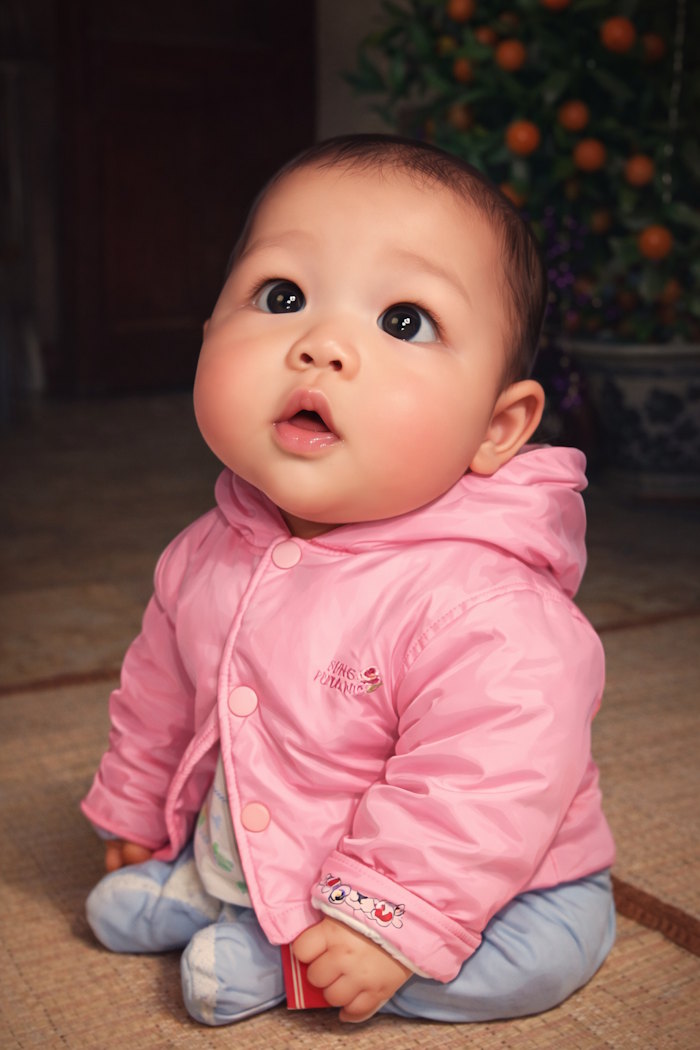
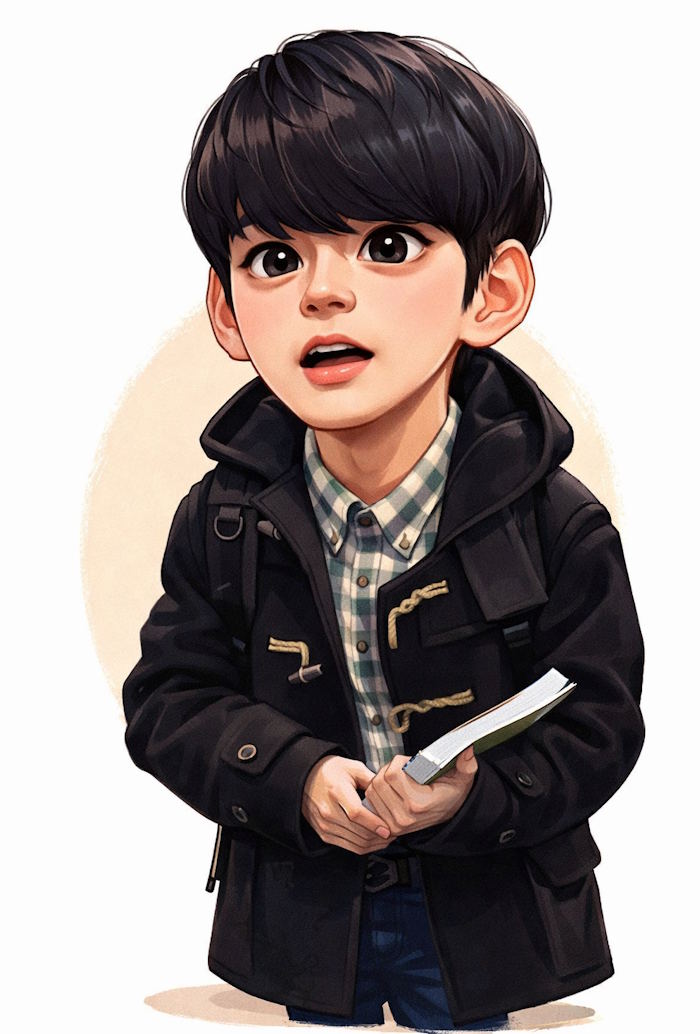
A useful caricature prompt describes more than an art style. It identifies the subject, which recognizable features to preserve, which traits to exaggerate, the desired expression, composition, background, and intended use. If your version of Copilot supports a reference image, upload a clear photo you have permission to use and state that it is the identity reference.
Build a caricature prompt
Use this adaptable structure:
Create a [friendly/editorial/comic] caricature of [subject]. Preserve [recognizable features], while [slightly/moderately/strongly] exaggerating [specific features]. Show a [expression] expression and [pose]. Use [illustration style], [line and color treatment], and [lighting]. Compose it as a [headshot/half-body/full-body] image with [background]. The image will be used for [profile picture/poster/gift/social post], so leave [required space or crop]. Do not add text, logos, or extra people.Replace every bracketed item. Naming the features to preserve and exaggerate gives the model clearer direction than asking it to make the face “more cartoonish.”
Before you generate
- Choose a suitable reference: Use a well-lit, front-facing photo where the key facial features are visible.
- Respect consent: Do not upload another person's photo or create a demeaning depiction without permission.
- Set the crop: A square head-and-shoulders composition suits many avatars; posters may need a vertical full-body layout.
- Control exaggeration: “Subtle” or “moderate” is more predictable than leaving the degree unspecified.
- Avoid style-name ambiguity: Describe linework, texture, color, and lighting instead of relying only on an artist or studio name.
Ready-to-adapt caricature prompts
Friendly profile portrait
Create a friendly square caricature portrait from the reference photo. Preserve the person's face shape, hairstyle, eye color, and glasses. Use moderate exaggeration of the eyes and smile, clean bold outlines, flat colors with soft gradients, and a simple contrasting background. Center the head and shoulders with clear space around the face. Do not add text or accessories that are not in the reference.
Colorful cartoon portrait
Create a playful caricature with a slightly oversized head, expressive eyes, and a wide natural smile. Use clean linework, bright but balanced colors, soft shading, and a minimal background. Keep the subject recognizable and avoid distorting the hands or adding extra facial features.

Professional personal-branding portrait
Create a polished half-body caricature for a professional profile. Preserve the subject's identity, clothing, and glasses. Use subtle facial exaggeration, confident posture, restrained colors, crisp digital linework, soft studio lighting, and a clean neutral background. Leave uncluttered space on the right for optional layout text, but do not generate any words.
Pencil-sketch caricature
Draw an expressive head-and-shoulders caricature as a hand-rendered pencil sketch. Preserve the subject's key facial landmarks and hairstyle. Slightly enlarge the eyebrows, nose, and smile, with visible graphite texture, varied line weight, light cross-hatching, and an off-white paper background.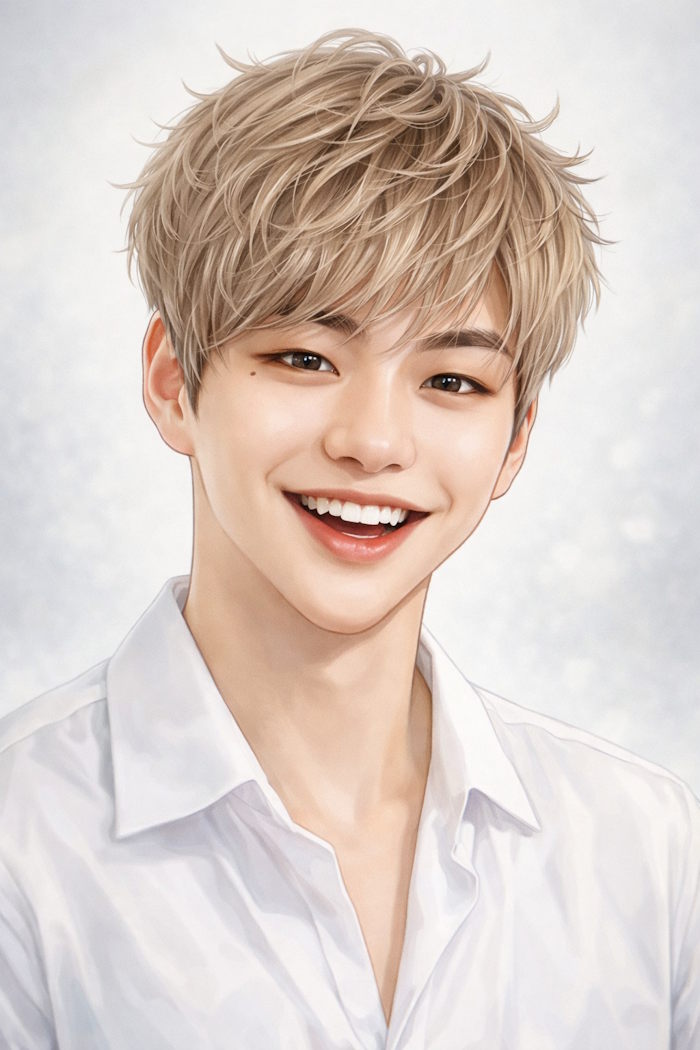
Editorial-style portrait
Create an editorial caricature of [subject] reacting to [topic or situation]. Use an expressive pose, moderately elongated proportions, sharp linework, controlled color contrast, and a simple symbolic background. Keep the satire focused on the situation rather than protected or sensitive traits. Do not include labels or text.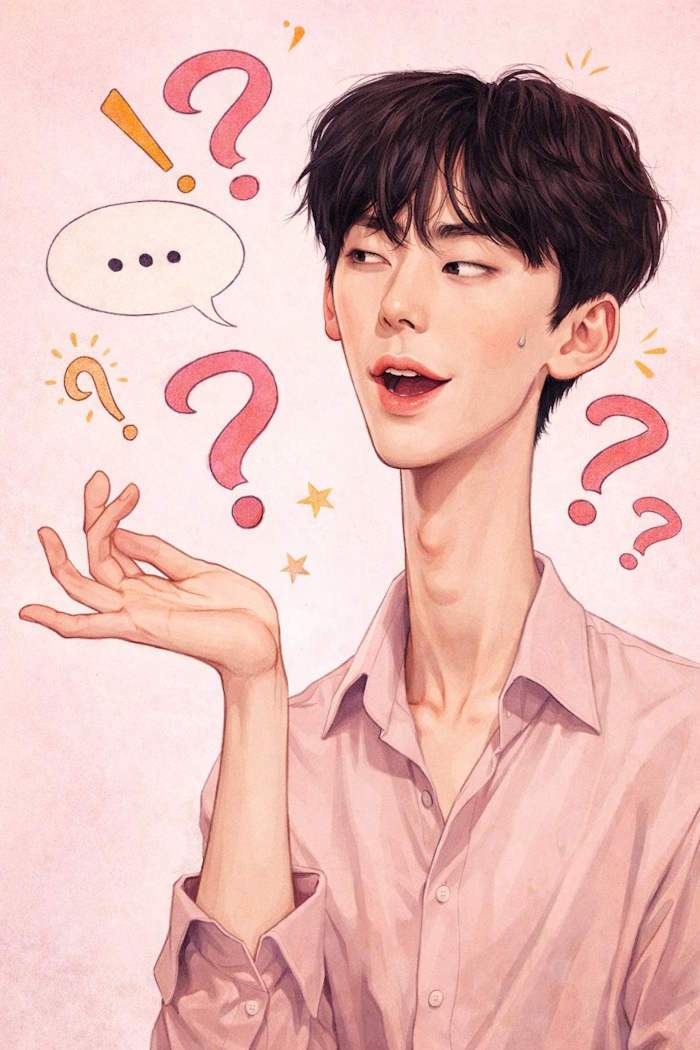
Warm watercolor portrait
Create a warm watercolor caricature from the reference photo. Preserve the subject's identity and expression, with gentle exaggeration of the eyes and smile. Use translucent washes, soft edges, visible paper texture, an earthy color palette, and a loose uncluttered background.

Compact social avatar
Create a square caricature avatar with a large readable silhouette, bold outlines, simplified shapes, and high color contrast. Keep the subject recognizable at small size. Use a cheerful expression and a single-color background. Place all important details inside the central safe area and do not add text.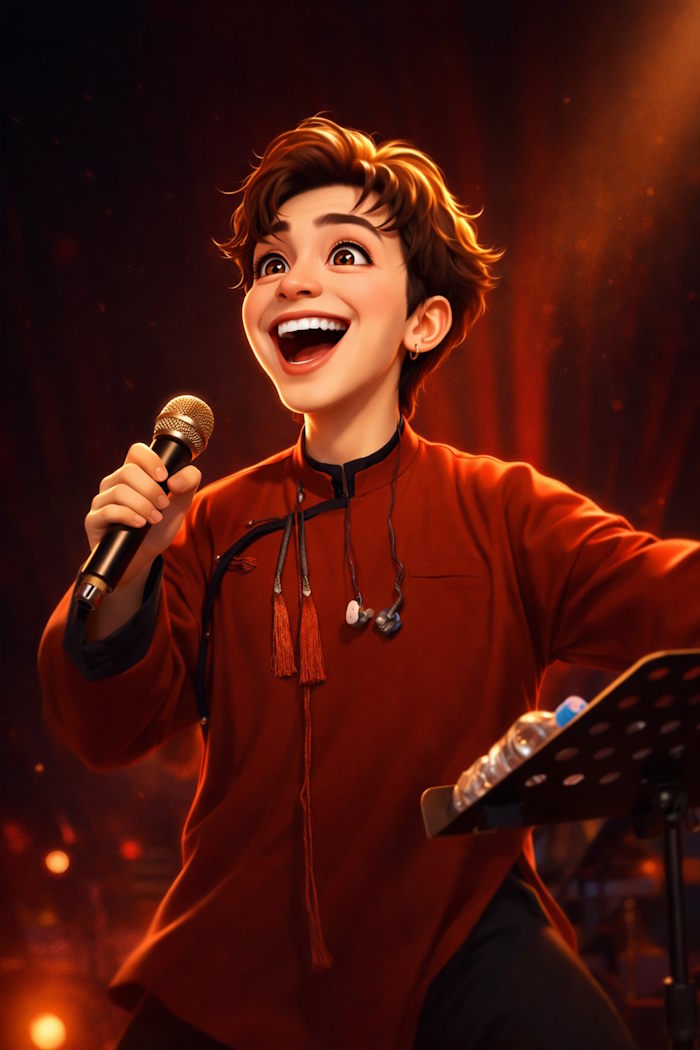
Job-themed prompt templates
Professional props can tell the story, but too many objects make the image cluttered. Choose one or two recognizable details and keep them secondary to the face.
Create a humorous full-body caricature of a chef from the reference photo. Preserve the subject's face and uniform, use moderate facial exaggeration, and show a confident pose holding one oversized whisk. Use lively comic linework, warm kitchen colors, and a simple restaurant background with no readable signs.Create a friendly caricature of an engineer reviewing an oversized blueprint beside one small prototype. Preserve the subject's identity, use expressive eyebrows and a focused smile, clean digital illustration, dynamic perspective, and a limited blue-and-orange palette. Keep technical markings abstract and unreadable.Create a classroom caricature of a teacher holding two oversized books. Preserve the subject's face, hairstyle, and glasses. Use a welcoming expression, slightly exaggerated proportions, colorful editorial linework, and an uncluttered classroom background. Do not include student faces or generated text.Create a respectful caricature of a nurse with an oversized stethoscope as the main prop. Preserve the subject's identity and uniform, use gentle exaggeration and a caring expression, clean cartoon shading, and a simple clinical background without logos or patient information.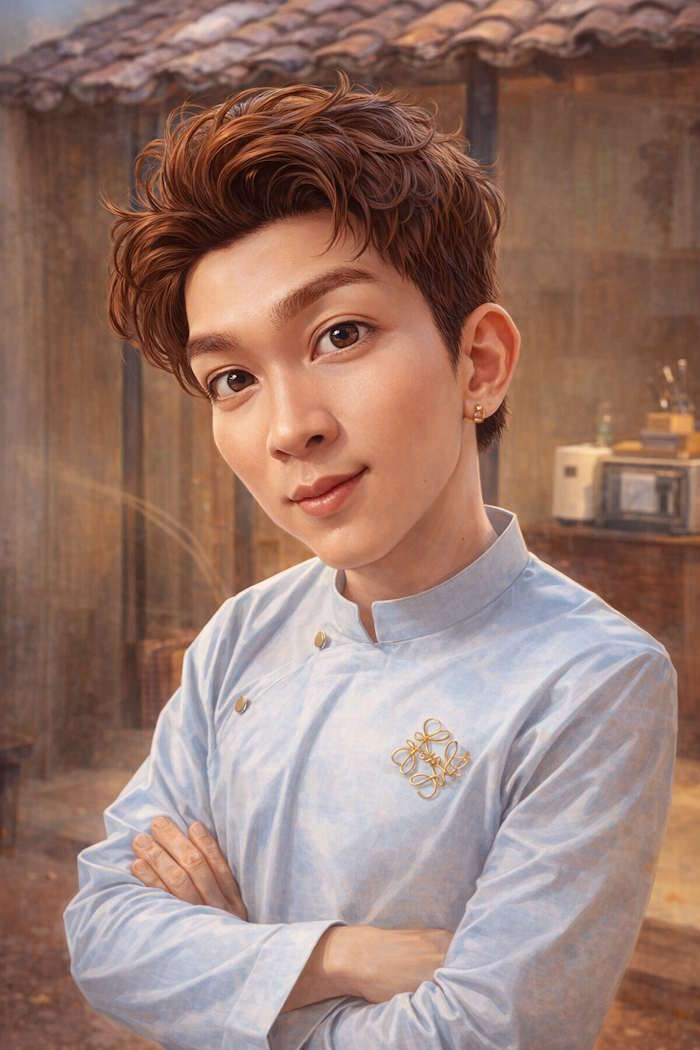
Prompts for posters and social posts
Create a vertical poster caricature of [subject] in a dynamic pose, with moderate facial exaggeration, bold comic outlines, and a bright two-color background. Keep the subject in the lower two-thirds and leave clean negative space at the top for text to be added later. Do not generate words or logos.Create a reaction-style caricature based on the reference photo, with an exaggerated surprised expression and clear hand gesture. Use simple shapes, high contrast, and a plain background so the image remains readable on a phone. Preserve identity and avoid extra fingers or accessories.
Refine an imperfect result
Regenerating with a completely new prompt can change the identity and composition. Instead, describe the specific defect and the parts that must remain unchanged.
- Identity is weak: “Keep the current composition, but match the reference face shape, eyebrows, glasses, and hairstyle more closely.”
- The result is too distorted: “Reduce the exaggeration to subtle; preserve the eyes, mouth, and face proportions.”
- The image is cluttered: “Remove background props and use one solid background color.”
- The crop is unsuitable: “Reframe as a centered square head-and-shoulders portrait with space above the hair.”
- Unwanted text appears: “Remove all words, letters, watermarks, and logos while preserving the illustration.”
Inspect the face, hands, accessories, and background before using the image. For professional or public use, also confirm consent, likeness rights, and any platform rules that apply to synthetic images.
Related Articles
 10 Awesome PowerPoint Templates Make the Presentation 'Shine'8 minutes read
 How to Create a Personalized Podcast with Copilot Podcasts7 minutes read
 12 Profound Caricatures About the Digital Age2 minutes read
 Instructions on Creating ID Photos from Portrait Photos Using Copilot5 minutes read
 How Is Copilot Pro Different from Copilot? Should I Upgrade Explained7 minutes read
 How to Convert 2D Images to 3D with Copilot: Step-by-Step Guide3 minutes read
Reader Comments 0
Sign in with email or Google to join the discussion.