Table of Contents
Microsoft Allows Online Editing of Office covers the essential facts behind the topic, including what changed, why it mattered, and how it affected users.
Keeping up with Google Docs collaboration features, Office 365 can now be edited by many people via the Internet. According to Microsoft, the new feature means that users can see what partners are doing on the document to avoid conflicts. Although it may seem insignificant, this change has a significant meaning. Office was born in an era where people store documents on a computer hard drive and it is difficult to share when people only exchange via email. In contrast, Google Docs is born on the Web, where sharing is endless.
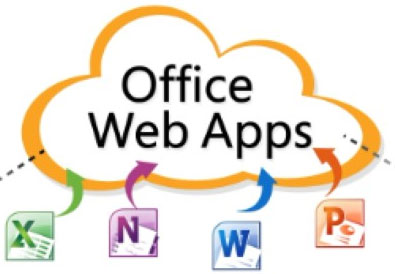
Besides real-time editing, Microsoft also introduced automatic saving features like Gmail, software of Adobe Lightroom or Apple Final Cut Pro. The Word Web App application supports searching and replacing with reformatting tables and headers / footers. Excel Web App supports drag and drop from cells while PowerPoint Web App updates the new photo cropping tool.
Microsoft plans to update Office 365 Premium in December. Users can share services with 4 other Microsoft accounts. Each account is installed Office on PC, Mac or mobile device.
Clip Introduces New Features of Office 365:
FAQ
What does Microsoft Allows Online Editing of Office explain?
Microsoft Allows Online Editing of Office covers the essential facts behind the topic, including what changed, why it mattered, and how it affected users.
Who is most affected by Microsoft?
Keeping up with Google Docs collaboration features, Office 365 can now be edited by many people via the Internet.
What are the key takeaways from this topic?
According to Microsoft, the new feature means that users can see what partners are doing on the document to avoid conflicts.
Related Articles
 How to Use Office Online on Chrome Faster: Microsoft Online Office4 minutes read
 Microsoft Office Online Has Edited, Saved the File Directly to the2 minutes read
 Microsoft Kills Office Online Server, Encourages Businesses to Switch To4 minutes read
 How to Choose the Appropriate Office Online?8 minutes read
 Edit Office Web Apps Documents with MS Office5 minutes read
 Office 365 'Landed' the Vietnamese Market2 minutes read
Reader Comments 0
Sign in with email or Google to join the discussion.