Table of Contents
This practical guide explains how to convert PDF to png using monica AI. Follow the steps in order, review the requirements first, and use the troubleshooting notes when a setting or option does not work as expected.
How to Convert PDF to PNG Using Monica AI
Step 1:
First, you access the link below to go to the Monica AI website.
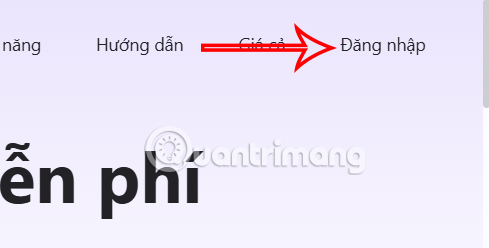
https://monica.im/vi/pdf-tools/pdf-to-pngAt the interface, click the Login button in the right corner of the interface.
Step 2:
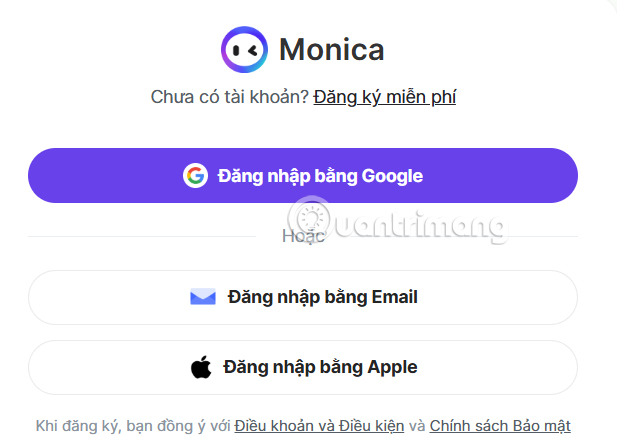
Now you log in with your Google account, or with another email address you want.
Step 3:
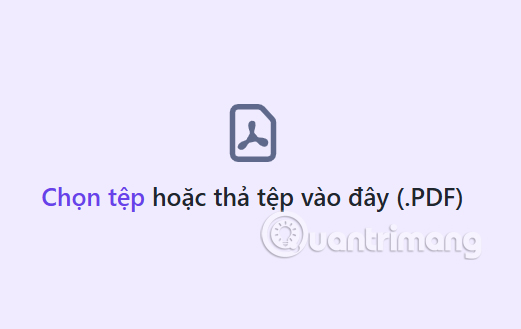
After you successfully register for a Monica AI account, select Choose File and upload the PDF file you want to convert to PNG using Monica AI.
Step 4:
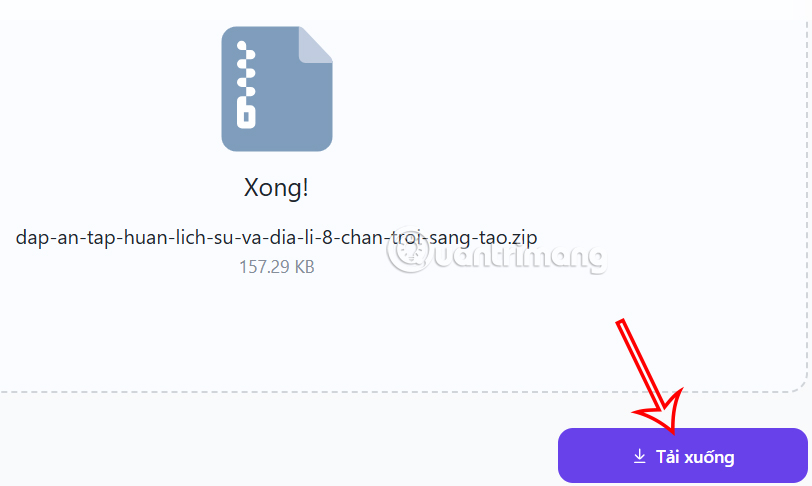
You wait for Monica AI to convert PDF to PNG image file and after it is done, you will see a zip file containing the PNG image after conversion , click Download to download the file.
Finally you extract and get PNG image converted from PDF file on Monica AI with sharp image quality.
FAQ
How to Convert PDF to PNG Using Monica AI?
First, you access the link below to go to the Monica AI website.
What does this guide cover?
This guide explains convert PDF to png using monica AI, including the main steps, important details, and practical considerations.
Who is this guide for?
It is designed for readers who want a clear, practical overview and a reliable process they can follow without unnecessary complexity.
Related Articles
 Convert PDF to Word, Convert PDF Files for Free12 minutes read
 How to Convert PNG Images to JPG Does Not Degrade Quality5 minutes read
 How to Convert a JPG File to PDF with Just One Operation3 minutes read
 How to Convert AI Files to PNG, JPG Without Software5 minutes read
 Convert Jpg to Png: How to Convert Jpg Images to Png6 minutes read
 Tools for Converting PDF to Word8 minutes read
Reader Comments 0
Sign in with email or Google to join the discussion.