Table of Contents
Claude Code can analyze Markdown files and help reorganize an Obsidian vault, while Obsidian CLI can search and modify the vault through Obsidian itself. The combination is powerful enough to rename, move, tag, and link many notes, so the safest workflow begins with a backup, read-only inventory, written plan, and small test batch.
Do not give an agent unrestricted access to your only copy of a vault. Notes may contain personal, medical, financial, or work information, and a bulk rename can break links or plugins if it is applied carelessly.
What the two tools do
Claude Code works from the terminal
Claude Code is Anthropic's agentic terminal tool. In a local session it can read project files, propose edits, and run approved commands. Its permission mode determines whether it can edit files or execute commands without a separate approval. For vault cleanup, begin in a mode that lets you inspect every proposed change. Anthropic's security guidance recommends reviewing commands, restricting access, and verifying changes to important files.
Obsidian CLI works through Obsidian
Obsidian now provides an official command-line interface for reading, searching, creating, and managing vault content. Enable it in Settings > General > Command line interface. The desktop app must be running; the first command can launch it if necessary. Use obsidian help for the commands supported by the installed version and consult the official CLI documentation.
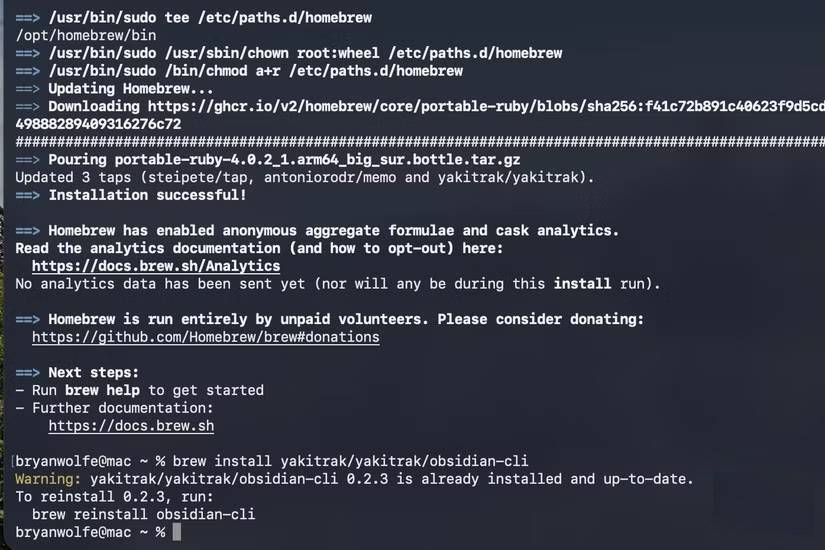
NotesMD CLI is a separate community tool formerly known as Obsidian CLI. It can operate directly on Markdown without requiring Obsidian to run, which may suit headless scripts. Do not confuse its commands with the official obsidian CLI, and test either tool on a copy before bulk operations.
Prepare the vault before Claude reads it
- Create a recoverable backup. Make a dated copy or confirm that your sync or version-control system has a restorable snapshot. Test that you can recover one file.
- Close other editors or sync clients temporarily. Concurrent renames can create conflicts or duplicate files.
- Identify excluded areas. List private folders, attachments, plugin data, templates, and generated files the agent must not read or change.
- Check link behavior. Note whether the vault uses Wikilinks or Markdown links and whether Obsidian is configured to update internal links after a rename.
- Define the goal. Decide whether you need duplicate detection, untitled-note review, tag normalization, folder cleanup, or broken-link repair. Do not attempt every operation at once.
For sensitive content, create a sanitized test vault with representative notes rather than exposing the original collection.
Phase 1: inventory without editing
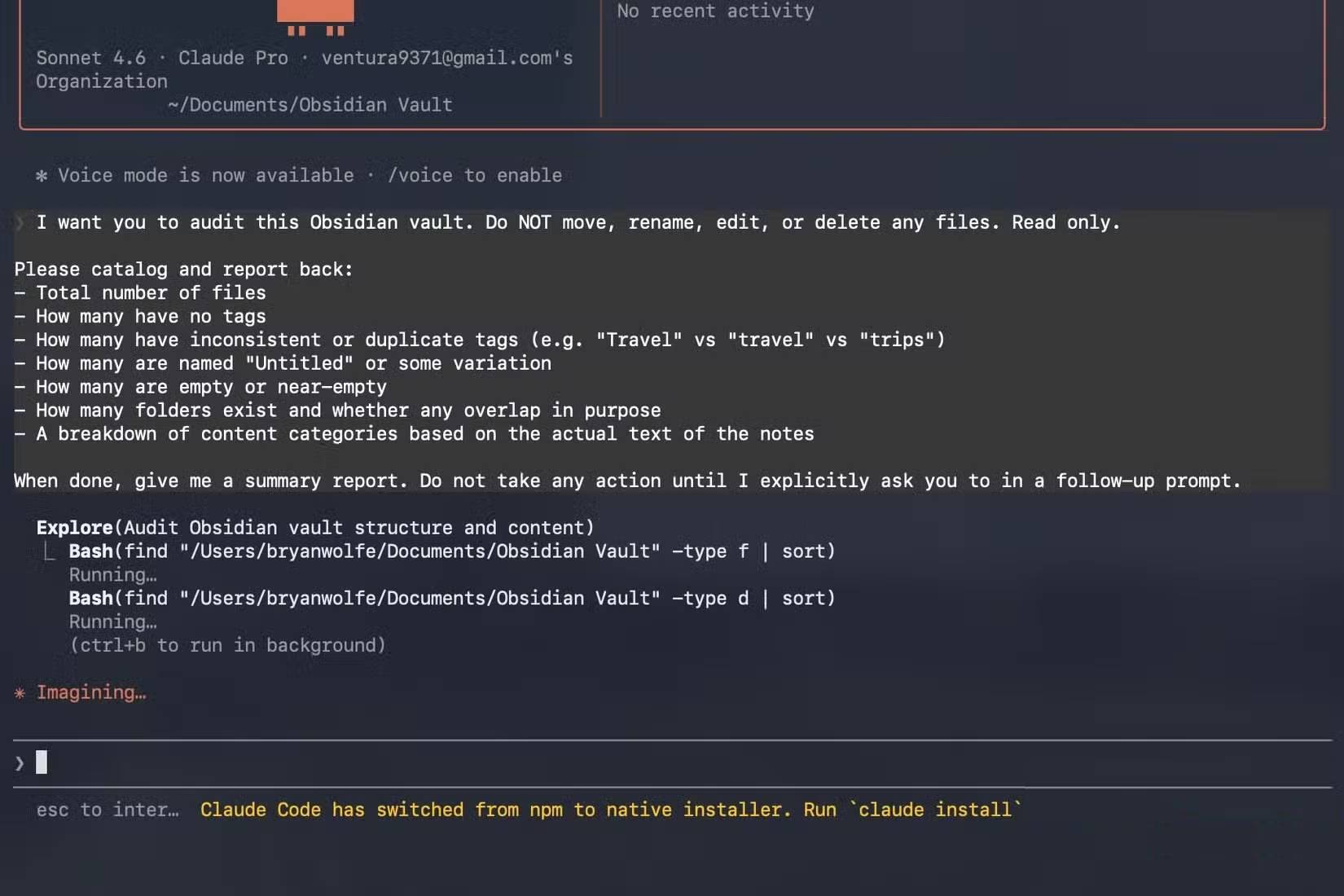
Launch Claude Code from the vault root so the intended scope is clear, then give it an inventory-only prompt. Keep Claude Code in a read-only or planning mode during this phase.
Analyze this Obsidian vault without editing, moving, renaming, or deleting any file and without running a command that changes data.

Exclude these paths: [list].
Inventory:
- Markdown file count by folder;
- empty and near-empty notes;
- duplicate filenames and likely duplicate content;
- notes with generic or untitled names;
- tags and frontmatter keys, including inconsistent spelling or type;
- unresolved internal links and orphan candidates;
- large attachments and attachment folders.

Use Obsidian CLI read/search commands where they provide reliable vault-aware information. Run "obsidian help" before assuming command syntax.

Write the report to the chat only. For every recommendation, show representative file paths and explain the evidence. Do not propose deletion yet.
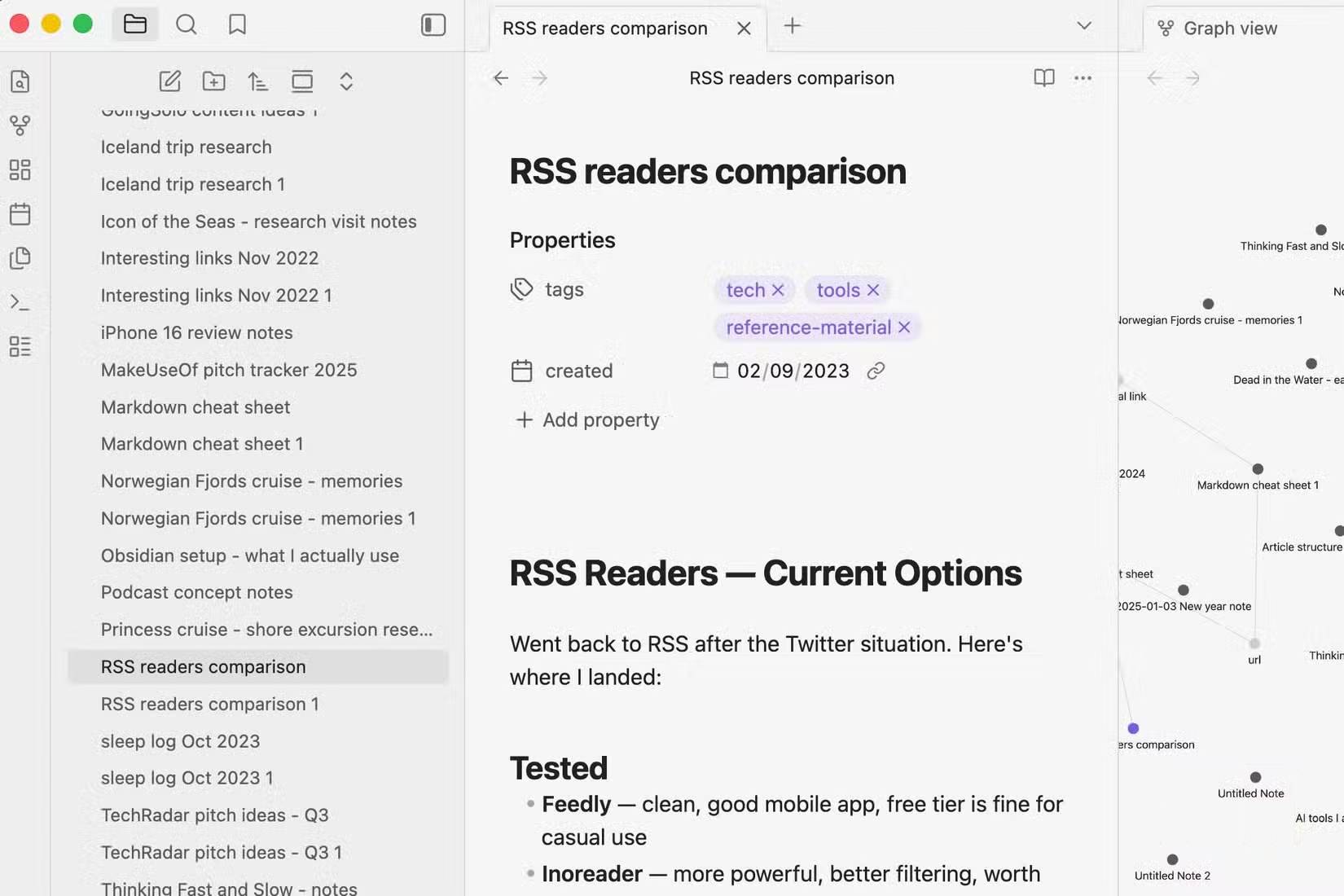
Inspect the reported examples manually. A note that looks empty may be a canvas support file, an embedded template, or an intentional placeholder. An “orphan” may be reached through bookmarks, search, or an external link.
Phase 2: design rules from actual content
Ask for a proposed taxonomy after the inventory is accurate. A good plan defines boundaries and exceptions rather than assigning every note to a broad topic.
Using the approved inventory, propose a minimal organization plan.

Requirements:
- Keep the folder hierarchy shallow unless the content demonstrates a need.
- Preserve existing working folders and special Obsidian files.
- Define each proposed folder and tag with inclusion and exclusion examples.
- Do not infer sensitive categories from ambiguous personal notes.
- Put uncertain files in a review queue instead of guessing.
- Specify filename, frontmatter, and tag conventions.
- Produce a table: current path, proposed path, proposed metadata changes, reason, confidence.
- Flag link, embed, or plugin risks for every rename.
- Make no changes.
Prefer a small number of stable categories. Folders can represent workflow or ownership, while tags can represent cross-cutting topics or status. Duplicating the same taxonomy in both systems often creates maintenance work.
Phase 3: test a reversible batch
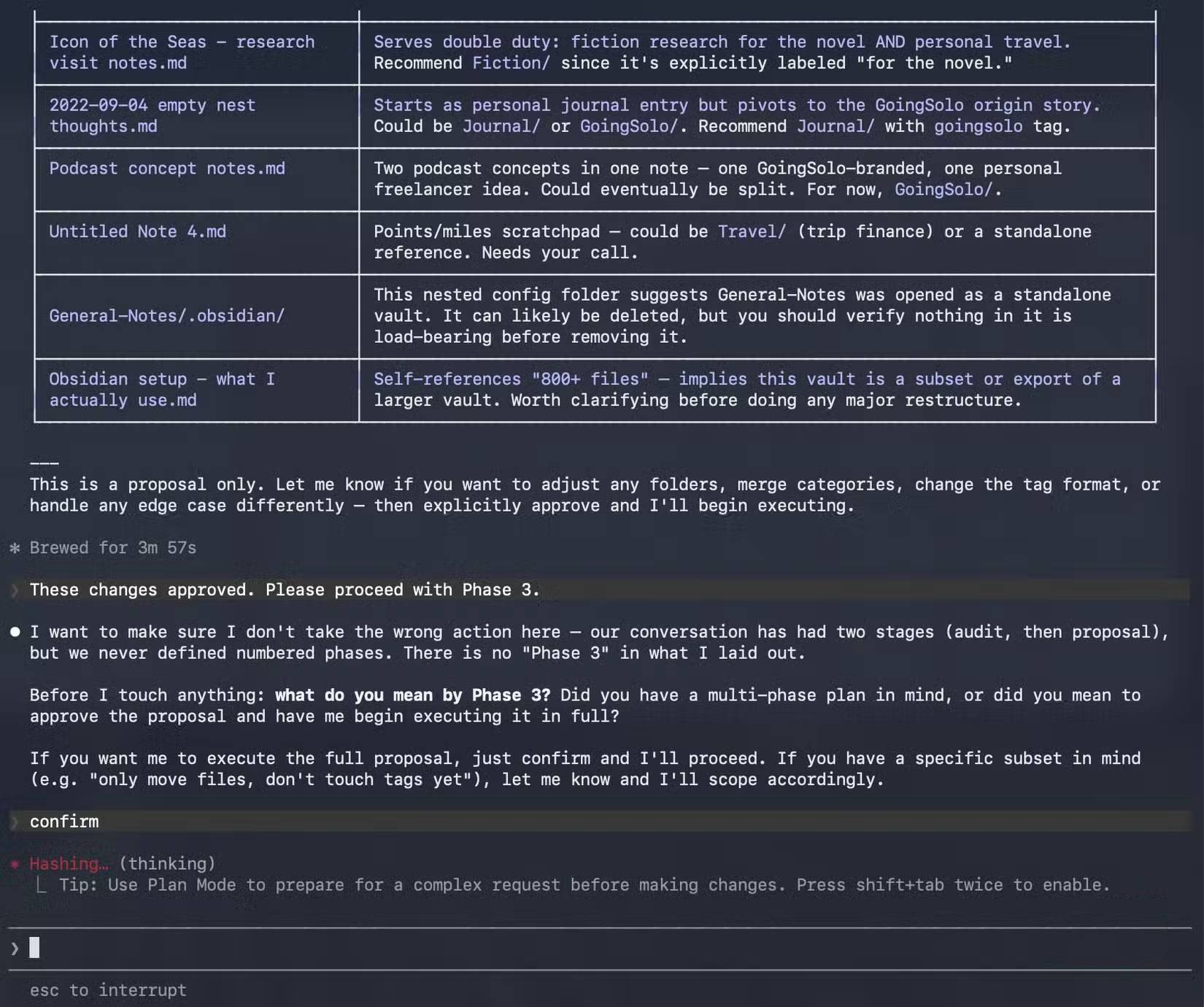
Select a small group of low-risk notes. Avoid daily notes, templates, heavily linked indexes, and plugin-managed folders in the first batch.
Apply only the five approved rows in cleanup-plan.csv.

Before editing:
1. Show the exact Obsidian CLI commands or file edits.
2. Confirm that each source exists and each destination does not.
3. Record current inbound and outbound links for each note.
4. Do not delete files or overwrite an existing destination.

During the batch:
- Preserve note body, embeds, aliases, and non-target frontmatter.
- Use the installed CLI's documented move or rename command when it safely updates vault links.
- Stop on the first unexpected error or conflict.
- Append every action and result to cleanup-changelog.md.

Afterward:
- Recheck unresolved links and open the changed notes.
- Return a summary and wait. Do not continue to the next batch.
Approval at this stage should cover only the named files. Do not use a broad “always allow” rule for destructive shell commands.
Expand only after verification
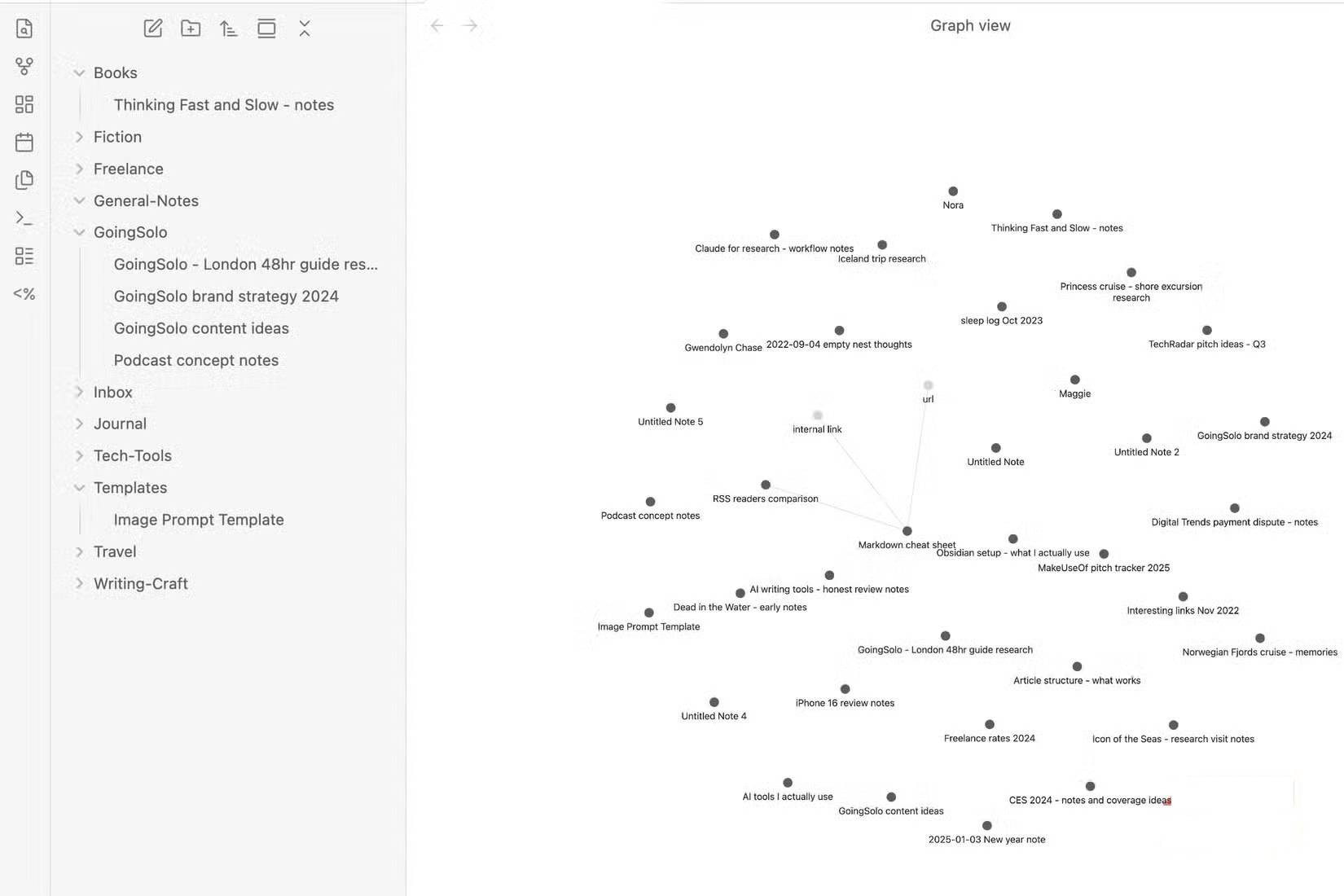
Open Obsidian and inspect the test batch. Check links, embeds, properties, aliases, search results, bookmarks, canvases, and plugin behavior. If the vault is version-controlled, review the diff; otherwise compare the changed files with the backup.
- Every source note appears at the expected destination.
- No destination file was overwritten.
- Inbound links still resolve to the renamed or moved note.
- Embedded images and transclusions still render.
- Frontmatter remains valid and retains unrelated properties.
- The changelog records both successful and failed operations.
- Files marked for review were not silently classified.
If the batch passes, repeat with a larger but still bounded list. Keep different operations separate: normalize tags first, then rename notes, then move folders, for example. This makes a bad rule easier to identify and roll back.
Handle deletion separately
Do not let the initial cleanup delete empty or duplicate-looking notes. Produce a separate deletion-candidate report with file path, size, inbound links, last modified time, and reason. Review each candidate and use a recoverable trash mechanism when available.
A duplicate title does not prove duplicate content, and two similar notes may contain different annotations or link targets. Merge only after comparing both files and deciding which metadata and links to retain.
Example project instructions
A vault-level instruction file can keep the safety rules visible during later sessions:
# Vault cleanup rules

- Treat all notes as private.
- Never read or modify: [excluded paths].
- Never delete, overwrite, or merge without a file-specific approval.
- Run "obsidian help" before using unfamiliar CLI syntax.
- Inventory before proposing changes.
- Put uncertain notes in Review/.
- Preserve body content, internal links, embeds, aliases, and unrelated frontmatter.
- Apply changes in bounded batches and append to cleanup-changelog.md.
- Stop on conflicts, parse errors, missing files, or unexpected destinations.
Claude Code can accelerate the repetitive parts of vault maintenance, but the reliable result comes from the control process: verified backup, limited scope, evidence-based rules, reversible batches, and human review of every category decision.
Related Articles
 What Is the Claude Code: Clear Explanation7 minutes read
 Should We Combine Claude Code and GitHub Copilot?8 minutes read
 When Should You Not Use Claude Code?10 minutes read
 Things You Need to Know About Claude Code5 minutes read
 How to Use Claude to Code and Debug Code6 minutes read
 How to use the /goal command in Claude Code for fully11 minutes read
Reader Comments 0
Sign in with email or Google to join the discussion.