Table of Contents
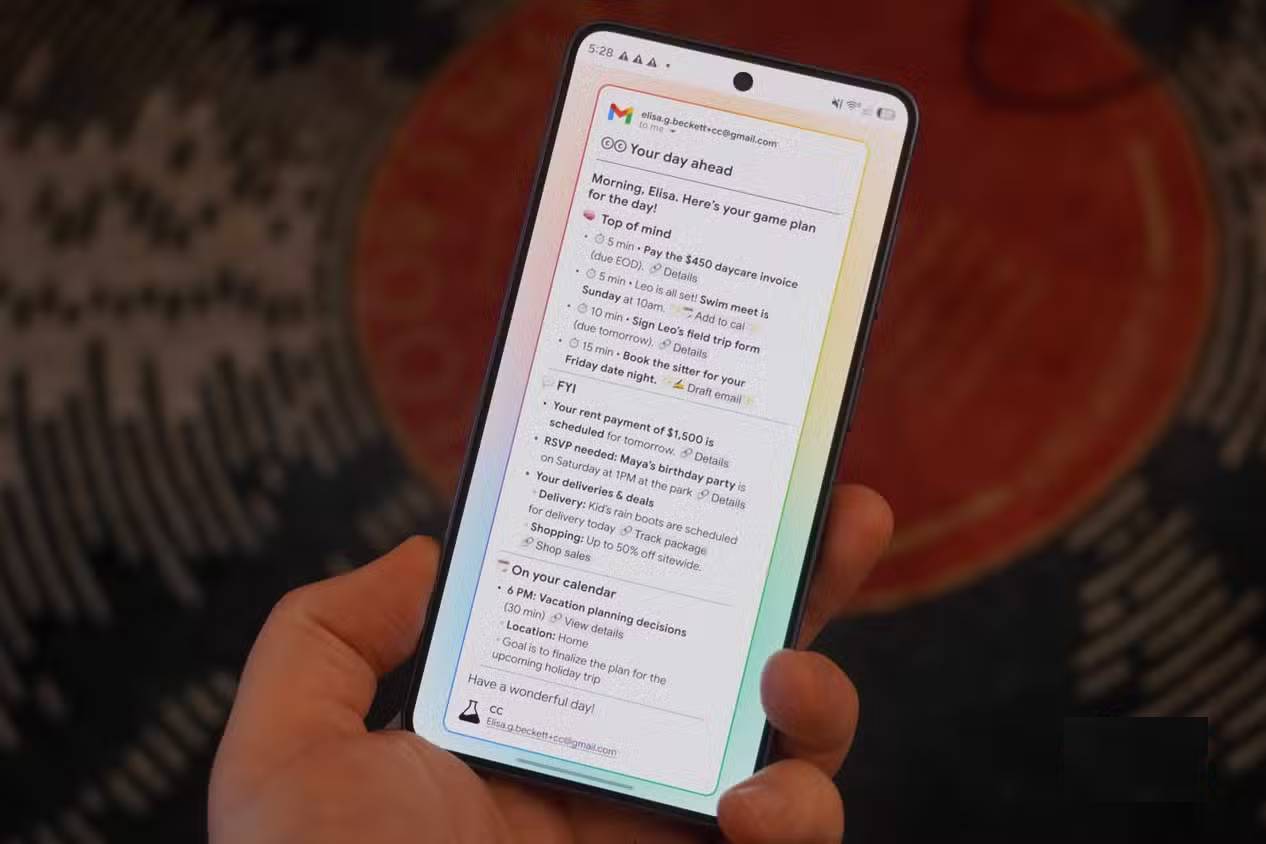
Google Labs CC is an experimental AI agent that creates a daily briefing from a user’s connected Gmail, Google Calendar, and Google Drive activity. It can surface deadlines, appointments, follow-ups, and other updates, then provide links or draft actions that help the user respond.
CC is not simply an inbox filter. It tries to combine information across connected services and prioritize it for the individual. Because it needs broad access to personal information, users should review the permissions, privacy terms, and accuracy of each summary before relying on it.
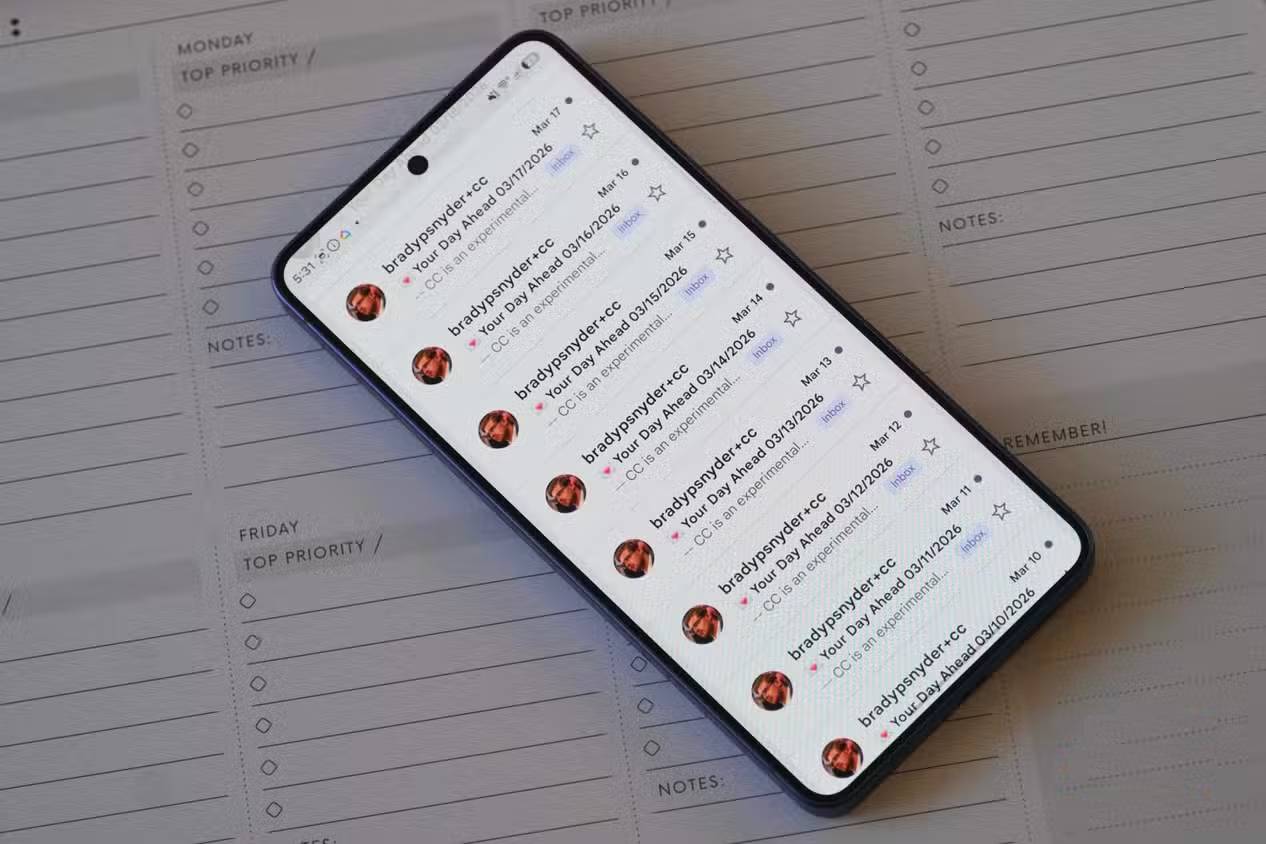
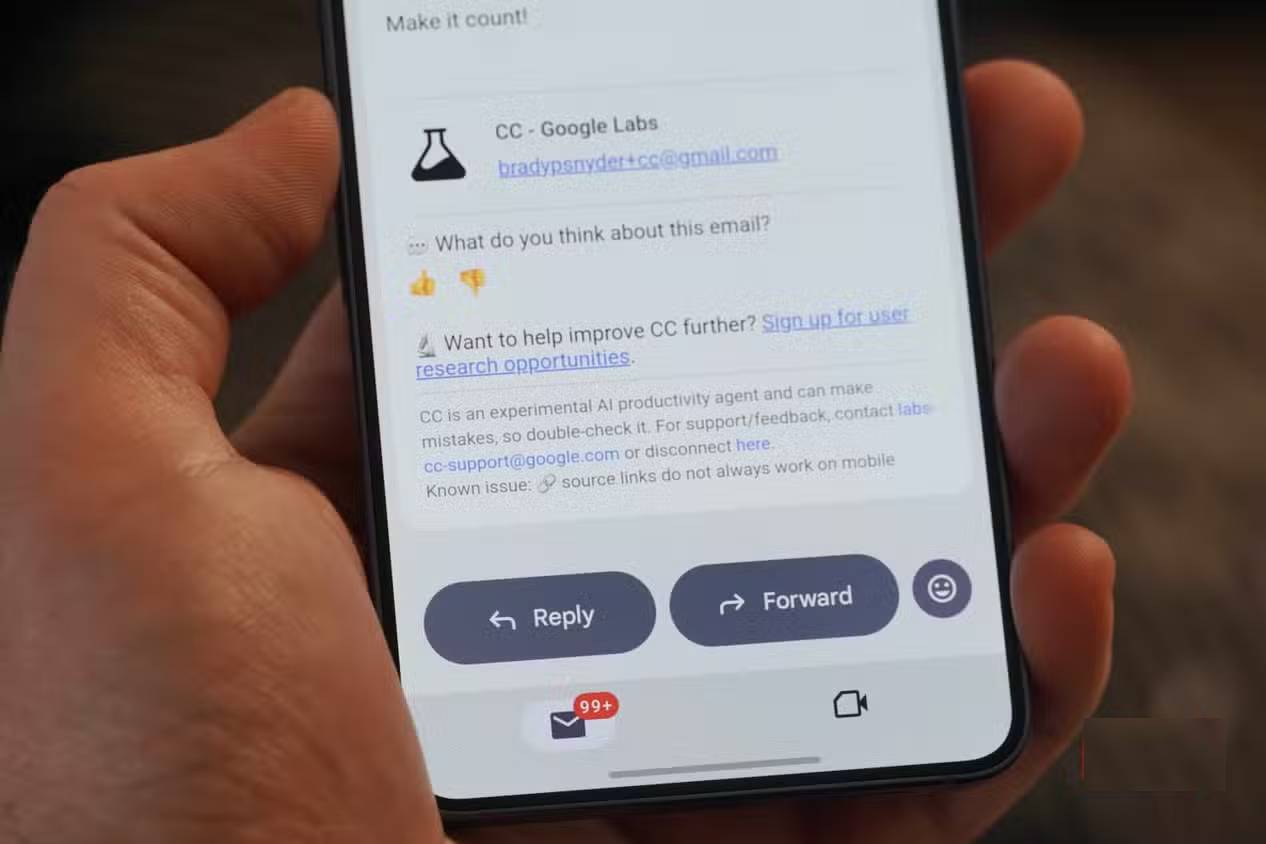
CC is an early Google Labs experiment
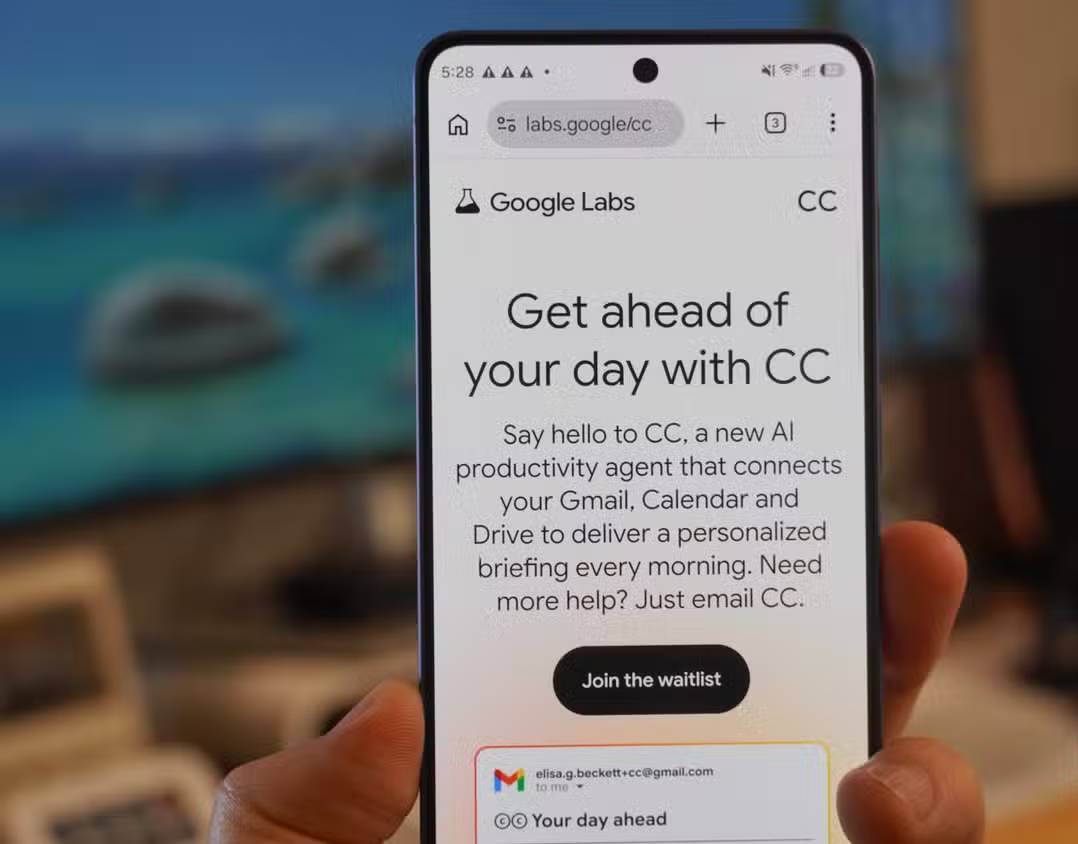
Google announced CC as an early-access experiment rather than a standard Workspace feature. The official Google Labs CC page requires sign-in, and availability can depend on the account, region, subscription, and current test status.
Google later described Gemini’s Daily Brief as being built on the CC experiment. That means the underlying idea may appear under a different product name or interface over time. Check the official page rather than assuming that instructions or eligibility from an older screenshot still apply.
What appears in a CC daily briefing?
A briefing typically groups information by urgency and context. The exact sections can vary, but the useful categories are:
- Immediate priorities: messages that may require a reply, upcoming deadlines, or time-sensitive account notices.
- Calendar: the day’s events, preparation notes, and relevant details found in connected messages or files.
- Follow-ups: tasks or commitments that may be easy to overlook in a busy inbox.
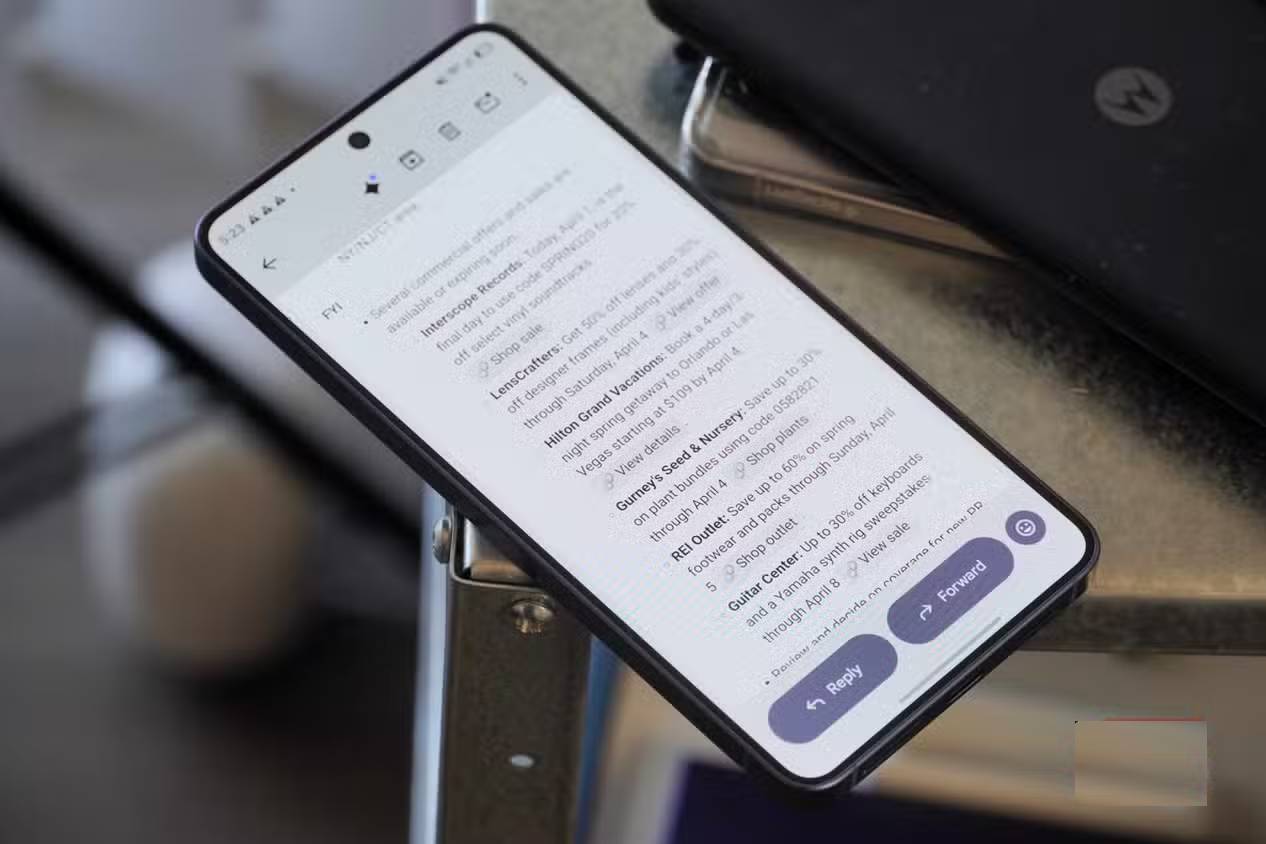
- For your information: less urgent updates, deliveries, announcements, or future events.
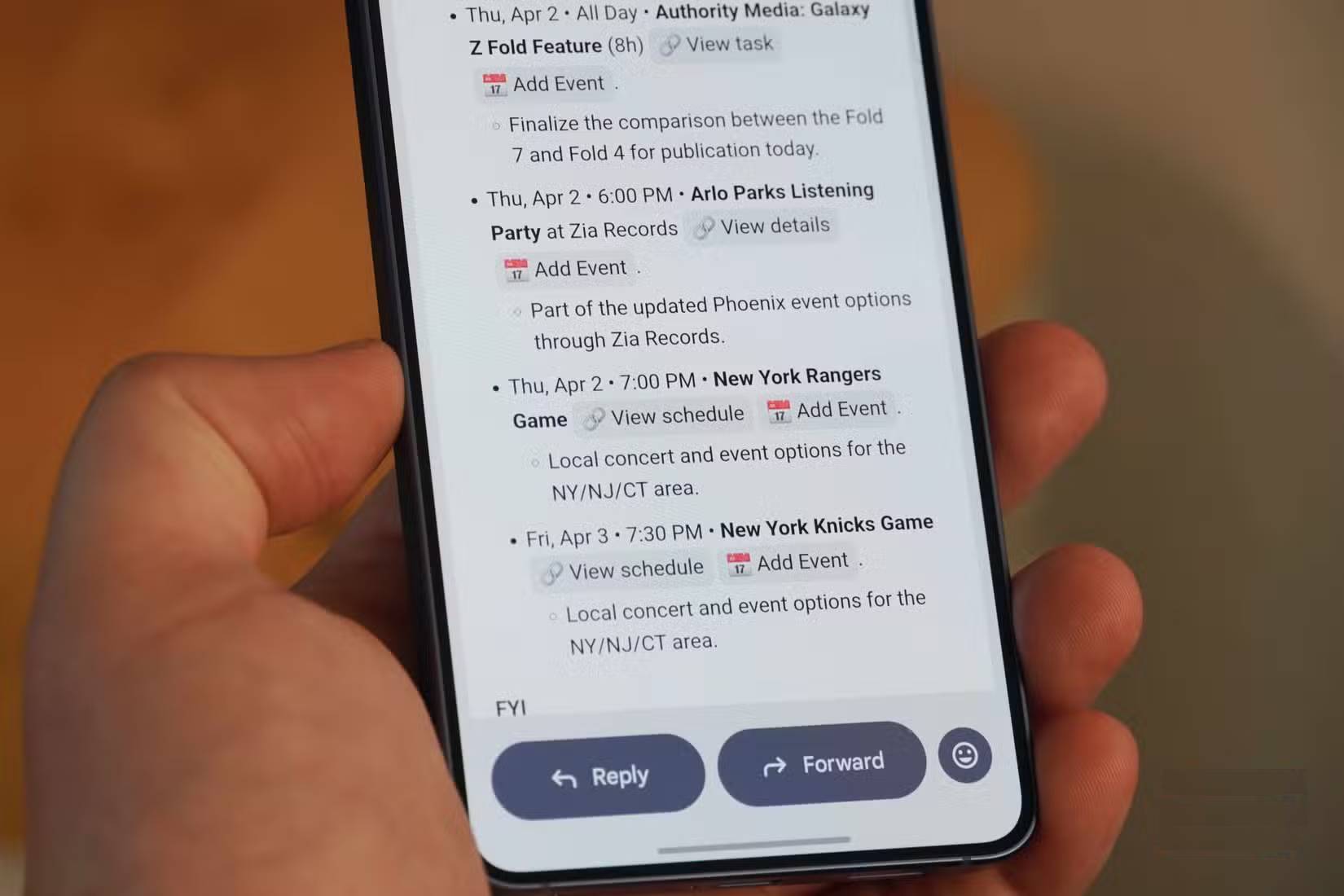
An item should lead back to the underlying email, calendar entry, or document when possible. Open that source before acting on an important deadline, payment notice, account alert, or meeting change. AI summaries can omit qualifications or infer the wrong priority.
How CC uses Gmail, Calendar, and Drive
Gmail
CC can identify potential tasks, replies, delivery updates, deadlines, and other events described in messages. Notifications from project-management or booking services may become visible because they arrive in Gmail; this does not necessarily mean CC has a direct connection to every third-party service.
Google Calendar
Calendar access lets the agent list upcoming events and associate them with relevant information. A meeting invitation may be paired with a recent email or file, helping a user prepare without manually searching several systems.
Google Drive
Drive access can help CC locate context in files the account can reach. That broad visibility is useful, but it also makes permission review important—especially for shared folders, confidential work, or documents containing personal data.
How to steer the briefing
CC is designed to accept feedback and custom instructions. Google’s announcement says users can reply to CC or email it with requests, ideas, or items to remember. The address and available controls shown in an account should be treated as authoritative because experimental interfaces can change.
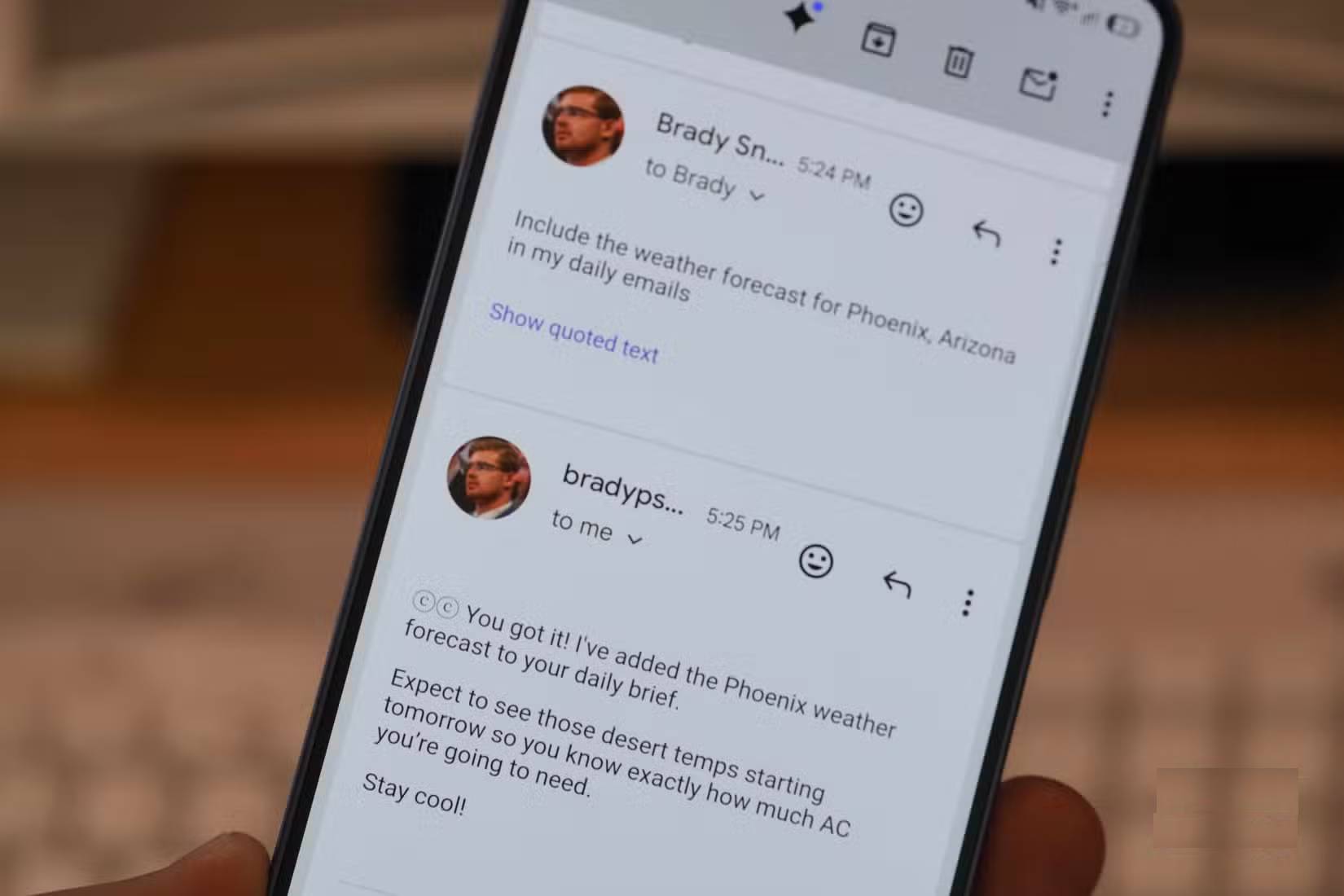
Good instructions are narrow and testable:
- “Put bills and subscription renewals in the first section.”
- “Include meetings in the next 48 hours that require preparation.”
- “Do not treat marketing promotions as urgent.”
- “Show the source email beside every deadline.”
- “Flag school messages that mention forms, payments, or schedule changes.”
Review the next several briefings to see whether the preference is applied correctly. Avoid sending highly sensitive secrets merely to teach the agent a preference.
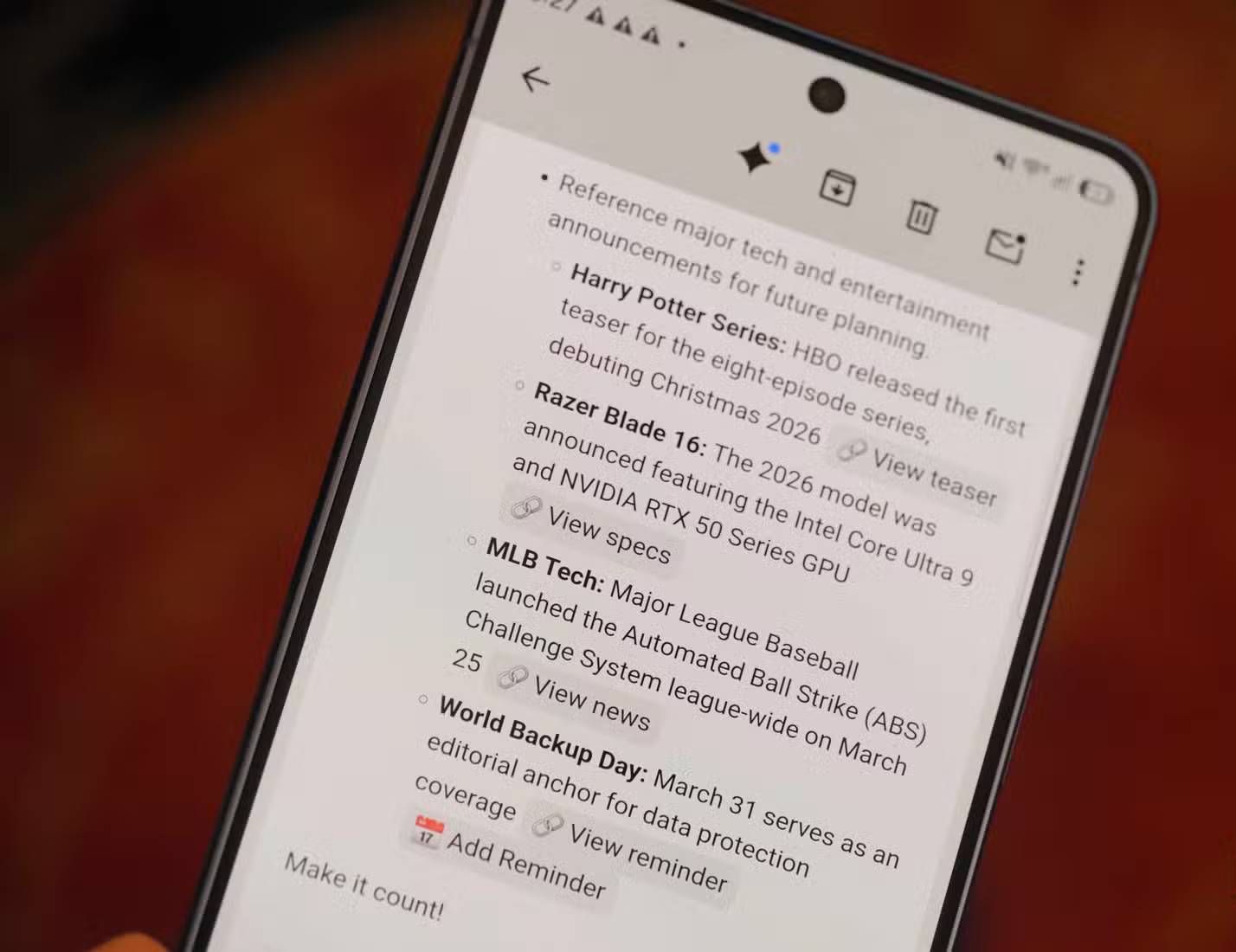
Links, drafts, and quick actions
A useful briefing does more than restate a subject line. It can link to the original message or page, suggest a reply, and help the user move from an update to the next action. For example, an appointment reminder may include a calendar link, while a project notification may link back to the relevant message.
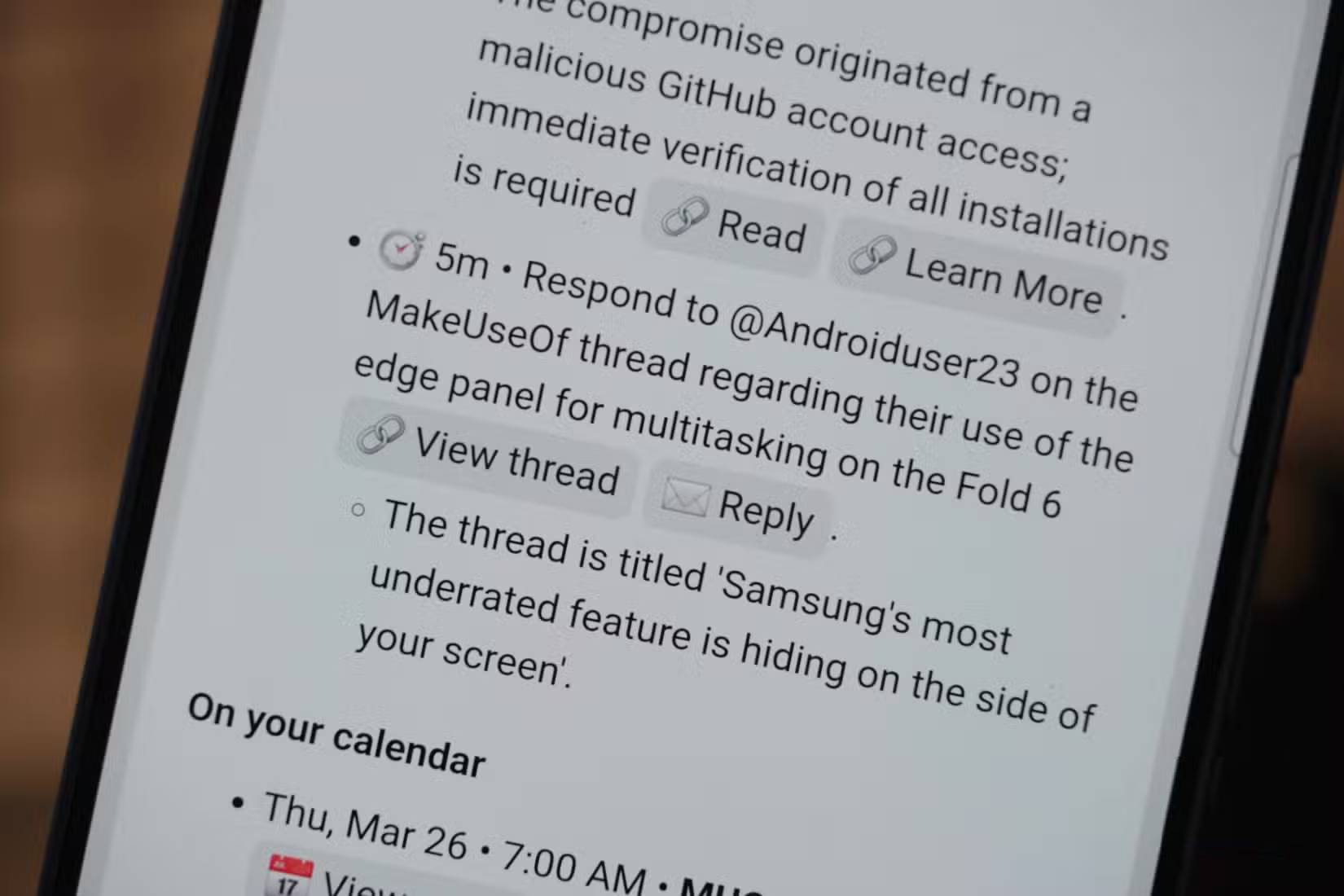
Generated drafts should always be checked for the recipient, dates, commitments, tone, and confidential information. A shortcut saves time only when it does not create a new error.
Privacy and security checks
Before enabling an inbox agent, review:
- which Google services and files it can access;
- whether the account is personal, work-managed, or subject to organizational rules;
- how activity is stored and whether it may be reviewed;
- how to revoke access or leave the experiment;
- whether shared Drive content contains information that should not be processed;
- which actions require confirmation.
Do not use an AI-generated shortcut in a financial or identity alert without opening the original message and navigating through a trusted official address. A summary can reproduce a malicious link from an email or mistake a marketing message for a legitimate notice.
CC compared with Gemini Daily Brief
| CC | Gemini Daily Brief |
|---|---|
| Google Labs experiment | A Gemini feature inspired by the CC experiment |
| Briefings based on connected Google information | Personalized morning digest across connected apps |
| Steered through replies and direct requests | Designed to learn from feedback and user priorities |
| Availability may be limited or change during testing | Availability depends on Google’s current rollout, account, plan, and region |
Google’s CC announcement explains the original experiment, while the later Gemini announcement describes Daily Brief as building on it.
Is CC worth using?
CC can be useful for people whose tasks and appointments are already represented in Gmail and Calendar. Its value is lower when important work happens outside those services or when the user cannot grant broad access to sensitive information.
Treat the briefing as a prioritized starting point, not a complete record. Important emails can still be missed, dates can be misunderstood, and a generated action can be wrong. Check the source for anything consequential, adjust the instructions when irrelevant items appear, and maintain another trusted system for critical deadlines.
Related Articles
 Learn About Google Inbox Email Application4 minutes read
 Applications of AI Agent in Business Fields10 minutes read
 Google Inbox Will Support the Recovery / Deletion of Sent Mail4 minutes read
 How to Put the Inbox Interface into Gmail11 minutes read
 Building an AI Voice Agent10 minutes read
 How to Create a Personal Agent in n8n7 minutes read
Reader Comments 0
Sign in with email or Google to join the discussion.