Table of Contents
AI voice generators serve two different needs: producing narration for an audience and reading text aloud for personal listening. The best choice depends on the script length, language, editing workflow, licensing, accessibility needs, and whether you need a stock voice or a consented clone.
The eight tools below cover different use cases. Voice libraries, limits, and plan terms change frequently, so test the exact language and voice you need and verify the current license before publishing audio.
Comparison at a glance
| Tool | Best fit | Main consideration |
| Typecast | Expressive character or narrative delivery | Fine-tuning emotion and pronunciation |
| Murf AI | Business, training, and marketing voiceovers | Plan-dependent production and cloning features |
| ElevenLabs | Creative speech, custom voices, and voice applications | Consent, model choice, and usage rights |
| Async | Podcast and collaborative audio workflow | Text, timeline, and multi-speaker editing |
| Canva | Narration inside a video or presentation project | Convenience over specialized audio control |
| Speechify | Listening to documents and web content | Personal reading versus published voiceover |
| NaturalReader | Document listening, OCR, and accessibility | Separate personal and commercial licenses |
| Voice-Generator.com | Quick browser-based MP3 generation | Smaller workflow and current site terms |
1. Typecast
Best for expressive narration controls
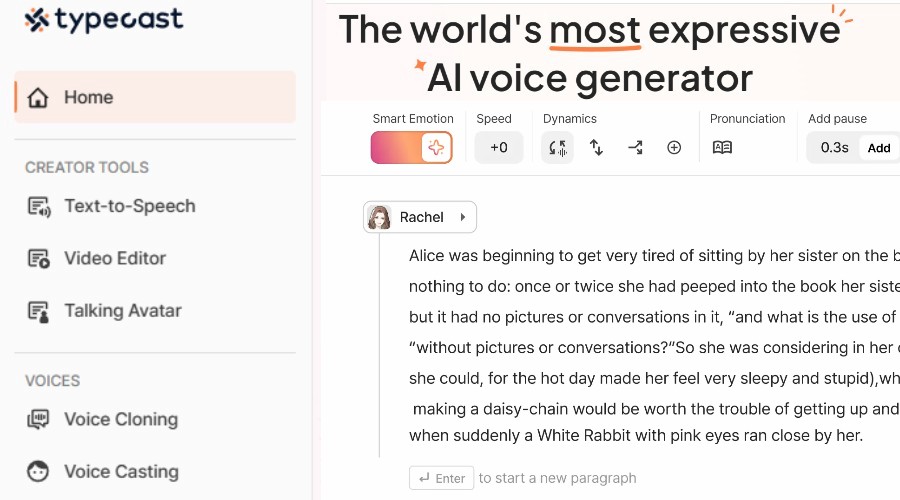
Typecast focuses on expressive text-to-speech. Its editor provides a large voice-character library and controls for emotion, intensity, pitch, pacing, pronunciation, and delivery. That makes it suitable for character dialogue, short narrative scenes, explainers, and other scripts where the same sentence may need several performances.
Choose it when: You want to direct the performance line by line rather than accept a neutral reading.
Test first: Generate a short passage containing names, numbers, questions, and emotional transitions. Excessive emotion settings can sound less natural than a restrained take. See the official text-to-speech page for current voices, languages, and controls.
2. Murf AI
Best for structured business voiceover production
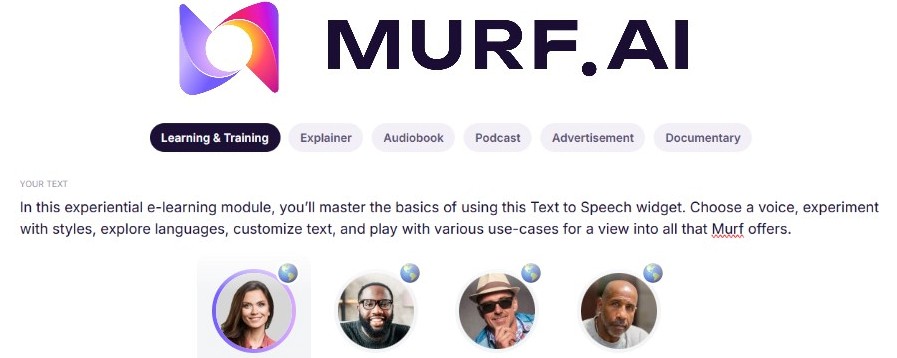
Murf combines text-to-speech with production controls such as pacing, pitch, emphasis, pronunciation, and pauses. The service also offers voice-changing and voice-cloning capabilities, with availability depending on the product and plan. Its workflow is aimed at uses such as training, product explainers, marketing, and organizational content.
Choose it when: A team needs repeatable narration and the ability to correct individual lines without re-recording a full session.
Test first: Check pronunciation dictionaries, collaboration requirements, export formats, and commercial-use terms. The official Murf text-to-speech page lists the current production features.
3. ElevenLabs
Best for a broad creative voice platform
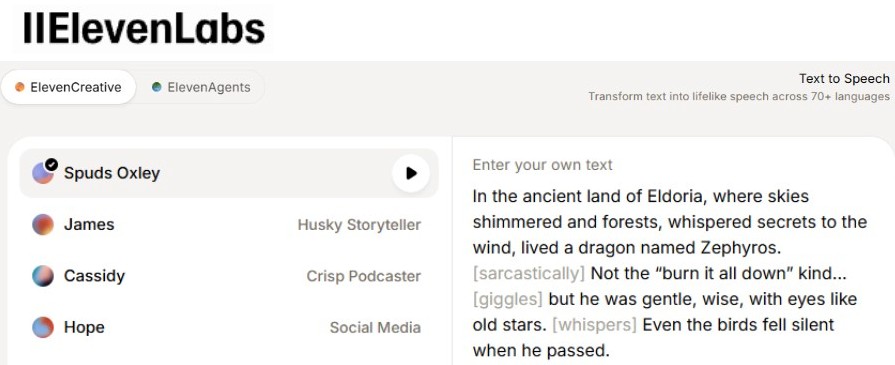
ElevenLabs provides text-to-speech, voice design, voice libraries, dubbing, voice-changing, and cloning options, as well as a separate platform for conversational voice agents. The range makes it relevant to narration, games, accessibility projects, multilingual content, and applications that generate speech through an API.
Choose it when: You need several voice-generation methods or expect the project to grow from manual production into an application workflow.
Test first: Compare models on long passages, numbers, pronunciation, and language switching. A short voice clone is an approximation and still requires the speaker's informed permission. Consult the official text-to-speech documentation and current cloning rules.
4. Async
Best for text-to-podcast production
Async is designed around podcast and collaborative audio or video production. Its text-to-speech workflow lets users assign stock or authorized custom voices, edit spoken wording as text, switch to a timeline, and use additional audio tools before export. Multi-speaker projects are a stronger fit than a one-line voice clip.
Choose it when: The generated voice is one part of a podcast workflow that also needs editing, speaker assignment, and publishing preparation.
Test first: Check how easily you can revise a sentence without creating a noticeable change in tone or room sound. Review the official Async workflow guide.
5. Canva
Best for narration already being edited with visuals
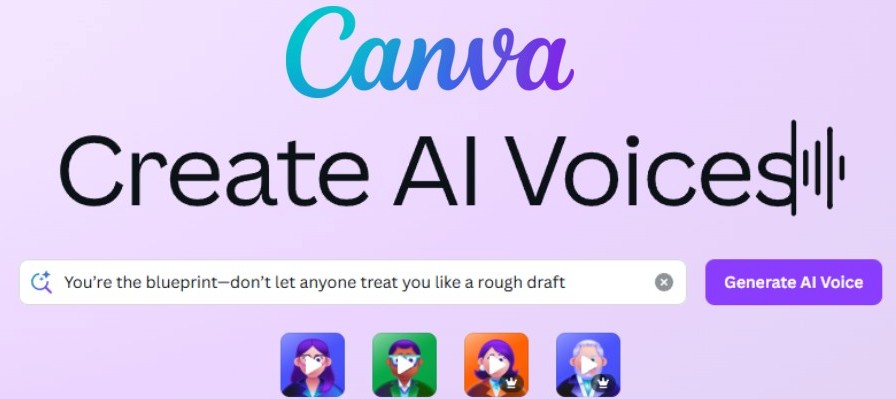
Canva's AI voice generator turns a script into narration that can remain in the same design or video timeline. Users can select from available voices and languages, then combine the result with visuals, captions, music, and other Canva elements.
Choose it when: Speed and a single visual-editing workflow matter more than detailed sound design.
Test first: Confirm the text limit, language, export options, and whether the feature is native or delivered by an integrated app in your region or account. The official Canva voice generator page describes the current workflow.
6. Speechify
Best for listening to text and documents
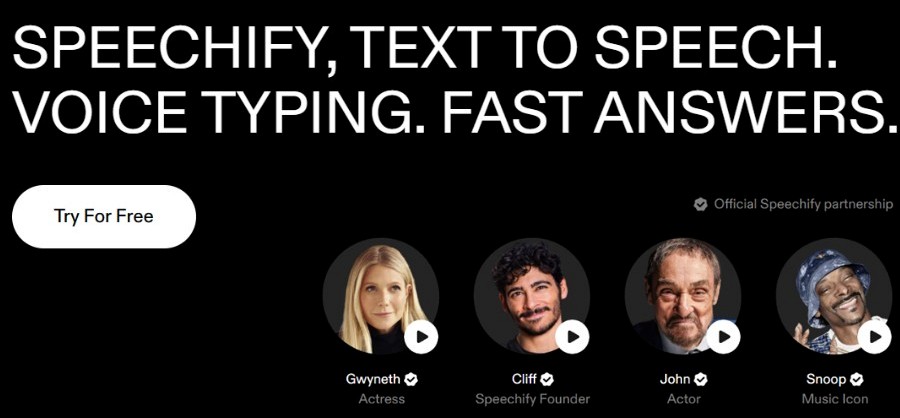
Speechify's core reader converts text, webpages, and uploaded documents into speech for listening. It can also work with scanned or photographed text through optical character recognition, depending on the app and feature. Speechify separately offers tools aimed at generated voiceovers, so check which product matches your purpose.
Choose it when: You want to listen to reading material across devices or need adjustable playback as part of an accessibility or productivity workflow.
Test first: Try a document with columns, footnotes, tables, and images. OCR and page-layout extraction can put text in the wrong order. Start from the official online text-to-speech page and verify the current plan terms.
7. NaturalReader
Best for document support and OCR with clear license separation
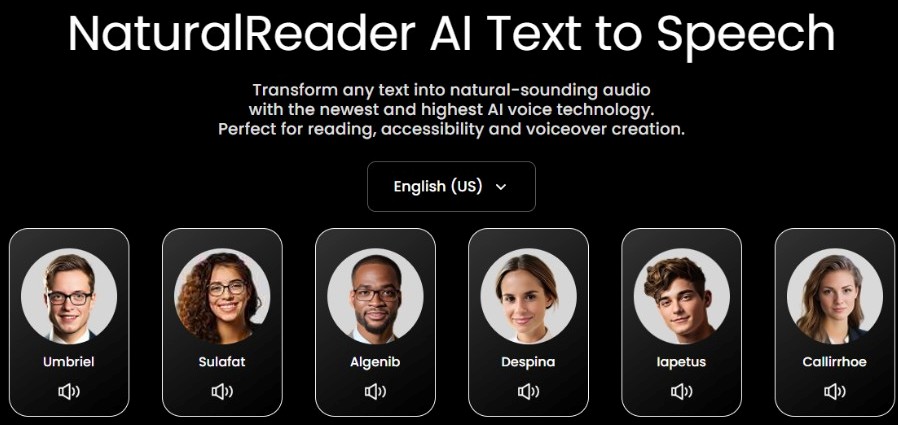
NaturalReader's personal product reads PDFs, Word documents, EPUB files, webpages, and other supported material. OCR can convert scanned or image-based text, with availability tied to the plan. The company also provides separate education and commercial products.
Choose it when: Document listening and accessibility features are the main need, especially when some source pages require OCR.
Test first: NaturalReader distinguishes private listening from public or commercial redistribution. Audio from the personal product is licensed for personal use; publishing, training, e-learning, or organizational distribution may require the commercial product. Check the official license explanation before exporting.
8. Voice-Generator.com
Best for a simple no-sign-up browser workflow
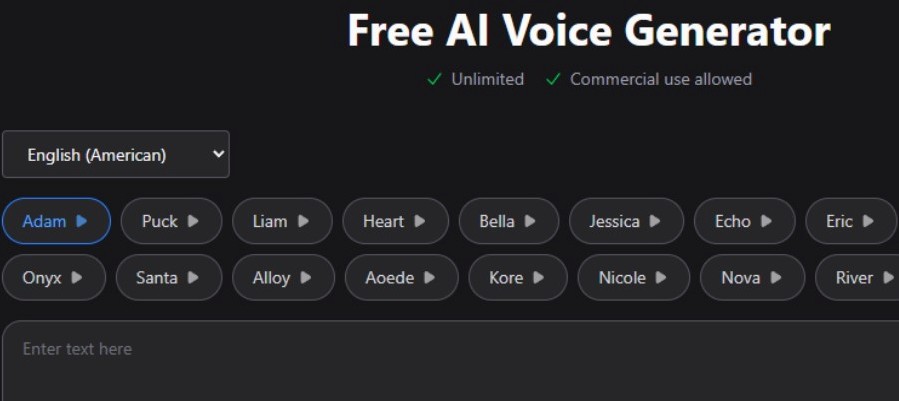
Voice-Generator.com provides a single-page text-to-speech tool with downloadable MP3 output and options for PDF or EPUB conversion. The site currently states that generation is free, does not require sign-up, and allows commercial use under its terms.
Choose it when: You need to test a short script quickly without a complex production environment.
Test first: A simple service may offer fewer controls for pronunciation, collaboration, project storage, or consistent long-form delivery. Read the current terms instead of relying on a general “free” label.
How to evaluate a voice generator
Use the same short test script in every tool. Include a proper name, acronym, date, number, quotation, question, and a sentence that needs emotional contrast. Listen on headphones and a phone speaker.
- Intelligibility: Are words, numbers, and names pronounced correctly?
- Prosody: Do pauses, stress, and sentence endings support the meaning?
- Consistency: Does the voice remain stable across paragraphs and regenerated lines?
- Editing: Can you fix one word without rebuilding the entire recording?
- Language quality: Is the required accent or language convincing, not merely listed?
- Rights: Does the plan permit the intended personal, public, client, or commercial use?
- Accessibility: Can you provide an accurate transcript or captions with the audio?
- Privacy: What happens to uploaded scripts and voice samples?
Voice-cloning safety
Clone only your own voice or a voice for which you have explicit, informed authorization. Agree on the permitted projects, languages, duration, storage, revocation process, and whether the speaker can review outputs. Do not use a clone to impersonate a person, bypass authentication, or make a listener believe the person said something they did not approve.
For public-facing material, disclose synthetic narration when it could reasonably be mistaken for a real recording. Keep the original script and approval record, and recheck the service's policy before each new use.
Related Articles
 Google Fixed the Time of Death for App Maker3 minutes read
 How to Create an AI Song with AI Music Maker13 minutes read
 8 Best AI Video Creation Tools7 minutes read
 Best AI Voice Generator Tools6 minutes read
 7 Best Best Voice Changing Software on Computers16 minutes read
 5 Top AI Voice Generators of 2024: Top Picks and Buying Guide7 minutes read
Reader Comments 0
Sign in with email or Google to join the discussion.