Table of Contents
Claude Code is Anthropic’s AI coding agent. It can read a project, propose and apply file changes, and run commands using the tools and permissions available in its session. Instead of copying code between a chatbot and an editor, you can ask it to work within the project itself.
The terminal is one way to use it, but Claude Code also has editor, desktop, and browser interfaces. It is a product built around Claude models, rather than a separate model that runs entirely on your computer.
What Claude Code can do
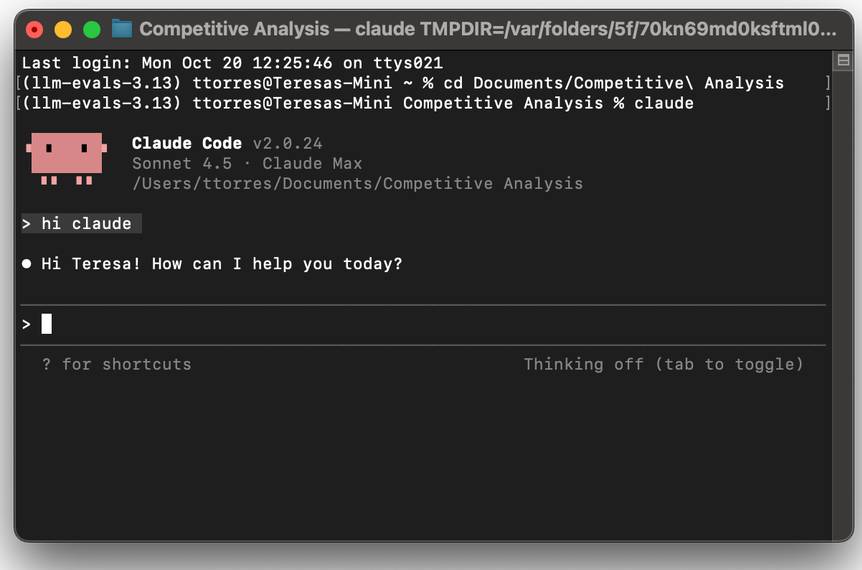
Typical tasks include explaining unfamiliar code, fixing a bug across several files, writing tests, and reviewing a proposed change. Its access to files helps it follow dependencies that would be cumbersome to paste into a conversation.
A useful first request is narrow: “Explain how this project starts, identify its test command, and do not change files.” Follow that with one small, reviewable change. A working-looking answer is not evidence that the code works; inspect the diff and run the relevant checks.
Claude chat, Projects, and Claude Code compared
| Interface | Useful starting point | Context to provide or check |
|---|---|---|
| Claude chat in a browser | Questions, drafting, and analysis of supplied material | Conversation, uploaded files, and enabled tools |
| Claude Projects | Related conversations with shared instructions and reference material | Project instructions and knowledge files |
| Claude desktop chat | Chat from a desktop app, with available integrations | Uploads and any tools you have connected |
| Claude Code | Tasks that need project inspection, file editing, or command execution | Working directory or repository, instructions, and permissions |
The desktop app can also provide a Claude Code interface, so “desktop” and “Code” are not mutually exclusive. Available features depend on the interface, account, and configuration. Consult Anthropic’s overview for supported setup options.
How skills fit in
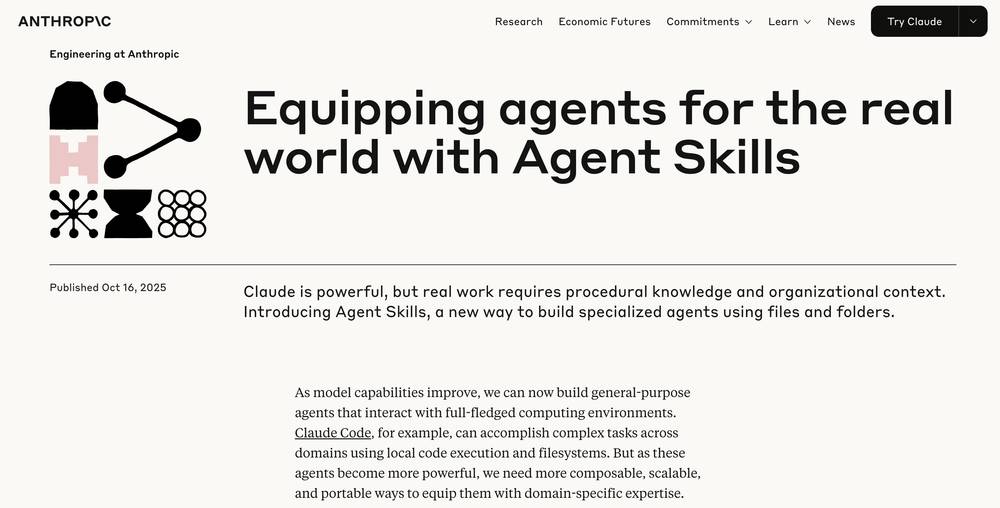
Skills package reusable instructions in a SKILL.md file, with optional supporting material. Claude can select a relevant skill, or you can invoke one with a slash command. A skill is guidance for performing a task; it does not by itself guarantee correct output or give unrestricted access to files.
For example, a competitor-analysis skill could define the comparison criteria and require sources for pricing claims. Whether the agent can retrieve information or update a report depends on its tools and permissions. See how Claude Skills work for related context.
Choose a setup and check its boundaries
Start with the Windows installation guide or Claude Code in VS Code, depending on how you prefer to work.
Keep a recoverable copy of important files and review the session’s permission mode. Approval behavior varies by mode and organizational settings. Local project files do not mean that all processing stays offline: distinguish where files are stored from where the AI service processes requests. Check Anthropic’s security guidance before granting broad access.
Related Articles
 When Should You Not Use Claude Code?10 minutes read
 Things You Need to Know About Claude Code5 minutes read
 How to Use Claude to Code and Debug Code6 minutes read
 This Claude Code Mode Is a Worthy Competitor to Other Ides8 minutes read
 How to Use Claude Code Safely: a Guide to Risk Management12 minutes read
 Connect Claude Code to Discord With Channels11 minutes read
Reader Comments 0
Sign in with email or Google to join the discussion.