Table of Contents
A phone does not have one universal “virtual location.” Apps may estimate where you are from GPS, Wi-Fi, nearby cell towers, Bluetooth, your IP address, account settings, or a location you deliberately share. Changing one source does not guarantee that every app will show the same place.
If your goal is privacy, start with the phone's built-in permission controls. Use GPS simulation only for a legitimate purpose such as testing your own app, reproducing a location-dependent bug, or demonstrating a route with authorized data.
Important limits before you change a location
- Location spoofing may violate a game's, dating service's, employer's, school’s, or other app's terms and can lead to account restrictions.
- Do not use a false location to deceive a person, evade a legal or workplace obligation, obtain region-restricted benefits, falsify records, or interfere with safety services.
- A VPN changes the public IP route; it does not normally replace the phone's GPS coordinates.
- Third-party tools may require a trusted USB connection, developer access, profiles, or companion components. These permissions create security risk.
- Navigation, emergency, family-safety, and device-recovery apps can behave incorrectly while a simulated location is active.
For privacy, change permissions instead of spoofing GPS
Android
Touch and hold an app icon, open App info > Permissions > Location, and choose the narrowest access that still lets the app work: while using, ask every time, or do not allow. On supported Android versions, turn off Use precise location when an approximate area is enough. Google's location-permission guide explains the current options.
iPhone
Open Settings > Privacy & Security > Location Services, select an app, and choose the allowed access. Turn off Precise Location when the app only needs a general area. Apple's iPhone location-sharing guide also covers system services and location alerts.
Before installing a GPS simulator
- Check whether the app developer provides an official simulator or test environment.
- Back up the phone and record the current location settings.
- Download software only from the publisher's verified website.
- Read the privacy policy, subscription terms, cancellation process, and device requirements.
- Avoid instructions that ask you to disable core security protections, jailbreak, root, install unknown certificates, or reveal account credentials.
- Test with a non-critical app before opening navigation, banking, emergency, or device-tracking services.
Option 1: iMyFone AnyTo
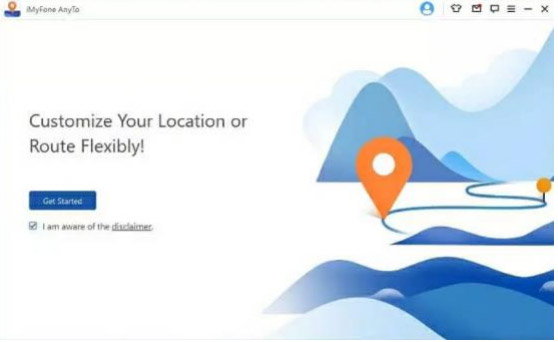
AnyTo currently advertises Windows, macOS, Android, and iOS workflows. The desktop process connects a phone, loads a map, and applies a chosen location. The exact connection method and available movement modes depend on the device and release, so use the publisher's current AnyTo guide.
Basic desktop workflow
- Install and open AnyTo from the official publisher, then select Get Started.
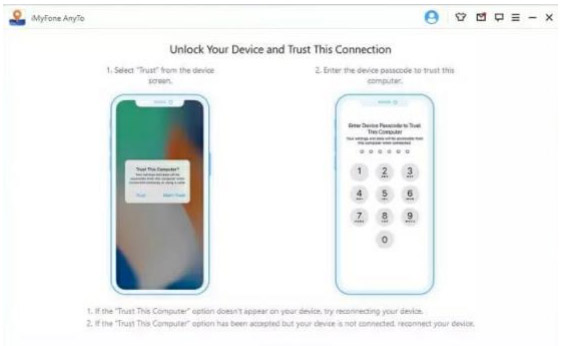
- Connect the phone using the supported USB or wireless method. Unlock the device and approve only the connection prompts you understand.
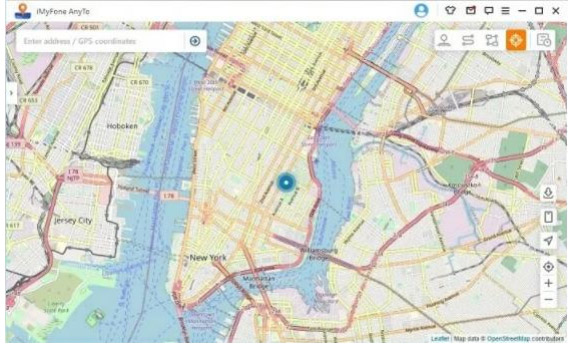
- Wait for the map to display the detected device.
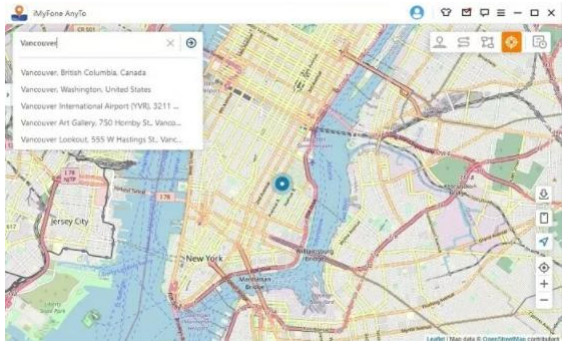
- Choose Teleport or another available test mode and search for an address or enter coordinates.
- Select Move, then verify the result in the test app.
Option 2: 3uTools Virtual Location for iPhone or iPad
3uTools includes a Virtual Location tool for supported Apple devices. Connect the device to a computer, open Toolbox > Virtual Location, and choose a place by coordinates, address, or map. The publisher's Virtual Location instructions describe those three input methods.
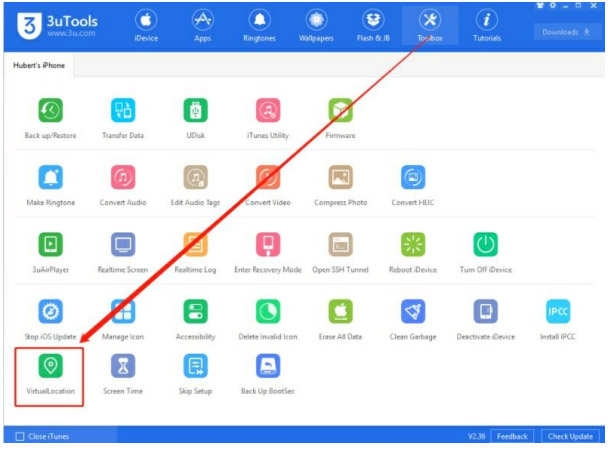
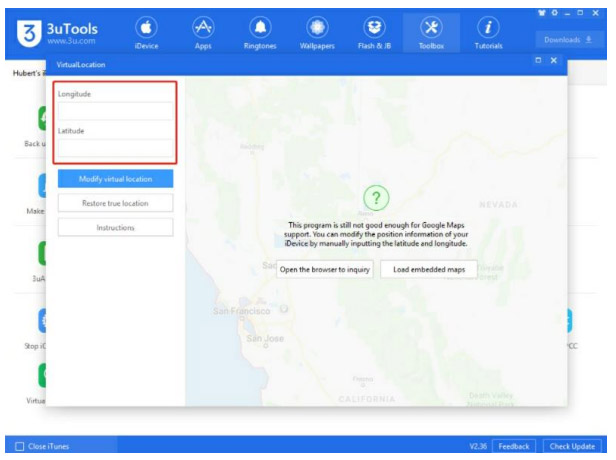
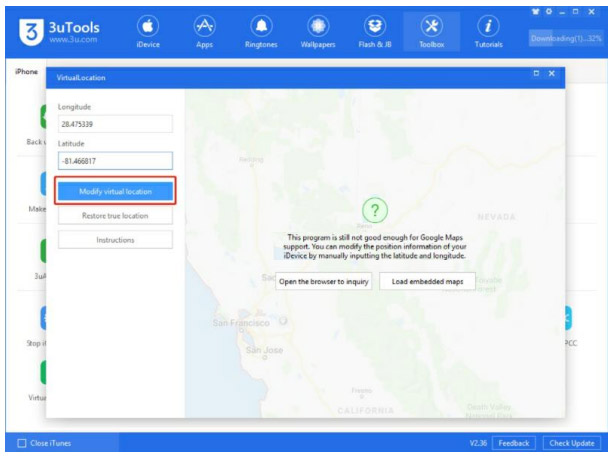
Select Modify virtual location and wait for confirmation. Keep the device unlocked if the current tool requires it. Use Restore true location when finished and restart the phone if the real position does not return.
3uTools also exposes broad device-management functions. Do not use unrelated flashing, app-installation, or backup tools merely to simulate a location.
Option 3: iToolab AnyGo
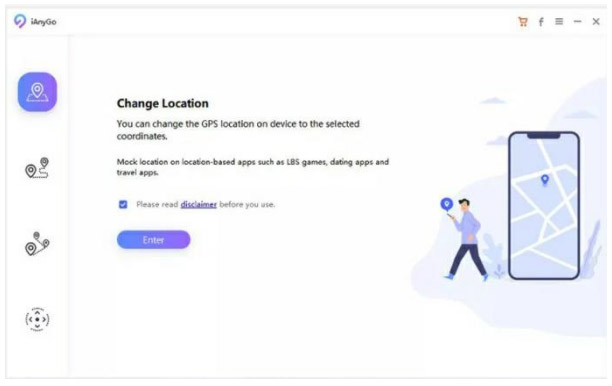
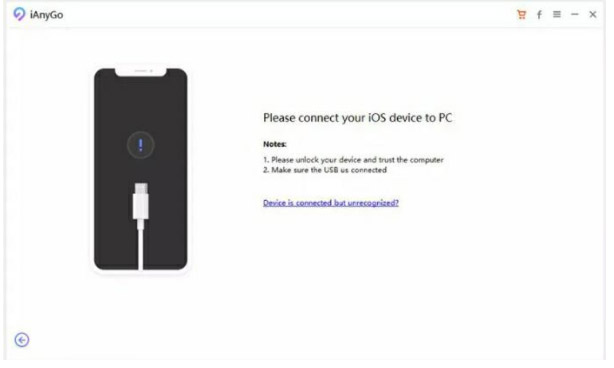
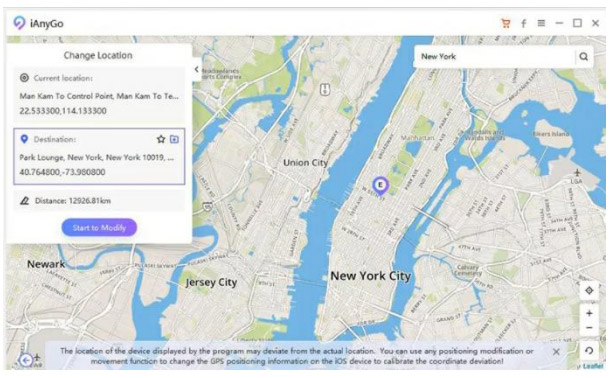
AnyGo supports location simulation for current iOS and Android devices according to its product page. On the desktop workflow shown here:
- Open the program and choose Change Location.
- Connect and unlock the phone, then approve the computer only if it is your trusted device.
- Search for an address or enter coordinates.
- Apply the location and verify it in the authorized test app.
Option 4: Foneazy MockGo for iPhone
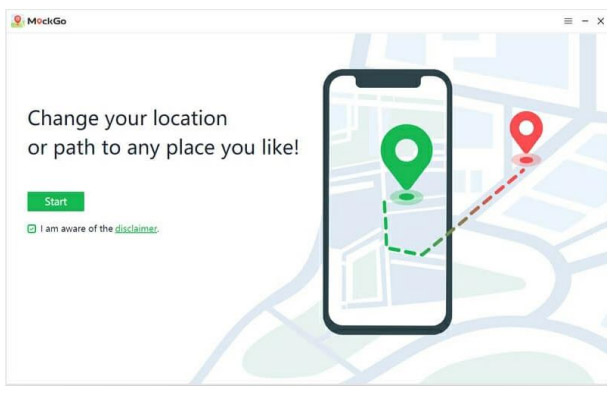
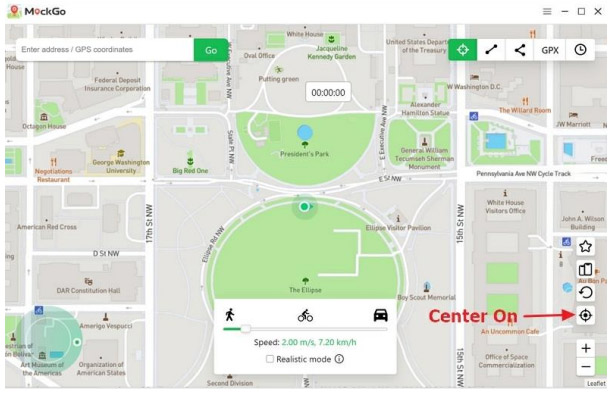
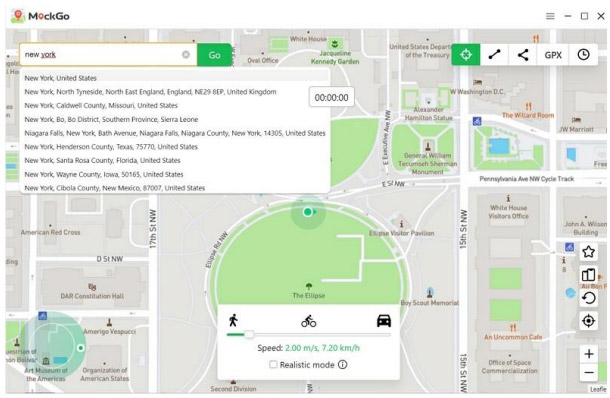
MockGo is an iPhone-focused desktop location simulator. Its documented features include teleport, route simulation, joystick controls, and GPX import. Check the current MockGo guide for supported systems and controls.
- Open MockGo, connect the iPhone, and select Start.
- Confirm the detected current position.
- Choose Teleport Mode and search for an authorized test location.
- Select Move Here and verify the behavior.
Return to the real location
- Use the tool's restore or stop-simulation command.
- Disconnect the phone safely and restart it.
- Open a trusted maps app outdoors and allow time for a fresh GPS fix.
- Confirm that Find My, emergency sharing, time zone, weather, and navigation show the correct place.
- Remove test profiles, companion apps, USB-debugging access, or developer settings that are no longer needed.
If the phone still reports the simulated location, follow the selected tool's official recovery steps or contact its support team. Do not install another location changer on top of the first one.
Choose the least invasive method
Use approximate or limited app permission when the goal is privacy, an official device simulator when developing software, and a third-party GPS tool only when the test genuinely requires a physical phone. Avoid location spoofing for deception or rule evasion. The safest result is a controlled, temporary test that can be reversed and does not affect critical services.
Related Articles
 How to Rename Facebook on the Phone4 minutes read
 How to Fake GPS on the Phone7 minutes read
 Conduit Crystal Subnautica 2: Location, Farming Guide, and Detailed Uses15 minutes read
 How to Change Your Facebook or Fanpage Name on Your Phone or Computer5 minutes read
 How to Change Download Location on Safari iPhone2 minutes read
 How to Change Location Settings in Windows 86 minutes read
Reader Comments 0
Sign in with email or Google to join the discussion.