Table of Contents
Instagram gives each profile a QR code that opens the account when scanned. In the current mobile app, the code is part of the profile card. You can show it on your phone, share the card, or save it for a poster, business card, event sign, or other approved use.
A profile QR code is not a login code and does not contain your password. It points people to the public-facing profile, so check the account name and visible profile information before sharing it widely.
How to open your Instagram profile QR code
- Open Instagram on iPhone or Android and go to your profile.
- Tap Share profile below your bio.
- Your profile card appears with a QR code that other people can scan.
- Use the available share or download control to send or save the card.
Meta's current Instagram QR-code instructions use the Share profile button. Older app versions placed QR Code inside the three-line profile menu, as shown in the screenshots below.
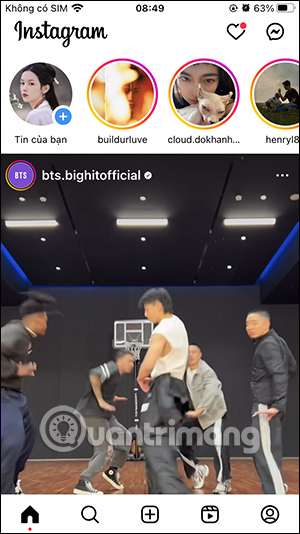
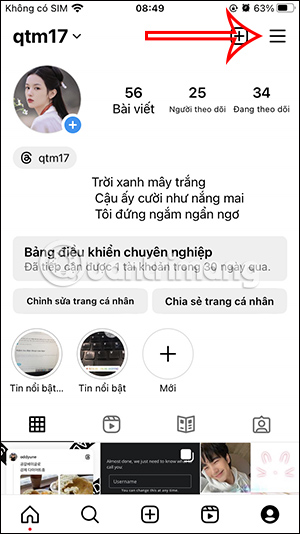
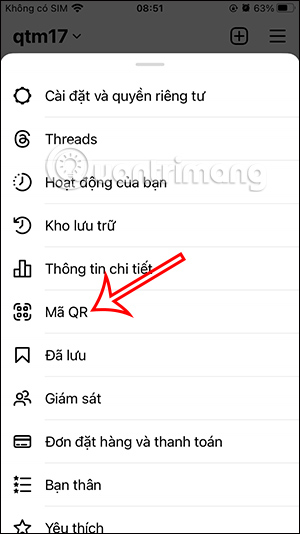
Customize the profile card
Depending on the app version and account, Instagram may let you change the card's background, color, or photo. Keep enough contrast around the QR pattern and avoid covering it with stickers or text.
Earlier versions offered selfie, color, and emoji backgrounds directly in the QR screen:
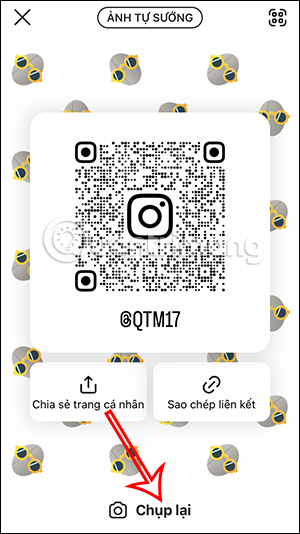
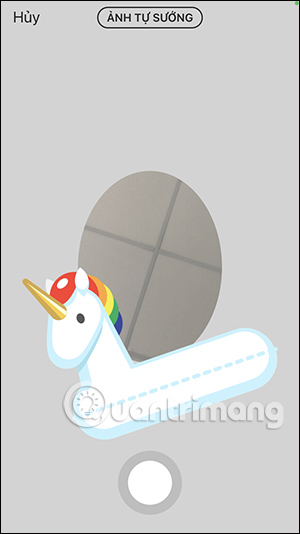
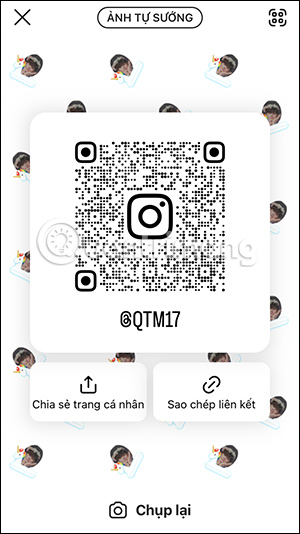
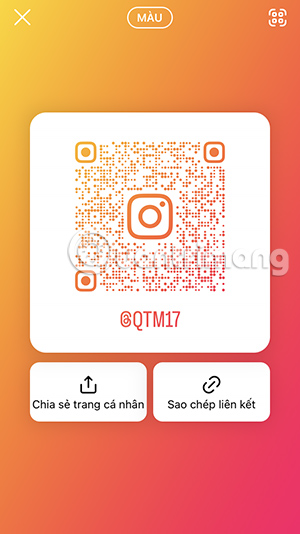
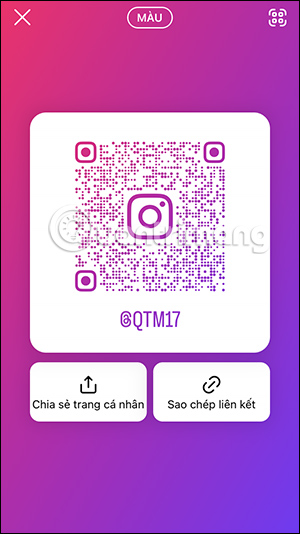
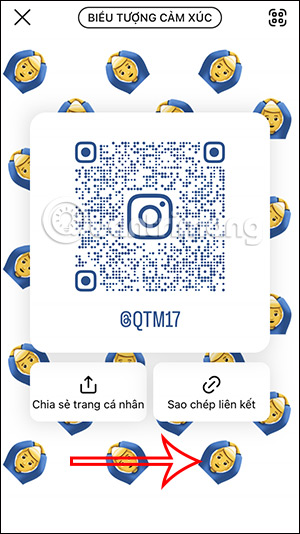
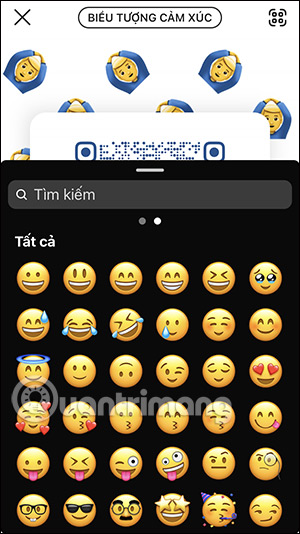
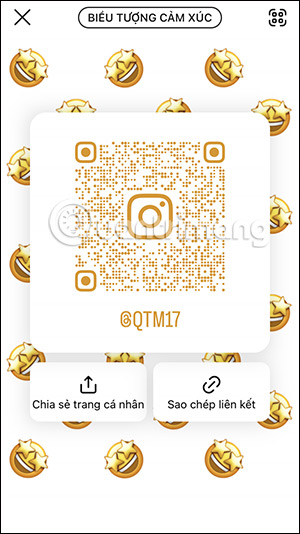
The available designs may now appear inside the profile-card editor. If a background photo is used, remember that people who receive the card can see it along with the other public profile information shown on the card.
Save or share the code
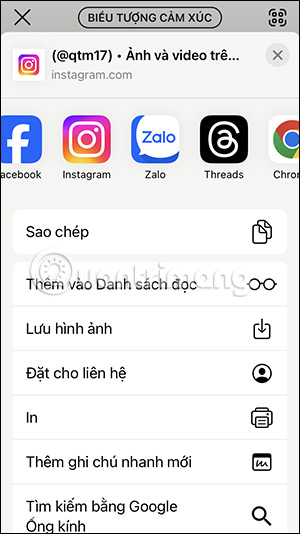
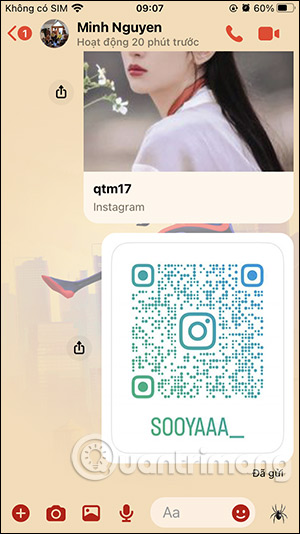
Use Instagram's share control to send the profile card through an available app, or use the download/save option when shown. A screenshot can also work, but a saved card is usually cleaner and easier to print.
Before publishing a printed code:
- scan it from another phone;
- confirm the username and profile picture;
- test it at the final printed size and viewing distance;
- leave clear space around the code;
- avoid stretching or heavily compressing the image.
How to share someone else's Instagram profile
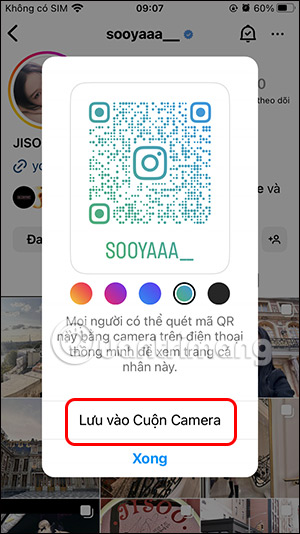
Open the person's profile and use the visible Share profile control, or open the profile menu and choose the available sharing option. Some app versions display a dedicated QR-code screen for another account:
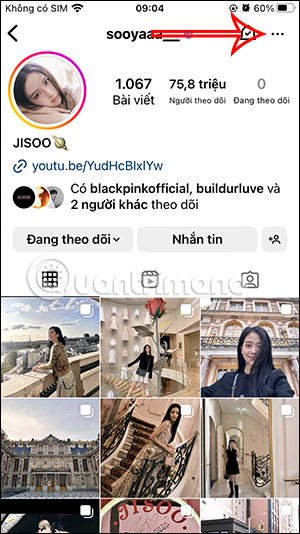
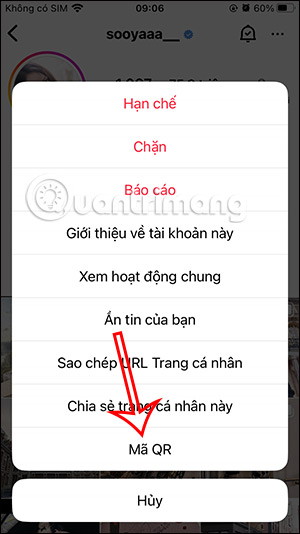
If a QR code is shown, you may be able to choose a display color and save the card to the camera roll.
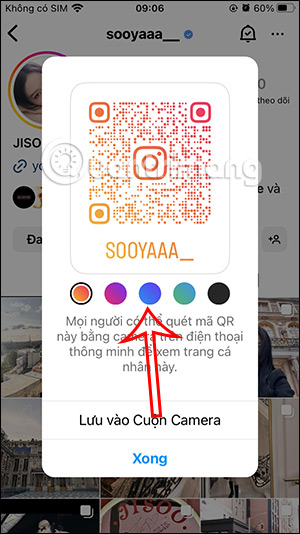
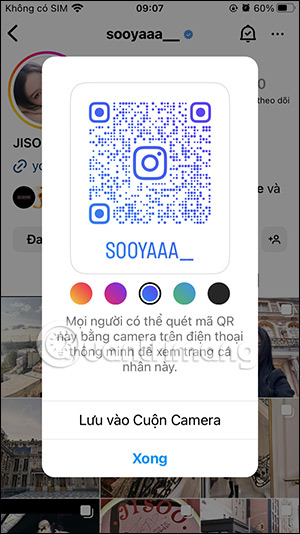
Only share public profile information for a legitimate purpose. A QR code does not give you permission to impersonate the account owner or use their profile image in advertising.
How to scan an Instagram profile QR code
You can scan the code with the phone's normal camera if it recognizes QR codes. Instagram also documents an in-app scanner:
- Go to your profile and tap Share profile.
- Open the scanner control in the upper-right area of the profile card.
- Point the camera at the Instagram QR code until the profile opens.
- Check the exact username before following, messaging, or visiting a link in the bio.
If the QR code does not work
- Increase screen brightness and clean the camera lens.
- Hold the phone steady and keep the complete code inside the frame.
- Try the native camera and Instagram's scanner.
- Regenerate or resave the card if the image is blurred or cropped.
- Ask the account owner whether the username changed after the code was created.
- Update Instagram if the profile-card controls are missing.
A QR code can lead to a fake account as easily as a real one. Verify the username, account history, and context before sharing personal information, sending money, or opening links from the profile.
Related Articles
 How to Create Name Tags on Instagram: Create Instagram Name Tags6 minutes read
 Instagram Account Is Hacked, This Is All You Need to Do13 minutes read
 How to Create a Favorite Instagram Account3 minutes read
 How to Create an Instagram Threads Account3 minutes read
 How to Register an Instagram Account on a Computer4 minutes read
 How to Generate QR Code for Telegram Account3 minutes read
Reader Comments 0
Sign in with email or Google to join the discussion.