Table of Contents
Build an AI-assisted workflow by improving one repeatable step first. For writing, a useful starting point is asking Claude to identify gaps in an outline before you draft. Test that step on real examples, refine the instructions, and expand only when it saves effort without weakening the work.
You can begin in an ordinary Claude conversation. Claude Code becomes relevant when you want help working with project files or building scripts; it is not required for brainstorming, outlining, or reviewing prose.
1. Map what you actually do
Write down the steps you follow to finish an article, including the points where you go backward. If you struggle to describe the process, take notes while completing the next piece.
A typical sequence might be:
- Choose the topic and the reader's question.
- Collect notes and source material.
- Organize an outline.
- Research gaps and verify claims.
- Draft the sections.
- Edit for clarity, accuracy, and repetition.
- Choose a title, relevant links, and images.
- Send the draft for editorial review.
Mark the steps that repeatedly cause delay. Do not assume that generating the whole article is the best place to start. Sometimes a focused outline review prevents much more rewriting later.
2. Choose a task with a checkable result
Pick one step where you can recognize good output. An outline review is a manageable example: you already know the audience and can assess whether a suggested section answers the reader's question.
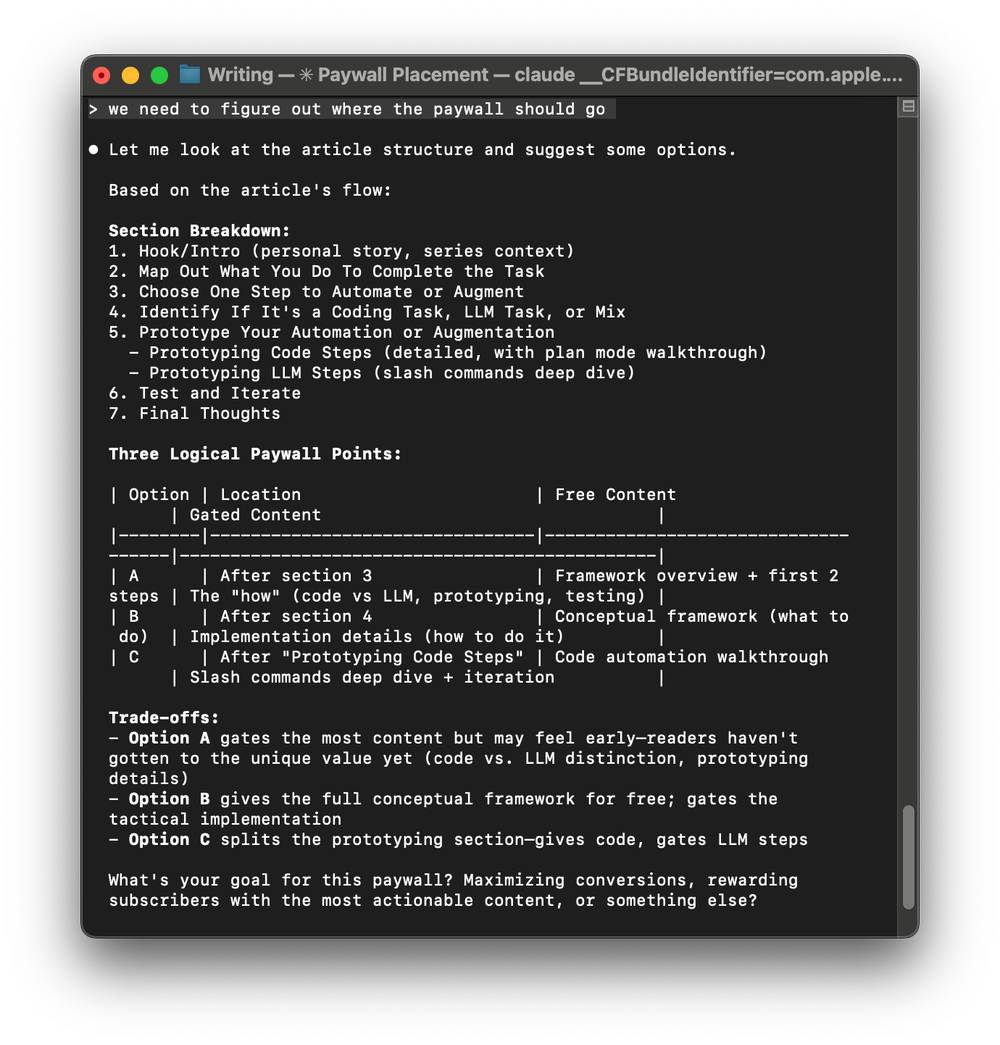
Define the result before prompting. For example: identify missing explanations, flag sections that overlap, and propose an improved order. Keep deciding the argument and verifying the facts as separate responsibilities.
3. Decide whether you need language assistance or code
Use a language model for work involving interpretation, alternatives, or wording: comparing outlines, critiquing a passage, or suggesting clearer headings. Use conventional code or spreadsheet formulas for precise repeatable operations, such as counting fields or applying a fixed calculation.
Some workflows combine both. A script might collect document headings, then Claude could help assess their sequence. Adding tools is worthwhile only if they solve a recurring problem; compare AI workflow automation tools after you understand that problem.
4. Write a reusable instruction
A repeatable prompt states the input, task, constraints, and output format. For an outline review, try:
Review the outline below for an article aimed at [audience].
The reader's main question is [question].
Identify:
1. Missing explanations needed to answer that question.
2. Sections that repeat one another.
3. Claims that will need a source.
4. A clearer section order, if needed.
Preserve the intended argument. Do not write the article or invent supporting facts.
Separate essential changes from optional suggestions.
Outline:
[paste outline]
Review the suggestions instead of accepting them all. If Claude proposes an off-topic section, explain why it does not belong and add that constraint to the reusable prompt.
5. Test on several different drafts
Try a short article, a more complex one, and an outline with known weaknesses. Record which suggestions helped and which required correction. Include your review time when deciding whether the workflow is faster.
- Did it preserve the article's intent?
- Did it catch a gap you would otherwise have missed?
- Did it add irrelevant sections or unsupported claims?
- Could you use the output without extensive cleanup?
Change one instruction at a time so you can tell what improved the result. A longer prompt is not automatically a better one.
6. Add file-based work only when needed
If your process involves many local drafts, Claude Code can become useful for file-based tasks. Start with copies in a dedicated working folder and ask for a plan before edits. Name the files it may change and the output you expect.
Review the Claude Code security guidance and permission controls for your setup. Permission behavior depends on the selected mode; do not assume that every configuration asks before every change.
For a first file task, request a report of outline issues without changing drafts. Once that works, consider saving suggested revisions to separate files and comparing them with the originals.
7. Expand the workflow deliberately
After outline review works well, add another bounded step, such as title alternatives or a repetition check. Keep source verification explicit: a suggested reference is not evidence until you open it and confirm that it supports the claim.
TipsMake's comparison of AI writing tools can help if you later need different capabilities. The workflow itself should remain understandable: what goes in, what the tool does, who checks it, and what happens when the output is wrong.
Related Articles
 What Is the Claude Code: Clear Explanation7 minutes read
 How to Use Claude to Code and Debug Code6 minutes read
 How to Use Claude Code Safely: a Guide to Risk Management12 minutes read
 10 GitHub Repositories to Help You Master Claude Code and AI Agent Coding7 minutes read
 How to use the /goal command in Claude Code for fully11 minutes read
 When Should You Not Use Claude Code?10 minutes read
Reader Comments 0
Sign in with email or Google to join the discussion.