Table of Contents
To enhance the creativity of lesson content, in addition to creating interactive games on Gemini or gameshow-style games , teachers can now create interactive head-tilting quizzes. The Giaoviendoimoi website has now updated its quizzes to include head-tilting quizzes. Below are instructions on how to create an interactive head-tilting quiz.
How to create a tilt-to-answer game
Step 1:
First, we access the Giaoviendoimoi website and register an account using our Google account.
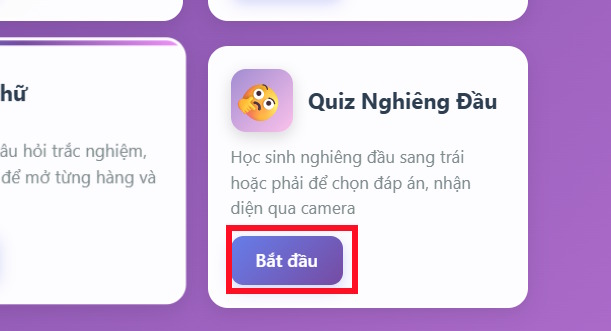
https://giaoviendoimoi.comOn the main interface, scroll down and tap on the Quiz game, tilt your head, and then tap Start .
Step 2:
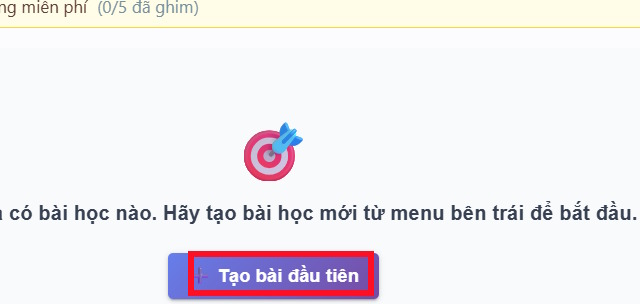
Click on Create First to proceed with creating the game.
Step 3:
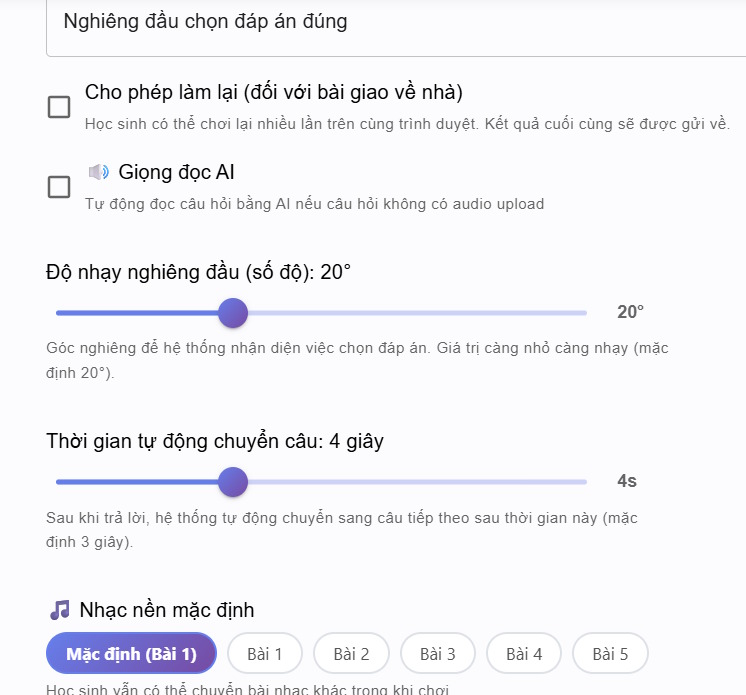
To access the head-tilting game setup interface, enter the name of this new lesson . Next, select the head tilt angle and the time interval for transitioning to the next question .
Step 4:
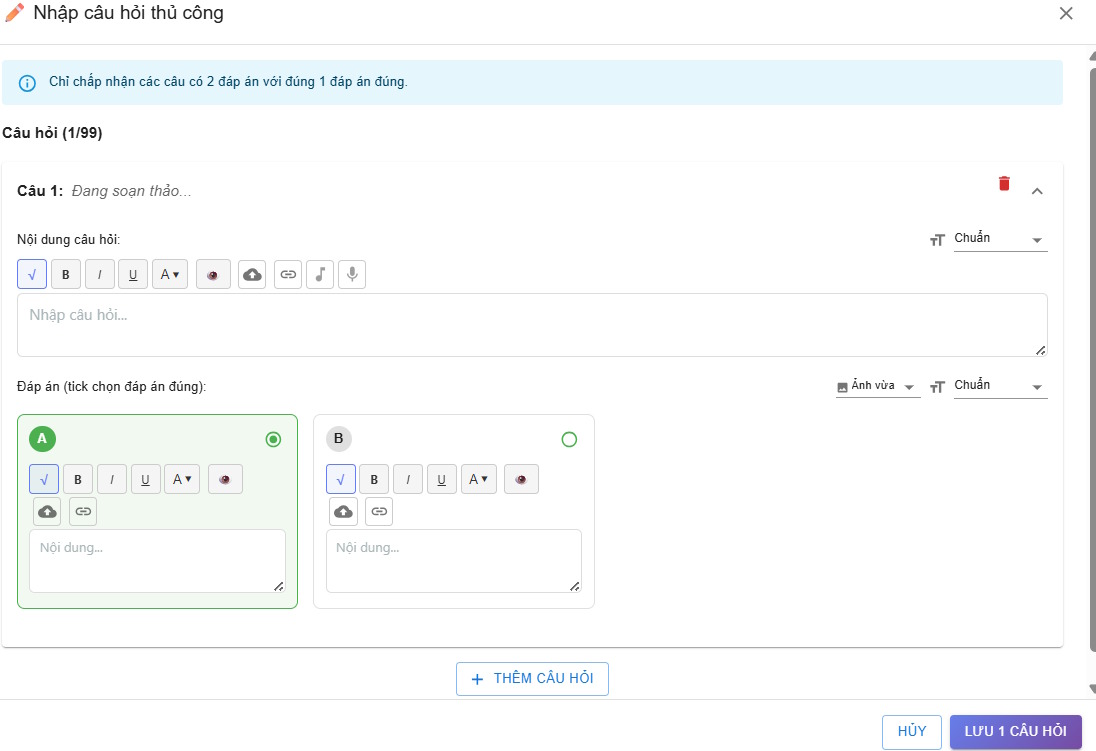
Continuing below the Questions section, we choose to upload questions from AI or enter them manually .
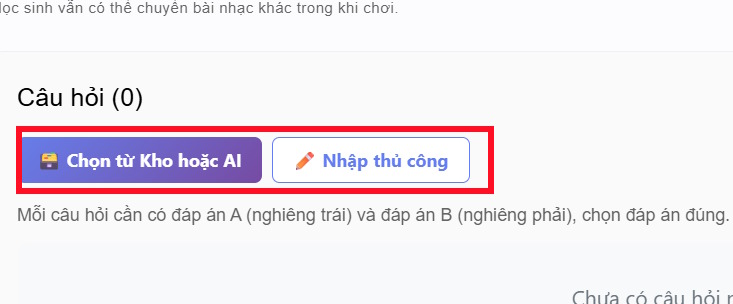
If you choose to enter the information manually , please fill in all the information below, with 2 options to choose from.
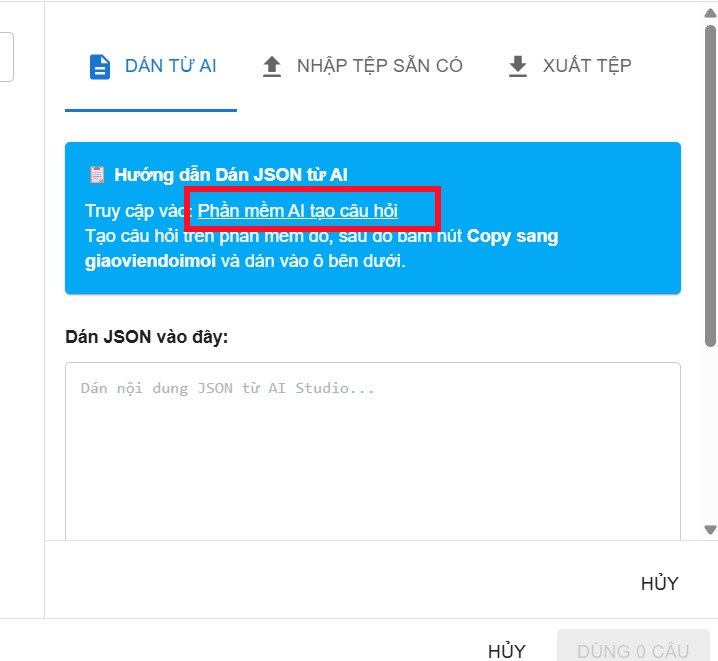
If you choose to import questions from AI , click on AI Question Generation Software .
Step 5:
Now, switch to the Google Studio AI question input interface. Press Continue to use the app . In this interface, enter the necessary information for the question set ; the number of options is 2 .
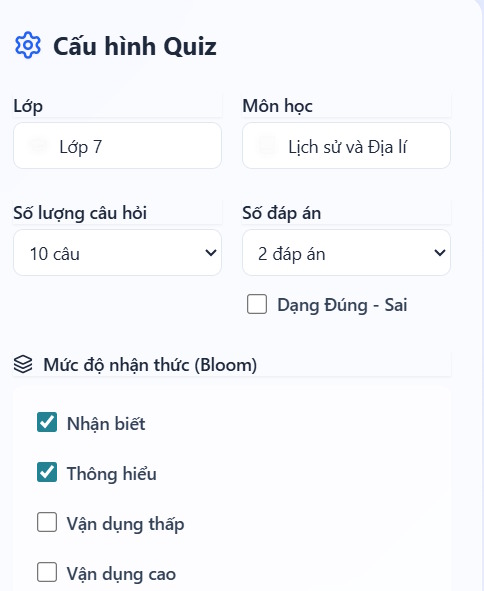
Next, below, we select "Upload data" and then click "Create Quiz Now" .

Step 6:
Immediately afterwards, you will have a set of questions from the uploaded data along with the correct answers. Click on " Copy to innovative teacher" .
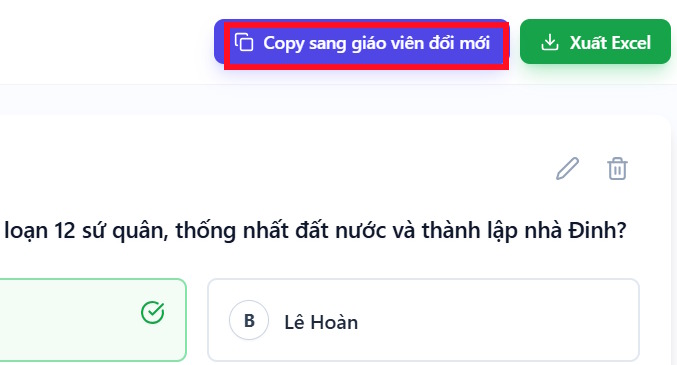
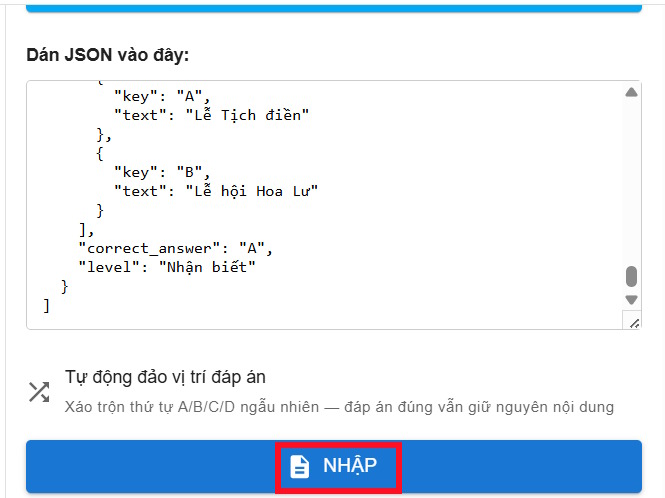
The JSON data will then be pasted into the web interface; click "Import" below to proceed.
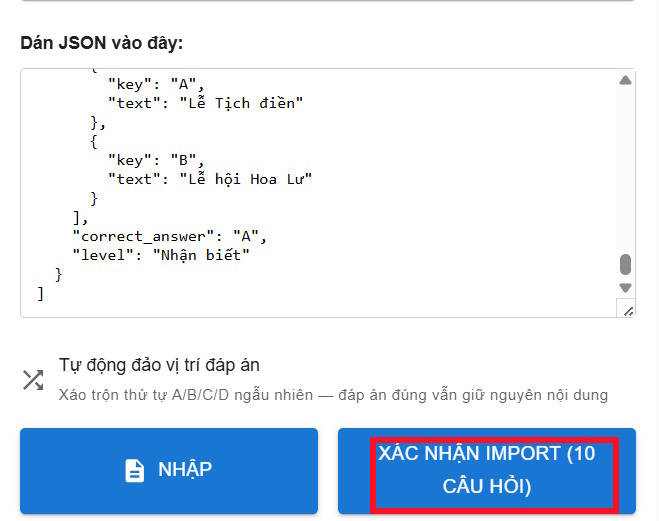
Continue by clicking Confirm to proceed.
Step 7:
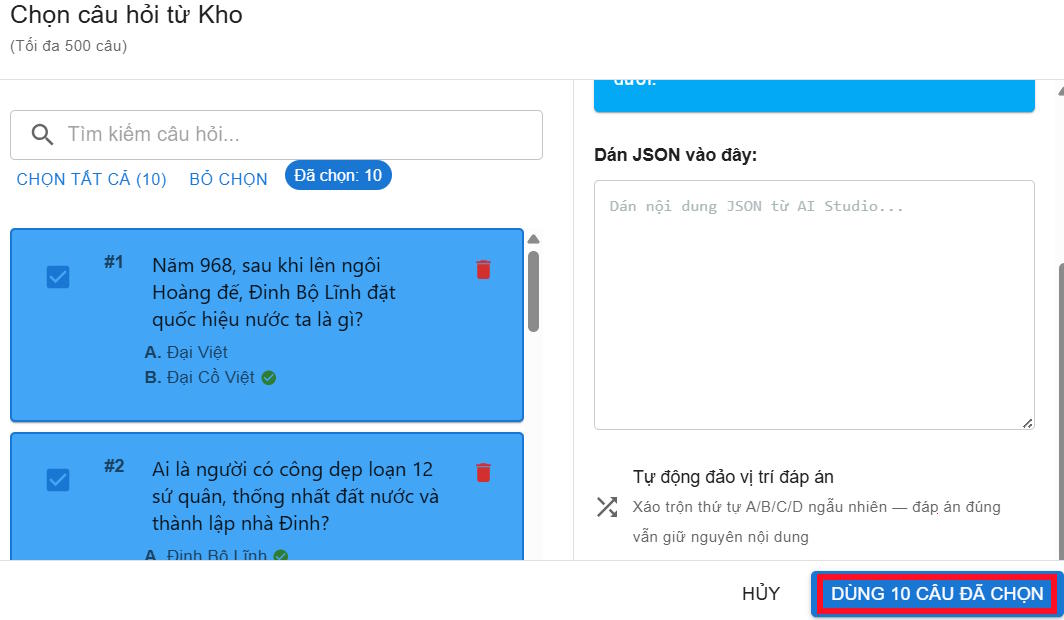
At this point, the teacher will click "Select all" to select all the questions, and then click "Use the selected questions" .
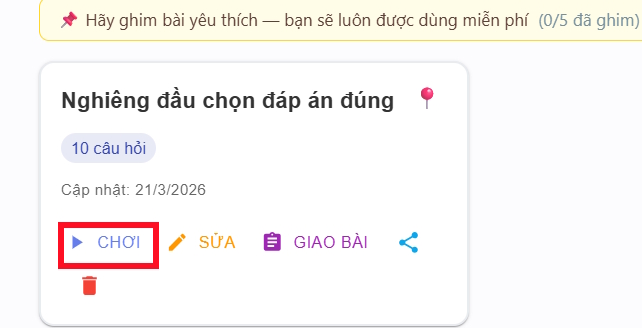
As a result, we have obtained a set of questions for the game. Click "Save Lesson" to proceed.

Finally, the teacher clicks "Play" for the students to participate in the game of tilting their heads to choose the answer.
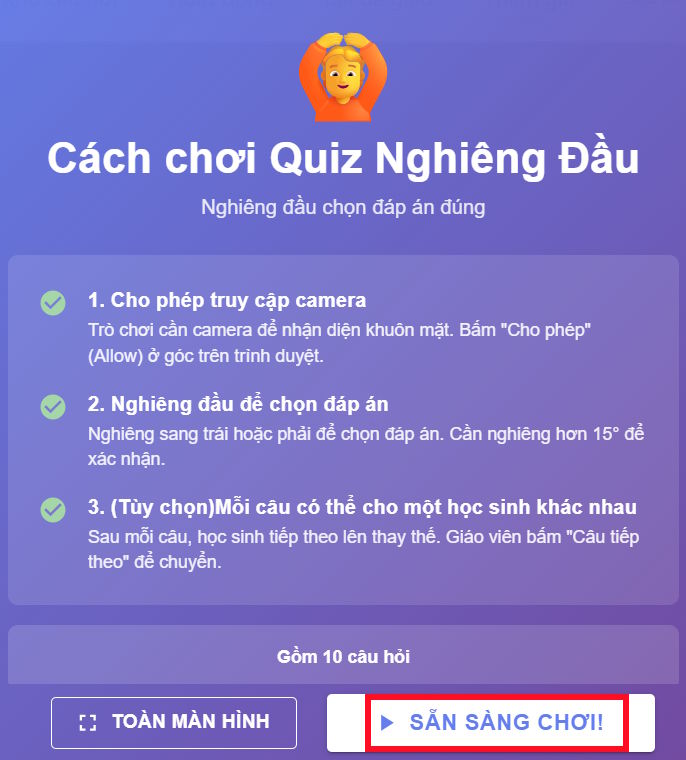
Press Ready to play to proceed.
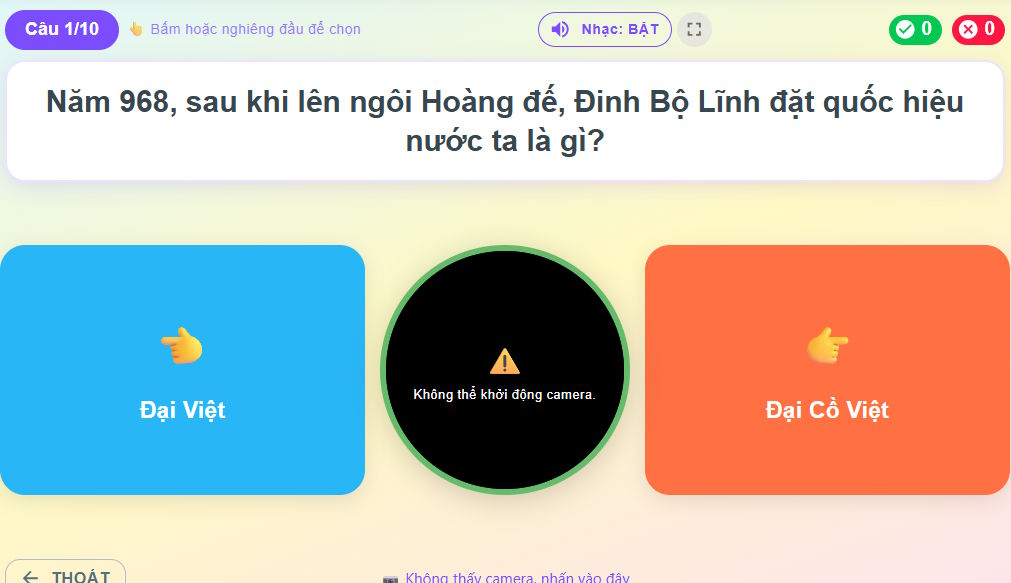
Teachers need to agree to allow the website to use the camera . Then students tilt their heads to the right or left to select an answer.
Related Articles
 How to Skew Images in PowerPoint3 minutes read
 Answer Game I Know All 900 Levels32 minutes read
 Answer Game 2 Image 1 Word: Guess the Word, Track the Song7 minutes read
 Answer the Game Cross the IQ River, Update the Latest Answer15 minutes read
 How to Make Hangman Game in Python9 minutes read
 How to Tilt the Shooter in PUBG Mobile4 minutes read
Reader Comments 0
Sign in with email or Google to join the discussion.