Table of Contents
In the information-saturated world of 2026, reading hundreds of pages of documents every day is a huge challenge. PDF AI (PDF Summarizer & Chat) has emerged as a lifesaver, completely changing the way we access knowledge. Instead of passively reading, you can now "dialogue" directly with the document to extract the most important information.
Breakthrough AI technology: When text can "speak"
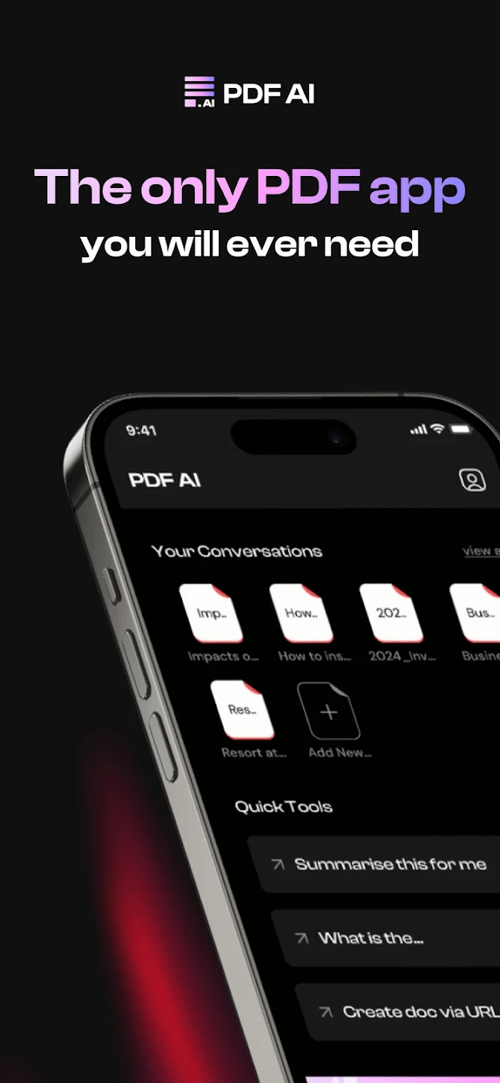
PDF AI is more than just a regular file viewer; it incorporates the most advanced large language models (LLMs) available today to deeply understand the content you provide.
1. ChatPDF & Interactive Chat
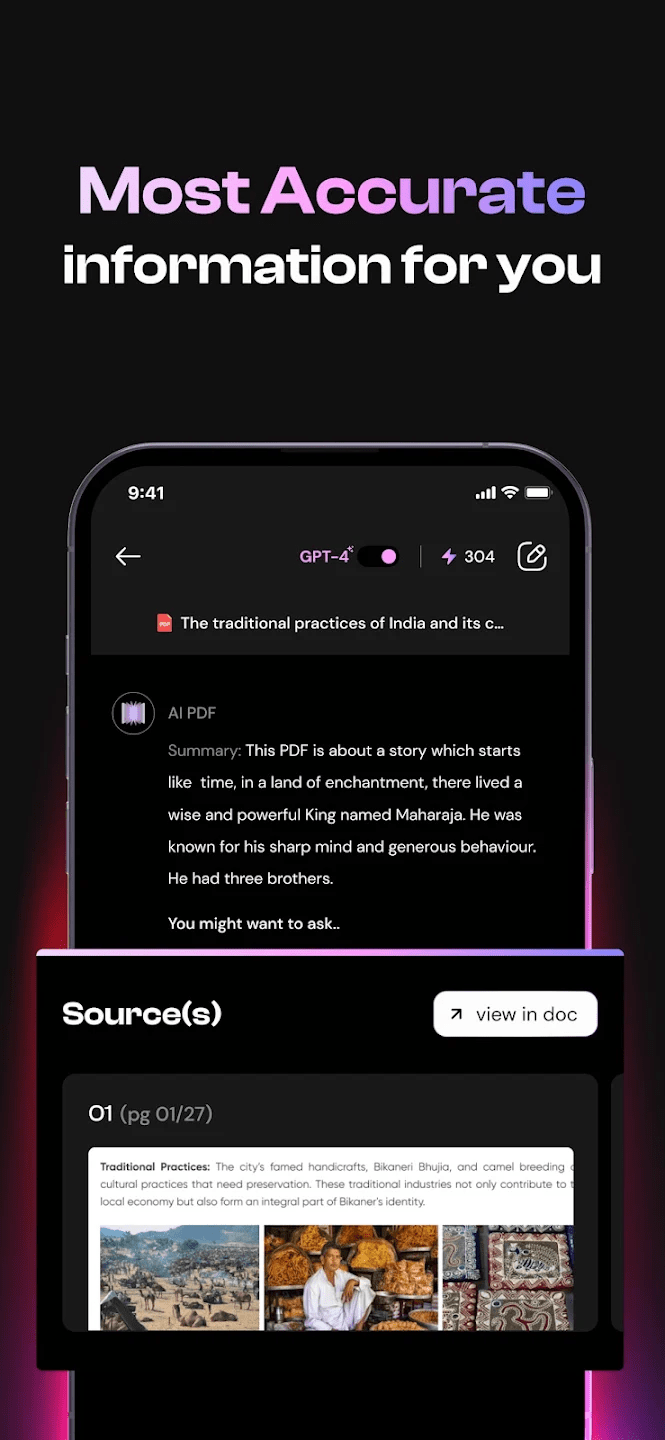
The PDF Chatup feature allows you to ask any questions related to the document's content.
- Accurate response: AI will scan the entire text to find the most concise and relevant answer.
- Versatile support: From complex legal contracts to medical documents or academic papers, AI has the ability to interpret them in an easily understandable way.
2. Summarize intelligently with GPT
Using a next-generation GPT-based summarization engine, the application can transform lengthy PDFs, ePub files, or essays into concise notes. You can grasp the main points of a 300-page book in less than a minute.
3. Essay Writing & Homework Helper
This is a "golden" feature for high school students and researchers. PDF AI not only summarizes but also supports:
- Suggested essay structure: This will help you brainstorm and organize your arguments based on your references.
- Academic support: Take a picture of the problem or download the study material to receive a detailed and logical solution.
Cases of effective practical application
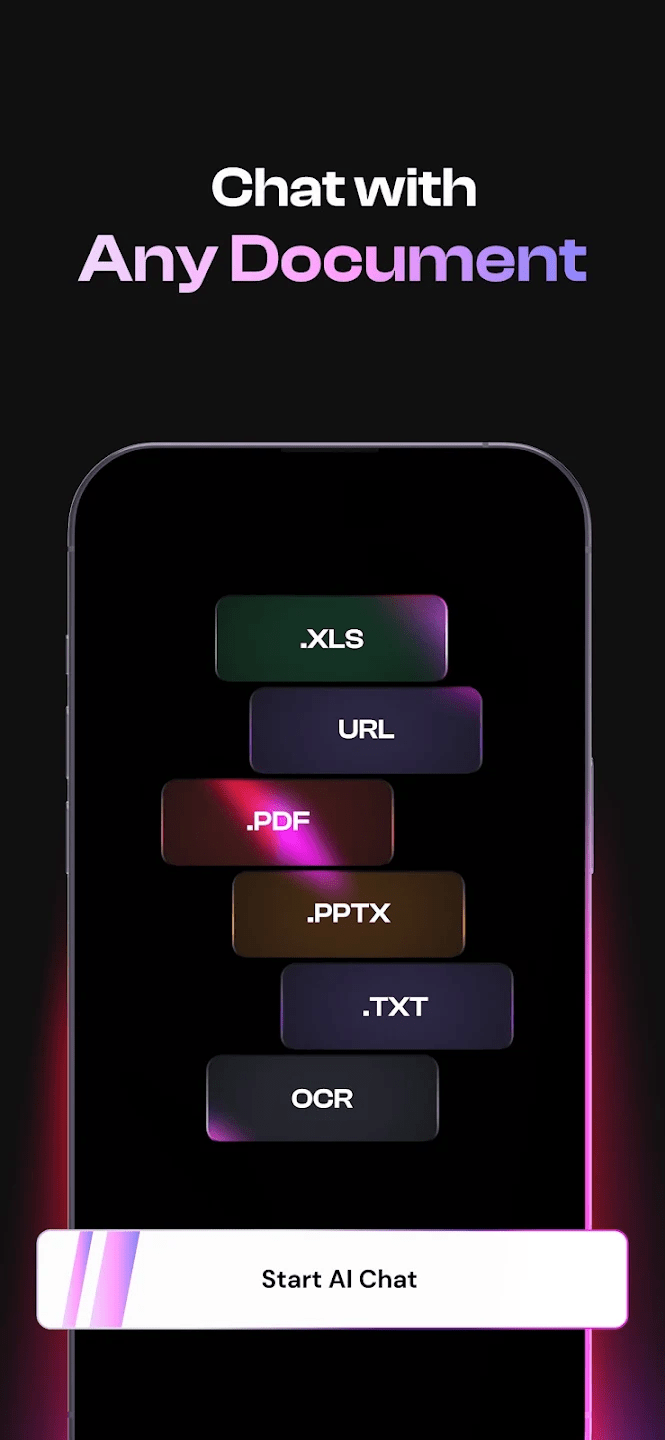
- In the workplace: Quickly analyze contract terms, extract data from financial reports, or update market news from long PDF files.
- In Learning: Research scientific materials up to 5 times faster, automatically generate lecture notes, and receive support with homework assignments.
- Enhanced Reading Experience: Create an interactive reading environment where you can instantly ask the AI about any unfamiliar terms.
Application specifications and configuration
| Criteria | Detailed information |
| Version | PDF AI: Summarizer & Chat (Updated 2026) |
| Developer | Merlin AI / Foyer |
| Core features | AI Chat, GPT Summary, Essay Writer, Homework Helper |
| Supported formats | PDF, ePub, Word, Image (OCR) |
| Foundation | Android 12+ / iOS 16+ |
Link to download the official PDF AI app:
Scroll up, and you'll see the Download button. TipsMake.com will place the official versions and download sources for the latest PDF AI app.
Tips for using PDF AI most effectively
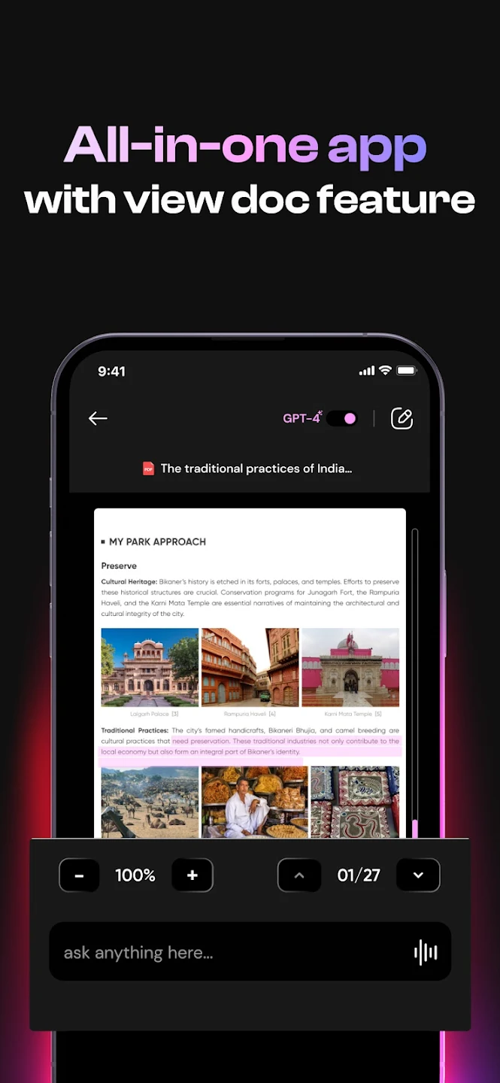
- Use "Infuse" to integrate knowledge: Ask the AI to compare information between two different documents to gain a multi-faceted perspective.
- Request a summary in the following format: You can command: "Summarize this document as a list of 5 key points for beginners" .
- Take advantage of the note-taking feature: Save the AI's best answers to the "Notes" section to build a personal knowledge base that's easy to access later.
Frequently Asked Questions (FAQ)
Does PDF AI support Vietnamese?
- The app is excellent for reading and summarizing documents in Vietnamese, and also allows you to ask questions in Vietnamese and receive corresponding answers.
Has my PDF data been leaked?
- PDF AI 2026 is committed to data security with TLS encryption. Your documents are processed only to serve your needs and you can request their deletion at any time.
In conclusion: PDF AI has transformed reading documents from a burden into an enjoyable and inspiring experience. If you want to boost your work and study productivity in 2026, this is a "must-have" app on your phone.
Would you like me to guide you on how to use PDF AI to quickly "scan" a 50-page contract and identify three potential legal risks?
Related Articles
 4 Best AI Chatbots for Handling Long Conversations8 minutes read
 Tables in Word Lose Lines When Turning Pages - Solution: What to Know6 minutes read
 Instructions for Scanning Documents with 3 Simple Steps4 minutes read
 How to Prevent Google Gemini from Remembering Your Old Conversations6 minutes read
 Instructions on How to Delete Chat History on Skype4 minutes read
 Translate Language on Viber5 minutes read
Reader Comments 0
Sign in with email or Google to join the discussion.