
Office information
Microsoft Office Groove 2007 for Workgroups
Microsoft is the focus of this article. Sharing and sharing documents on the local network (LAN) is very simple.
Browse more Find practical software and app guides, setup instructions, troubleshooting steps and productivity tips for popular desktop and online applications.
Microsoft is the focus of this article. Sharing and sharing documents on the local network (LAN) is very simple.

Most of us use Microsoft Word and Excel daily - but what we use is just a very basic thing for these applications.

Zoho Office, a free online office service, is used to view and edit documents when there is no Microsoft Office preinstalled.
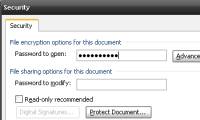
Information stored in your spreadsheet or text can be kept highly confidential thanks to the security features available in Microsoft Office.
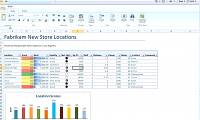
Microsoft claims that the online version of the world's most popular office application package is not tied to Windows or Internet Explorer.
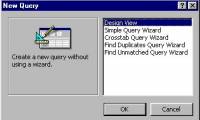
Access includes 4 different types of Wizard queries, and only one where you can see all of those query types.

Yahoo is the focus of this article. Started testing new search version in the US market with the name Glue.

Microsoft PowerPoint is the focus of this article. Want to share your own slideshows with everyone?. Review the key facts and practical impact.
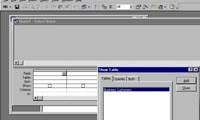
Microsoft Access is the focus of this article. At this point, you can use the Query Wizard to create queries.
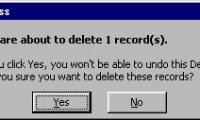
Microsoft Access is the focus of this article. At the beginning of this chapter, you learned how to add records to the table.
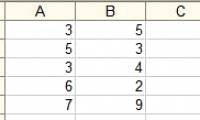
Conditional formatting in Excel allows you to apply different formatting formats, such as color formatting to one or more cells based on the data of those.

Office 2007 is the focus of this article. There are still many commands and features in MS Office products that are not easy to find.
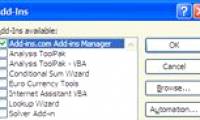
Microsoft Excel is the focus of this article. Excel add-in is an extension in Excel programs. Review the key facts and practical impact.
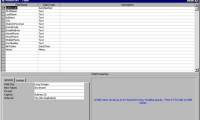
In the previous chapter, you learned how to create a database and create a table, as well as how to enter and edit information in the table.
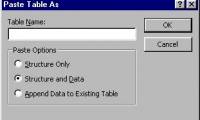
Microsoft Access is the focus of this article. You have learned how to create and design tables in Access.
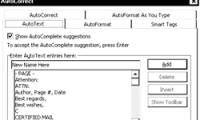
AutoText automatic input function of Microsoft Word and Outlook saves you a lot of time if you need to type a paragraph repeatedly.
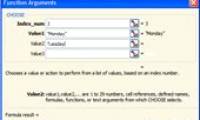
Microsoft Excel is the focus of this article. Choose in Excel allows you to select a value from a list of more than 29 items.
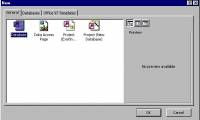
In this chapter, you will meet some of the parts mentioned in chapter 2, but from a different perspective.
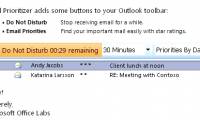
Microsoft Office lab has just launched a new product called E-mail Prioritize to help you rearrange your mailbox to find out which one is important.
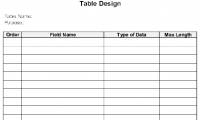
Microsoft Access is the focus of this article. In this section, you are ready to create a table for the new database.