Office information
MS Word - Lesson 9: Insert Pictures, Mathematical Characters
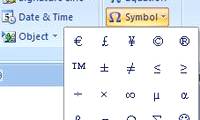
Microsoft Word 2007 is the focus of this article. Word 2007 allows you to insert special characters, symbols, images, illustrations and watermarks.
Browse more Find practical software and app guides, setup instructions, troubleshooting steps and productivity tips for popular desktop and online applications.
Microsoft Word 2007 is the focus of this article. Word 2007 allows you to insert special characters, symbols, images, illustrations and watermarks.

Access 2010 allows conditional formatting in reports, displaying information that meets a certain condition or group of conditions.

Microsoft Access 2007 is the focus of this article. Query allows you to select and filter data from multiple tables.
Microsoft Word 2007 is the focus of this article. Word 2007 has many features to help you read and test printouts for documents.
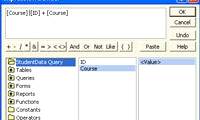
The calculation field is a field that receives its information from calculations performed on other fields.
You can format the page for your document richer: page margin format, color, insert Header and Footer or create your own cover page.

Microsoft has issued a warning and recommended ways to protect users of e-mail services. Review the key facts and practical impact.
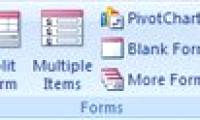
Microsoft Access 2007 is the focus of this article. Forms allow you to control the interface of the data entry screen and the generated reports.
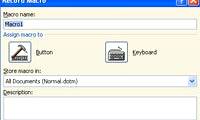
Macros are advanced features, which can speed up editing or formatting that you can execute regularly in a Word document.
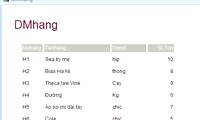
Microsoft Access 2007 is the focus of this article. Reports (reports) are a way to view and analyze a large amount of data.
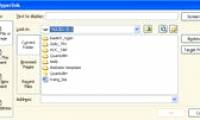
Microsoft Word 2007 is the focus of this article. Simple web pages can be created in Word using the Save As feature.
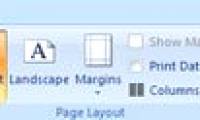
Microsoft Access 2007 is the focus of this article. After you create a report, you can print the report. Review the key facts and practical impact.
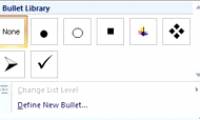
Automatic sequence numbers allow you to format and organize text with numbers, bullets (round dots), or a border.
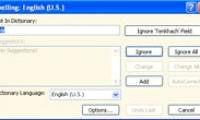
Microsoft Access is the focus of this article. In management methods, Access is more than just a simple database management.

You will probably be worried when a document contains little or more important information that is corrupted and you may lose all that information.
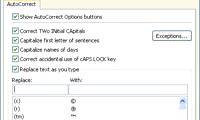
If you are a Word user (a popular Microsoft Word processor) you may be very familiar with the AutoCorrect feature.
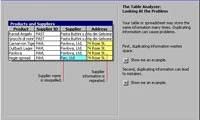
Microsoft Access is the focus of this article. Access includes a very powerful tool that you can use to analyze data in one or more tables.
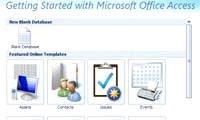
The Microsoft Office Button (the yellow circle icon in the upper left corner) performs many functions that are located in the File menu in older Access.
What is Microsoft Word 2007?. Review the key facts and practical impact.

When working on software, shortcuts help us quickly perform operations without having to retrieve commands in menus and dialog boxes.