Table of Contents
You can handle many everyday AI tasks without buying ten subscriptions. The tools below cover writing, research, design, video, images, translation, voiceovers, and meeting notes. Most use a freemium model, so the important question is not simply whether a tool is “free,” but whether its free allowance is enough for your recurring task.
Free-plan note: Features and quotas change frequently. Check the plan screen before starting a large project, and do not upload confidential, copyrighted, medical, financial, or client material unless you understand how the service handles it.
1. ChatGPT: drafting, explaining, and working with files
ChatGPT is a practical general-purpose starting point. Use it to outline a document, rewrite an email, explain an unfamiliar concept, brainstorm options, or analyze a small file. The Free plan includes core chat and limited access to advanced tools; message, upload, research, and image limits can vary.
Best free use: Turn rough notes into a structured first draft, then verify facts and edit the language yourself. It is less reliable when a prompt asks for exact citations, current prices, or details that were not supplied.
2. Canva AI: designs, presentations, and social graphics
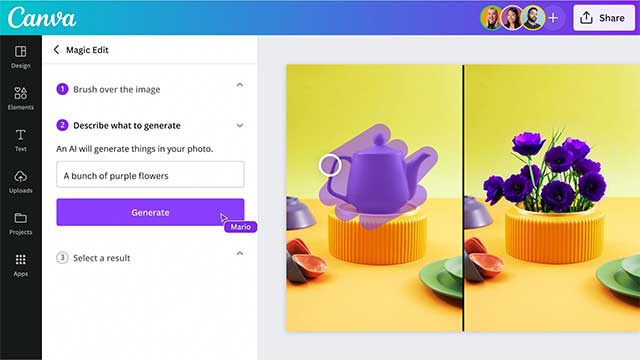
Canva Free provides templates and a limited allowance for selected AI tools. It can suggest layouts, generate a starting design, draft short text, and help create presentation or social-media assets. Some editing tools, premium media, and higher AI limits require a paid plan.
Best free use: Create a draft from a template, then correct spacing, contrast, image cropping, and text hierarchy manually. See the most useful Canva AI tools for a closer look at the design workflow.
3. Grammarly: grammar, tone, and limited AI drafting
Grammarly Free checks common writing errors, shows tone information, and currently includes a limited monthly generative-AI allowance. Its plan page lists 100 AI prompts for Free, while full-sentence rewrites, larger allowances, and advanced controls belong to Pro.
Best free use: Review an important email or short document after writing it. Treat suggested rewrites as options rather than automatic corrections, especially when technical terminology or a deliberate voice is involved.
4. Perplexity: web research with visible sources
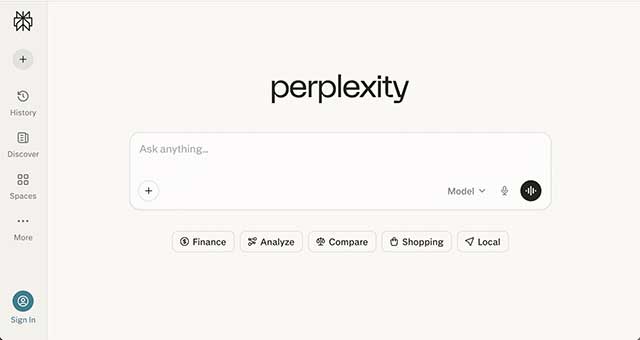
Perplexity's free Standard tier supports core search and answers that link to web sources. Paid plans increase research, file, project, and model limits. A cited answer is still only a starting point: open the sources and make sure they actually support the sentence.
Best free use: Build a reading list, compare source coverage, or get search terms for a topic. The Perplexity versus ChatGPT comparison explains why the two tools suit different research workflows.
5. Notion AI: a limited trial inside a workspace
Notion itself has a free plan for personal organization, but full Notion AI is not an ongoing free feature. Free and Plus workspaces receive a limited number of complimentary AI responses so users can try document generation, database autofill, and related features. Ongoing AI access is included with higher business plans.
Best free use: Test whether AI summaries and database assistance are valuable inside an existing Notion workflow. Do not move an entire knowledge base solely for a short trial.
6. CapCut AI: captions and short-form video editing
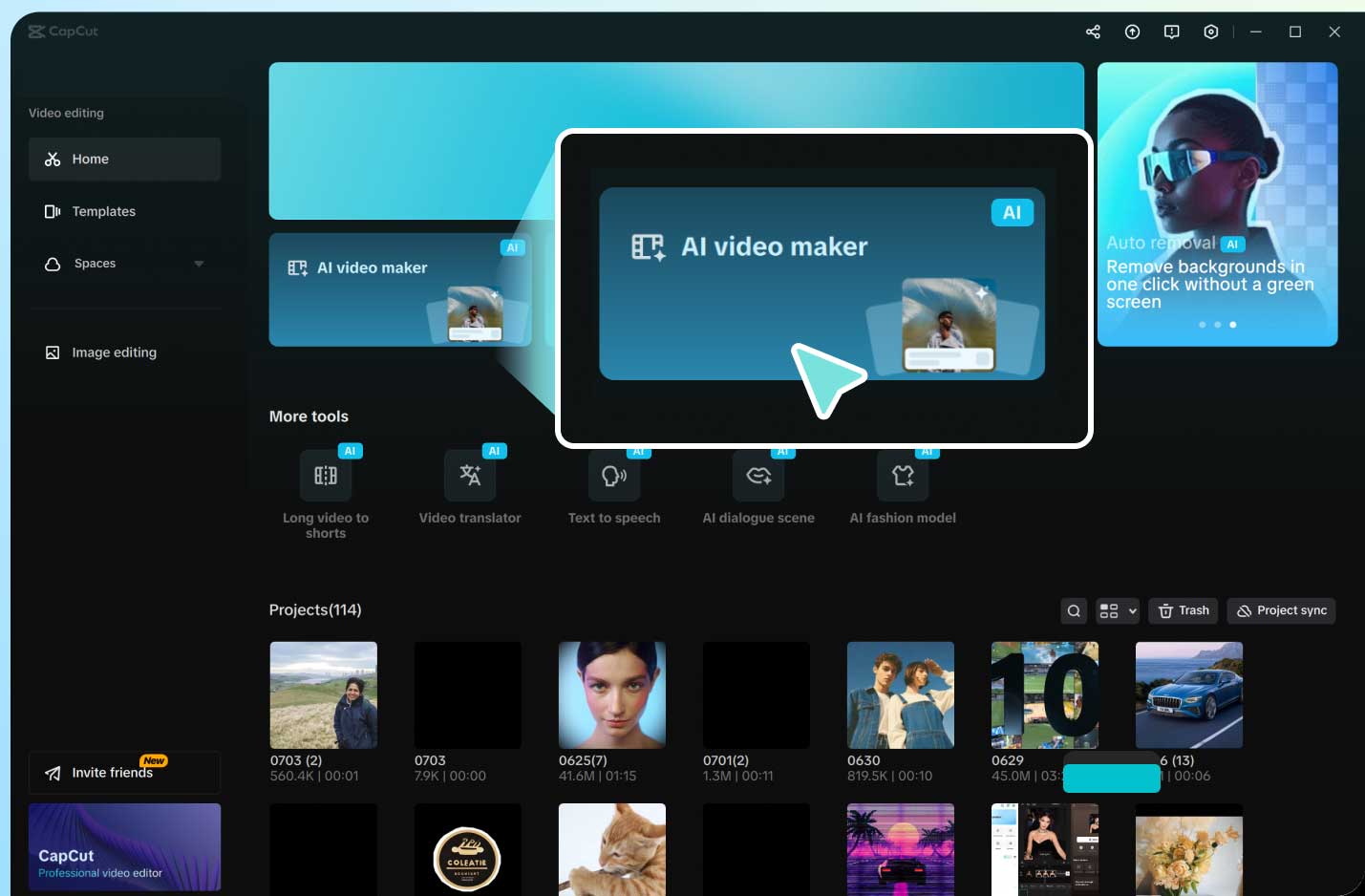
CapCut offers free editing and selected AI features, including tools for captions and generated media. Availability, credits, exports, templates, and watermarks can differ by platform, region, and feature.
Best free use: Generate captions for a short clip, then replay the video and correct names, numbers, punctuation, and timing. Automated subtitles should never be published without review.
7. Leonardo.Ai: image generation with daily tokens

Leonardo.Ai's Free plan provides a daily token allowance; its current comparison material lists 150 fast tokens per day. The plan is suitable for testing prompts and visual directions, but free generations are public. Paid plans add more tokens, enhanced settings, and private creation.
Best free use: Produce mood-board concepts or rough visual directions. Review the service's ownership and commercial-use terms before using an image in client work or a product.
8. ElevenLabs: short text-to-speech samples
ElevenLabs offers a free plan with 10,000 text-to-speech characters per month, which it estimates at roughly ten minutes of audio. The allowance is useful for prototypes and short narration; premium voices, larger quotas, cloning, and commercial rights depend on the plan.
Best free use: Test a short voiceover with several voices and pacing settings before committing to a longer production. Never clone or imitate a real person's voice without clear permission. Compare alternatives in this guide to AI voice generators.
9. DeepL: text translation and writing assistance
DeepL Translator and DeepL Write have free web services. They are useful for translating passages, comparing phrasing, and polishing text, while paid plans raise limits and add professional features. DeepL API Free is a separate developer product with its own quota.
Best free use: Translate a draft to understand its meaning, then ask a fluent speaker to review anything public, legal, technical, or customer-facing. Natural wording does not guarantee that names, measurements, or specialized terms are correct.
10. Otter: live transcription and meeting notes
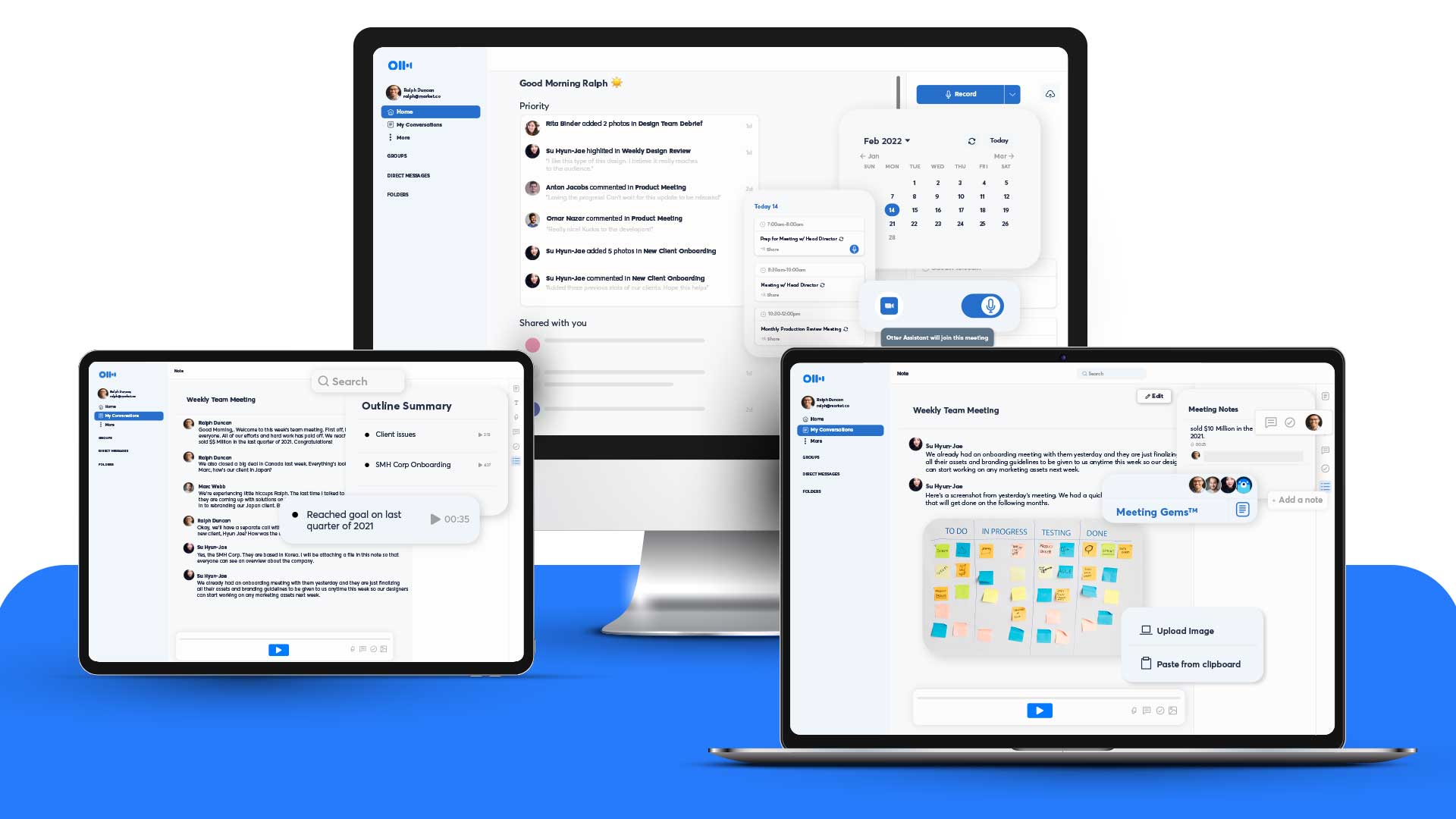
Otter Basic is free and currently includes 300 transcription minutes per month, live transcription, speaker identification, playback, meeting integrations, and three lifetime audio or video file imports. Paid tiers raise meeting, import, storage, and workflow limits.
Best free use: Record a short meeting or lecture, then correct the transcript and extract decisions and action items. Obtain any consent required before recording; an AI meeting bot should not join a private call unexpectedly.
Choose one tool for a repeatable task
- Writing and explanations: start with ChatGPT; use Grammarly for the final language pass.
- Source-driven research: start with Perplexity and open every important citation.
- Graphics or short video: choose Canva or CapCut based on the required output.
- Generated images: test Leonardo.Ai, but check visibility and usage rights.
- Voice or transcription: use ElevenLabs for generated speech and Otter for recorded speech.
- Translation: use DeepL, followed by human review when the wording matters.
Before upgrading, track the limit you actually hit: prompts, tokens, characters, transcription minutes, export quality, storage, or commercial rights. A paid plan is justified when that specific restriction repeatedly blocks useful work. For more category-specific options, compare these AI tools for writing content.
Use free AI without creating more work
Give the tool a clear input, a concrete output format, and the context it needs. Check every factual claim, number, quotation, and source. Keep the original file so an incorrect edit can be reversed, and review generated media for unwanted text, artifacts, and licensing restrictions.
The productive approach is a small workflow you can repeat, not a collection of accounts. One well-chosen free tool can save time; ten overlapping tools can create new limits, privacy decisions, and inconsistent output.
Related Articles
 Information: 6 Free Security Tools Needed5 minutes read
 Do You Know How Productive You Can Be with Windows 11?7 minutes read
 How to Start a Blog for Free: Step-by-Step Guide7 minutes read
 Top 5 Free Web Conferencing Tools7 minutes read
 The Father of TikTok Is About to Launch an Office4 minutes read
 How to Download the Current Office 2019 for Free on PC5 minutes read
Reader Comments 0
Sign in with email or Google to join the discussion.