Table of Contents
AI extensions can add search, writing, summarization, transcription, and data-extraction tools directly to Chrome. The useful choice is the one that solves a repeated browser task without requesting more access than the job requires.
This list uses current Chrome Web Store listings with identifiable products or publishers. Features, free allowances, and permissions can change, so review the listing again when you install an extension.
1. ChatGPT search: AI answers from the address bar
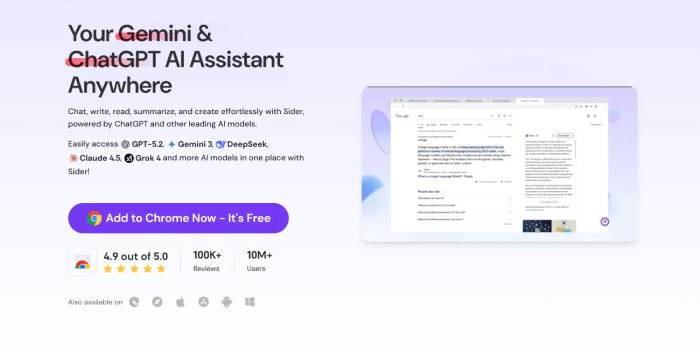
OpenAI's ChatGPT search extension makes ChatGPT the default Chrome search engine. Queries entered in the address bar open ChatGPT search, which can return answers with links to web sources. You must be signed in to ChatGPT.
Install it if: you want the address bar to use ChatGPT by default. Skip it if you want to keep Google or another provider as the default; ChatGPT remains available in its normal browser tab without an extension.
2. Grammarly: inline grammar and tone guidance
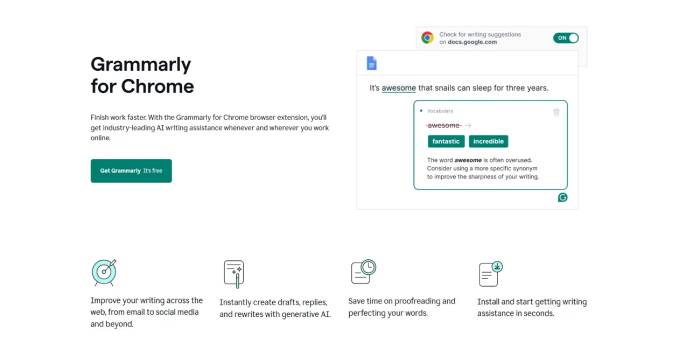
Grammarly for Chrome provides grammar, clarity, and tone suggestions while you write on supported sites. Generative features can also help draft or revise text, with limits based on the account plan.
Install it if: most of your work happens in browser text fields. Review every change; a technically correct suggestion can still alter a product name, specialist term, or intended tone.
3. Compose AI: autocomplete for emails and documents
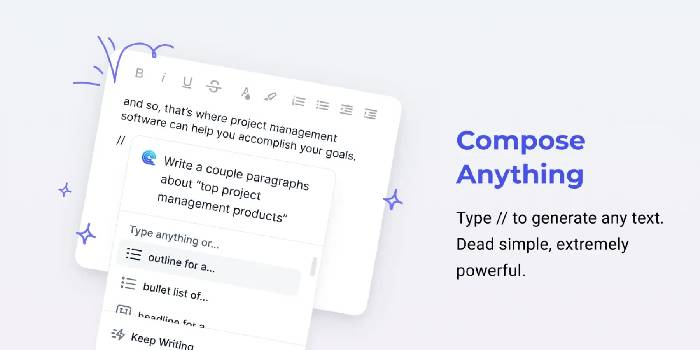
Compose AI adds sentence completion, rewriting, and prompt-based drafting where it supports the page. It is most useful for repeated email patterns and routine internal text.
Install it if: autocomplete saves time in the sites you actually use. Test compatibility before paying, and do not allow an automatic completion to send an unreviewed message.
4. Jasper Everywhere: marketing content inside work apps

Jasper Everywhere brings Jasper's writing and editing tools into supported services such as Gmail, Google Docs, and Canva. Its focus is marketing workflows rather than general search.
Install it if: your team already uses Jasper and wants the same brand and editing workflow across web apps. An extension is not a reason by itself to purchase a Jasper subscription.
Do not trust a familiar product name by itself
Chrome Web Store results can include unofficial tools whose names resemble well-known AI products. Open the publisher page, compare the linked website domain with the company's official domain, read the privacy disclosure, and check recent reviews. A logo or product name does not prove that the brand published the extension.
5. Wordtune: rewrite, shorten, and adjust text
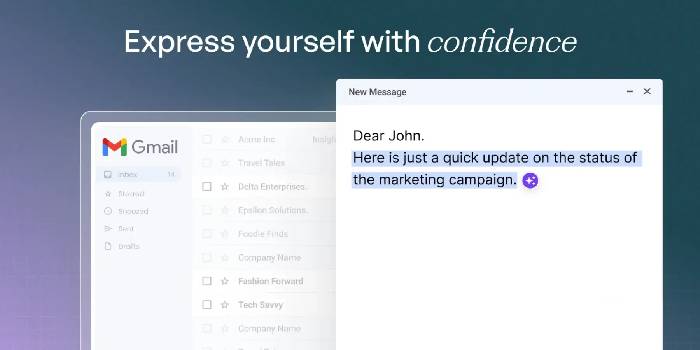
Wordtune provides paraphrasing, rewriting, translation, grammar correction, and text-generation tools. It is a better fit for revising an existing sentence than for collecting source material.
Install it if: you regularly need alternative wording in web apps. Compare the rewrite with the original to make sure qualifiers and factual meaning remain intact.
6. Tactiq: transcripts and AI meeting notes
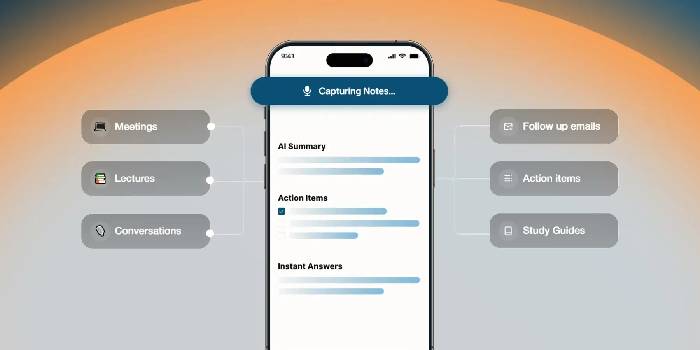
Tactiq transcribes supported Google Meet, Zoom, and Microsoft Teams sessions and can generate summaries, action items, and takeaways.
Install it if: you have permission to transcribe meetings and will review the result. Tell participants when transcription is active, follow applicable recording rules, and correct names, decisions, dates, and assigned tasks before sharing notes.
7. Notion Web Clipper: capture first, use Notion AI later
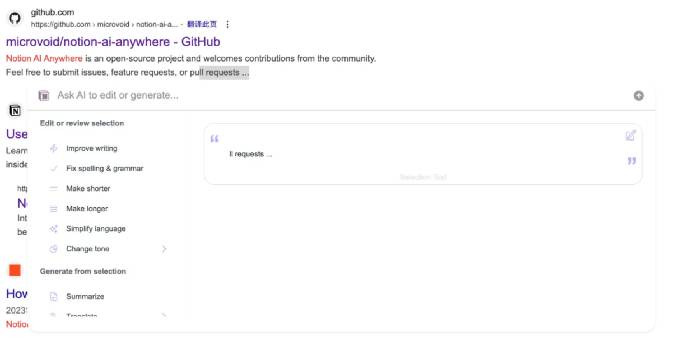
The official Notion Web Clipper saves pages to a Notion workspace. It is not itself a universal “Notion AI for Chrome” assistant. AI summarization and question-answering happen inside Notion and depend on the workspace's AI access.
Install it if: you already organize research in Notion. Avoid similarly named third-party extensions unless you have verified how they authenticate to the workspace and handle page content.
8. LINER: highlight and summarize pages, PDFs, and videos
LINER Copilot can highlight material and provide AI assistance on web pages, PDFs, and YouTube content. It suits readers who want annotations and summaries in one browser workflow.
Install it if: you regularly return to highlighted source material. A summary can omit caveats, so open the original passage before quoting or relying on a claim.
9. Browse AI: no-code web extraction and monitoring
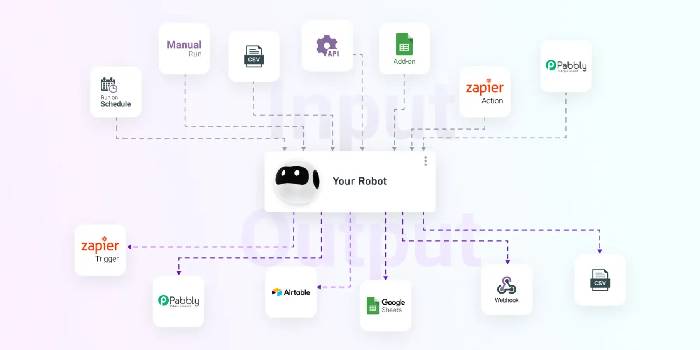
Browse AI lets users point to page elements, extract structured data, export it to a spreadsheet, and monitor selected pages for changes.
Install it if: you have a legitimate, repeatable data-collection task. Follow the site's terms and access controls, limit request frequency, and do not collect private or personal data without authorization.
How to choose and test an AI extension
- Write down one browser task the extension must improve.
- Confirm the publisher and official website before installing.
- Read the requested permissions. An extension that reads page content may see text displayed in work, email, or account pages.
- Install one candidate, test it with non-sensitive content, and check whether the result is accurate.
- Disable or remove it if the benefit does not justify its access, notifications, or performance cost.
For additional options, compare these AI Chrome extensions for time-saving tasks and agentic AI extensions. If a tool becomes suspicious or unnecessary, follow the steps to remove browser extensions.
Keep extension access as narrow as possible
Do not install several extensions that all read the same pages and text fields. Prefer the verified publisher's listing, grant site access only where needed when Chrome offers that control, and review installed extensions periodically at chrome://extensions. AI output still requires human review; browser integration makes a tool faster to reach, not more accurate.
Related Articles
 Google Chrome Temporarily Prevents Sideload of Extensions3 minutes read
 Attractive Extensions on Google Chrome8 minutes read
 5 Best Chrome Extensions That Google Just Removed7 minutes read
 4 Google Chrome Features That Eliminate the Need for Extensions8 minutes read
 7 Useful Google Chrome Extensions for Web Users5 minutes read
 Top 7 Most Useful Chrome Extensions You Should Try8 minutes read
Reader Comments 0
Sign in with email or Google to join the discussion.