Table of Contents
There is no single best AI assistant for every job. Google Gemini is strongest when your work already lives in Google services; Microsoft 365 Copilot fits Office-heavy organizations; ChatGPT and Claude are broad workspaces; Perplexity emphasizes sourced research; Cursor is a coding agent; and Siri remains the system-level choice on compatible Apple devices.
Choose by the accounts, files, and actions an assistant must access—not by a model ranking. Features, usage limits, and plan names change frequently, so verify the provider's current page before paying.
AI assistants compared by use case
| Assistant | Best fit | Main caution |
|---|---|---|
| Google Gemini | Android and Google Workspace workflows | Connected Apps vary by device, account, region, and administrator settings |
| ChatGPT | General writing, files, voice, research, and app-enabled workflows | Capabilities differ by plan, platform, plugin, and workspace policy |
| Microsoft 365 Copilot | Word, Excel, PowerPoint, Outlook, Teams, and governed work data | Consumer Copilot and Microsoft 365 Copilot are distinct products |
| Cursor | Repository-aware coding, edits, terminal commands, and code review | Agent changes must be reviewed and tested like any other code |
| Perplexity | Web research and source-led exploration | A citation can be relevant without supporting the exact claim |
| Claude | Long documents, project knowledge, writing, analysis, and coding | Uploaded material and generated conclusions still need verification |
| Siri with Apple Intelligence | Hands-free Apple-device tasks and optional ChatGPT extension | Requires supported hardware, software, language, and region |
Google Gemini: best for Google-connected tasks
Gemini is the natural starting point for people who use Android, Gmail, Calendar, Docs, Drive, Keep, Tasks, Photos, YouTube, or other supported Google services. Google's Connected Apps documentation lists the services Gemini can interact with and the account restrictions that apply.
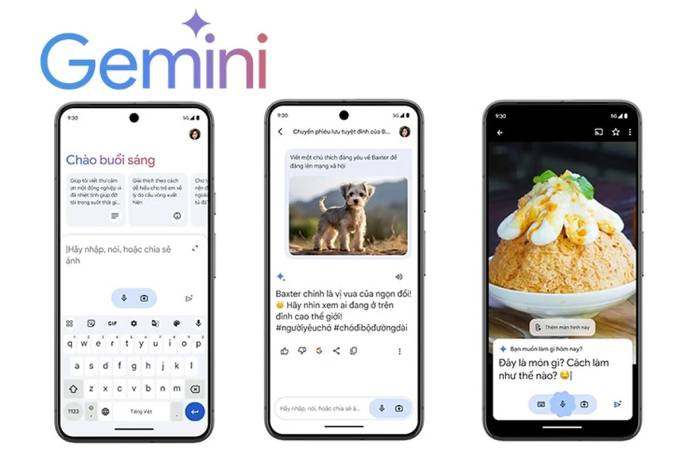
Use it to find information in permitted Workspace data, create calendar items or notes, summarize material, and handle supported device actions. Check the confirmation screen before an action that sends, shares, deletes, or changes information. Work and school administrators may disable connections, and an app visible on one phone may be unavailable on another.
Choose Gemini if: the task begins and ends in Google services or needs Android integration.
Look elsewhere if: your organization primarily uses Microsoft 365, or you need a coding agent that can edit and test an entire repository.
ChatGPT: broad tools in one conversational workspace
ChatGPT covers general Q&A, writing, file analysis, voice, images, data work, research, and coding. Its plugin and app ecosystem can connect external information and supported actions, but availability depends on the plan, workspace, and enabled integration. Review what data each connection can access before turning it on.
A strong use case is a task that crosses formats: analyze a spreadsheet, compare it with a document, draft a summary, then prepare a chart or presentation. It is also useful when you want to keep related sources and instructions together in a project.
Choose ChatGPT if: you need one general work surface for several media and tool types.
Look elsewhere if: the job depends mainly on native Google or Microsoft application context, or citations are the central product experience. Our Claude versus ChatGPT comparison explores the two general-purpose options in more detail.
Microsoft 365 Copilot: best for Office-centered work
Microsoft 365 Copilot is designed around Word, Excel, PowerPoint, Outlook, Teams, and Microsoft 365 files. It can draft, summarize, analyze, and help create material inside supported Microsoft applications. This is different from the standalone consumer Copilot app, so confirm which product and license your account includes.
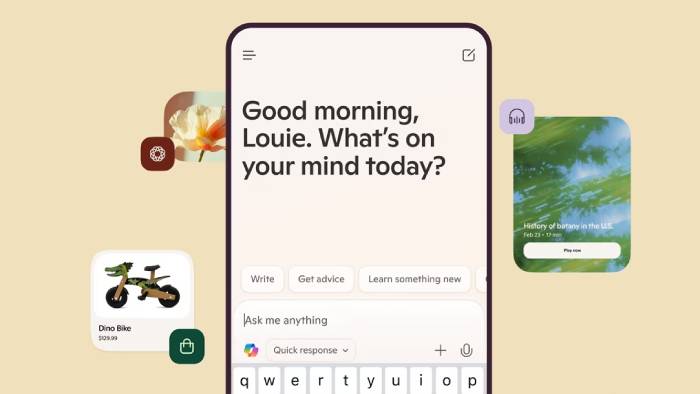
Its main advantage is context: a permitted work account can keep the task close to the documents, messages, meetings, and policies already managed by the organization. That does not remove the need to check formulas, citations, recipient lists, permissions, or sensitive data before sharing an output.
Choose Microsoft 365 Copilot if: most deliverables are Office files and the organization has appropriate Microsoft 365 licensing and governance.
Look elsewhere if: you want a lightweight public-web research tool or do not use the Microsoft ecosystem.
Cursor: a specialist coding agent
Cursor belongs in this comparison only for software development. Its Agent can inspect a codebase, edit files, run terminal commands, and help review changes. The official Agent documentation describes it as an independent coding assistant rather than a general phone or office assistant.
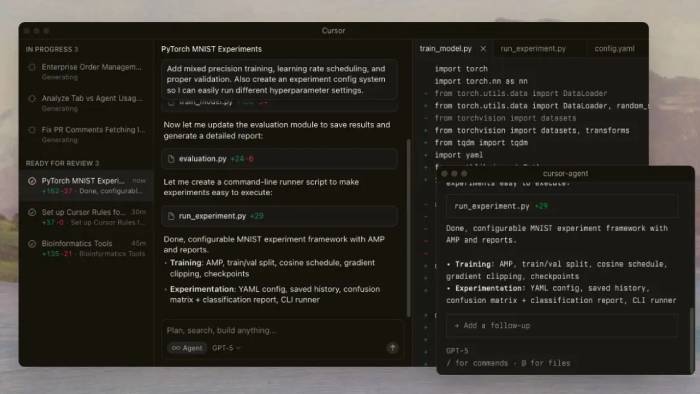
Use it from a clean Git state, supply repository instructions, constrain the requested change, and run the actual test suite. Never assume that a successful command or confident explanation proves the implementation is safe. Review dependency changes, authentication code, migrations, deleted checks, and generated files particularly carefully.
Choose Cursor if: the desired output is a reviewed code diff inside an existing project.
Look elsewhere if: you need ordinary voice assistance, email organization, travel planning, or broad personal productivity. See our evaluation of whether Cursor fits an AI coding workflow.
Perplexity: source-first web research
Perplexity is built around search, synthesized answers, and linked sources. It is useful for quickly mapping a topic, finding primary pages, generating follow-up questions, and organizing research into Projects. Its capabilities have expanded beyond search, but research remains the clearest reason to choose it.
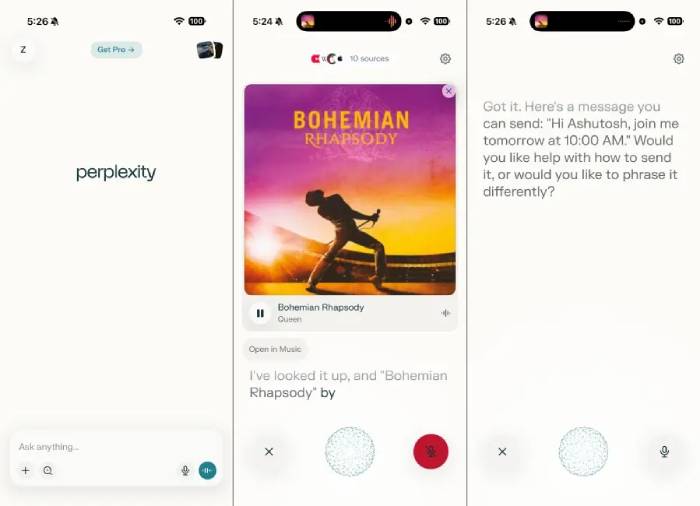
Treat citations as a route to verification, not as automatic proof. Open each important source, check its date and authority, and confirm that it supports the exact sentence. For medical, legal, financial, academic, or security decisions, consult appropriate primary sources and qualified professionals.
Choose Perplexity if: you want fast, cited orientation across the live web.
Look elsewhere if: the task mainly involves editing local code, controlling a phone, or producing work from private Office documents. Compare more options in our guide to AI tools for in-depth research.
Claude: document-heavy projects and careful drafting
Claude is well suited to long documents, structured writing, project knowledge, analysis, and coding. Projects provide self-contained workspaces with their own knowledge bases and instructions; Research can combine web and connected sources on eligible paid plans.
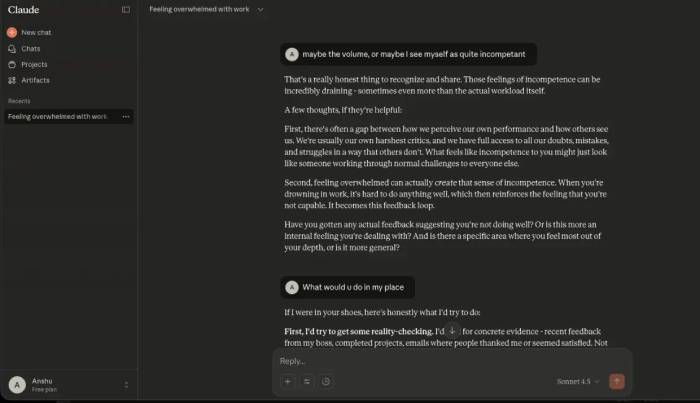
It is particularly useful when you want an assistant to critique a draft, compare several uploaded sources, or maintain consistent instructions across related conversations. Ask it to name the source file or section behind a conclusion, and inspect the original. A large context capacity does not guarantee that every detail will be recalled or weighted correctly.
Choose Claude if: your workflow centers on documents, writing, analysis, project context, or complex coding discussions.
Look elsewhere if: you need deep native control over Android, Apple, or Microsoft 365 tasks.
Siri with Apple Intelligence and ChatGPT
Siri remains the built-in assistant for device-level actions across supported Apple hardware. Apple Intelligence adds supported language and context features, while an optional ChatGPT extension can handle certain requests and Writing Tools tasks. Apple's setup guide explains how the extension works.

This is the right choice when the request is fundamentally an Apple-device action: calls, messages, timers, settings, reminders, navigation, or hands-free access. Do not assume every Apple device supports every Apple Intelligence feature. Hardware, operating-system version, language, region, and account settings all matter.
Choose Siri if: native Apple control and hands-free access are more important than having the broadest AI workspace.
Look elsewhere if: you need extensive cross-source research, repository editing, or a platform-independent project knowledge base.
A five-minute selection test
- Write down three real tasks you perform every week.
- Identify the source of truth for each task: web, phone, Google Workspace, Microsoft 365, local files, or a code repository.
- Test the same representative task with two candidates using non-sensitive data.
- Measure correction time, source quality, export format, permissions, and total usage—not just response style.
- Before subscribing, inspect the current plan page and data controls for the exact account type you will use.
Many people will benefit from two assistants rather than one: a native ecosystem assistant for actions and a separate research, document, or coding tool for deeper work. Keep the combination small enough that you can understand where data is stored and which system is responsible for each result.
Related Articles
 7 Useful Things AI Assistants Can Do—Safely13 minutes read
 5 AI Assistants That Make Email Less Annoying7 minutes read
 First Look at Cortana on Windows 103 minutes read
 7 Trends SEO Will Dominate the World from 20177 minutes read
 How to Become a Research Assistant: Step-by-Step Guide12 minutes read
 5 AI Features That Will Appear on Future Cars7 minutes read
Reader Comments 0
Sign in with email or Google to join the discussion.