Table of Contents
AI Chrome extensions range from simple page summarizers to tools that can fill forms, call connected apps, or operate on a webpage. The best choice depends on the job and the permissions you are willing to grant. A research sidebar does not need the same access as an agent that edits records across several services.
The six options below are active Chrome extensions with distinct strengths. Features, free limits, model access, and permissions can change, so review the current Chrome Web Store listing and privacy disclosure before installing.
| Extension | Best for | Main trade-off |
|---|---|---|
| Magical | Text expansion, form filling, and repetitive data entry | Needs access to pages where it inserts or transfers data |
| Merlin AI | Chatting with pages, documents, and videos | Page content and prompts may be processed by cloud services |
| Zapier Agents | Page-aware agents connected to business apps | Requires a Zapier account and careful action permissions |
| Recall | Saving and connecting research in a knowledge base | Useful only if you maintain the saved collection |
| BrowserAgent | Experimental local-first browser automation | More technical and still requires permission and model review |
| Perplexity | Quick page summaries and sourced web questions | Not a full workflow-automation extension |
Magical: repetitive data entry and text expansion
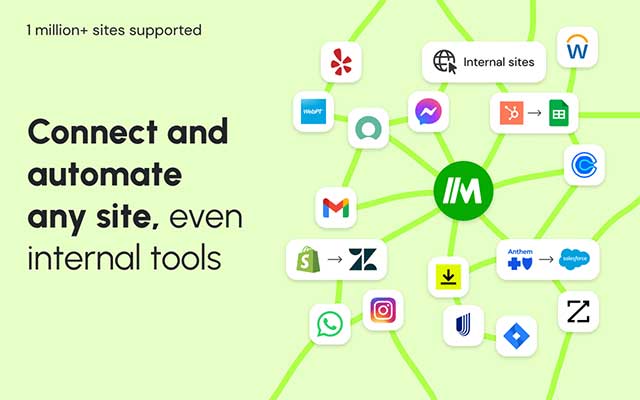
Magical focuses on expanding saved text, personalizing messages, and moving information into forms or spreadsheets. It is a practical choice when the task is predictable—copy fields from one business application to another, insert approved replies, or fill a repeated form.
Test each workflow with sample records before using it on customer or production data. Check that fields map correctly and that hidden or similarly named fields are not populated by mistake.
Merlin AI: page, document, and video assistance

Merlin AI places a multi-model assistant in the browser. It can summarize or answer questions about webpages, videos, and documents, and it can help draft text in supported sites.
Use it when switching between several AI services is inconvenient. Before summarizing private pages or uploaded files, review which content the service processes and retains. Model availability and usage limits depend on the current plan.
Zapier Agents: connected business workflows
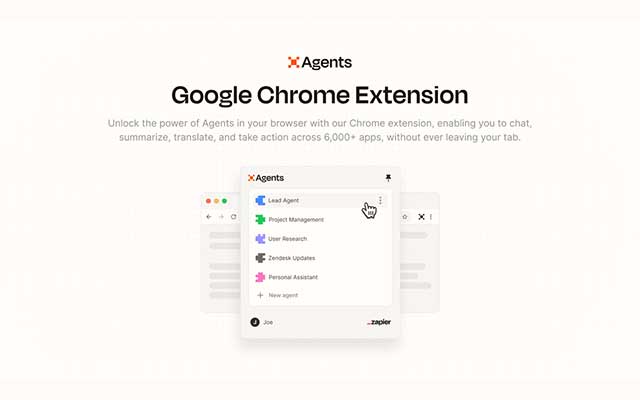
Zapier Agents can chat about the current page, search within it, summarize content, and run actions through an associated Zapier agent. It suits workflows that cross services—for example, extracting approved information from a page and preparing a CRM update.
Connected actions create the most risk as well as the most value. Give the agent only the accounts and actions it needs, and require review before sending messages, changing records, or creating external commitments.
Recall: a research knowledge base
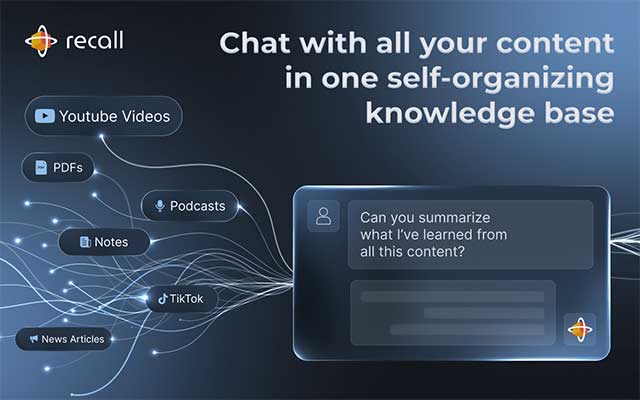
Recall's browser extension saves webpages, videos, podcasts, PDFs, and notes into a personal knowledge base. It summarizes saved material and connects related items so they can be searched or discussed later.
Recall is a better fit for ongoing research than one-off browsing. Save the source URL, check summaries against the source, and use consistent tags or project boundaries so unrelated client work does not become mixed.
BrowserAgent: local-first experimentation
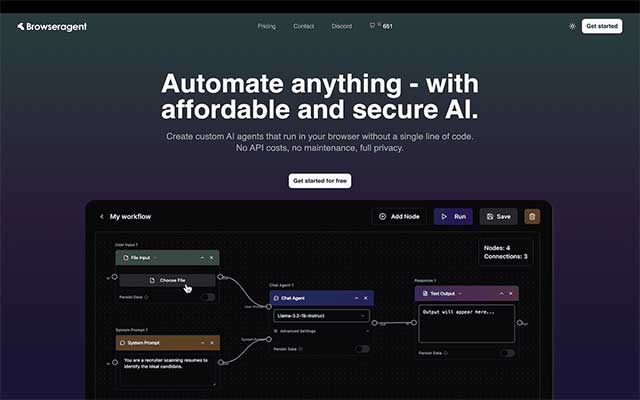
BrowserAgent is aimed at users who want browser agents that run locally and can be configured for tasks such as extraction or page interaction. Local execution can reduce dependence on a hosted automation service.
“Local” does not automatically mean that no information leaves the device. A configured cloud model can still receive prompts or page content, and the extension still operates with browser permissions. Inspect its model settings, source and permissions, and test in a separate browser profile.
Perplexity: fast page research
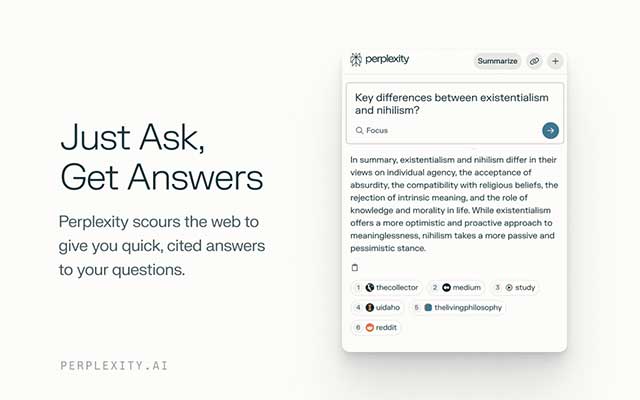
Perplexity AI Companion provides quick questions and page summaries from the toolbar. Its strength is research with visible source links, not complex automation across many apps.
Verify that citations support the specific statement beside them. Perplexity's Comet product is a separate AI browser, not the same thing as this Chrome extension. TipsMake compares the broader products in Perplexity vs. ChatGPT and covers full alternatives in its guide to AI browsers.
Security checklist before installing an AI extension
- Open the listing through the vendor's official site and verify the developer name; copycat AI extensions exist.
- Read the requested permissions and avoid “read and change all data” access unless the feature genuinely requires it.
- Review the privacy disclosure for prompts, page content, files, browsing history, retention, and model providers.
- Use a separate Chrome profile for testing and keep banking, password-manager, admin, health, and confidential work tabs out of that profile.
- Start with read-only or draft tasks. Keep confirmation before sending, deleting, purchasing, publishing, or editing business records.
- Remove extensions you no longer use and recheck permissions after updates.
Do not install all six. Choose the narrowest tool that solves the recurring task, compare its output against a manual baseline, and keep only the extension whose benefit justifies its access.
Related Articles
 Top 7 Most Useful Chrome Extensions You Should Try8 minutes read
 The Best Chrome Extensions You Should Know9 minutes read
 9 Extensions That Help Optimize the Browsing Experience on Chrome8 minutes read
 5 Browser Extensions That Make Every Website More Useful: Practical Guide7 minutes read
 Google Chrome Temporarily Prevents Sideload of Extensions3 minutes read
 5 Chrome Extensions to Stay Safe Online6 minutes read
Reader Comments 0
Sign in with email or Google to join the discussion.