Table of Contents
There is no single “best” AI productivity app. A useful choice starts with the job: automating a repeatable process, discussing and drafting work, building an agent, researching with sources, or producing governed marketing content. The tools below serve different roles and should be tested with a real task before you commit.
Automation and orchestration
1. Zapier
Zapier connects business apps through trigger-and-action workflows and can add AI steps to those automations. It is a good fit when information already moves between forms, email, CRMs, spreadsheets, support tools, and databases.
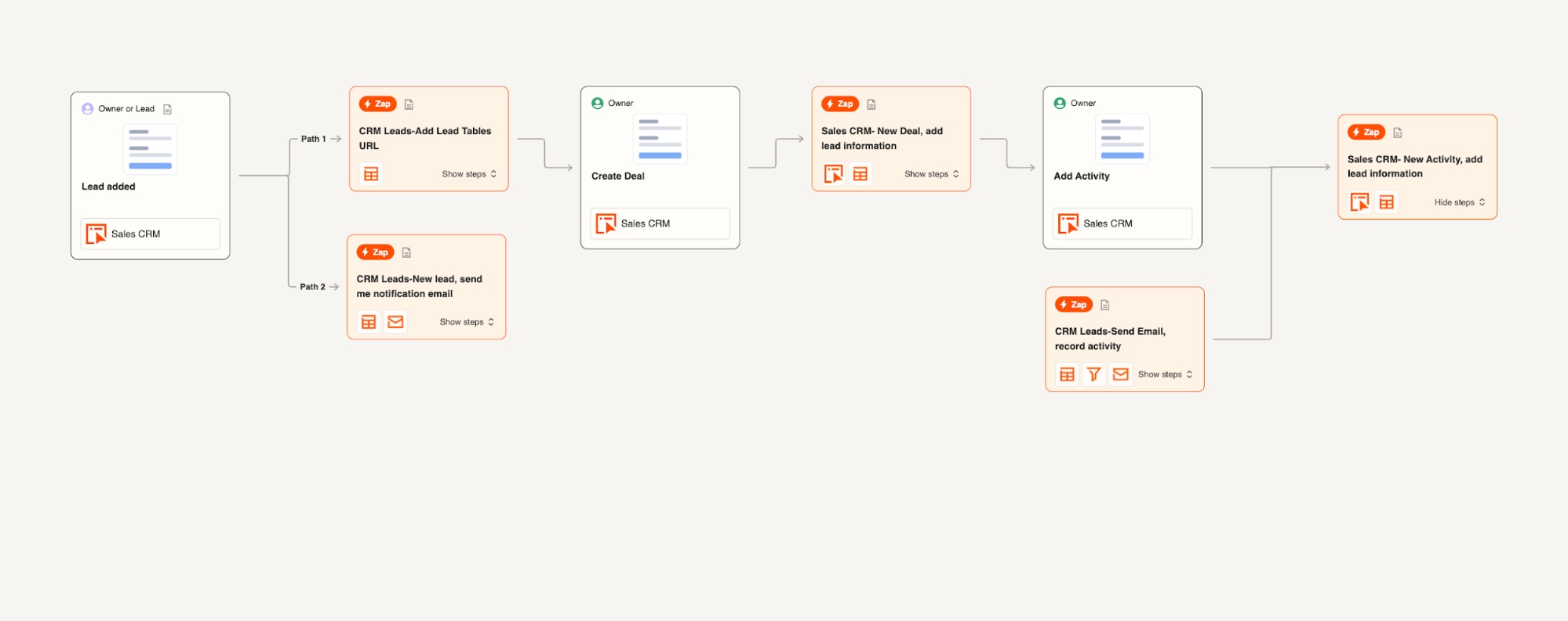
Choose it when: the process is repeatable and spans several services. Map error handling, duplicate prevention, permissions, and human approval before letting an AI step create or change records.
General AI assistants
2. ChatGPT
ChatGPT supports writing, analysis, coding, research, file work, and plugin-based connections on supported plans and workspaces. Its breadth makes it a practical general assistant when tasks change from day to day.
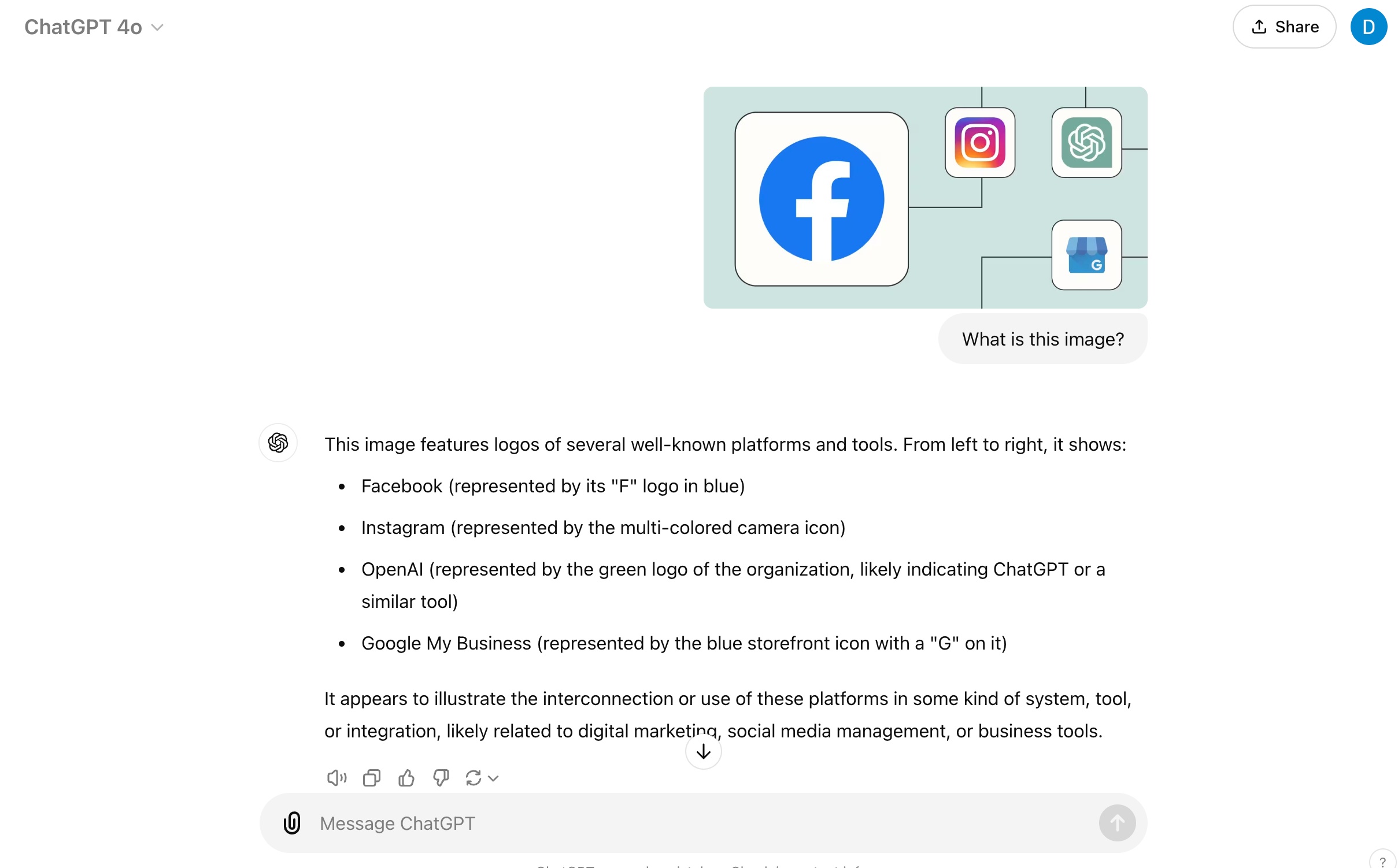
Choose it when: you need one conversational workspace for varied knowledge work. Provide source files, define the output, and ask it to flag uncertainty instead of treating fluent answers as verified.
3. Claude
Claude is a general assistant with strong document, coding, and artifact-building workflows. It can create interactive outputs and help revise long material in context.
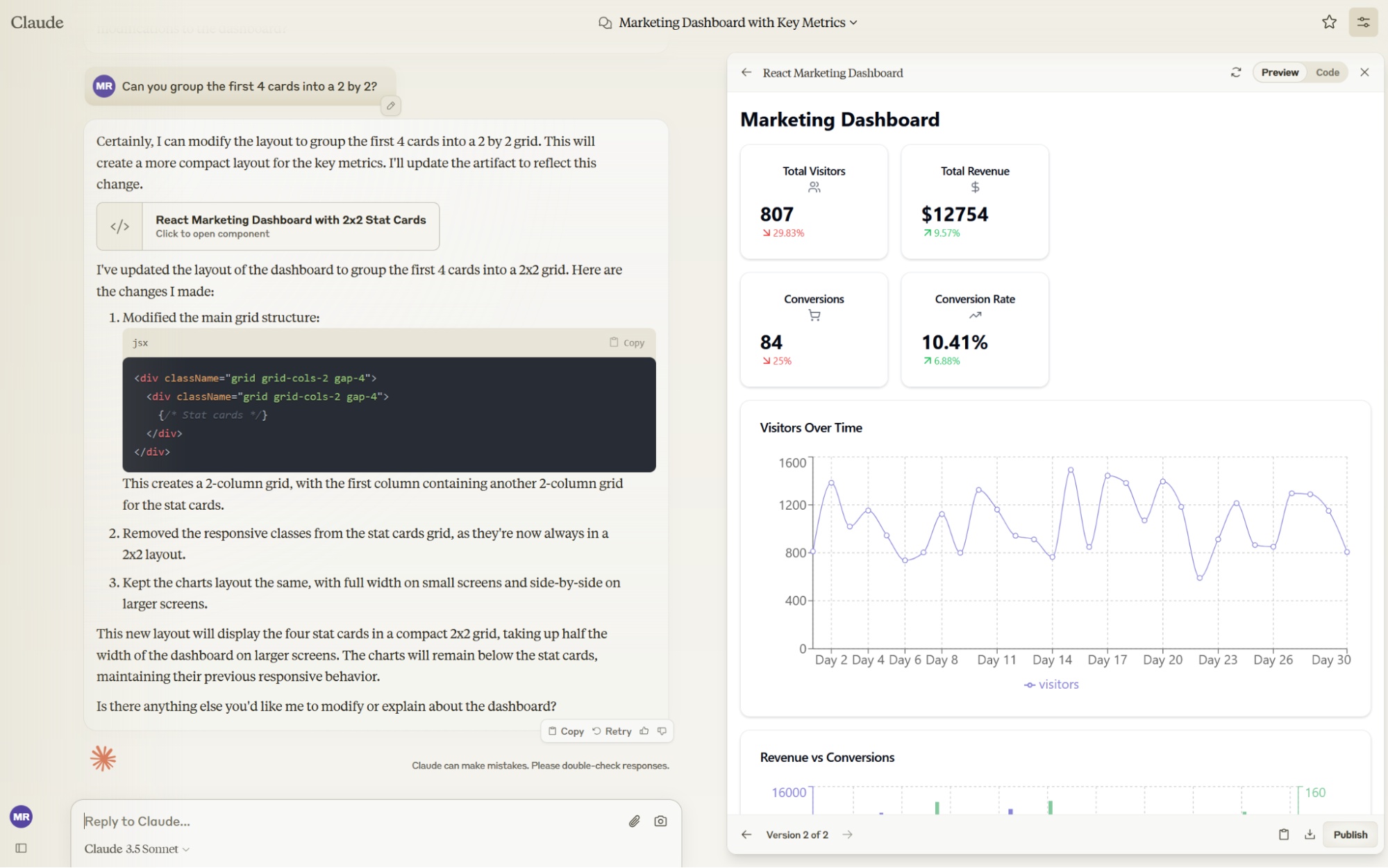
Choose it when: long documents, structured drafting, or an iterative coding artifact is central to the task. Verify calculations, citations, and implementation details independently.
4. Meta AI
Meta AI is integrated across supported Meta products and also has a standalone experience. It is convenient for conversational help and media features where Meta's ecosystem is already part of the workflow.

Choose it when: access inside familiar social or messaging products matters. Review what conversation and account context is being shared before using personal or business information.
Agent-building platforms
5. Zapier Agents
Zapier Agents combines an agent interface with Zapier's connected-app ecosystem and company knowledge sources.
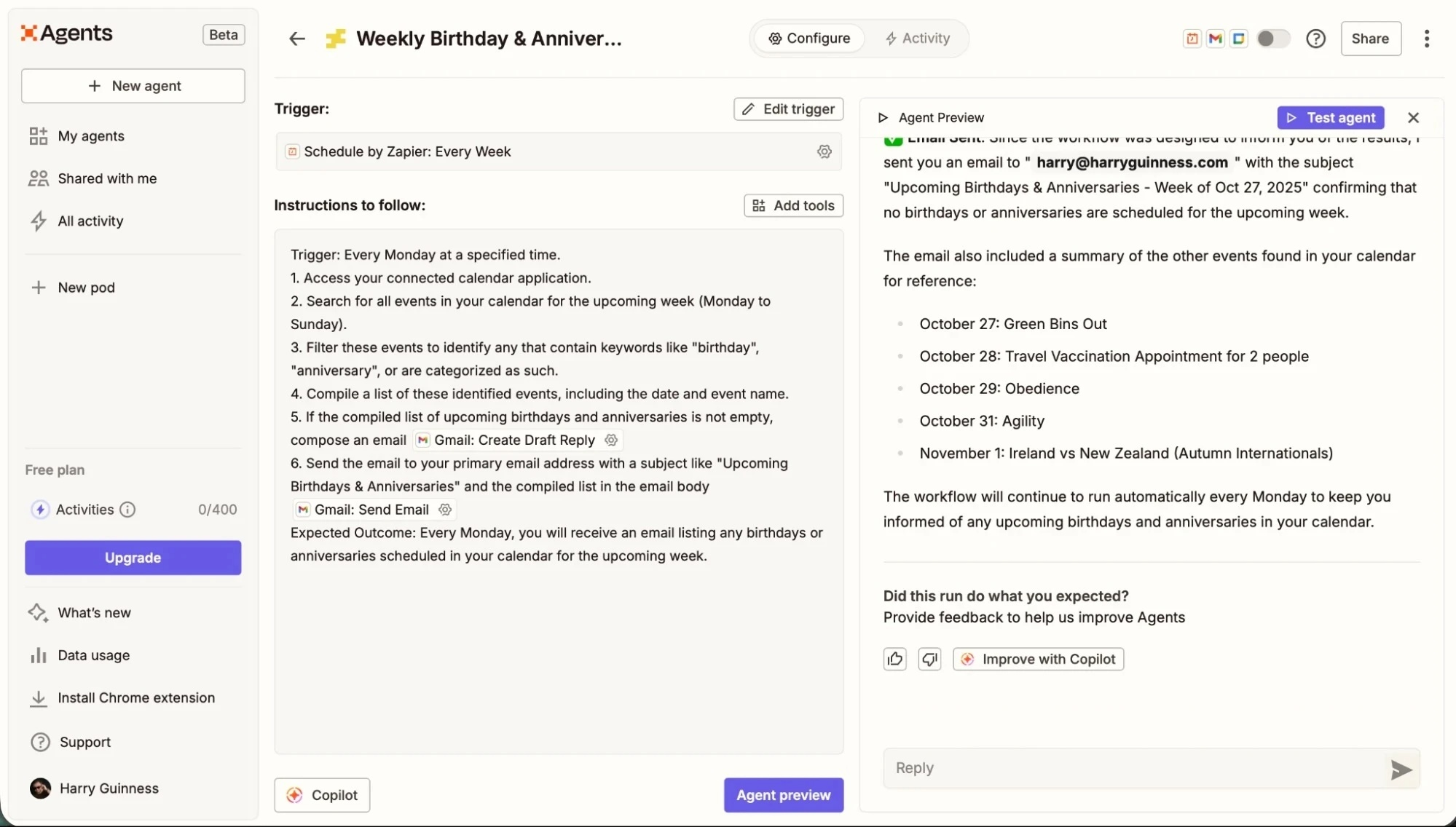
Choose it when: an agent must read business context and perform bounded actions across common SaaS tools. Start with read-only tasks, narrow the accessible apps, and require review for consequential actions.
6. Botpress
Botpress provides visual and code-based tools for building, testing, and deploying AI agents, especially customer-facing support experiences and web chat.
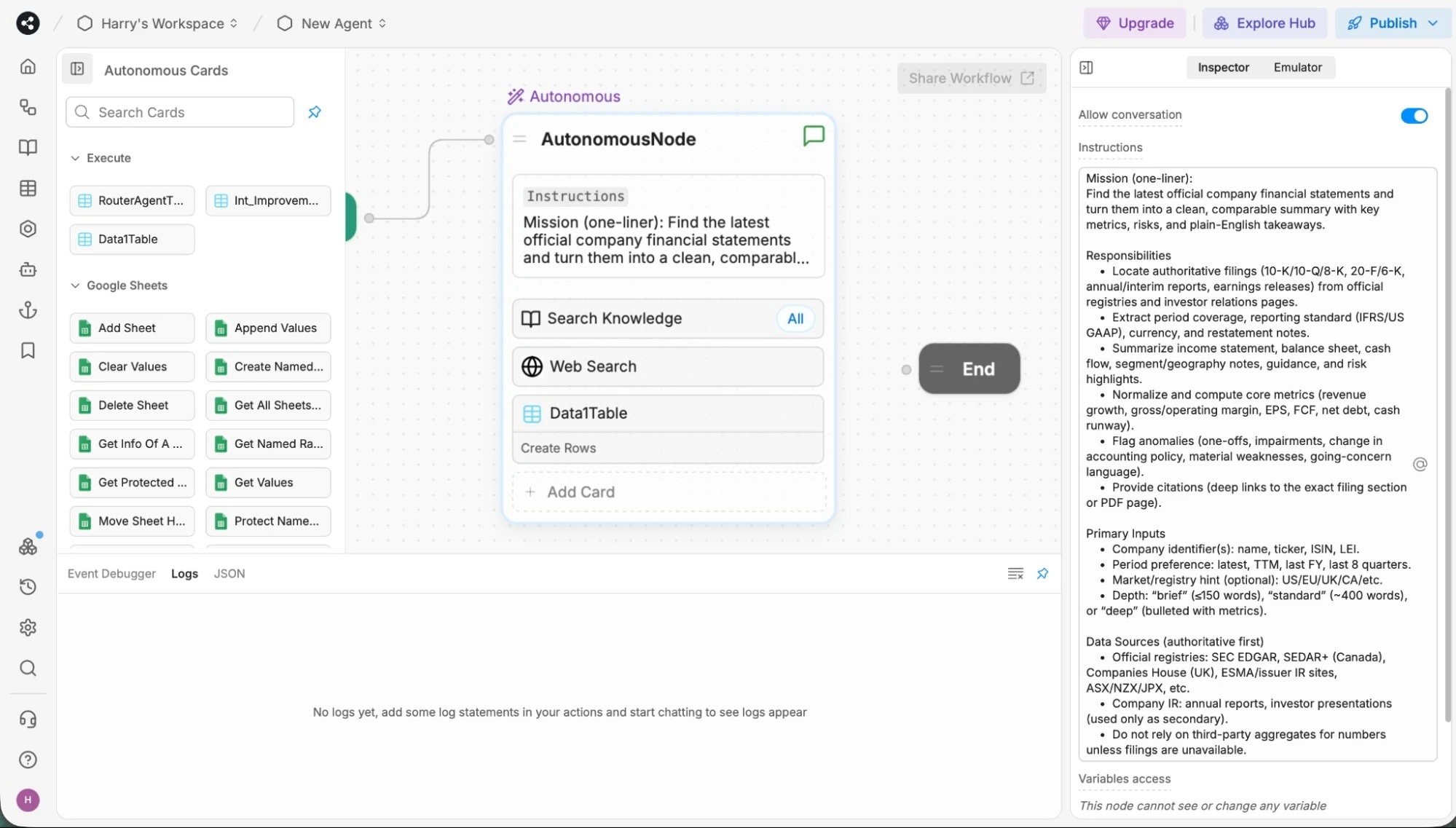
Choose it when: you need control over conversation flows, integrations, channels, and deployment. Expect more design, testing, analytics, and maintenance work than a basic chatbot prompt.
AI search and research
7. Perplexity
Perplexity produces conversational answers with links to web sources and supports follow-up research.
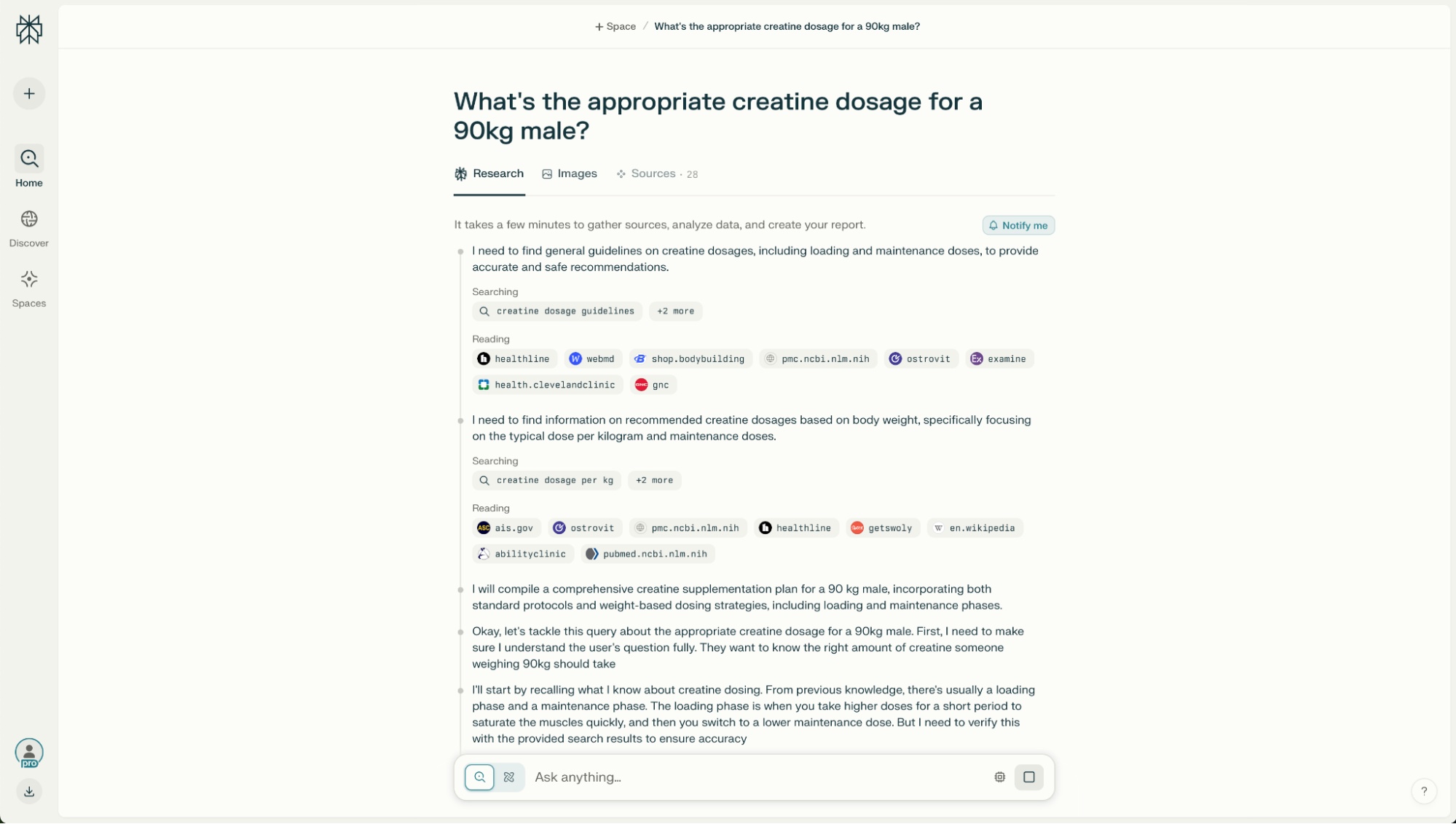
Choose it when: you need a fast research starting point. Open the cited pages, check whether they support the sentence, and prefer primary sources for technical, legal, medical, or financial claims.
8. Komo
Komo offers conversational and research-oriented search modes with controls that can vary by product version.
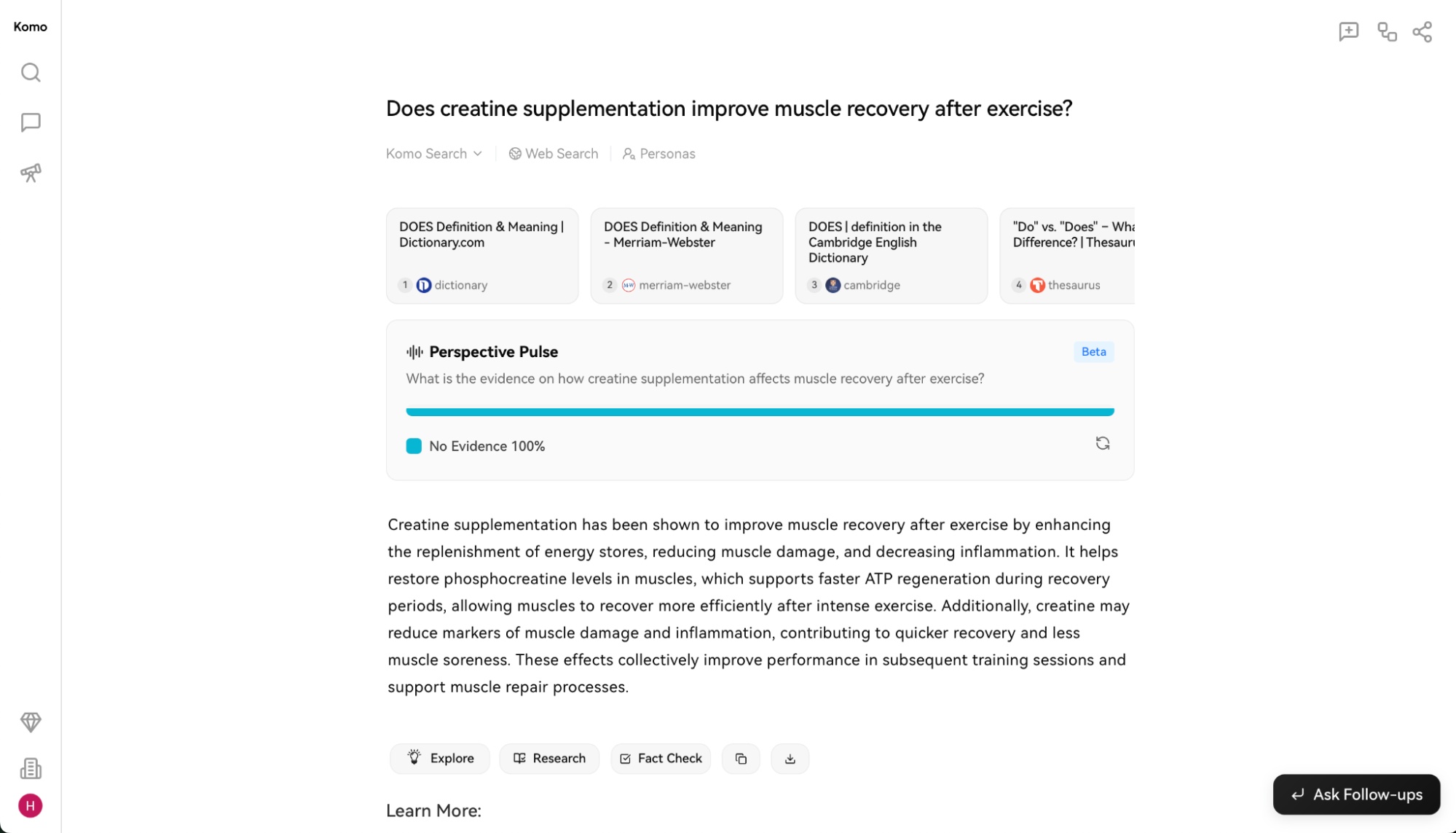
Choose it when: you want an alternative research interface or need to compare how another system frames the same topic. Do not mistake model selection or a “deep” label for source quality.
9. Brave Search
Brave Search combines a search index with summarized AI answers and follow-up features while emphasizing privacy.
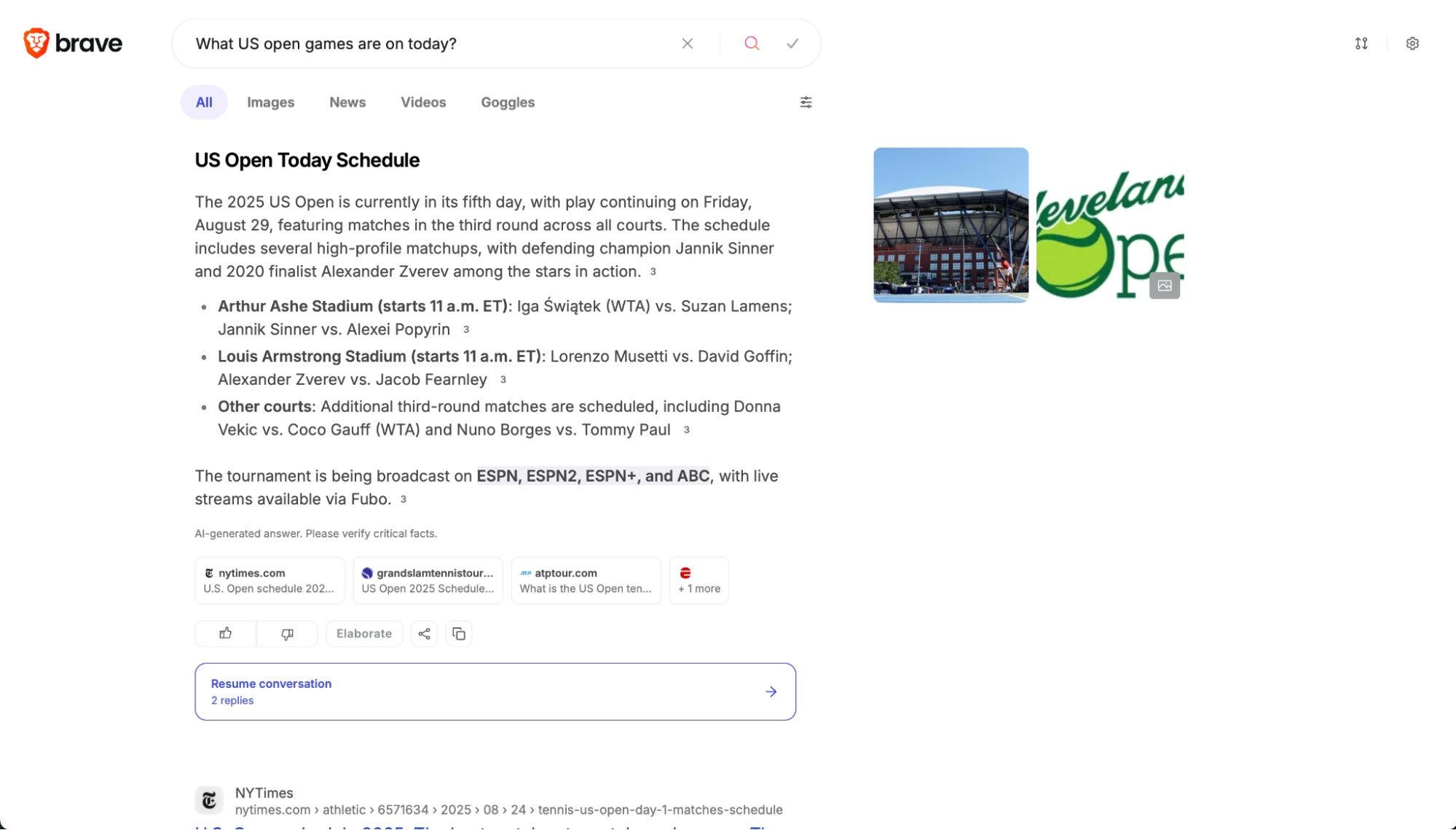
Choose it when: you want conventional results and an AI summary in a privacy-focused search product. Use the result list to verify the summary and watch for missing context.
Marketing and governed content
10. Jasper
Jasper is aimed at marketing teams that need brand voice, audience context, campaign workflows, and multi-channel content.
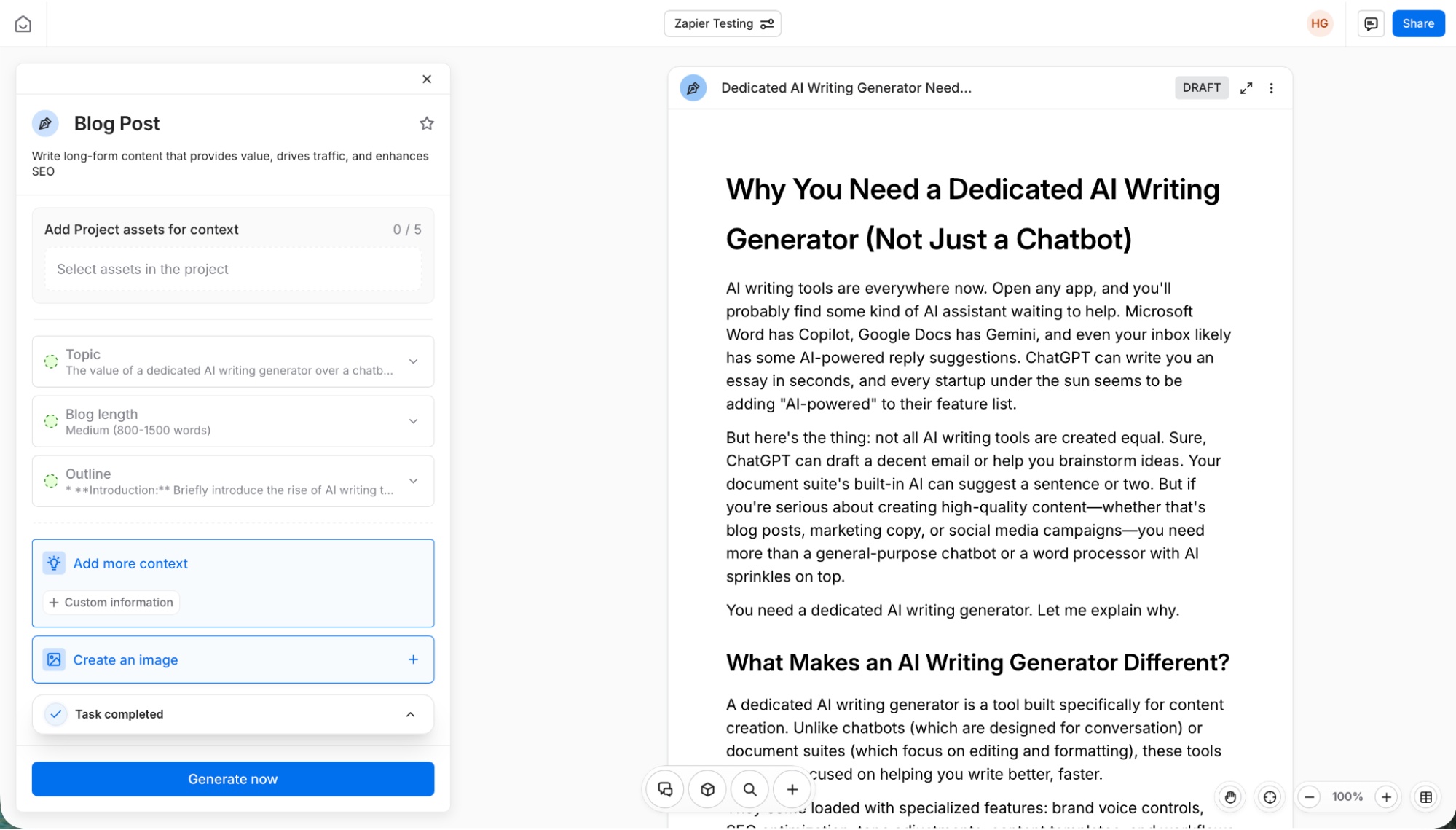
Choose it when: coordinated marketing production matters more than a general chatbot. Connect approved brand facts and review every claim before publishing.
11. Anyword
Anyword focuses on performance-oriented marketing copy, brand context, and variants for testing.
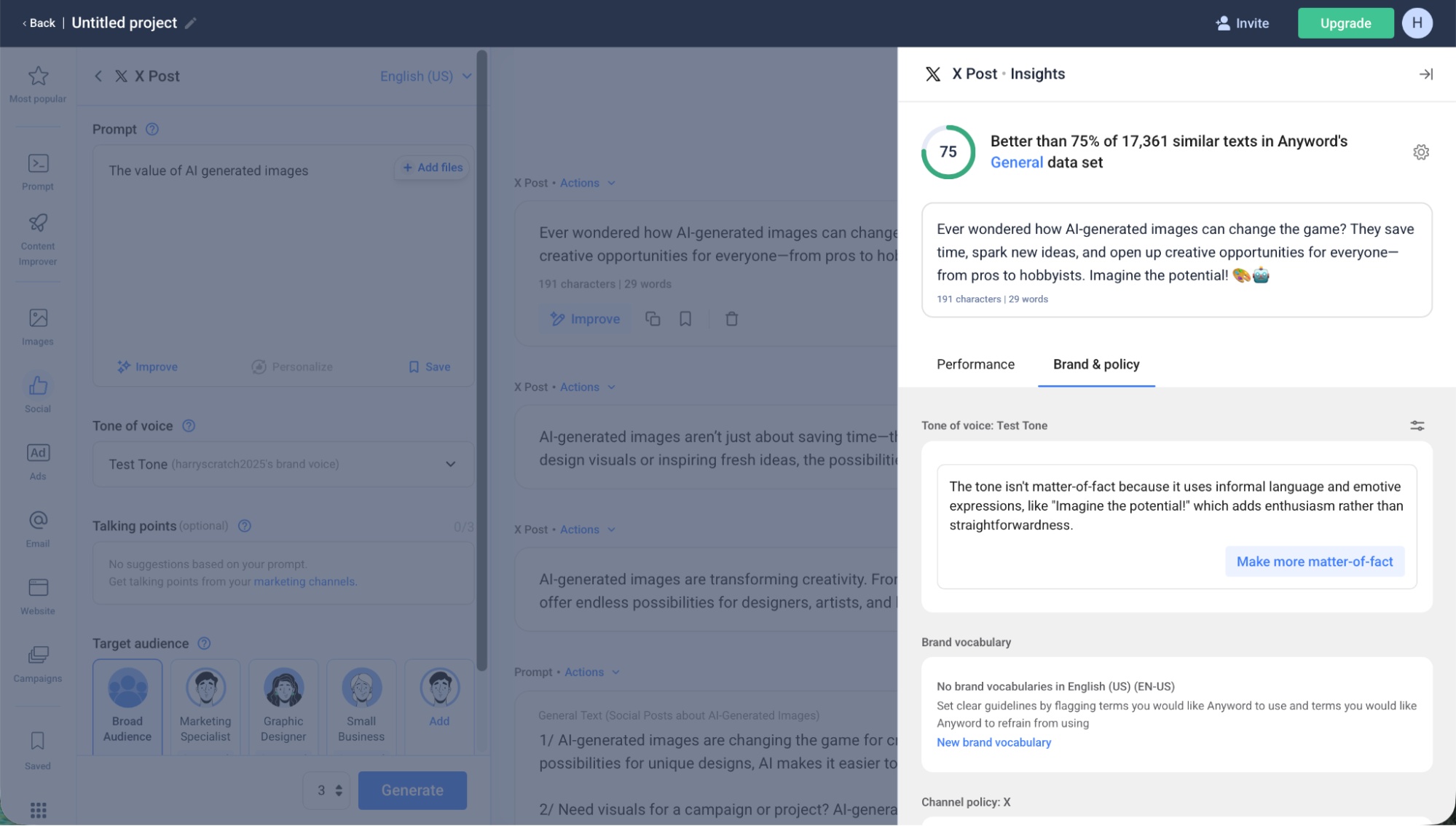
Choose it when: your team has a real experimentation program and can compare generated variants against measured outcomes. Predictive scores are aids, not proof that copy will convert.
12. Writer
Writer targets enterprise workflows with brand, knowledge, governance, and agent capabilities.
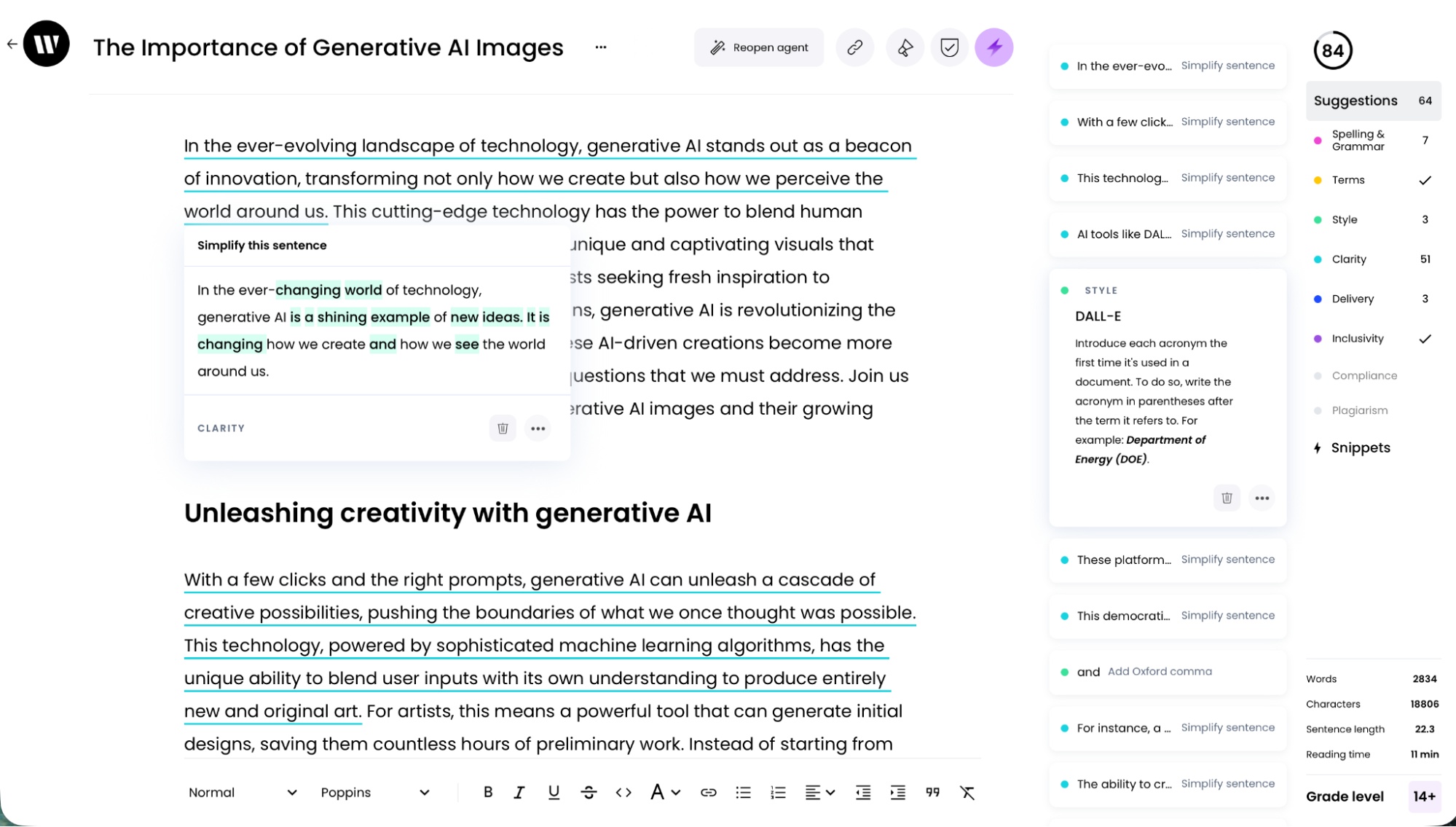
Choose it when: centralized controls, approved knowledge, repeatable workflows, and organizational rollout are core requirements. Governance reduces risk but does not eliminate the need for subject-matter review.
How to choose without buying too many tools
- Write down one recurring task and the systems or files it touches.
- Decide whether you need advice, research, content generation, or permission to take actions.
- Test two candidates with the same representative input and scoring criteria.
- Compare source quality, edit time, error rate, privacy controls, integration effort, and total cost.
- Keep a human checkpoint for payments, publishing, account changes, customer messages, and destructive edits.
Plans, models, limits, and integrations change frequently. Check the current product page and workspace policy before basing a process on a feature.
Related Articles
 6 Must-Have Productivity Tools for Windows7 minutes read
 5 Practical Ways to Use AI for Better Productivity8 minutes read
 5 Generative AI Tools to Help Improve Your Work: Top Picks and Buying Guide6 minutes read
 10 Tips to Increase Productivity on Windows 1012 minutes read
 How to Build a Complete Productivity System Using Windows 11's Default Features7 minutes read
 Top AI Tools for Businesses7 minutes read
Reader Comments 0
Sign in with email or Google to join the discussion.