Table of Contents
The right VPN alternative depends on why you need a VPN. Private browsing, access to a company application, and changing a streaming service’s apparent location are different goals. A tool that addresses one may do nothing for the others.
The eight technologies below are often grouped together, but they are not interchangeable. In particular, identity and privileged-access management are security controls, not substitutes for an encrypted browsing tunnel.
1. Tor Browser: browsing through a relay network
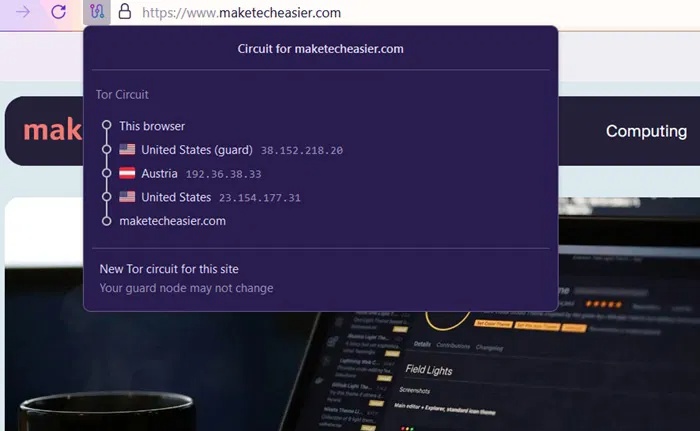
Tor routes communications through volunteer relays to reduce the link between a user and the sites they visit. Use Tor Browser for this workflow rather than assuming that installing Tor automatically covers every application.
Connections can be slower, and some sites restrict Tor traffic. Signing into an identifying account also changes what the site knows about you. TipsMake’s Tor Browser feature overview explains related concepts.
2. IAM: controlling who can access resources
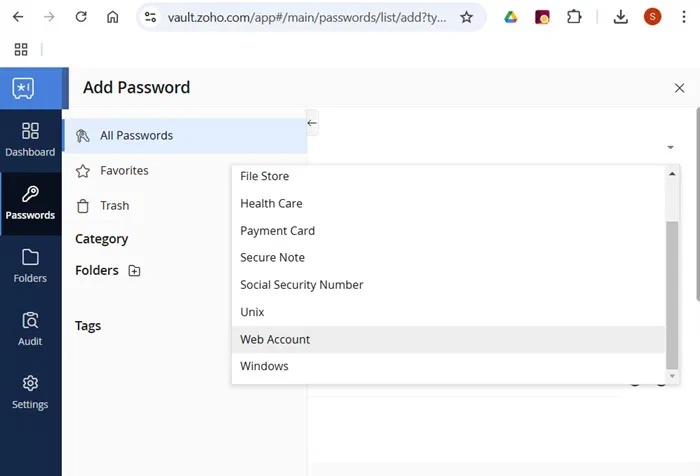
Identity and Access Management handles accounts, authentication, and authorization. It is useful when an organization needs to decide who may use a service. It does not hide a user’s browsing IP or encrypt all network traffic merely because an account uses multi-factor authentication.
3. PAM: protecting privileged accounts
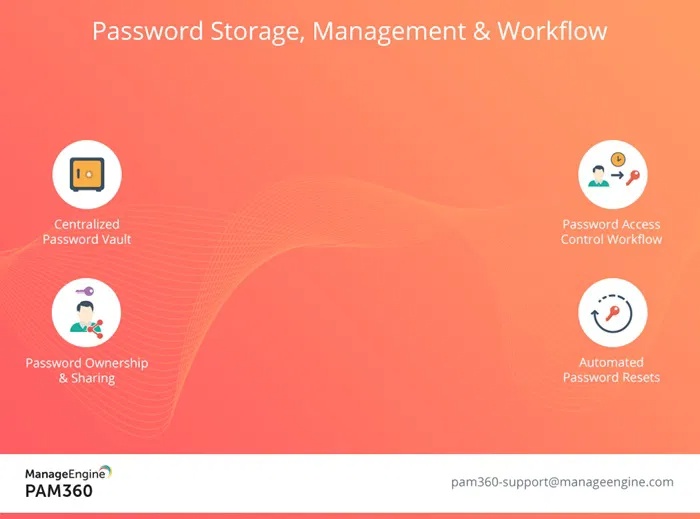
Privileged Access Management focuses on powerful accounts and administrative access. Depending on the system, it can control credentials, limit privileges, and monitor sessions. These controls can complement remote access, but they are not a consumer VPN replacement. Choose them for administrative-account risks, not anonymous web browsing.
4. ZTNA: access to specific enterprise applications
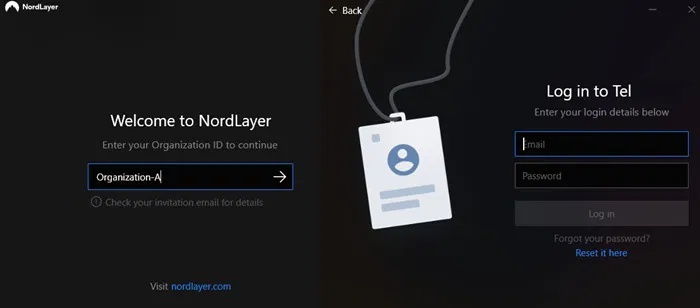
Zero Trust Network Access can replace some traditional remote-access VPN workflows by granting access to particular resources after checks on the user and device. It does not mean abandoning the internet for a network that nobody can access.
NIST’s zero trust architecture emphasizes that network location alone should not confer trust. Your organization must deploy and configure the access system; it is not simply a privacy browser you install yourself.
5. SSH tunneling: protecting a configured connection
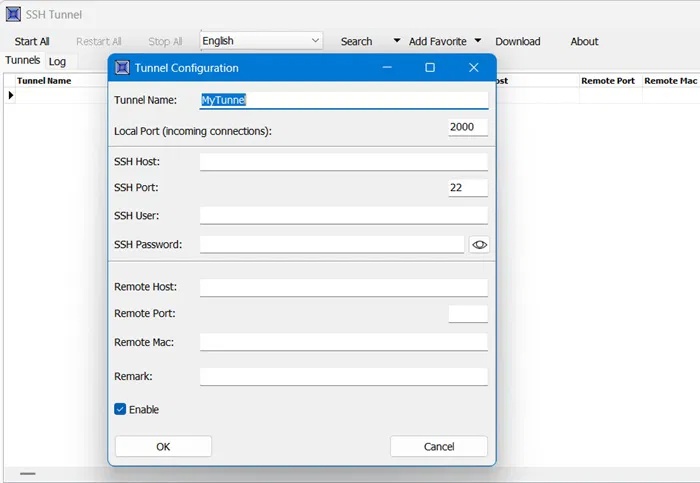
An SSH tunnel can forward selected connections through an encrypted link to a server you can access. It is useful for a particular application or service, and some configurations provide a local proxy. The OpenSSH manual documents these capabilities.
Traffic must actually be configured to use the tunnel. Unrelated applications remain outside it, and you still need to trust the server and protect the account used to connect.
6. I2P: communication within an anonymity network
I2P provides an overlay network for anonymity-focused applications and services. It uses its own routing and destination system. Its architecture documentation explains the distinction between participating routers and application destinations.
Treat I2P as a specialized network, not a drop-in solution for ordinary websites or every app on your device. Understand the application’s configuration and privacy limitations before using it.

7. Smart DNS: a location-access tool with different protections
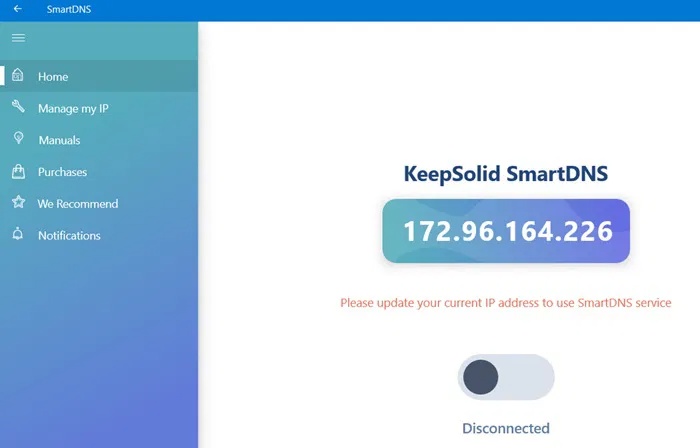
Smart DNS services can redirect selected lookups or traffic to support access to particular online services. They generally do not provide the device-wide encrypted tunnel associated with a VPN. They should not be chosen as a way to secure sensitive traffic on public Wi-Fi.
Whether a service works with a particular platform can change. Do not assume it will bypass every location restriction.
8. Privacy-focused browsers: reducing web tracking
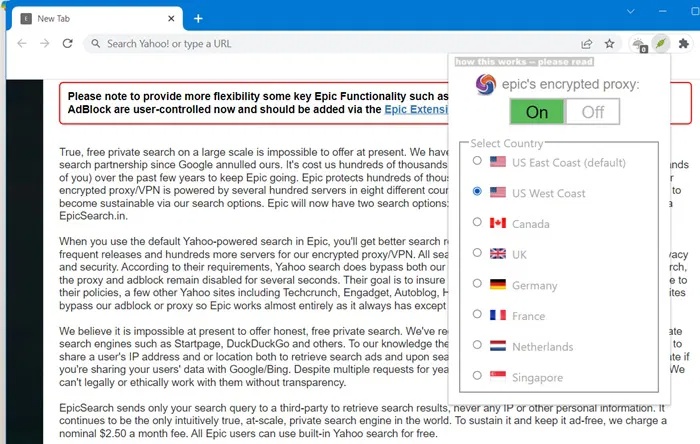
A browser with tracking protections can reduce exposure to cookies, trackers, or fingerprinting. These protections address how websites recognize visitors. They do not inherently conceal your IP from every site or route other applications through an encrypted tunnel.
Choose by the protection you need
For company resources, ask IT which remote-access method is supported. For browsing privacy, compare coverage and what the destination site can still identify. For a single remote service, an SSH tunnel may be appropriate if you can configure and maintain it.
Whatever you choose, verify the actual traffic path. The VPN leak-check guide covers useful tests, but no single test proves that every application is protected.
Related Articles
 9 ChatGPT and Generative AI API Alternatives for Developers: Top Picks and12 minutes read
 Cheap Backup Tips to Replace When You Run Out of iCloud Storage9 minutes read
 4 Garageband Alternatives for Windows 106 minutes read
 9 Best Kodi Alternatives12 minutes read
 8 Best Alternatives to Canva7 minutes read
 6 Best Icloud Drive Alternatives for iPhone/iPad8 minutes read
Reader Comments 0
Sign in with email or Google to join the discussion.