Table of Contents
AI tools can make academic work more efficient, but they should support your judgment rather than replace it. The most useful tools solve a specific part of the process: finding related literature, checking citation context, reviewing a draft's structure, improving the prose, or organizing references.
No tool can guarantee that a source is reliable, a citation is accurate, or an argument is sound. Treat every generated sentence and reference as something you must verify against the original source.
Before using AI for academic work
- Check the rules first. Your course, university, funder, or journal may limit AI use or require disclosure. Follow the most specific policy that applies to your work.
- Keep a source trail. Record the paper title, authors, journal, year, DOI or stable URL, and the claim you used. Do not rely on an AI-generated bibliography alone.
- Verify every citation. Open the source and confirm that it exists, supports the sentence, and is cited in the required style.
- Protect sensitive material. Do not upload participant data, confidential documents, unpublished results, or patentable ideas without the necessary approval.
- Retain authorship. You are responsible for the question, method, analysis, interpretation, and final wording. Never submit generated text as your own when the relevant policy prohibits it.
1. Litmaps for discovering connected research
Litmaps turns citation relationships into a visual map. Start with one or more relevant papers, then inspect earlier references, later citations, and related work. This is useful when you know a good seed paper but do not yet understand the surrounding literature.
Use the map to identify promising papers, not as proof that your search is complete. Citation networks can favor older or heavily cited work and may miss recent, niche, or poorly indexed studies. Combine Litmaps with your library catalog and the subject databases recommended for your field. If you need more options, TipsMake's guide to AI tools for in-depth research covers additional discovery workflows.
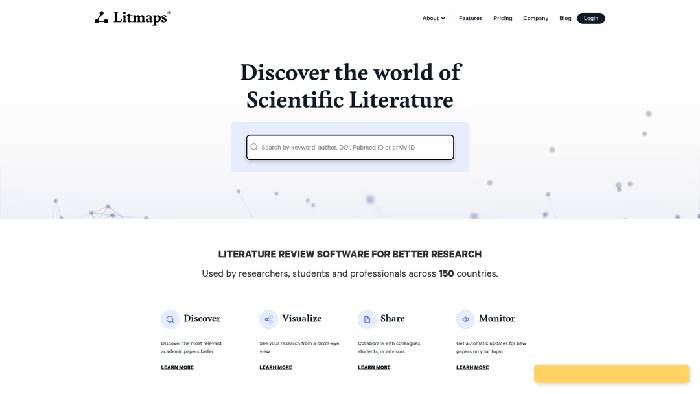
A practical Litmaps workflow
- Add two or three papers that are directly relevant to your research question.
- Examine both cited and citing papers rather than following only the most prominent branch.
- Open each promising result and read at least the abstract, methods, and limitations before saving it.
- Export the useful records to a reference manager such as Zotero, Mendeley, or EndNote.
- Repeat the search in a conventional academic database to look for gaps.
2. Scite for checking citation context
Scite helps you see how later publications cite a paper. Its Smart Citations classify individual citation statements as supporting, contrasting, or simply mentioning the cited work. That context can reveal follow-up evidence, criticism, replication attempts, or a more recent interpretation.
The classification applies to a citation statement, not to the entire paper. A paper with several contrasting citations is not automatically invalid, and a paper with supporting citations is not automatically high quality. Read the citing passage and then assess the study design, sample, limitations, and publication history yourself.
When Scite is most useful
- checking whether a landmark claim has been challenged or refined;
- finding papers that discuss a source in a specific context;
- following a disputed finding into newer literature; and
- reviewing the evidence around a citation before repeating it in your own paper.
3. thesify for structured pre-submission feedback
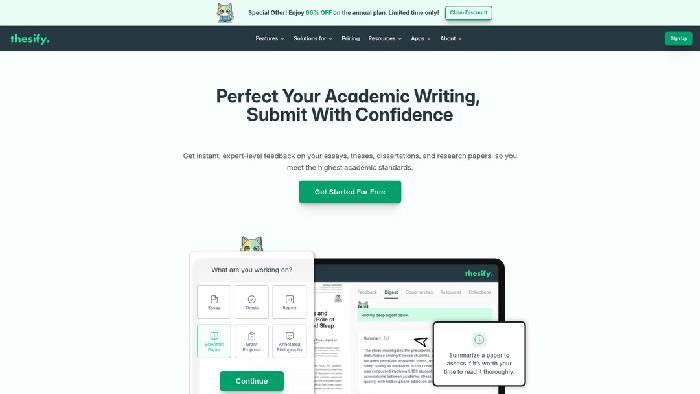
thesify provides feedback on areas such as clarity, structure, argumentation, and academic conventions. It can be useful after you already have a substantive draft and want a systematic review before showing it to a supervisor or submitting it.
Apply its comments selectively. A suggestion may make a paragraph smoother while weakening an important qualification or changing technical meaning. Review changes one by one, keep a copy of the original draft, and do not treat automated feedback as a substitute for supervision, discipline-specific review, or peer review.
4. Grammarly for proofreading and consistency
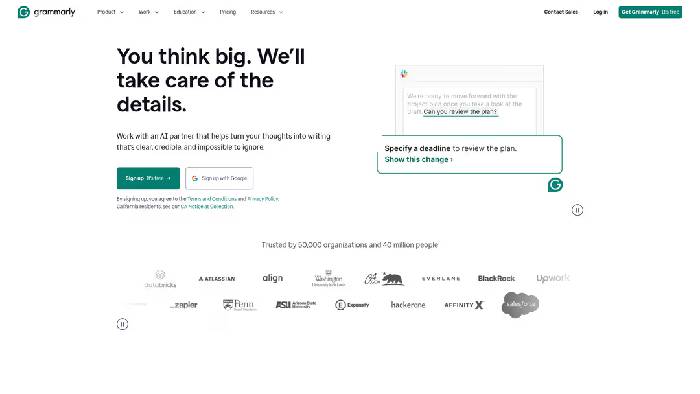
Grammarly can flag grammar, punctuation, wordiness, and inconsistent tone. It is most helpful during a late editing pass, after the research and argument are settled. Review each proposed change because specialized terms, quotations, statistical notation, and intentionally cautious language may be altered incorrectly.
Its plagiarism and citation features can be an additional check, but they do not prove that a paper is original or correctly referenced. A similarity match may be a legitimate quotation, while an uncited paraphrase may not be detected. Compare the final document with your notes and verify references in the required style guide.
5. Jenni AI for drafting with source awareness
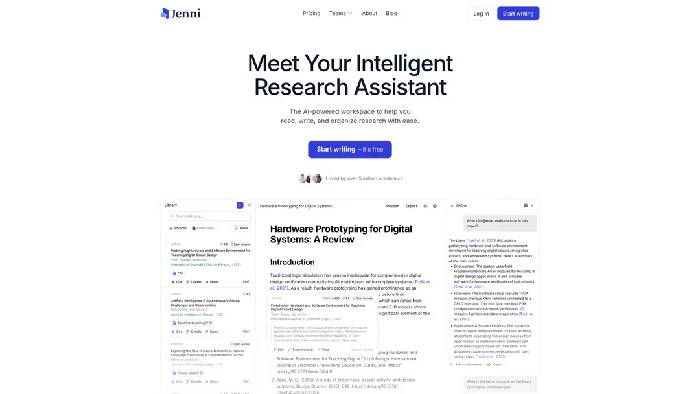
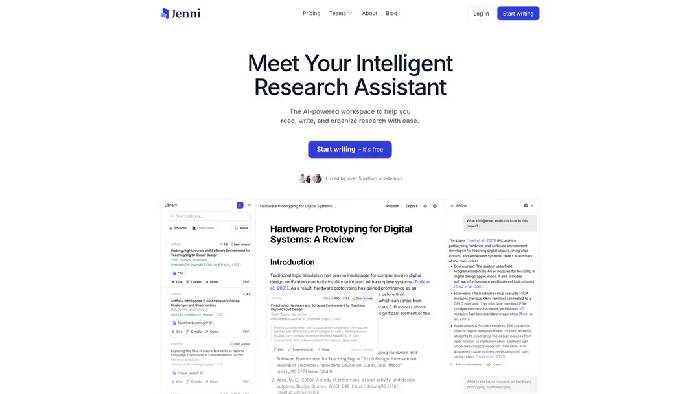
Jenni AI combines an editor with autocomplete, document chat, a research library, and citation tools. It can help you outline a section, compare notes from uploaded papers, or propose transitions when you are stuck.
Do not accept a generated citation because it looks plausible. Open the paper, confirm the authors and publication details, and check that the cited passage actually supports your sentence. Rewrite any generated prose in your own analytical voice and disclose the use of the tool when your institution or publisher requires it.
Researchers who mainly want to ask questions across a collection of documents can also compare the options in TipsMake's guide to NotebookLM alternatives. Whichever system you use, keep the source documents available so you can trace every answer back to the evidence.
6. eesel AI Blog Writer for public-facing summaries
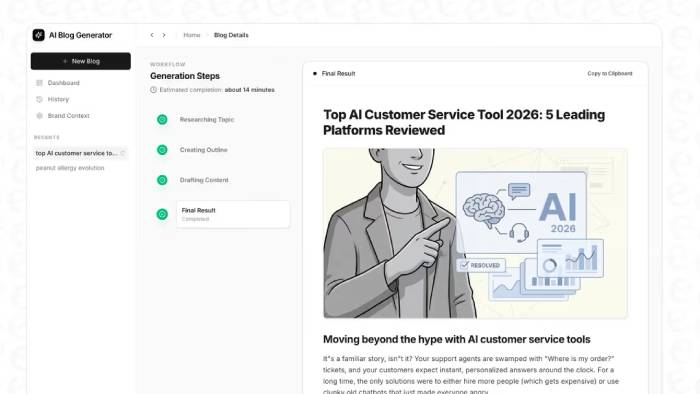
eesel AI Blog Writer is designed for producing blog content from a topic or keyword. That makes it a poor fit for writing a research paper, where the author must control the evidence, citations, methods, and qualifications.
It can have a role after the scholarly work is complete: turning approved findings into a draft news post, lab update, or plain-language explainer. Confirm that the research may be shared publicly, remove confidential information, retain important limitations, and obtain any institutional approval before publication.
A reliable tool-assisted research workflow
| Stage | Useful tool | What you must verify |
|---|---|---|
| Discover related papers | Litmaps | Coverage, relevance, and database gaps |
| Examine citation context | Scite | The citing passage and the quality of each study |
| Organize evidence | A reference manager | Metadata, DOI, page numbers, and notes |
| Draft and revise | Jenni AI or thesify | Claims, citations, meaning, and policy compliance |
| Proofread | Grammarly | Technical language, quotations, and final references |
| Explain published work | eesel Blog Writer | Approval, confidentiality, accuracy, and limitations |
A strong process moves from evidence to writing: define the question, search broadly, read the original papers, take traceable notes, build the argument, and only then use AI to assist with clearly bounded tasks. Students looking for broader study support can compare AI tools for high school and university students, but the same rule applies: the user remains responsible for the work.
Related Articles
 How to Write a Scientific Paper Using ChatGPT9 minutes read
 Simple Tips on Writing an Essay on a Business Topic10 minutes read
 Is Custom Essay Writing Good for Students?8 minutes read
 Best AI Writing Tools in 2026: 10 Options Compared12 minutes read
 Best AI Tools for High School and University Students12 minutes read
 Top AI Tools for in-Depth Research11 minutes read
Reader Comments 0
Sign in with email or Google to join the discussion.