Table of Contents
This guide organizes the entries in "Stop Installing These 8 Useless iPhone Apps" and explains what each option, idea, or example offers. It also highlights practical details that matter when comparing the choices.
8. Flashlight applications
Flashlight apps were useful when the iPhone didn't have one of its own. But that changed with the release of iOS 7 in 2013. Today, they're completely redundant.
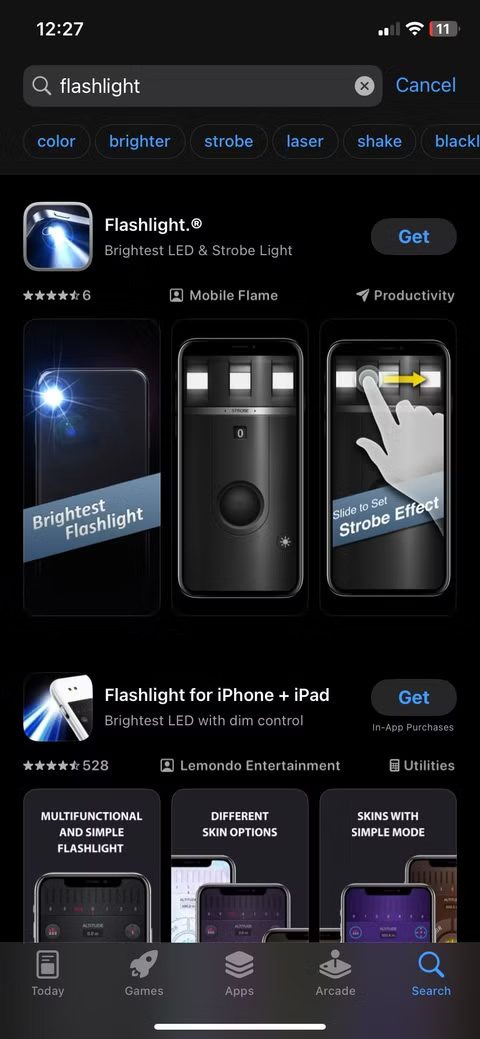
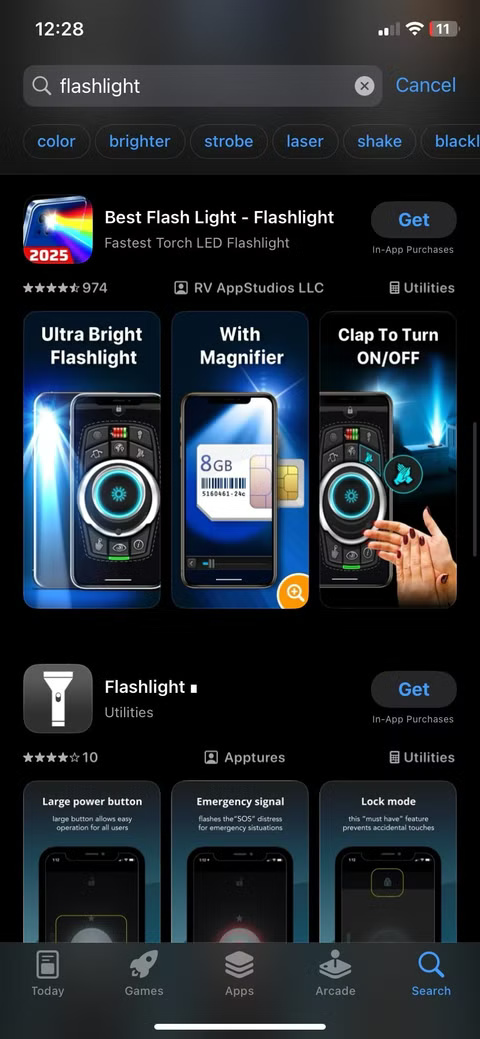
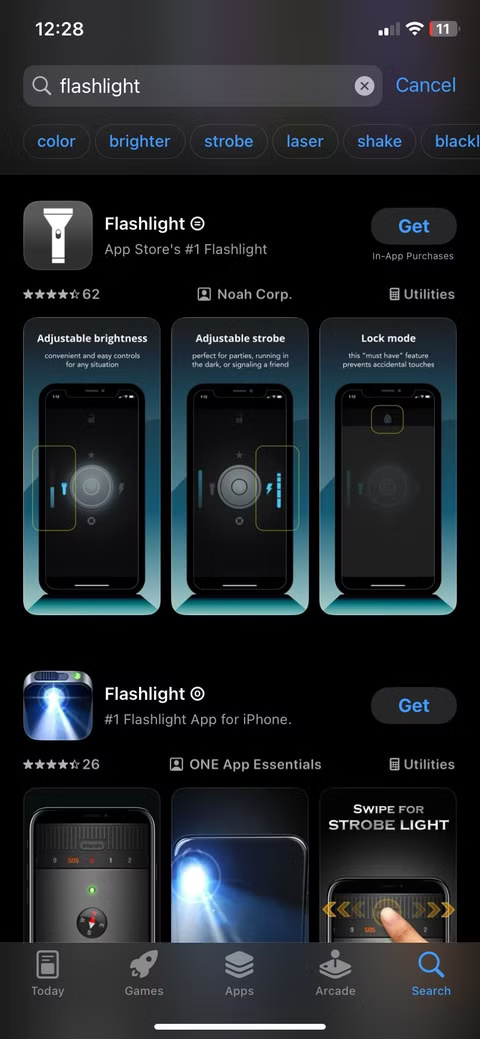
The problem with third-party flashlight apps isn't just that they're unnecessary; they're often full of ads, ask for access to data they're not supposed to have (like location or contacts), and in some cases, even track user usage for exploitation. All of that just to perform a function that your phone already has.
7. QR code scanning applications
You might be surprised to see how many people still download QR code scanning apps even though their iPhones already have one built in.
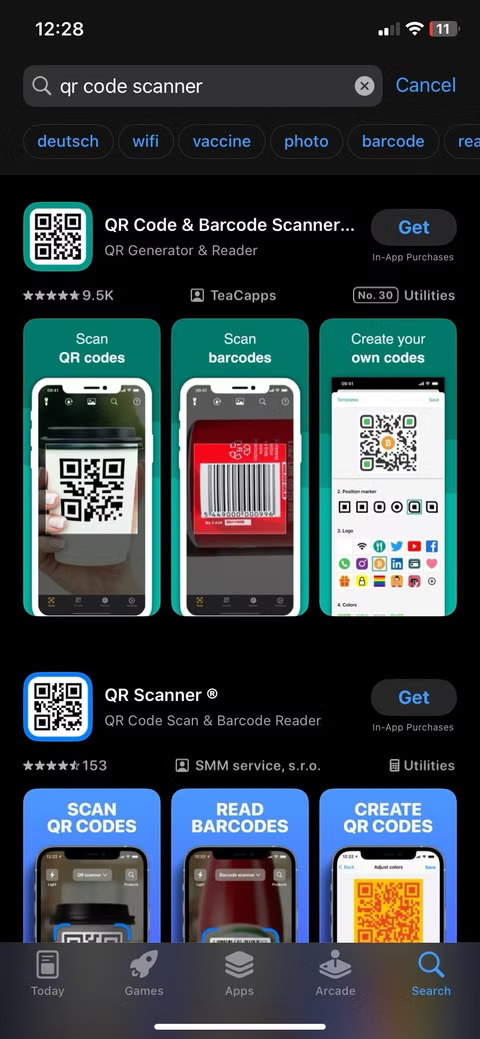
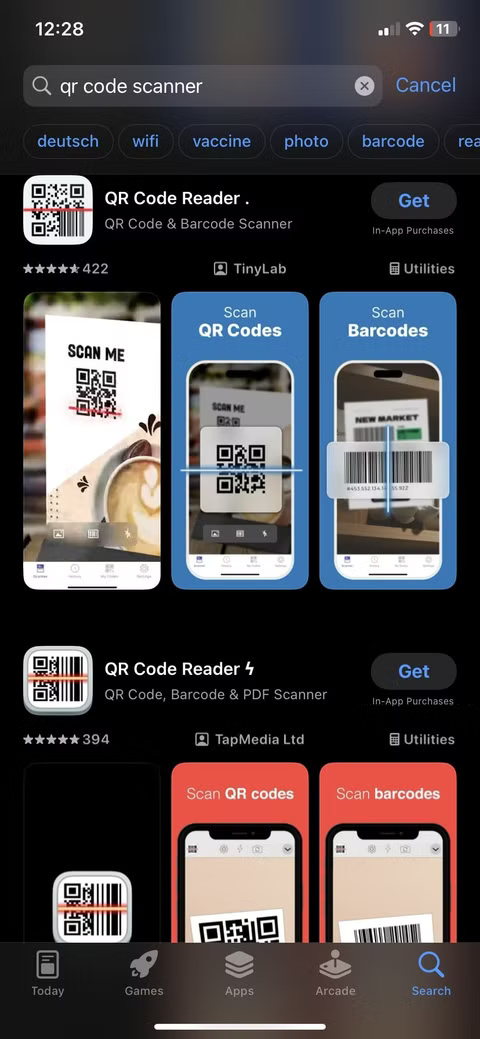
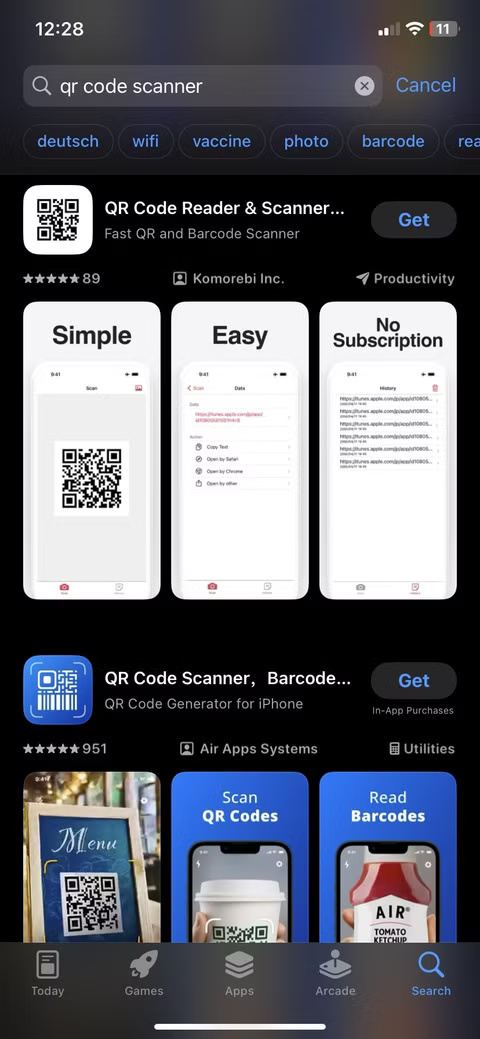
On the other hand, most third-party QR apps are slow, clunky, and often try to collect more data than necessary. Some even hang basic features behind paywalls. If your only goal is to scan a menu or connect to a Wi-Fi network, the built-in camera will handle that with ease.
6. Battery saving apps
If you've ever searched for "how to extend iPhone battery life," chances are you've come across apps that claim to save battery life. Don't trust them!
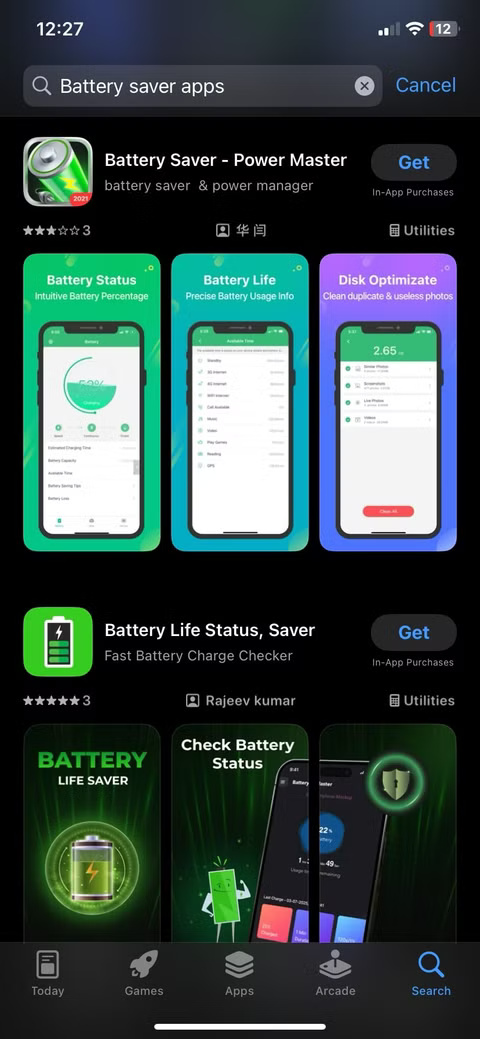
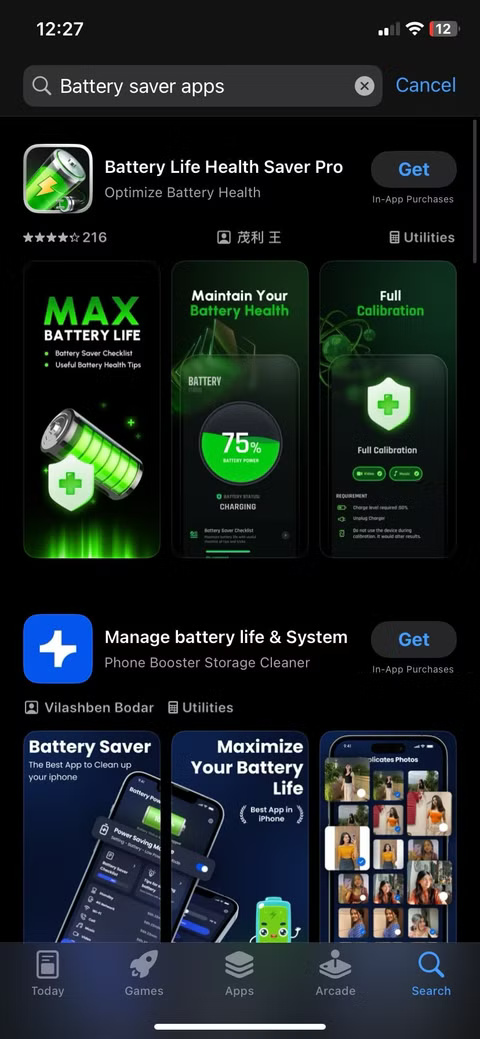
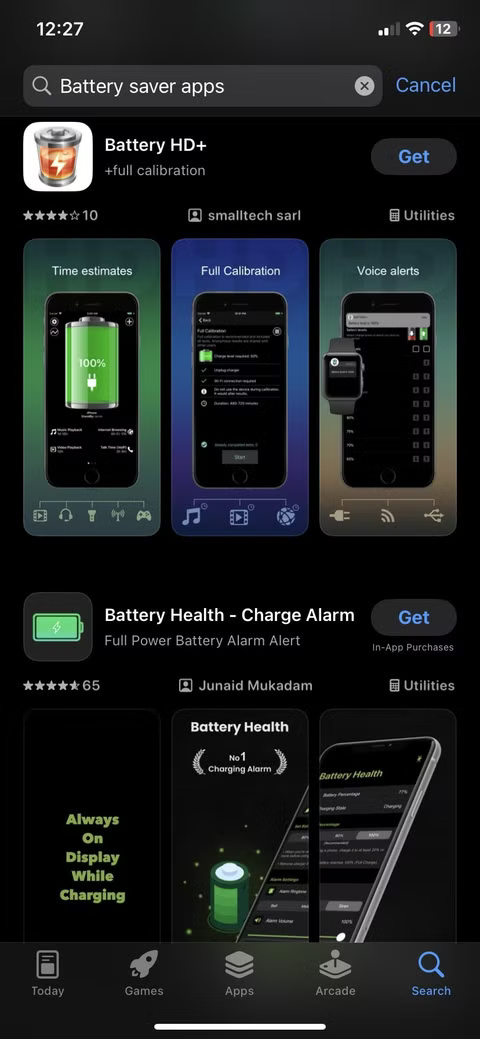
Battery-saving apps on iOS don't deliver on their promises. Unlike Android, iOS doesn't allow third-party apps to control battery usage at the system level. So these apps can't close background processes, reduce screen brightness, or optimize performance in any way.
5. Compass applications
Unless you're navigating in the wilderness with a map and no cell signal, you probably don't need a standalone compass app. And even if you are, you probably already have one.
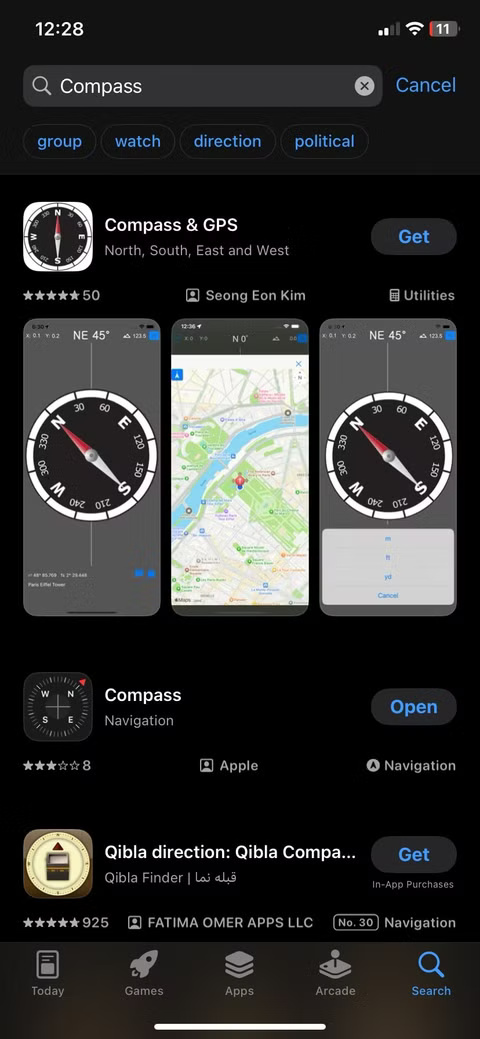
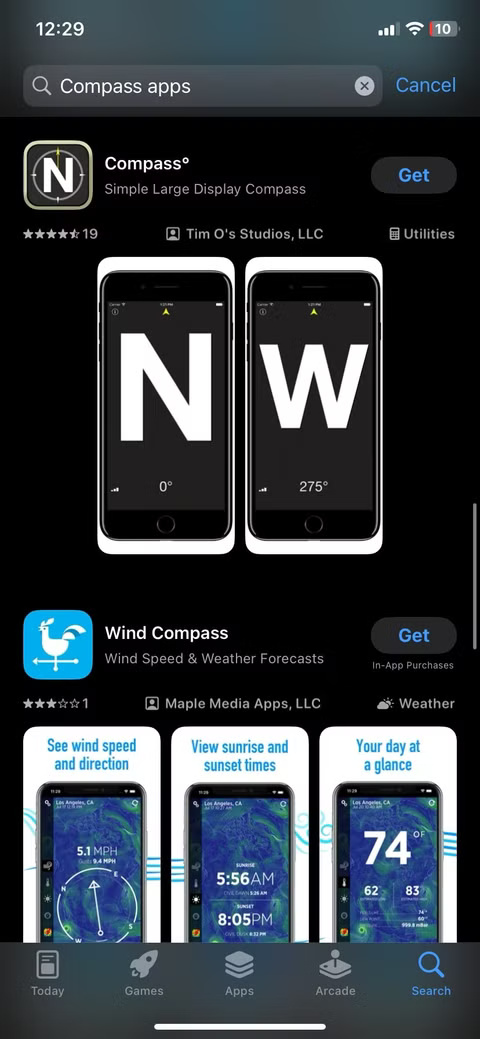
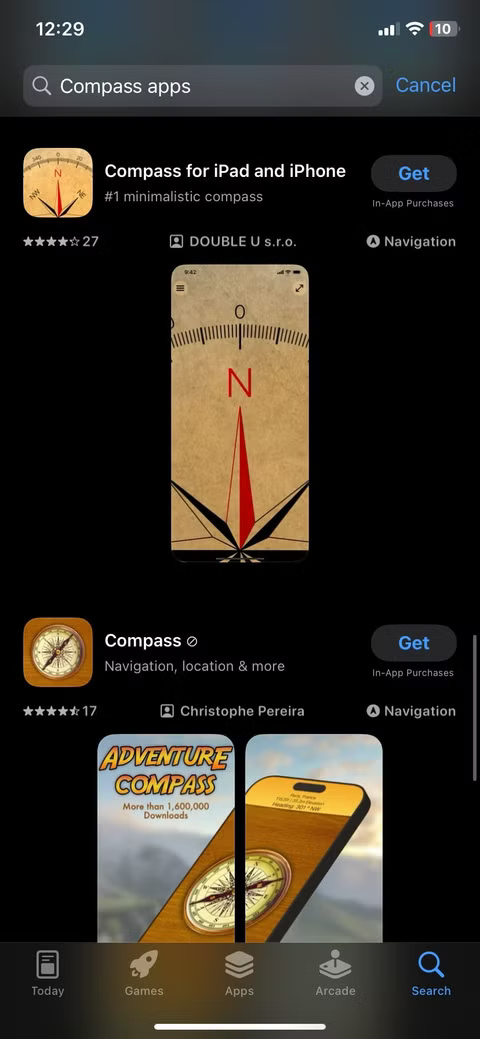
Third-party compass apps often try to lure you in with pretty visuals or 'precision tools,' but in reality, they don't offer anything you don't already have. Some even hide basic features behind paywalls or collect location data unnecessarily.
4. RAM booster applications
If you've ever felt your iPhone slow down for a moment, you might have rushed to download a RAM booster app, thinking it would fix everything. But it didn't.
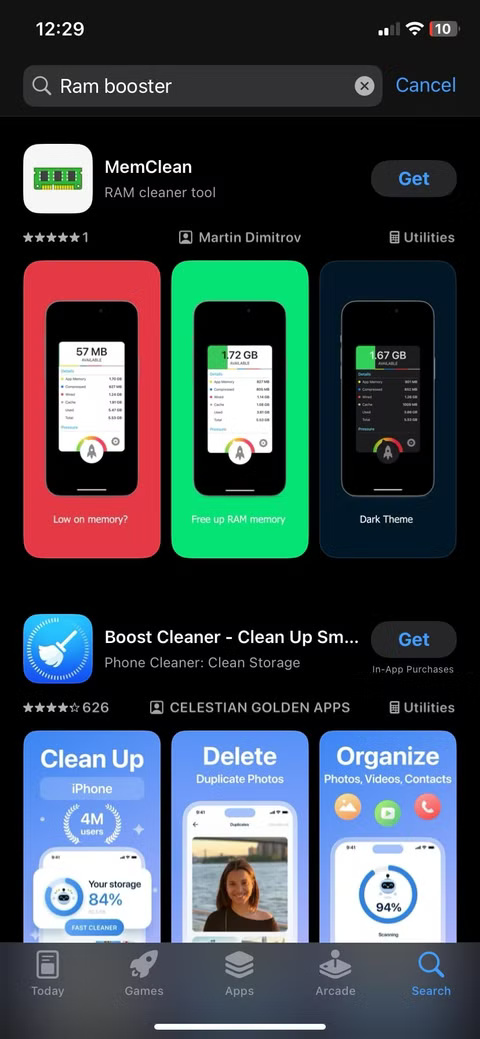
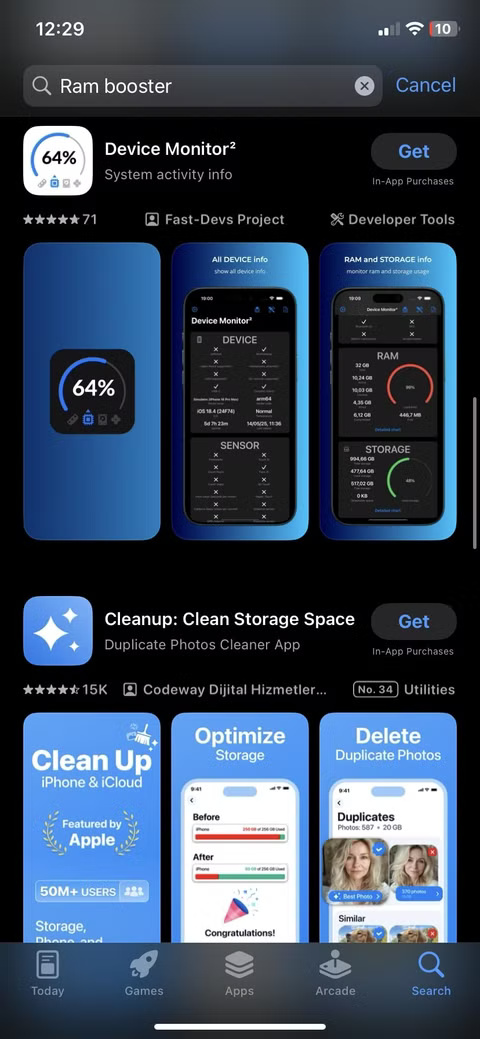
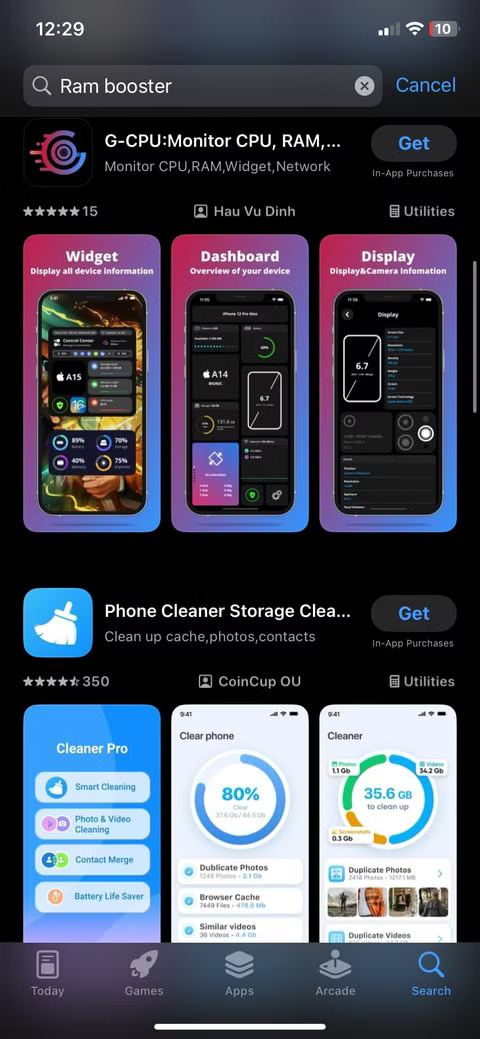
These apps often promise to clean up memory or free up RAM, but on iOS, they can't do that. Apple doesn't let third-party apps interfere with how your phone manages memory—that's by design. iOS already handles RAM efficiently in the background, closing unused processes and prioritizing active ones without any outside help.
3. Mirror applications
Mirror apps sound useful in theory, letting you turn your iPhone into a mirror on the go, but in reality, they're just fancy shortcuts to your front-facing camera.
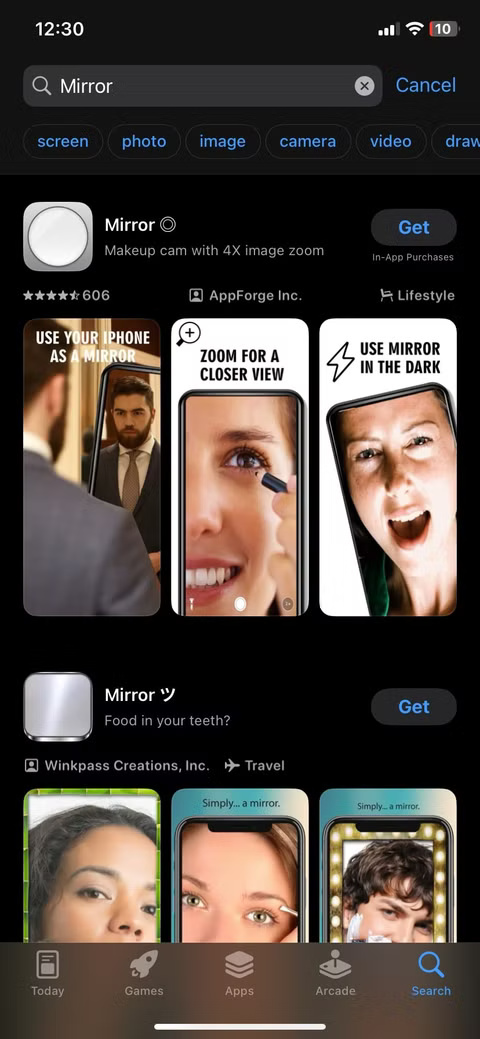
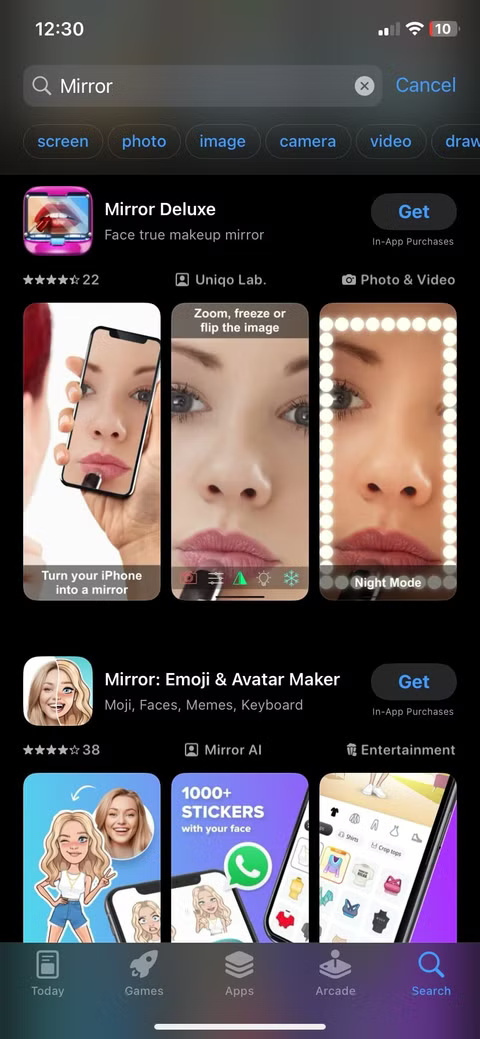
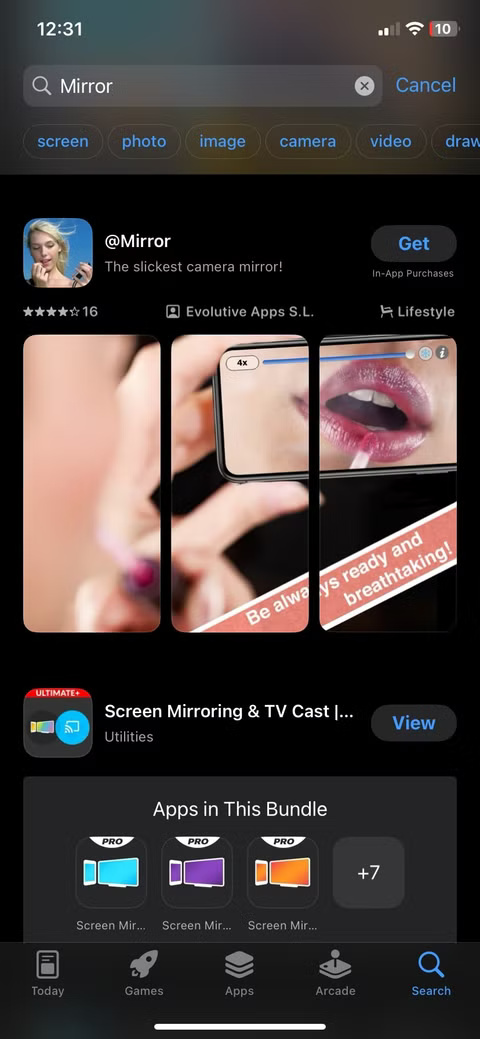
Think about it: Your iPhone already has a high-quality selfie camera. If you want to fix your hair or adjust your collar, just open the Camera app, switch to the front-facing lens, and you have a mirror. No need to download another app that usually just puts the camera image in a glossy frame.
2. Call recording applications
Before iOS 18.1 came out in late 2024, you had to resort to workarounds to record calls on your iPhone. Now, your phone has this feature built in, allowing you to record by tapping the icon in the upper left corner during a call. Similar to what the article said, this means that third-party call recording apps are unnecessary.
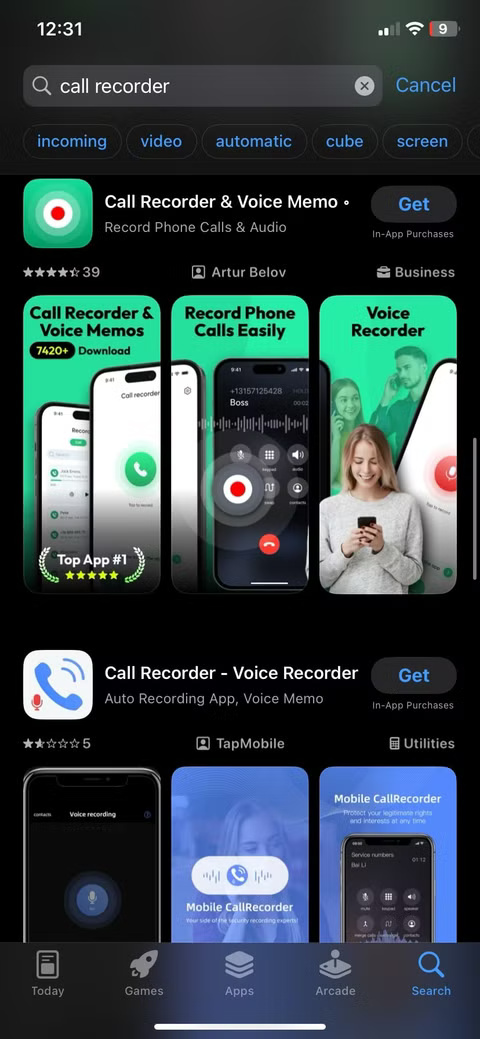
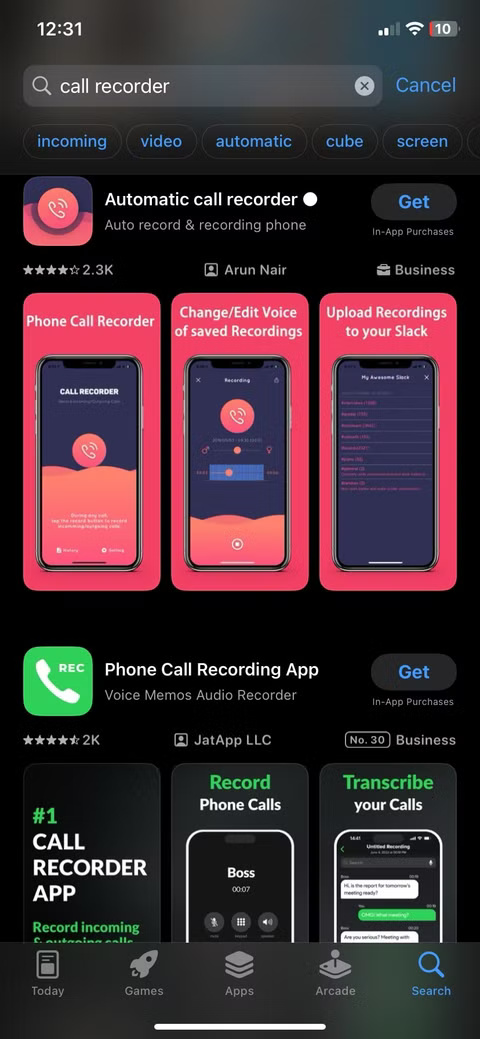
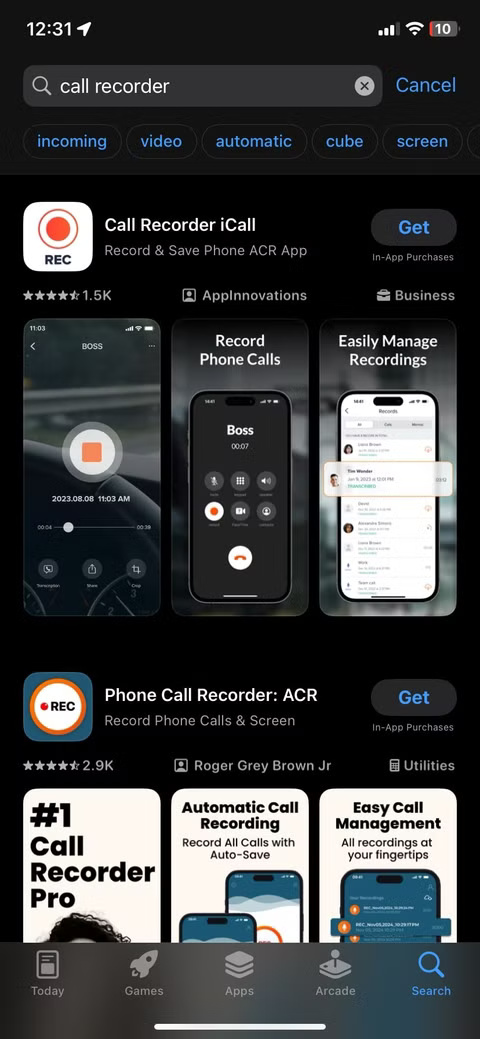
Apple places strict limits on what apps can access, especially when it comes to sensitive data like phone calls, so while there are dozens of call recording apps on the App Store, most of them don't work or rely on confusing workarounds.
1. Antivirus applications
If you're using an iPhone, you don't need an antivirus app. Period.
iOS is built with sandboxing technology, a security model that keeps apps isolated from each other and from the system itself. This makes it nearly impossible for traditional viruses or malware to infect your device like they would on a Windows PC or Android phone. Furthermore, every app on the App Store goes through a rigorous review process before it can be downloaded.
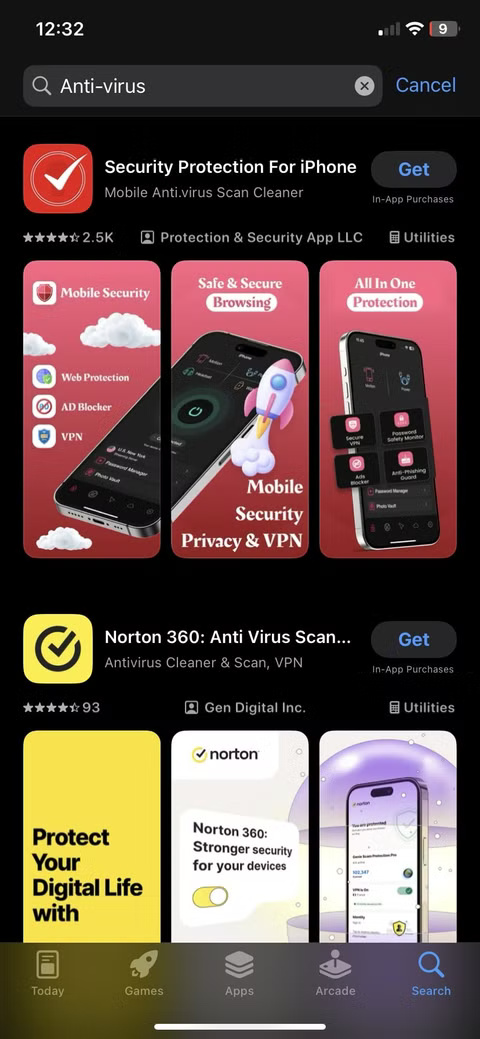
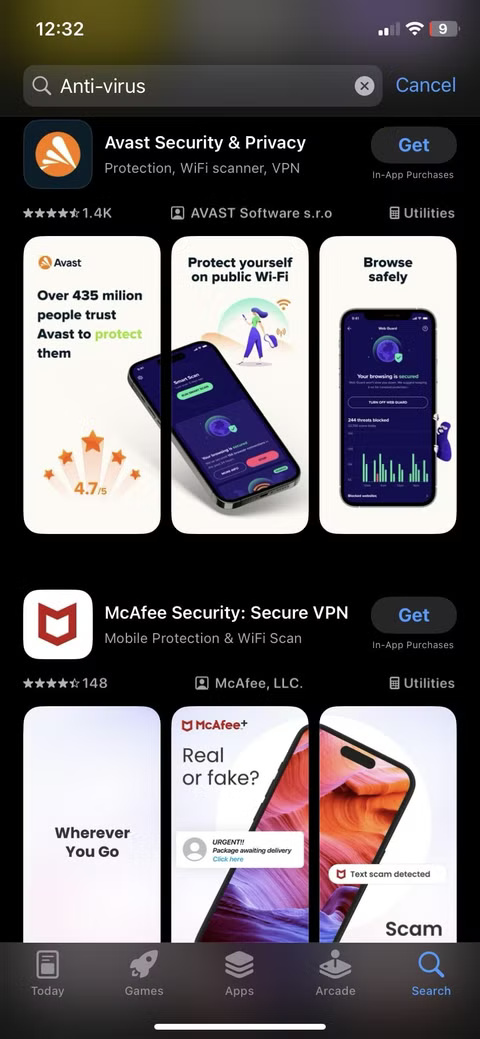
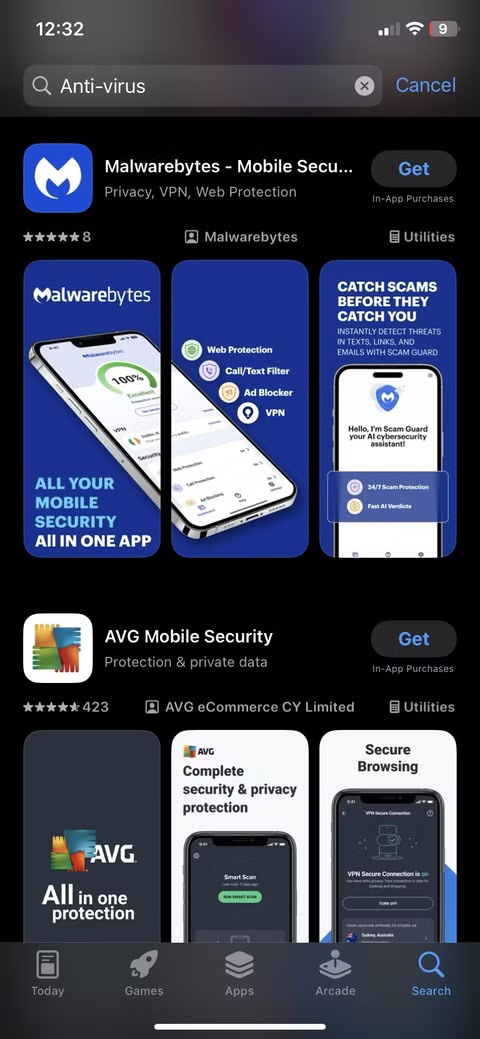
Most iPhone antivirus apps offer general advice, VPN services, or security checks without actually detecting malware. Some even rely on scare tactics to get you to upgrade to the paid version. And ironically, some of them have been caught misusing user data.
FAQ
What should you know about 8. Flashlight applications?
Flashlight apps were useful when the iPhone didn't have one of its own. But that changed with the release of iOS 7 in 2013. Today, they're completely redundant.
What should you know about 7. QR code scanning applications?
You might be surprised to see how many people still download QR code scanning apps even though their iPhones already have one built in.
What should you know about 6. Battery saving apps?
If you've ever searched for "how to extend iPhone battery life," chances are you've come across apps that claim to save battery life. Don't trust them!
What should you know about 5. Compass applications?
Unless you're navigating in the wilderness with a map and no cell signal, you probably don't need a standalone compass app. And even if you are, you probably already have one.
Related Articles
 7 Old Windows Apps You Need to Stop Using Right Now6 minutes read
 Top 5 Ways to Fix the Error of Not Installing Apps on iPhone5 minutes read
 How to Hide Apps on iPhone Without Installing Additional App4 minutes read
 9 Phone Accessories That Seem Useless but Are Actually Great7 minutes read
 Best AI Apps on iPhone10 minutes read
 8 Apps Cost VND 550,000 Being Free for iOS6 minutes read
Reader Comments 0
Sign in with email or Google to join the discussion.