Table of Contents
Adobe tools in ChatGPT let you request image, design, and document work through conversation. The integration began with Photoshop, Adobe Express, and Acrobat; Adobe now brings a broader set of tools into its Adobe plugin. It provides selected capabilities, rather than every feature of the standalone applications.
Adobe's current integration overview says the Photoshop plugin has been replaced by the Adobe plugin. Check the listing available in your ChatGPT account and its current requirements before connecting. The screenshots below illustrate the earlier app interfaces.
Photo editing with Photoshop tools
You can describe a focused edit, such as changing brightness or color, adjusting the background, or modifying a particular part of an image. State what should stay unchanged as well as what you want to alter. Where direct adjustment controls are offered, use them to refine the result.
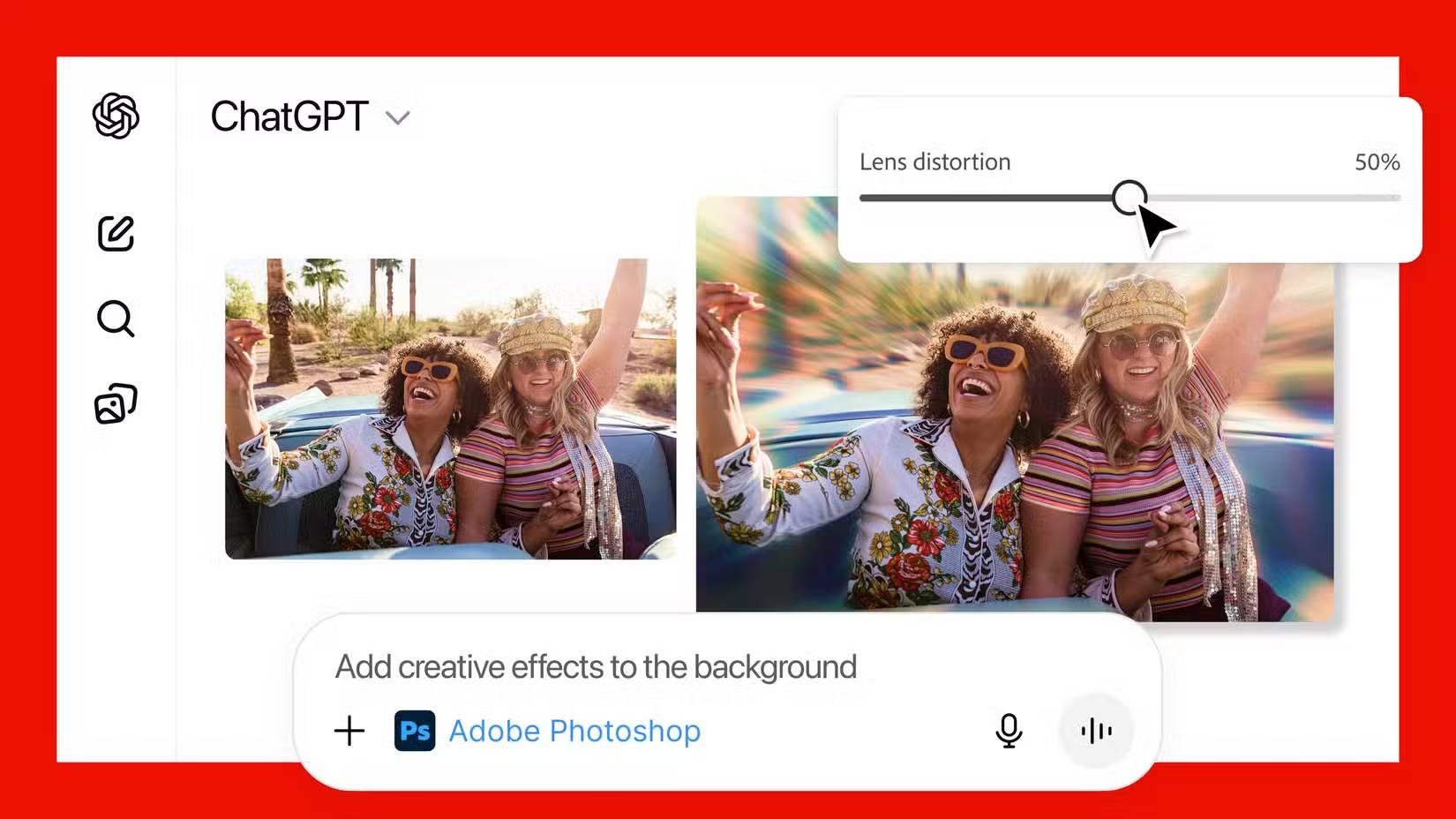
Inspect the edited image at full size, especially around faces, text, and edges. Move to a supported Photoshop editor when you need precise manual work or controls absent from the chat interface. For workflow examples, see TipsMake's comparison of AI photo editors.
Template-based designs with Adobe Express
Adobe Express can help find a starting template and customize its text, images, colors, and other supported design elements. Give the intended format, audience, and exact wording instead of asking for a generic “nice design.”
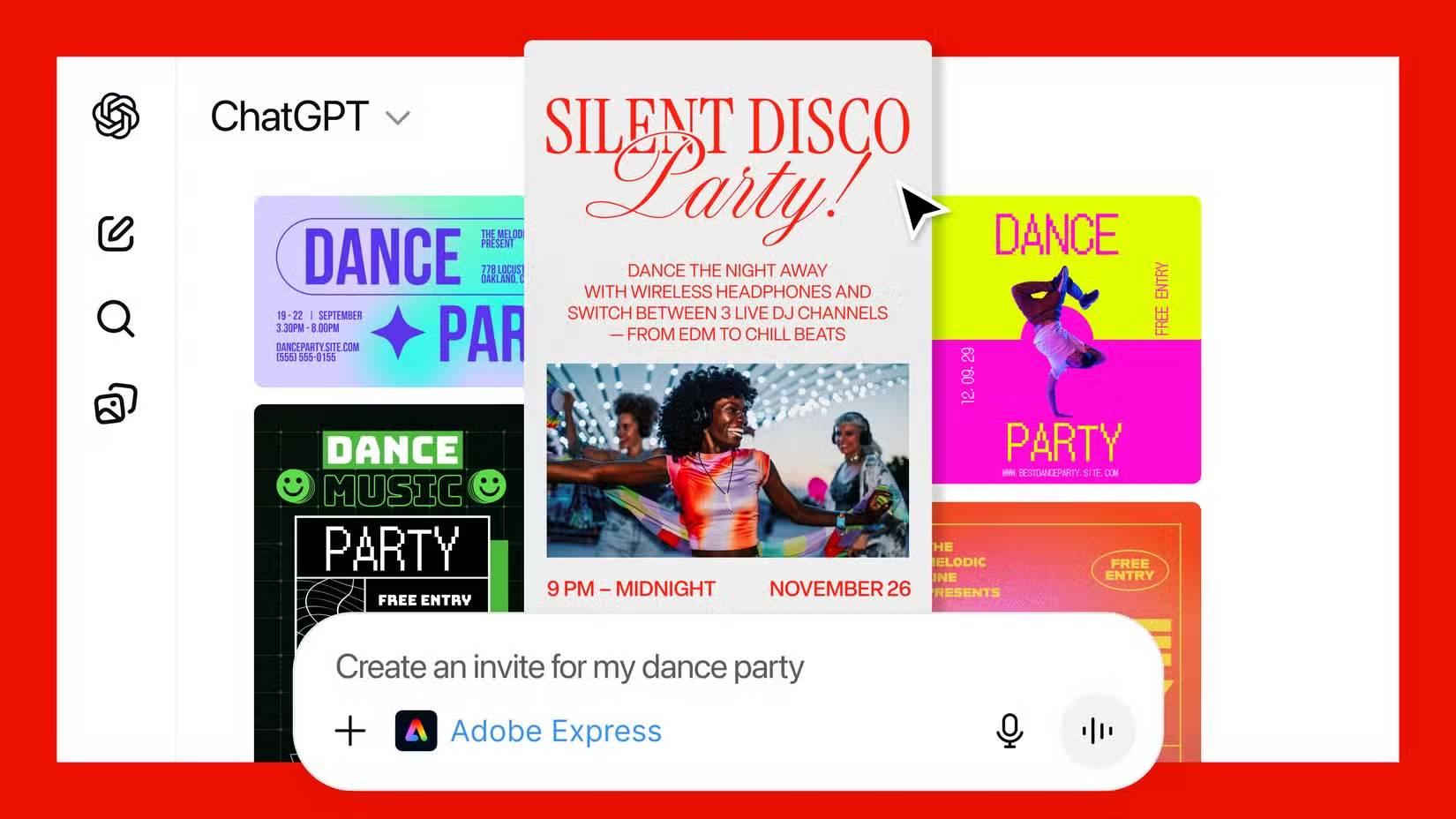
For example, request an invitation with the event name, date, time, location, and preferred style. Check every detail in the preview. Open the project in Adobe Express when you need more detailed layout edits. Adobe's Express integration guide explains the current workflow and account limitations.
PDF work with Acrobat tools
Acrobat-related tools can assist with supported document tasks. Before uploading files, identify the exact operation you need: for example, combine specified documents in a particular order, extract a table, or reduce a file's size. Ask which operations are currently available rather than assuming the chat integration includes the full Acrobat toolset.
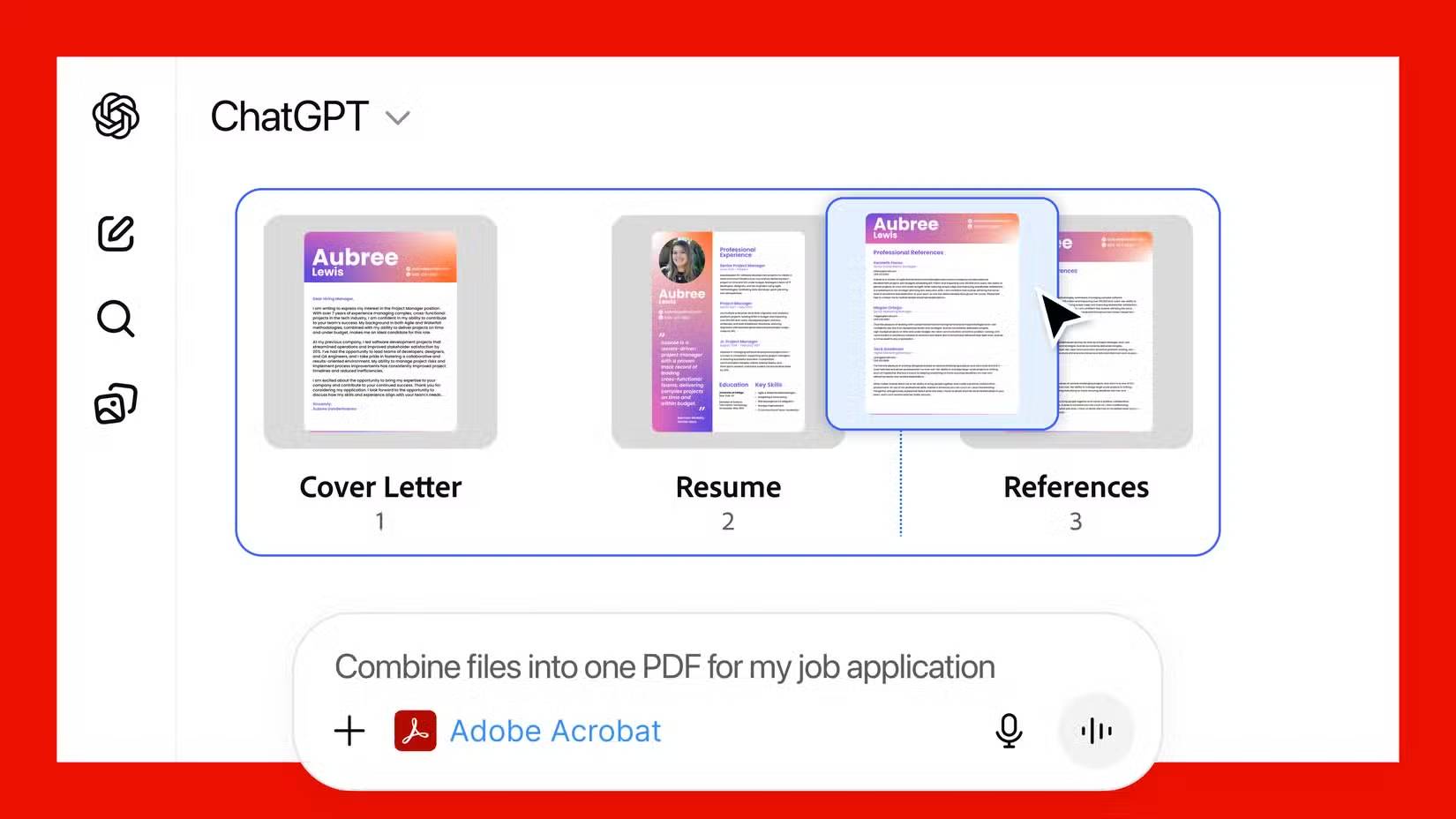
Review the exported PDF page by page. For merged documents, check order, missing pages, page orientation, and legibility. If the task involves sensitive information, confirm that any redaction actually removes the underlying content rather than merely covering it visually.
Check the output and current access
Availability, sign-in requirements, and usage limits can change. Treat early launch statements about free access or supported devices as historical information, and check the current Adobe listing for your account.
Keep the source files, review the preview, and inspect the downloaded result before sending or publishing it. For broader prompting advice, see TipsMake's practical ChatGPT tips.
Related Articles
 Advantages of Using Photoshop in ChatGPT for Photo Editing: Explained8 minutes read
 Best AI Photo Editing Tools10 minutes read
 Popular Photo Editing Trends on ChatGPT10 minutes read
 ChatGPT's New Study Mode Makes Studying Easier8 minutes read
 minutes read
 How to Create Artistic Text Using Snapseed Image Editing Application5 minutes read
Reader Comments 0
Sign in with email or Google to join the discussion.