Table of Contents
With Atlas, ChatGPT can accompany you anywhere on the web - assisting you right at the window you're in, understanding what you're trying to do and completing the task for you, all without copying, pasting, or leaving the page.
OpenAI has introduced ChatGPT Atlas, a new web browser built on top of the ChatGPT platform.
AI gives us a rare moment to rethink what it means to use the web. Last year, OpenAI added a search feature to ChatGPT so you could instantly find timely information from across the web — and it quickly became one of its most used features. But the browser is where all your work, tools, and context come together. A browser built with ChatGPT would bring us closer to a true super-assistant that understands the world and helps you achieve your goals.
With Atlas, ChatGPT can follow you wherever you go on the web - assisting you right from the window you're in, understanding what you're trying to do, and completing tasks for you, all without copying, pasting, or leaving the page. ChatGPT's memory is built in, so conversations can build on previous conversations and details to help you complete new things.
OpenAI Launches ChatGPT Atlas
As you use Atlas, ChatGPT can also become smarter and more helpful. Browser memory allows ChatGPT to remember context from the websites you visit and re-display that context when you need it. In practice, you can ask ChatGPT questions like, "Find all the job postings I viewed last week and create a summary of industry trends so I can prepare for interviews." Browser memory in Atlas is completely optional and you're always in control: You can view or archive it at any time in your settings, and clearing your browsing history will delete any associated browser memory.
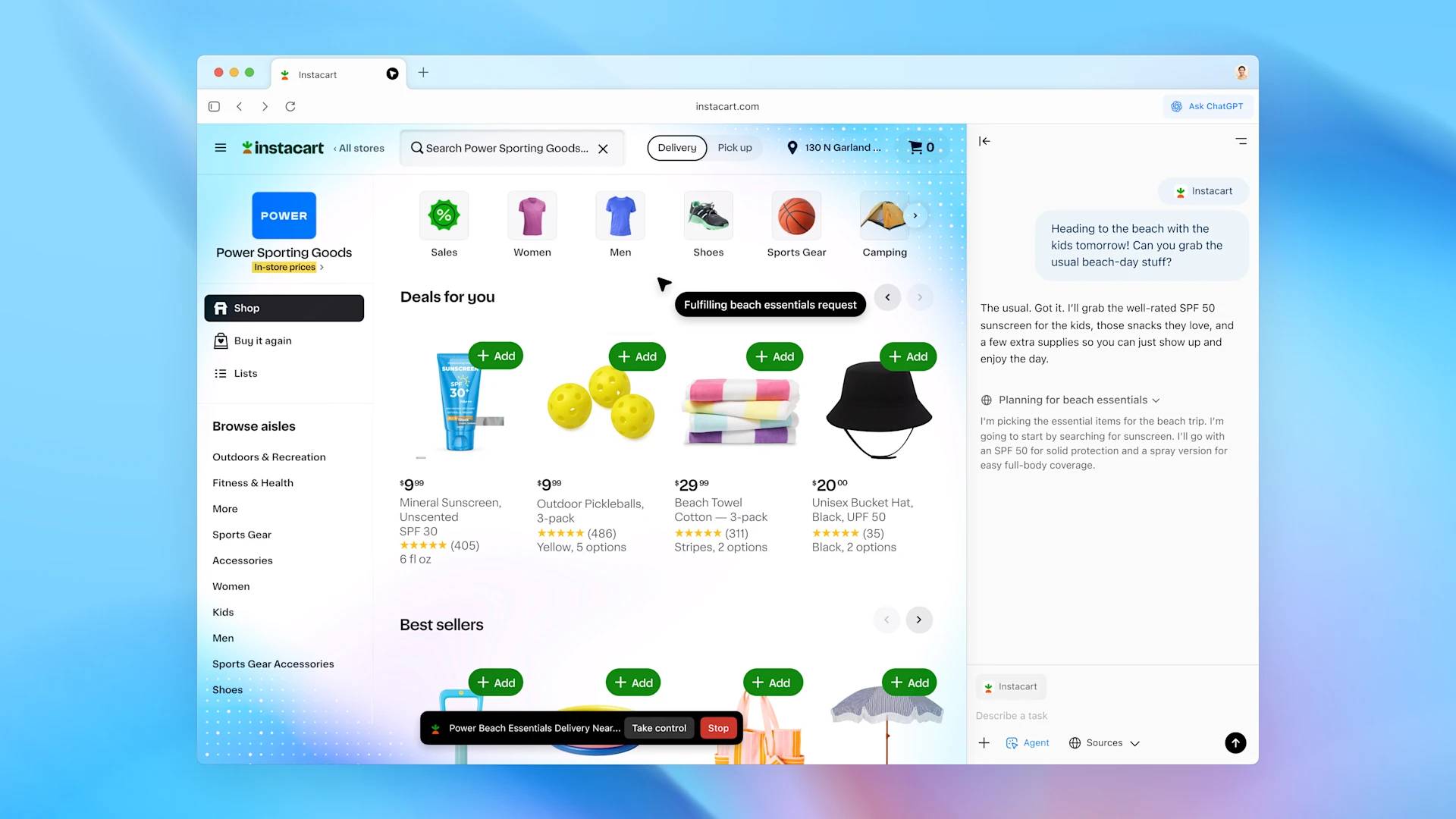
ChatGPT can also work for you in Atlas with agent mode, with improvements that make it faster and more useful by working with your browsing context. Agent mode is now better for research and analysis, task automation, event planning, or scheduling appointments while you browse. Agent mode in Atlas is now available in preview for Plus, Pro, and Business users.
ChatGPT Atlas has launched globally on macOS for Free, Plus, Pro, and Go users. Atlas is also available in beta for Business, and with plan admin activation, it will also be available for Enterprise and Edu users. Windows, iOS, and Android experiences will be available soon.
Getting started is easy: When you first open Atlas, log in to ChatGPT and import your bookmarks, saved passwords, and browsing history from your current account.
Activity in stream
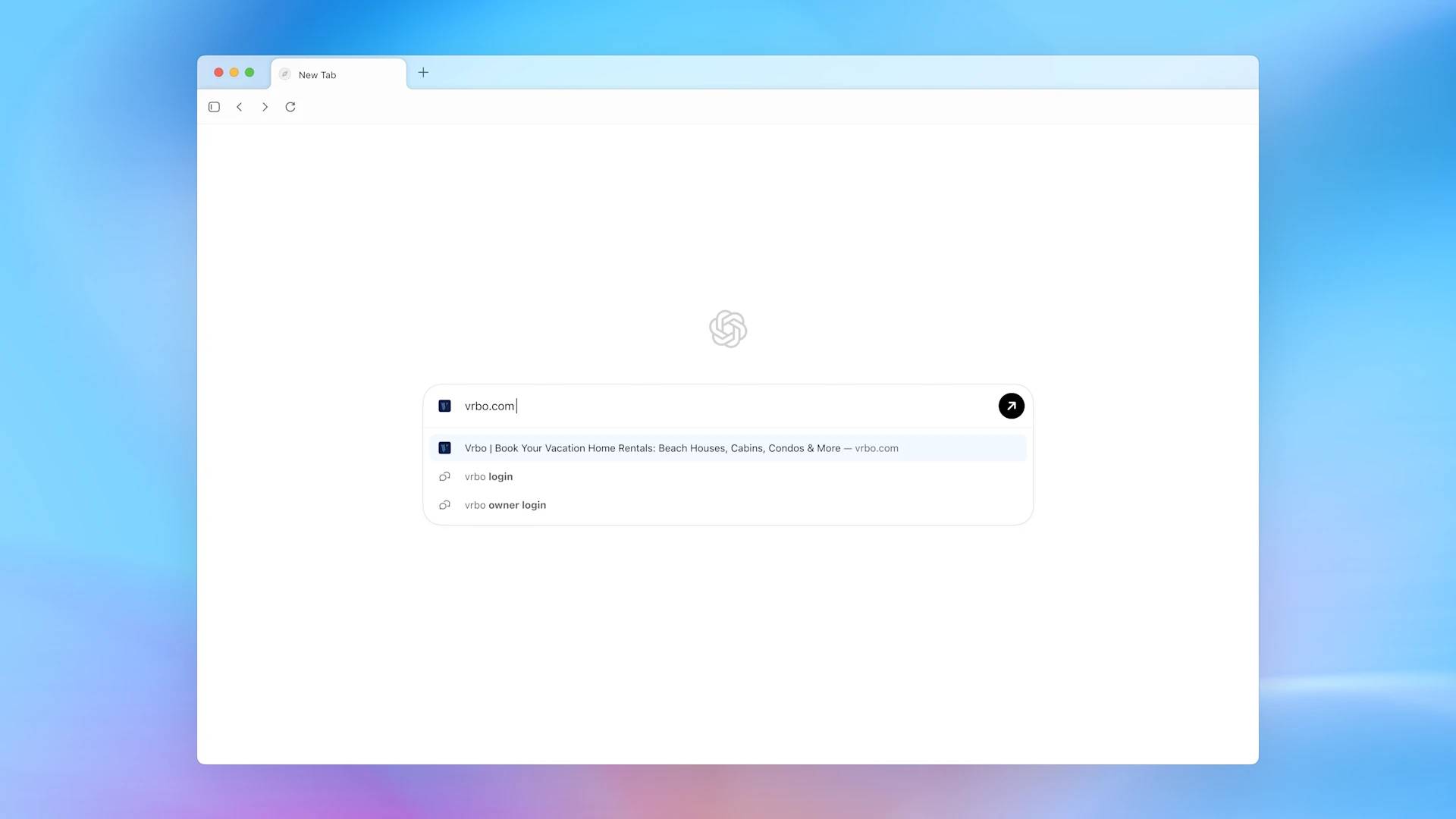
The new tab page is your starting point in Atlas. Ask a question or enter a URL to see more quick and useful results in one place. To explore more specific types of results beyond chat, choose from tabs to search for links, images, videos, and news (where available).
Built around you
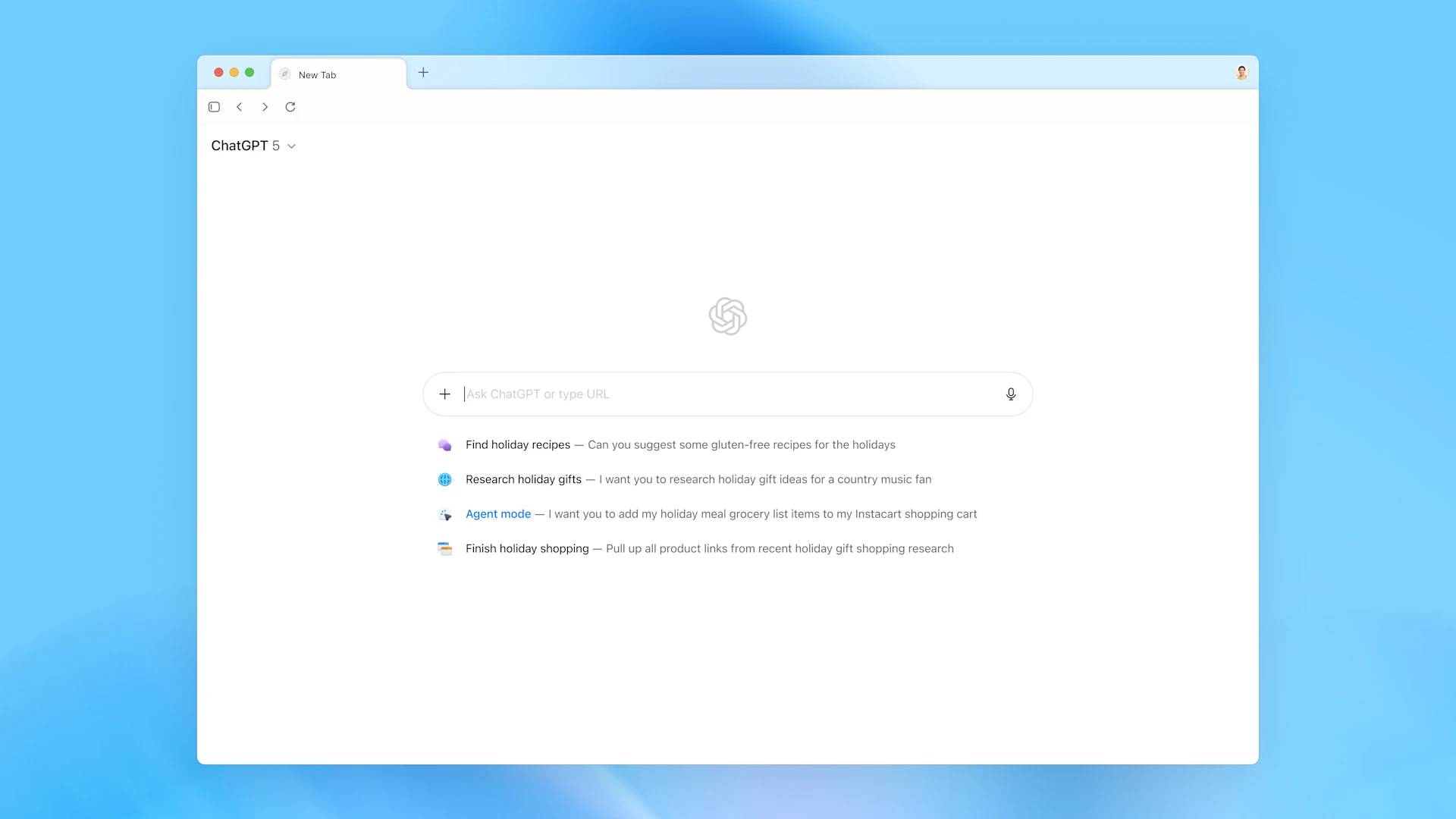
ChatGPT can remember what you've explored and suggest what to do next, whether it's going back to previous pages, digging deeper into a topic, coming up with related ideas, or automating routine tasks.
More power, more control
You control what ChatGPT sees and remembers as you browse. You can delete specific pages, clear your entire browsing history, or open an incognito window to temporarily log out of ChatGPT.
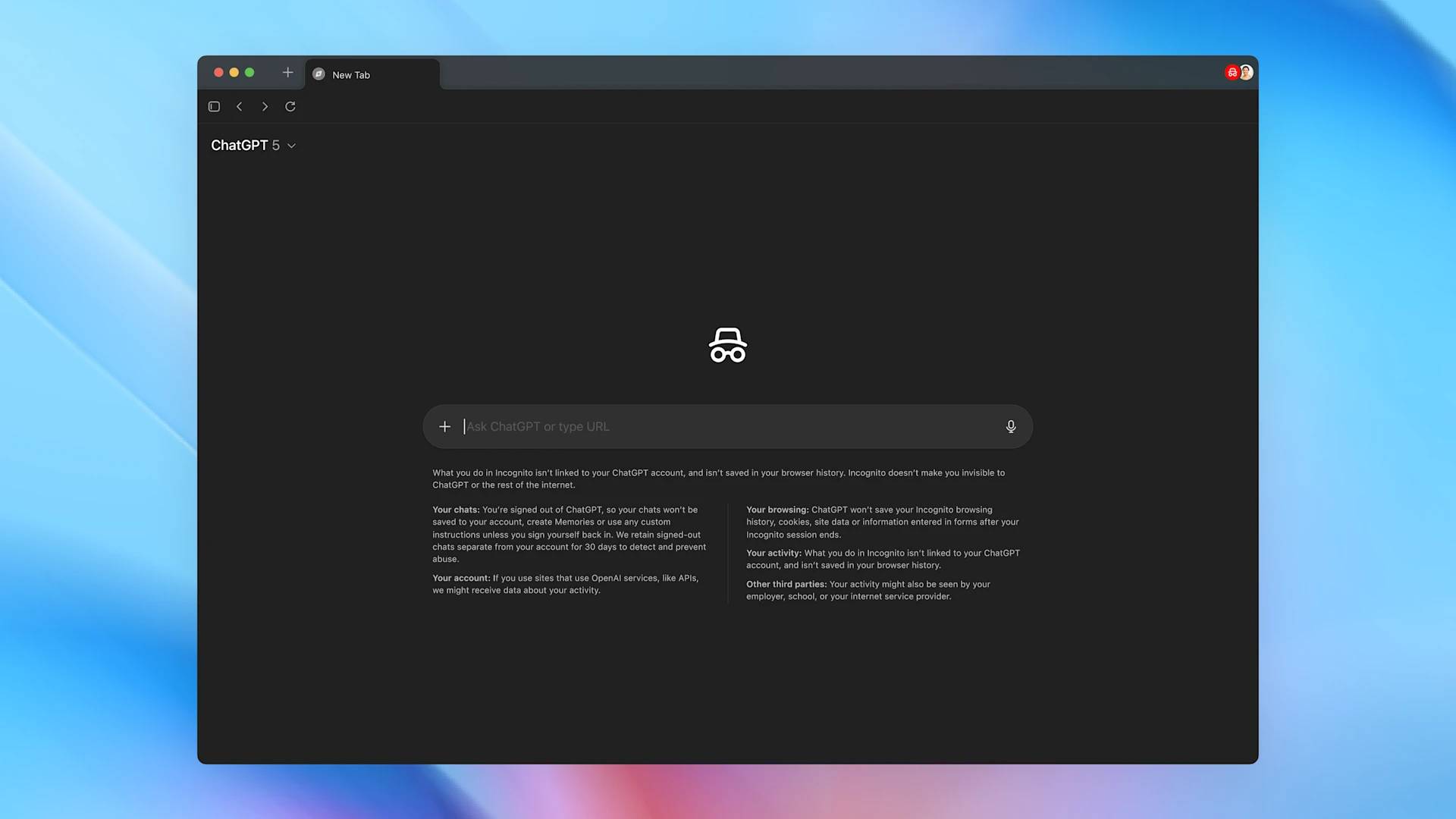
If you enable browser memory, ChatGPT will remember key details from what you browse to improve chat responses and make smarter suggestions—like creating a to-do list from your recent activity or continuing your search for holiday gifts based on products you've viewed.
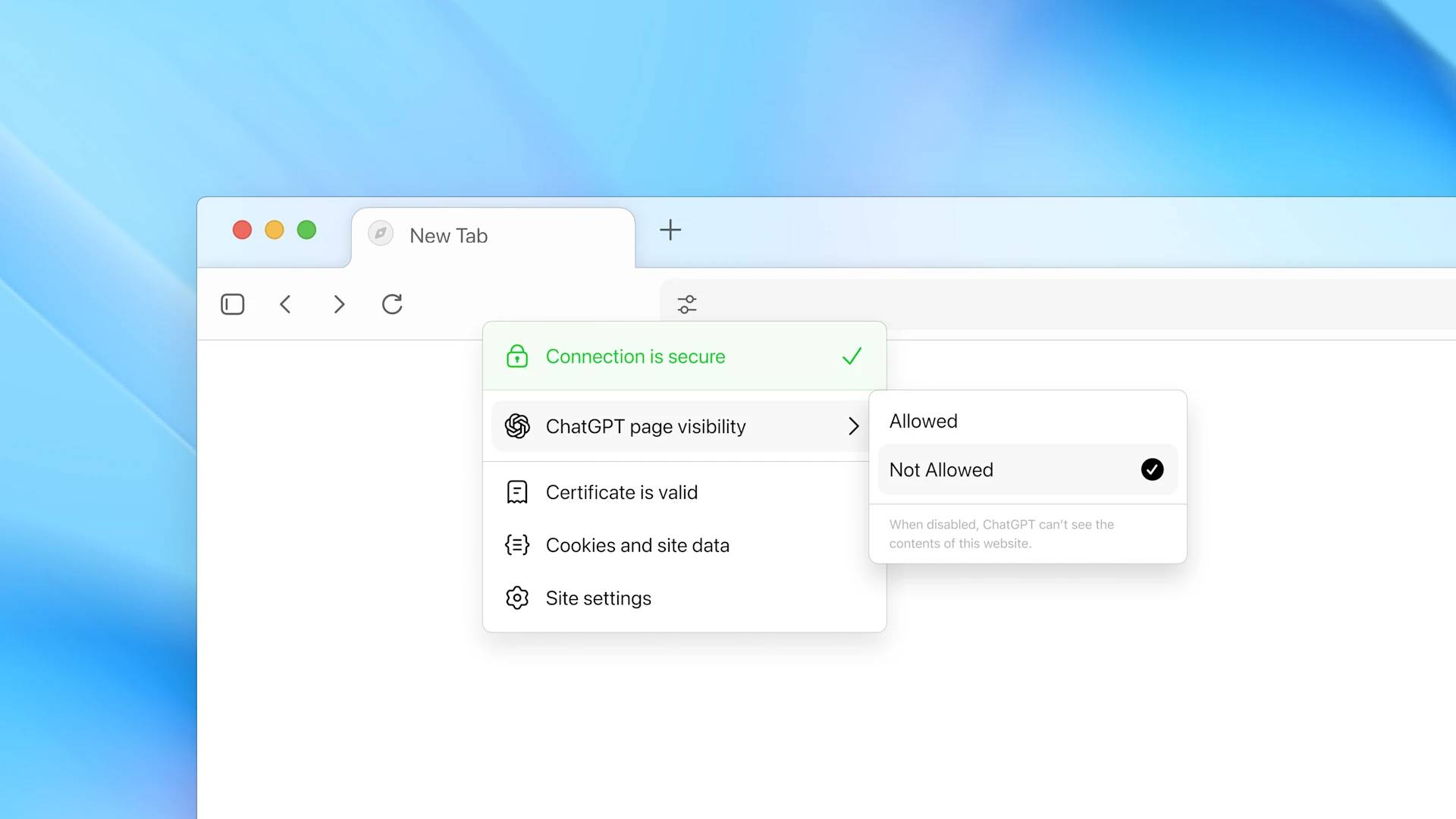
Browser storage is private to your ChatGPT account and is under your control. You can view it all in the settings, archive sites that are no longer relevant, and delete your browsing history to delete them. Even with browser storage enabled, you can still decide which sites ChatGPT can or cannot view using the toggle button in the address bar. When visibility is disabled, ChatGPT cannot view the page content and no storage is created from that page.
Get the job done for you
In Atlas, you can now ask ChatGPT to take action and do the work for you right in your own browser.
Earlier this year, OpenAI introduced the ChatGPT agent, now making it work faster and more automatically in Atlas.
When asked a question, ChatGPT may ask you if it should start opening tabs and clicking around your browser to complete the task. You can also select the agent mode button to start ChatGPT.
Agent mode in Atlas is available in preview today for Plus, Pro, and Business users. This is an early experience and may be subject to errors in complex workflows. OpenAI is rapidly improving reliability, latency, and success rates for complex tasks.
OpenAI prioritized safety when building ChatGPT's agent functionality in Atlas, adding protections to address new risks that can arise from accessing logged-in websites and browsing history when performing actions on your behalf, for example:
- Unable to run code in browser, download files or install extensions
- Unable to access other applications on your computer or file system
- It will pause to ensure you are watching it perform actions on specific sensitive websites like financial institutions.
- You can use the agent in logged out mode to limit access to sensitive data and the risk of it performing actions while you are on the site.
This launch marks a step towards a future where most web usage happens through agent systems—where you can delegate routine processes and focus on what matters most.
FAQ
What should you know about ChatGPT atlas?
In practical terms, with Atlas, ChatGPT can accompany you anywhere on the web - assisting you right at the window you're in, understanding what you're trying to do and completing the task for you, all without copying, pasting, or leaving the page.
Why does ChatGPT atlas matter?
The article highlights that with Atlas, ChatGPT can follow you wherever you go on the web - assisting you right from the window you're in, understanding what you're trying to do, and completing tasks for you, all without copying, pasting, or.
What is the main takeaway?
The main takeaway is that OpenAI Launches ChatGPT Atlas As you use Atlas, ChatGPT can also become smarter and more helpful.
Related Articles
 Reasons Why Many People Uninstall ChatGPT Atlas: Explained8 minutes read
 NASA Spacecraft Nabs Stunning View of Comet Atlas Streaking Past the Sun4 minutes read
 Brightening Comet Atlas Could Soon Lift Your Gaze and4 minutes read
 Possible Superstar Comet Atlas Looks Like It's Breaking Up2 minutes read
 Hubble Space Telescope Has Just Captured the 'Crumbling4 minutes read
 Top Americ AI Browsers Worth Trying In 20269 minutes read
Reader Comments 0
Sign in with email or Google to join the discussion.