Table of Contents
Explore 9 great ChatGPT prompts for a productive workday, including the key concepts, practical examples, important considerations, and useful guidance.
1. Text summary
One of ChatGPT's most effective prompts is text summarization. Don't want to read a blog post longer than 2000 words? Ask ChatGPT to summarize it. Just say, 'Summarize {link}' . Replace the link with the content you want to summarize. You can also summarize multiple books. Save valuable time and capture the most important points from the text.

Important note : Do not use ChatGPT to write professional reports or lengthy content. This could harm your career.
2. Gain a better understanding of customer needs
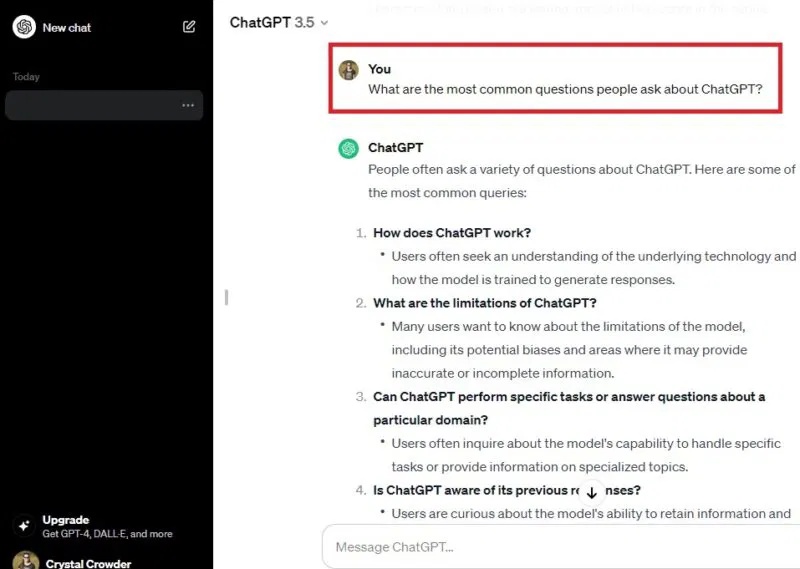
Whether you're creating a new product, brainstorming marketing ideas, or producing online content, you need to understand your customers or audience. Let ChatGPT help you by asking the kinds of questions people have about a product, idea, or problem. You can also ask what problems customers face. Customize this question to speed up your customer/audience research. For example (pictured below), the author asked, 'What are the most common questions people ask about ChatGPT?'
Tip : Take advantage of these Chrome extensions for ChatGPT to further boost your productivity.
3. Set SMART goals
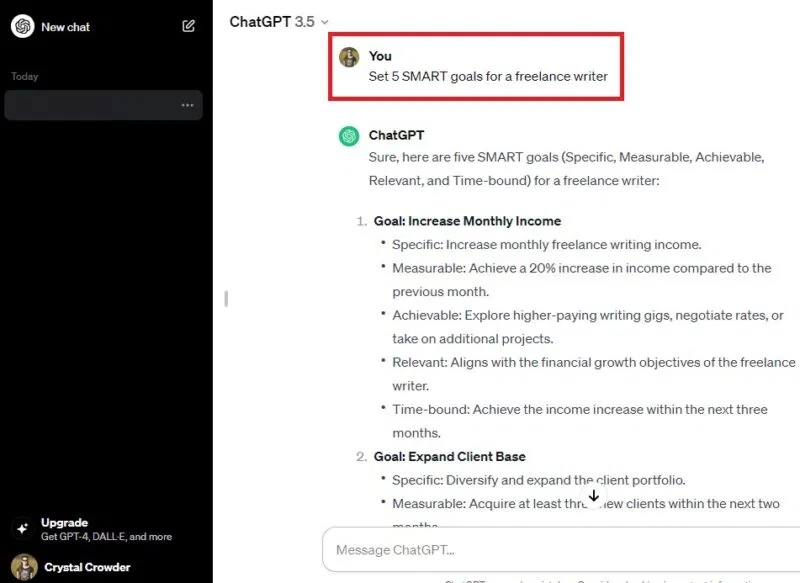
One of ChatGPT's best prompts for a more productive workday is goal setting. Set SMART goals, or general goals. ChatGPT doesn't just set initial goals; you can also ask the tool to expand a specific goal to precisely analyze what you need to accomplish. You can even ask how to be more productive at a particular job or task. Just say, 'Set X SMART goals for a [type of job/task/hobby]'.
4. Quickly compose emails
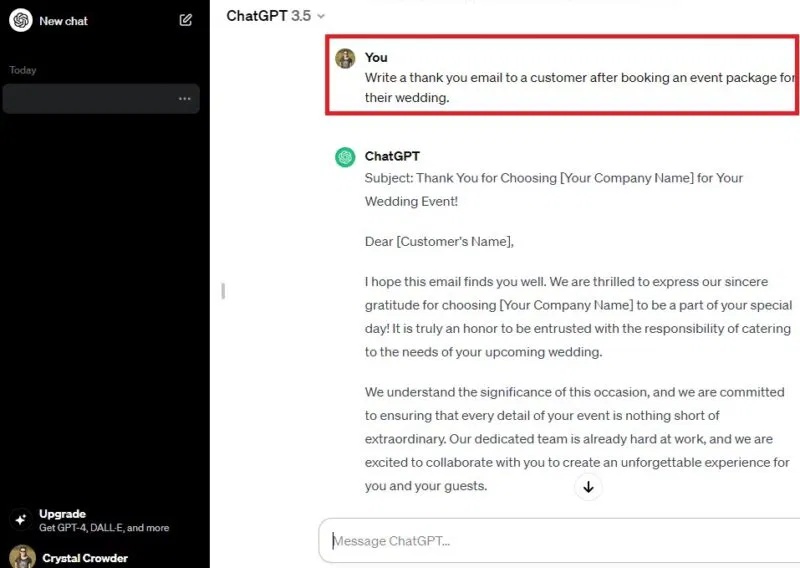
Tired of the tedious task of composing repetitive emails? Just ask ChatGPT to do it for you, then personalize them. You can even type in an email and ask ChatGPT to generate a response. Quickly send thank-you notes, follow-up emails, introductions, etc., in just seconds. Plus, they'll be grammatically correct. You can use ChatGPT as a writing assistant, just use it ethically.
5. Create a social media post
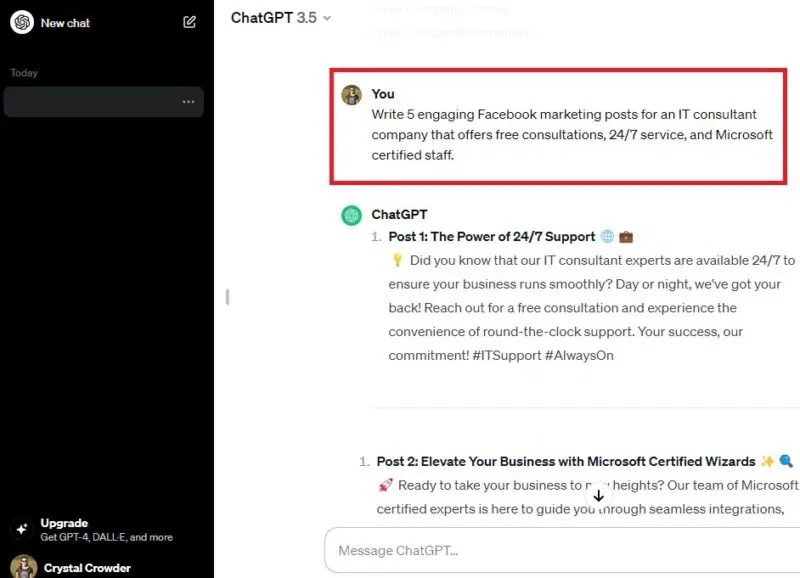
Writing short, simple, yet engaging social media posts is difficult. Use ChatGPT's excellent prompts to do it for you. Just say, 'Write X compelling Facebook marketing posts for [company/industry] explaining why they should buy [product + feature]'. The best part is that each post even includes hashtags. Use this prompt for any social media platform!
6. Edit content
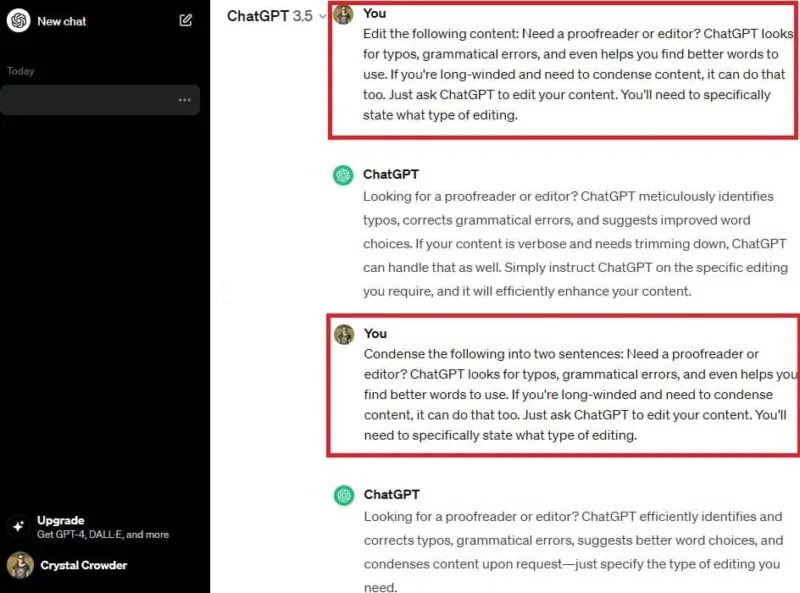
Need proofreading or editing? ChatGPT can help find spelling errors, grammatical mistakes, and even suggest better word choices. If you have a long article and need a summary, it can do that too. Just ask ChatGPT to edit your content. You need to specify what kind of edits you want, or simply let the tool perform general editing.
7. Learn new things
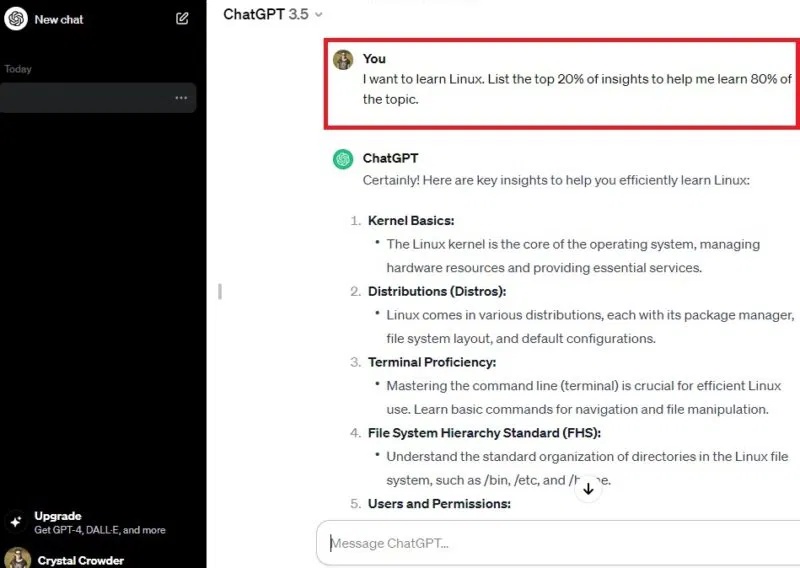
ChatGPT's great prompts aren't just about writing or editing content. This AI tool also helps you learn new things. Guide ChatGPT by suggesting, 'I want to learn [topic]. Find the most important things to know to help me learn faster.' You can also use the 80/20 principle by saying, 'List the 20% most important information to help me learn 80% of the topic.' Use the results to create your own custom lesson plan.
8. Schedule
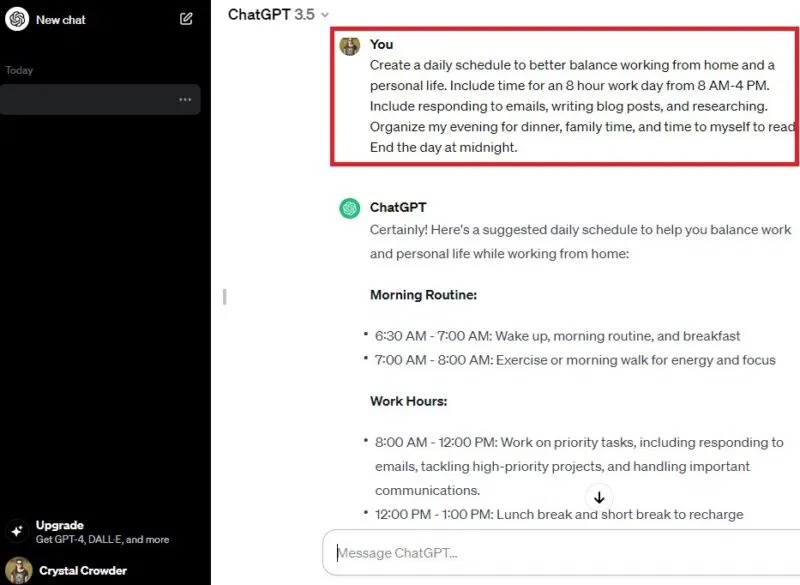
You'll have a more productive workday by using ChatGPT's excellent prompts to schedule your day. Simply tell ChatGPT 'create a schedule for' and enter your details. For example, request a work-life balance schedule that includes working from home and spending time with family. Be specific about your time, such as your working hours, when you wake up and go to bed, for best results.
9. Task Prioritization
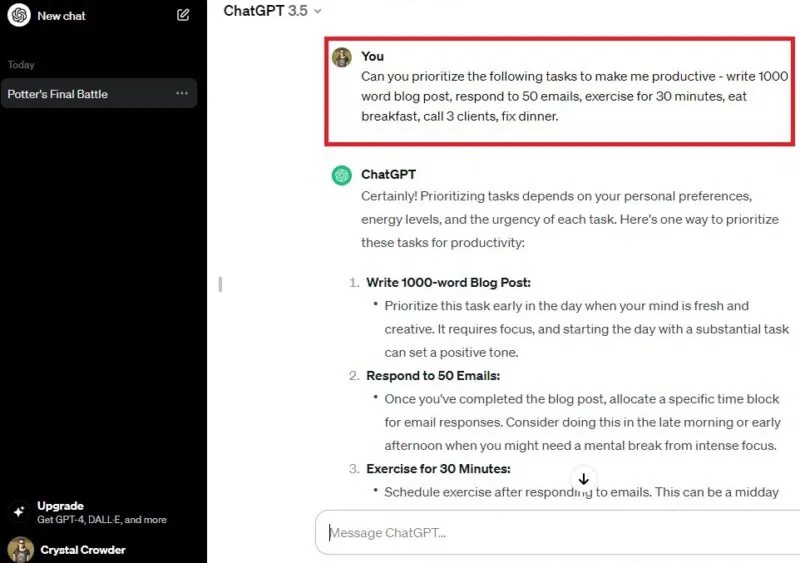
Creating a to-do list is fairly easy, but what should you do first? Give your list to ChatGPT and let it prioritize the items. Specify the time of day you want to do the tasks if needed, such as wanting to exercise in the morning or evening. You'll also get an explanation of the order of the tasks. Just ask, 'Prioritize the following tasks'.
FAQ
What is 9 great chatgpt prompts for a productive workday?
Explore 9 great ChatGPT prompts for a productive workday, including the key concepts, practical examples, important considerations, and useful guidance.
What key points does this article cover?
The article focuses on 1. Text summary, 2. Gain a better understanding of customer needs, 3. Set SMART goals, with practical explanations and examples.
How can you use this information in practice?
Use the explanations to compare options, verify important details, and make a more informed decision. Apply the recommendations that best match your goals and situation.
Related Articles
 How to Always Get Perfect Replies from ChatGPT with These 7 Prompts10 minutes read
 How to Come up with the Best Prompts to Learn with ChatGPT9 minutes read
 minutes read
 11 Super Simple ChatGPT Prompts That Help with Your Daily Work8 minutes read
 Top ChatGPT Prompts for Administrators: Practical Guide8 minutes read
 Top ChatGPT Prompts for HR: Practical Guide9 minutes read
Reader Comments 0
Sign in with email or Google to join the discussion.