Table of Contents
Better AI prompts state the task, preserve the relevant context, and define a result you can check. The five techniques below are useful ways to revise a vague request; none guarantees a perfect response. Test them on your own task and keep the wording that improves the result.
1. State the action without losing useful context
Begin with a clear verb such as compare, summarize, explain, or draft. Remove unrelated background, but retain details that affect the answer. Shorter is not automatically better if the shorter prompt omits your dates, audience, or constraints.
Suggest a five-day Tokyo itinerary for next month, starting near Shinjuku Station. Include older temples and modern art galleries, favor quieter stops, and group nearby visits. Search for current opening hours and flag details I need to confirm.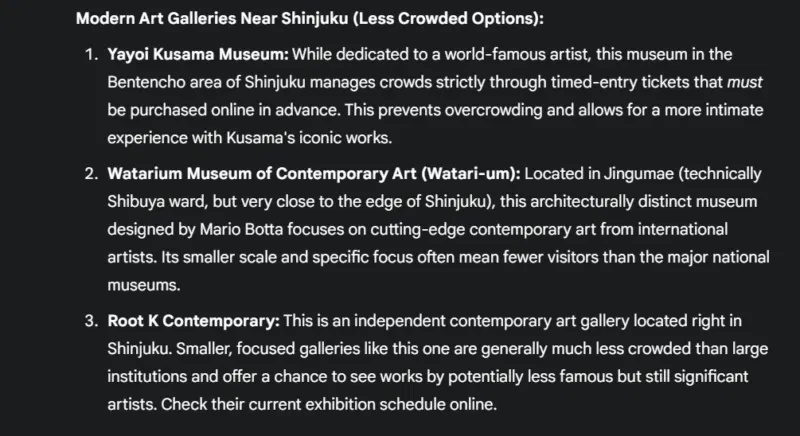
This is more useful than merely listing interests because it specifies the output. It also avoids imposing an arbitrary number of attractions when your real goal is a manageable trip.
2. Add a role when it clarifies the perspective
A role can guide tone and focus, but it does not give the AI real credentials or force it to remain accurate. Pair the role with the actual task, audience, and source material.
From an early-years teacher's perspective, draft a 30-minute lesson introducing how plants use light. Include a short story, a safe supervised activity, and three simple review questions. Use age-appropriate wording and keep the science consistent with the supplied notes.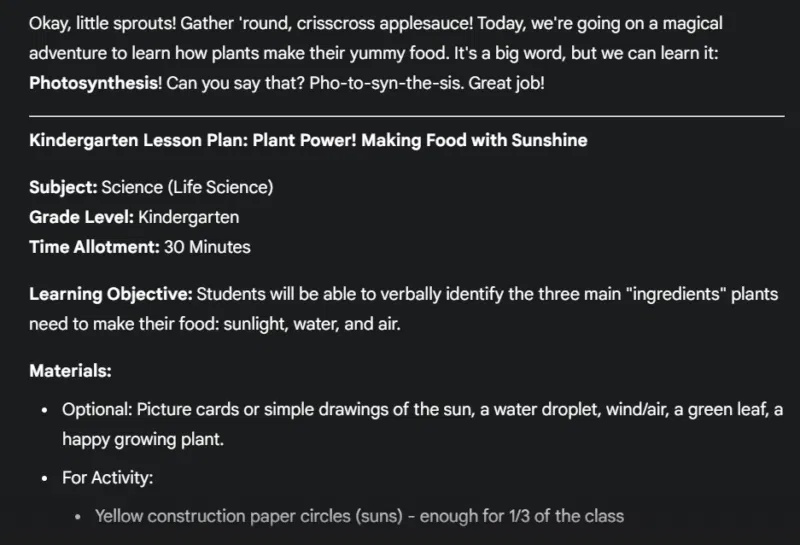
For more examples, see roles and personas in AI prompts.
3. Show the output pattern with examples
Examples help when labels, tone, or structure matter. Provide a representative input and the corresponding desired output. One example may be enough for a simple format; add more when you need to demonstrate meaningful differences or edge cases.
Classify each review as Positive, Neutral, or Negative.
Examples:
"It arrived early and works well." → Positive
"The package arrived yesterday." → Neutral
"It stopped working after one use." → Negative
Now classify: [reviews]
Check that the examples agree with your instructions. If mixed opinions are common, explain how to label them rather than leaving the model to guess. See few-shot examples and context for related concepts.
4. Try a principles-first prompt for complex tasks
Step-back prompting begins with a broader question, then applies the resulting principles to the specific task. It can help organize an answer, but the first response must still be checked.
What should an accurate, useful product description include? Give a short checklist, emphasizing verified features and the intended buyer.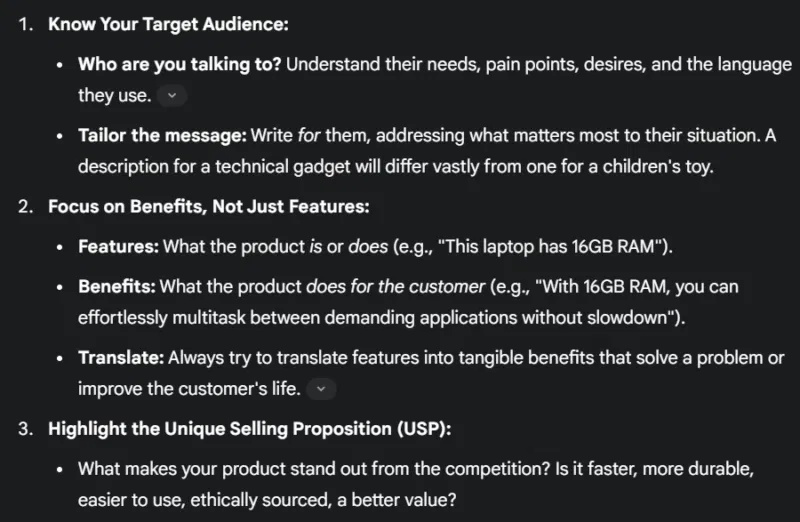
Review the checklist, then supply the product's actual specifications:
Use the checked checklist to draft a product description for [product]. Use only these verified specifications: [specifications]. Write for [audience] in [format]. Mark missing information instead of inventing it.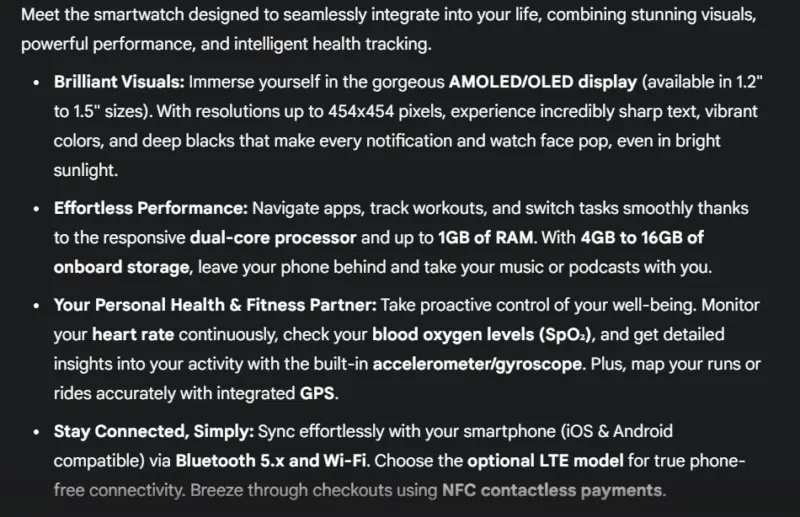
Skip this extra stage when the task is already simple. The goal is a better result, not a longer conversation.
5. Describe the desired result and keep necessary limits
Positive instructions make the target clearer: “Use plain language and two short sentences” is actionable. Necessary restrictions still belong in the prompt, especially when facts or scope must be protected.
Write a two-sentence product description for [product] using only the supplied specifications. Highlight the benefit of [verified feature]. Use plain language, avoid unsupported superlatives, and omit pricing.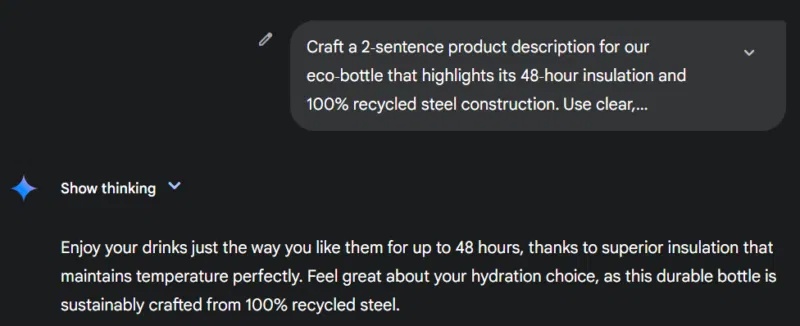
Do not add made-up specifications to make a prompt more concrete. In particular, performance times or material percentages need evidence before they belong in a product description.
Check whether the revision helped
Compare the output with the task, sources, and required format. If it fails, identify the missing instruction and revise that part. Keep a few representative test inputs for prompts you use repeatedly.
For further reading, Lee Boonstra's prompt-engineering publications discuss the importance of context, wording, and iteration.
Related Articles
 5 Tools to Help You Create the Perfect Prompt for Your AI Chatbot8 minutes read
 The Secret to Getting Perfect Answers from Gemini: Explained11 minutes read
 How Prompt Chaining Works: Four Patterns and When to Use Them12 minutes read
 This Prompt Template Creates Test Questions for Various Subjects4 minutes read
 How to Always Get Perfect Replies from ChatGPT with These 7 Prompts10 minutes read
 Prompt Template for Building Lesson Objectives in NotebookLM4 minutes read
Reader Comments 0
Sign in with email or Google to join the discussion.