Table of Contents
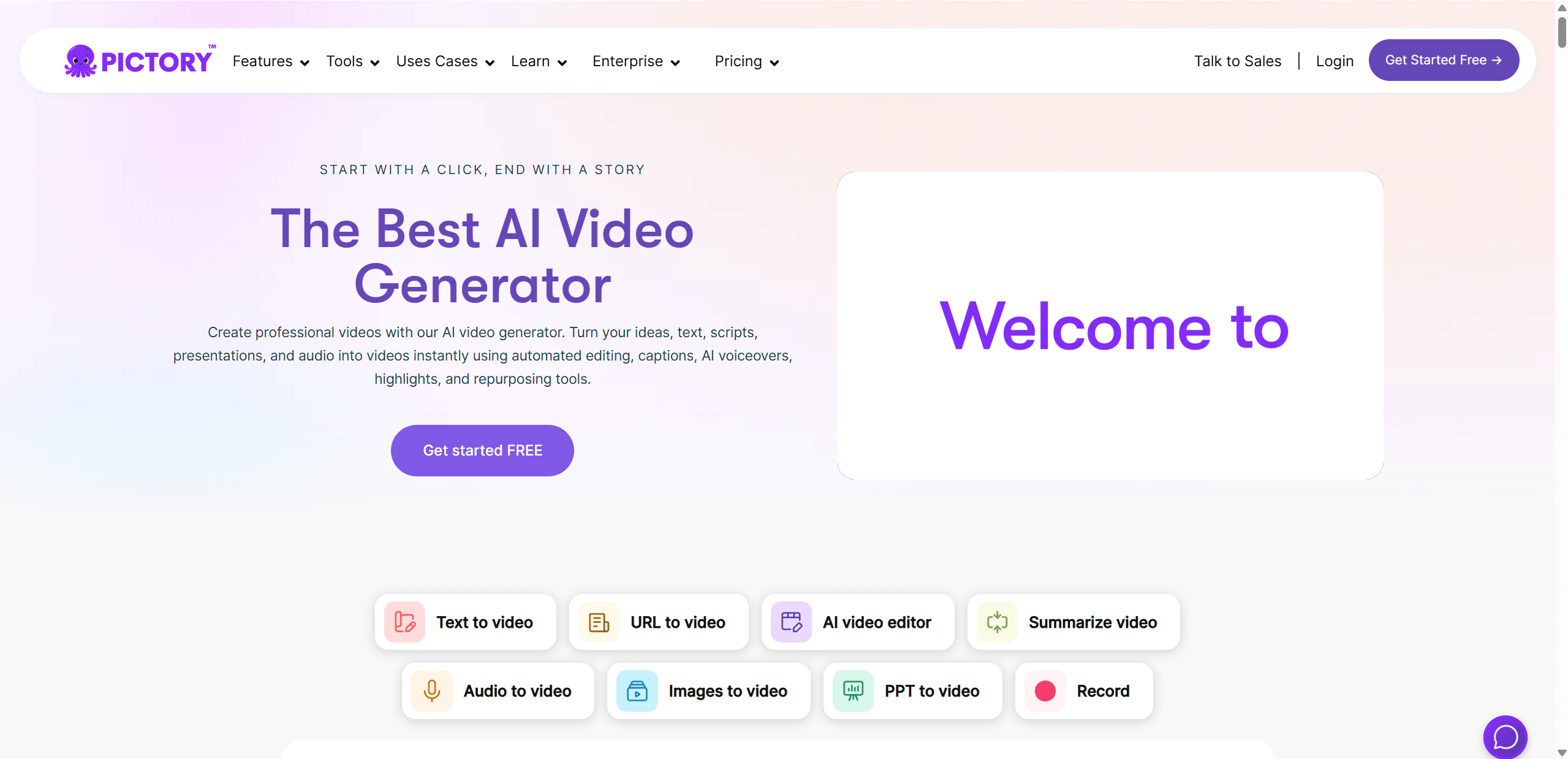
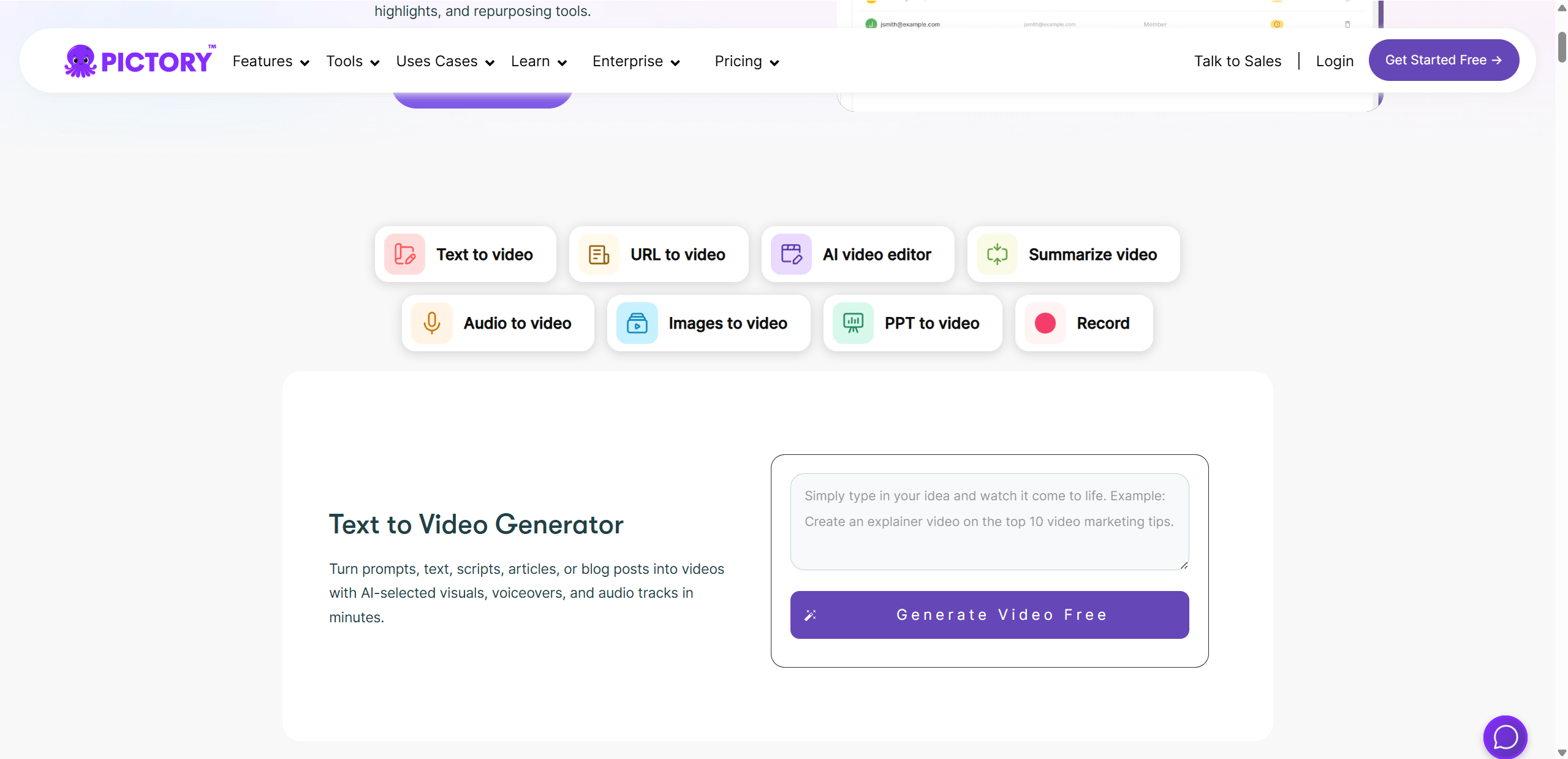
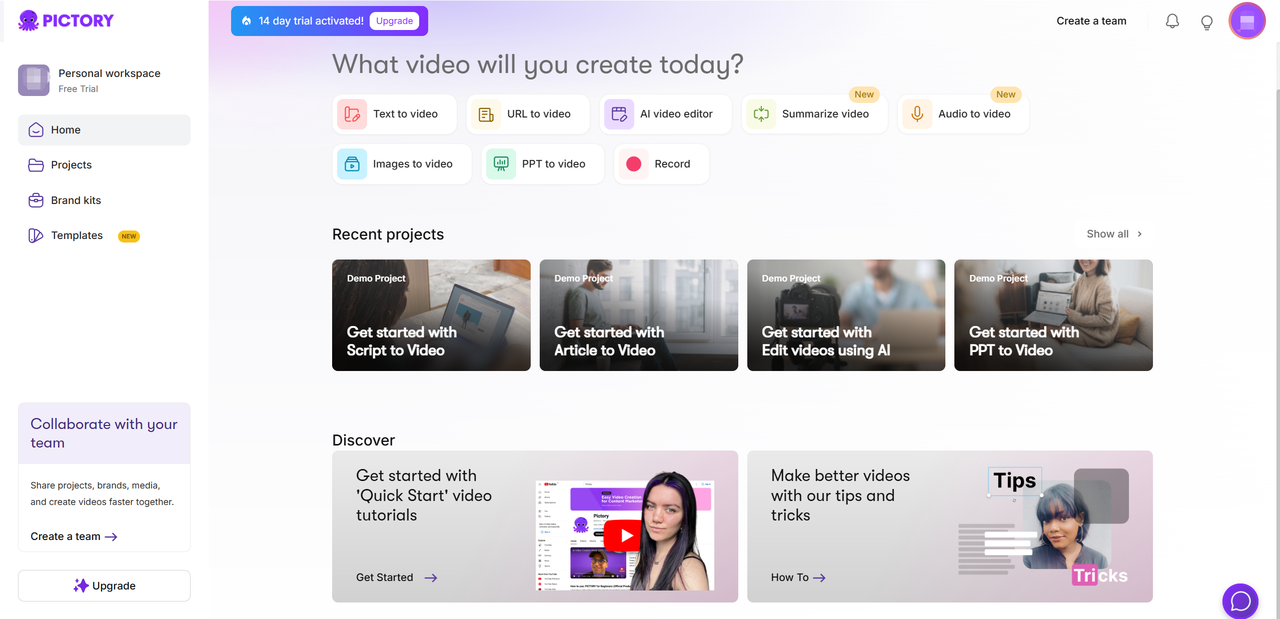
Pictory is a cloud-based video creation and editing platform. It can turn a prompt, script, article, presentation, image set, audio file, or existing recording into a storyboard, then add visuals, captions, voiceover, music, and branding. It is designed for fast draft production rather than frame-by-frame professional editing.
The right question is not whether Pictory can produce a video in minutes; it often can produce a first draft quickly. The important question is how much review is needed before that draft is accurate, licensed, on-brand, accessible, and ready to publish.
What Pictory can do
- Script or prompt to video: divides text into scenes and proposes visuals.
- Article to video: extracts material from a supported web page and creates a summary-based storyboard.
- Edit video using text: transcribes a recording so deleting transcript passages can remove corresponding footage.
- Audio or presentation to video: combines supplied content with scenes, captions, and transitions.
- Captions and transcripts: generates on-screen text and can export subtitle or transcript files in supported workflows.
- Voice and media: offers AI voiceovers plus licensed media libraries according to the selected plan.
- Branding: applies logos, colors, fonts, and reusable brand kits where included.
Pictory's official site currently describes input from text, prompts, images, and audio, while its knowledge base documents separate script, article, presentation, audio, and text-based editing workflows.
A practical text-to-video workflow
- Prepare the script: write for speech, use short sentences, verify every fact, and include pronunciation notes for names.
- Choose the correct workflow: use script-to-video for controlled narration and article-to-video only when the page is yours or you have permission to reuse it.
- Generate the storyboard: let Pictory suggest scene boundaries and visuals.
- Review each scene: confirm that the selected image or clip matches the specific claim rather than merely sharing a keyword.
- Edit captions: correct transcription, line breaks, punctuation, speaker names, and timing.
- Choose or record narration: test pace, pronunciation, emotion, and language before applying a voice to every scene.
- Check music and levels: keep background audio below speech and confirm the permitted use for the export destination.
- Preview the entire video: watch once for meaning, once with sound off for captions, and once on the target screen size.
Where Pictory is strongest
- Fast repurposing: a verified article, webinar, or script can become a social or training-video draft without rebuilding every scene.
- Transcript-based editing: non-editors may find deleting or rearranging text more approachable than working on a conventional timeline.
- Browser workflow: rendering is cloud-based, so no large desktop editing suite is required.
- Caption workflow: captions can be edited, hidden per scene or globally, and exported in supported text-to-video scenarios.
- Repeatable branding: plan-dependent brand kits help teams keep routine content visually consistent.
Important limitations
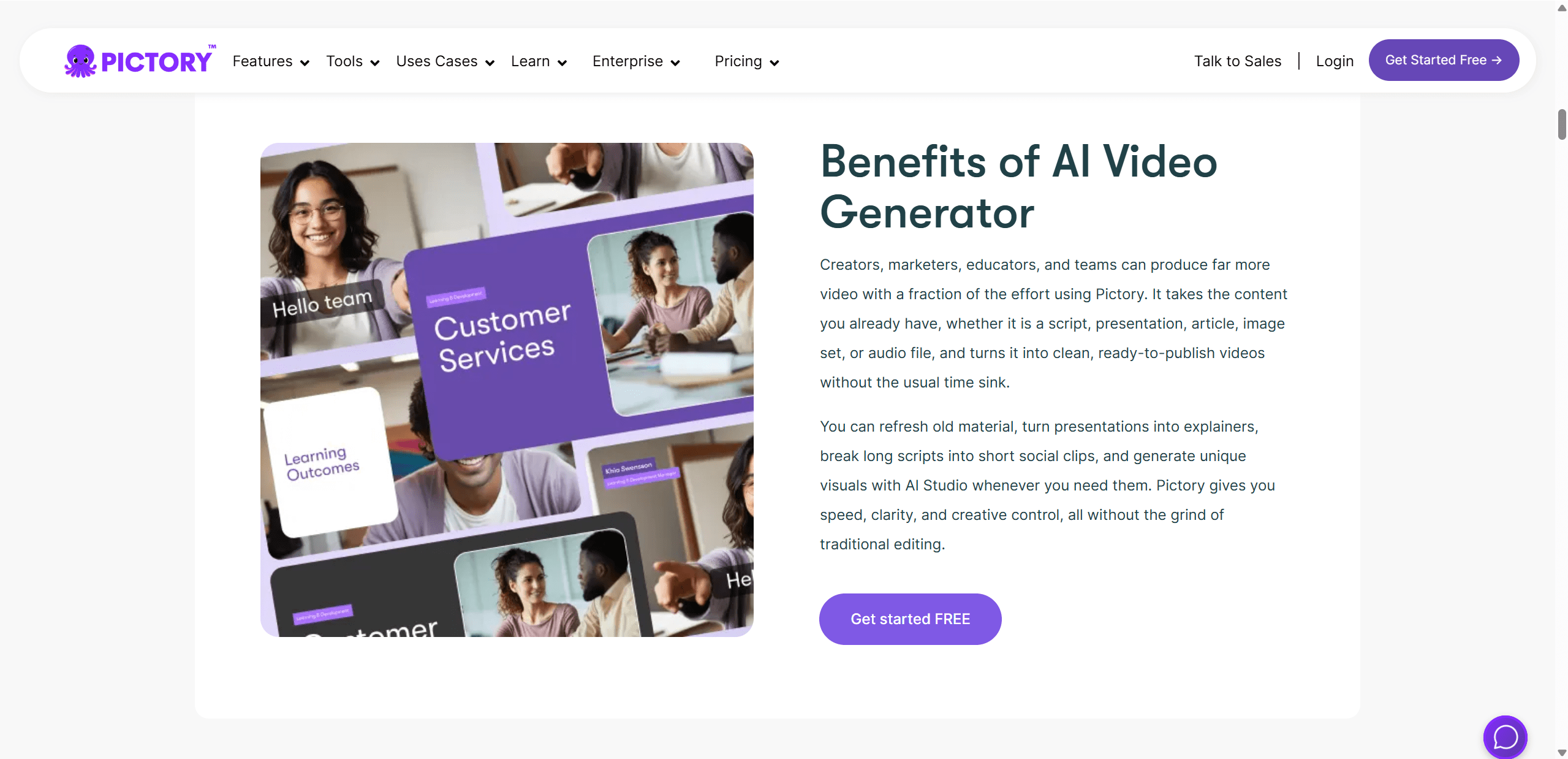
- Visual relevance: automatic stock-footage choices may be generic, culturally wrong, or misleading.
- Creative control: complex motion design, compositing, color work, and precise audio editing may still require a full editor.
- AI voice quality: pronunciation and tone vary by voice and language; always listen to the final render.
- Factual compression: an article-to-video summary can drop qualifications or change emphasis.
- Caption accuracy: names, numbers, technical terms, and accented words need manual correction.
- Cloud processing: uploading client or internal recordings requires permission and a review of current privacy, retention, and security terms.
- Usage rights: a library asset's availability does not remove the need to follow the license, platform policy, disclosure rules, and rights of people shown.
Pictory pricing: evaluate quotas, not just the headline
Pictory offers Starter, Professional, Team, and Enterprise options, with monthly and annual billing shown on its site. Prices and included quotas change, so the old figures in the original article have been removed. Check the official Pictory pricing page immediately before subscribing.
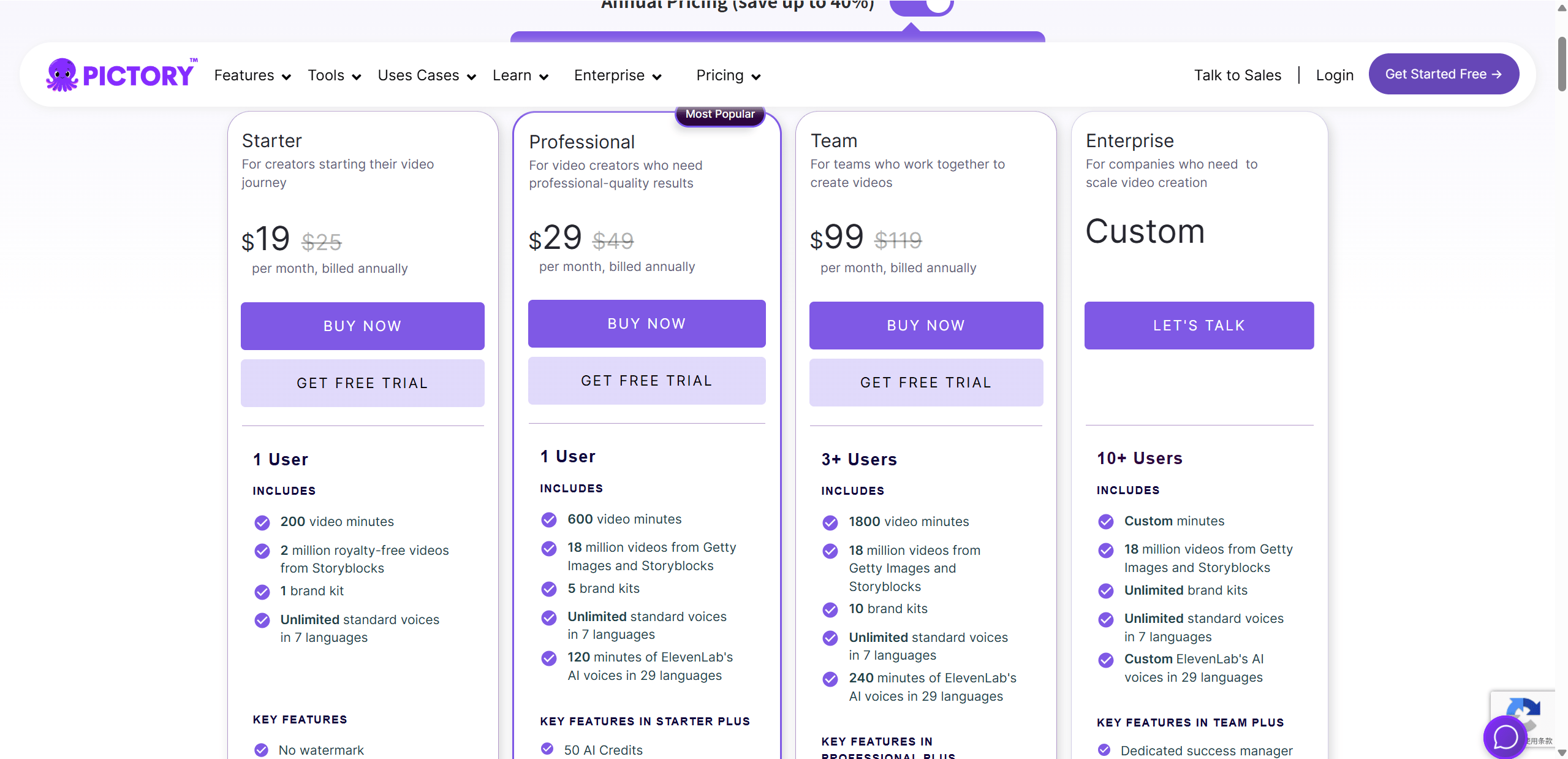
Compare these items for your actual production volume:
- video minutes and how unused quota resets;
- AI-generation credits, which can be separate from video minutes;
- voiceover minutes, voice languages, and voice-cloning access;
- stock-media catalog, export resolution, and watermark rules;
- storage, brand kits, users, collaboration, and support;
- monthly versus annual commitment, cancellation, and refund terms;
- API access, which may have separate pricing from the web editor.
Run a trial with one representative project. Record the time spent correcting visuals, narration, captions, and layout; export at the required quality; and confirm that the usable output fits the plan's quotas. A low subscription price is poor value if every draft needs extensive repair.
Who should consider Pictory?
Pictory fits marketers, educators, small teams, and creators who publish repeatable, narration-led content and value speed over granular editing. It is less suitable when a project depends on original cinematography, exact motion graphics, detailed sound design, or strict frame-level control.
Publishing checklist
- Every spoken and on-screen factual claim is verified.
- Visuals illustrate rather than contradict the narration.
- Captions match the audio and remain readable on mobile.
- Names, quotations, statistics, and pronunciations are correct.
- Music and media are licensed for the intended channel and campaign.
- AI-generated or synthetic media is disclosed where policy or context requires it.
- The final export has been watched from beginning to end.
Start with Pictory's current user manual for feature-specific steps. Treat the generated storyboard as editable production material, not the finished editorial decision.
Related Articles
 How to Convert PPT/PDF to Video Using HeyGen4 minutes read
 What Is 3D Transform: 3D Transform in CSS4 minutes read
 What Is 2D Transform: 2D Transform in CSS7 minutes read
 Instructions on Converting Lessons into Videos on NotebookLM4 minutes read
 6 Super Easy Ways to Add Subtitles and Captions to Your Videos13 minutes read
 How to Download and Use Anyone: Complete Guide and Key Details6 minutes read
Reader Comments 0
Sign in with email or Google to join the discussion.