Table of Contents
HeyGen can turn a PowerPoint or PDF into a scene-based video with an avatar and narration. The import supplies the slide visuals; you still need to check the scene order, write or edit each script, choose a voice, and review the result before generating the final video.
Prepare the presentation before uploading
- Remove duplicate, hidden, or unnecessary slides.
- Keep important text away from slide edges so it remains visible in video layouts.
- Collect the final pronunciation of names, acronyms, and technical terms.
- Make sure you have permission to upload the document and use its images, audio, and personal data.
Import the PPT or PDF
- Sign in at HeyGen and open the video creation area.
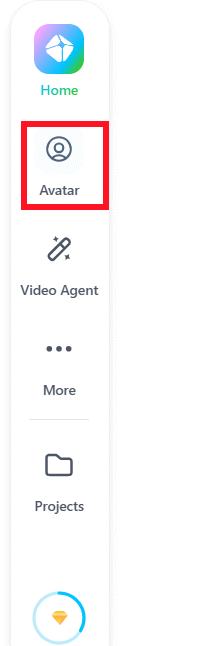
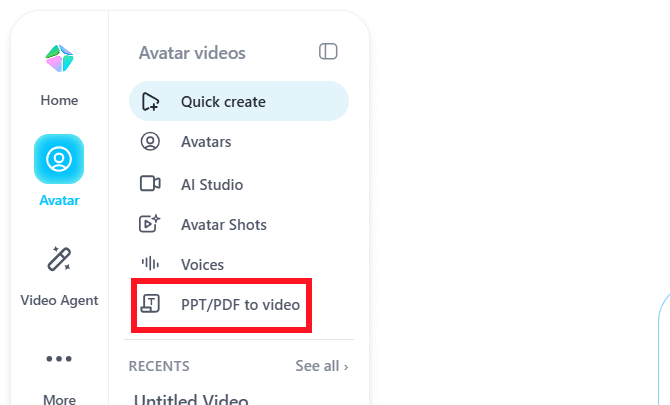
- Select the option labeled PPT/PDF to Video or the current document-import equivalent.
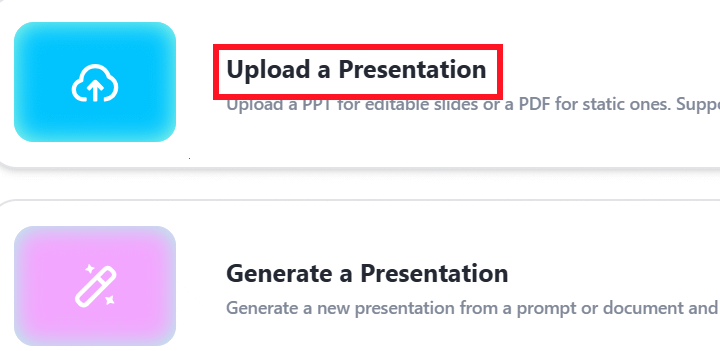
- Upload the PowerPoint or PDF and wait for HeyGen to convert the pages into scenes.
Choose an avatar and visual style
- Use the avatar control to add a presenter to the selected scene.
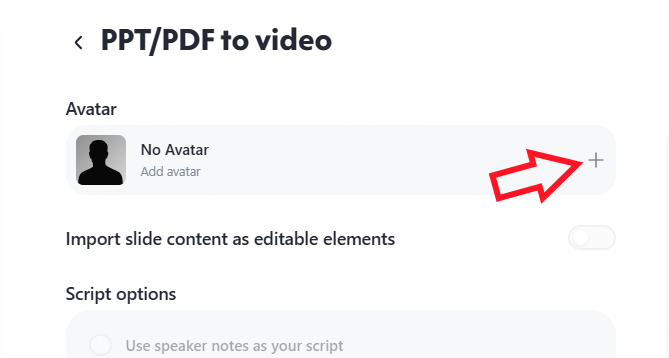
- Browse the avatar categories and choose a presenter that fits the audience and tone.
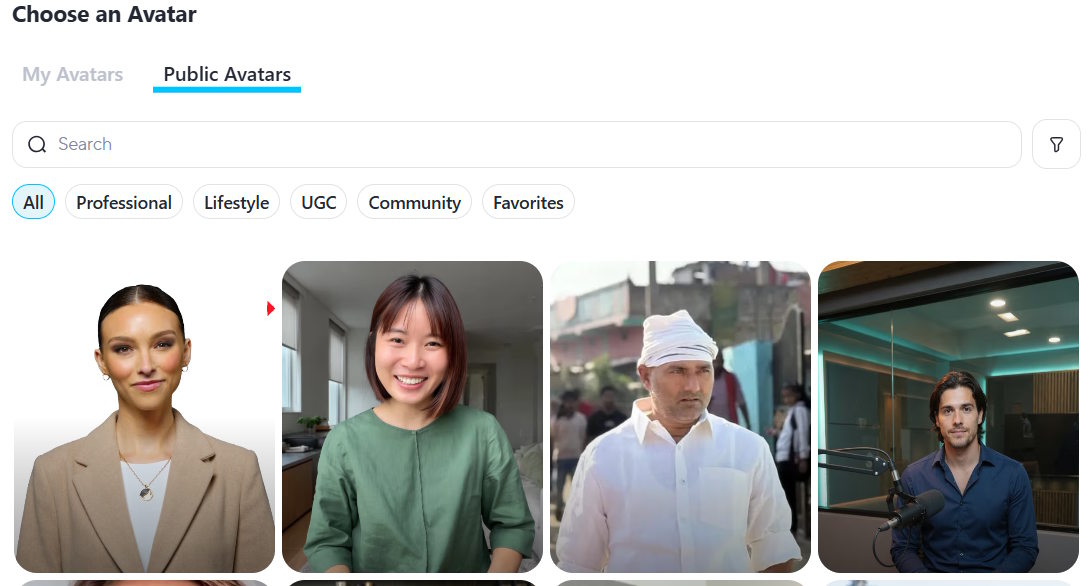
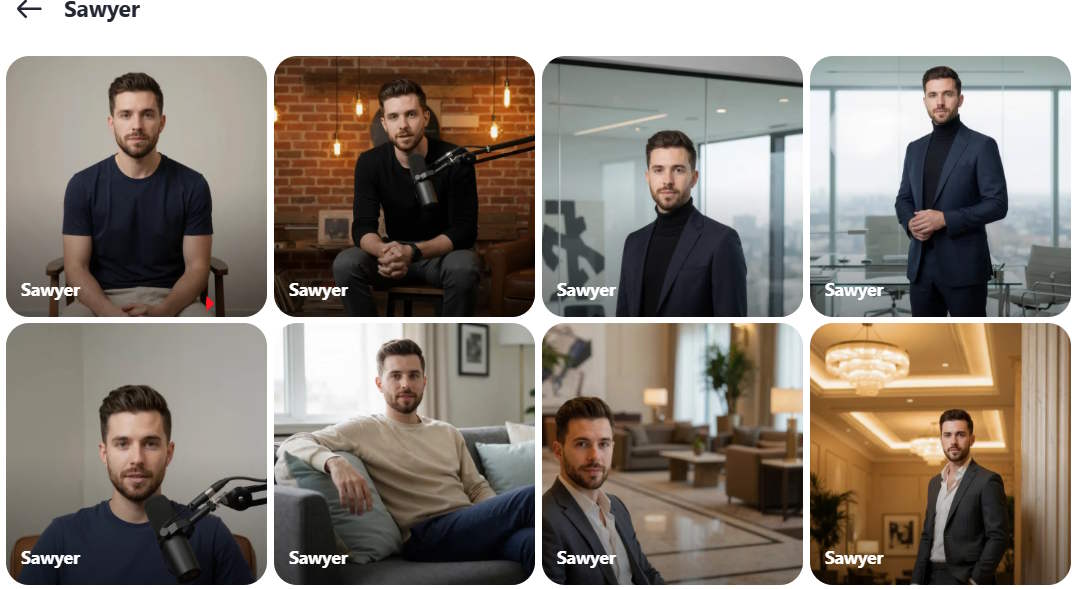
- Choose the available view, outfit, or scene style, then apply it. Repeat or copy the choice to other scenes as needed.
Add narration to each scene
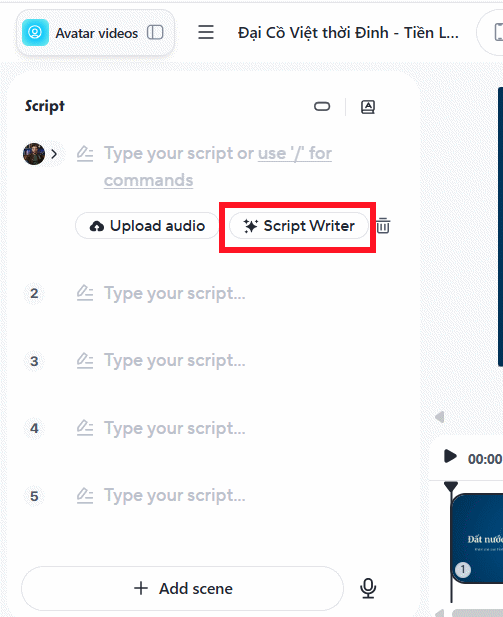
Select a scene and enter the words the avatar should speak. A concise script usually works better than reading every line on the slide.
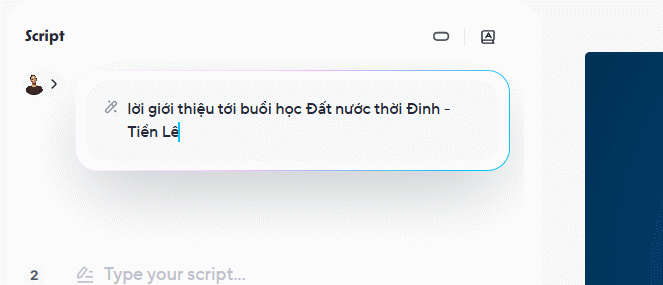
You can write the script yourself, upload supported audio, or use HeyGen's writing feature as a draft. If generating a draft, provide the subject, audience, tone, and desired length.
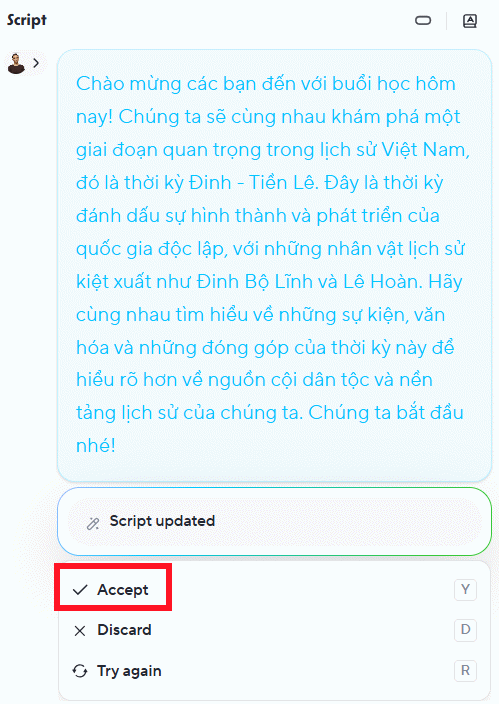
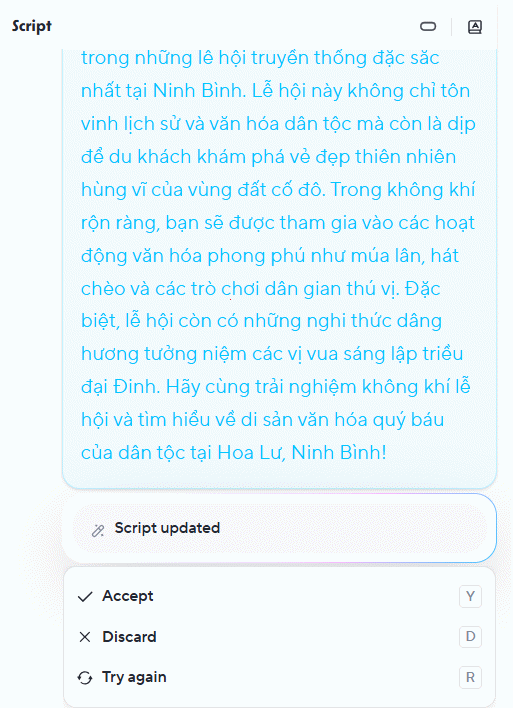
Review the generated script for accuracy, remove unsupported claims, and select Accept only after it matches the slide. Repeat the process for every scene.
Preview and generate the video
- Check scene order, avatar placement, voice, pronunciation, timing, and any transitions.
- Use the preview option to catch text that is obscured or narration that overruns a scene.
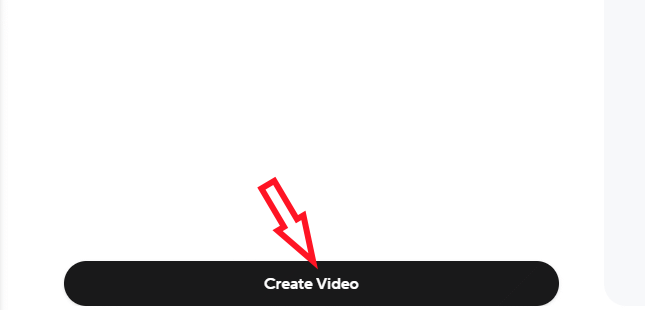
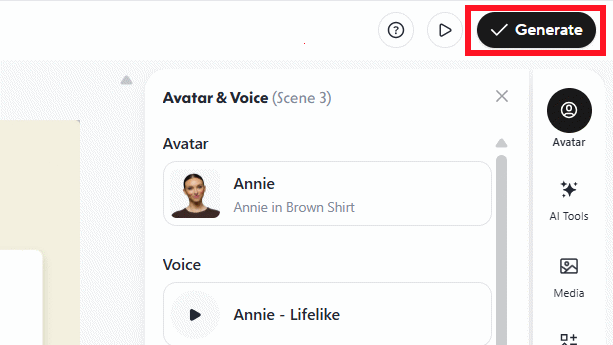
- Select Generate and wait for rendering to finish.
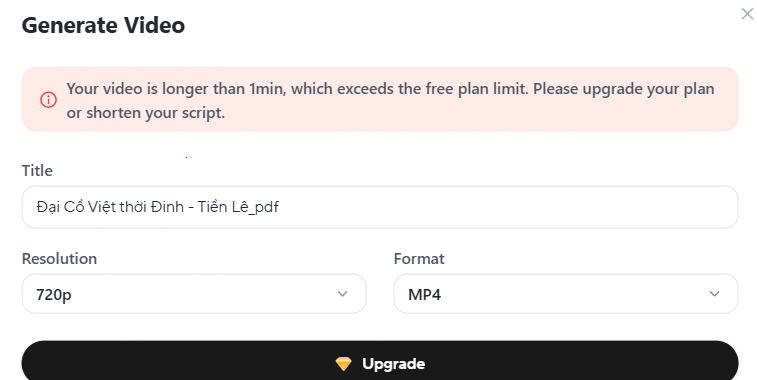
Download or share the result only after watching the complete render. HeyGen's available features, duration limits, and export options depend on the current plan, so check the account's displayed limits before building a long presentation.
Related Articles
 Download Dimo Mkv Video Converter, 4k Video Download and2 minutes read
 How to Convert.EXE to Video (MKV, AVI, MP4,...)4 minutes read
 How to Convert Video to MP310 minutes read
 How to Convert Video to Mp3 Using Free Video to MP3 WMA Converter8 minutes read
 Instructions on Converting Lessons into Videos on NotebookLM4 minutes read
 How to Use Winx HD Video Converter Deluxe Changes Video Format7 minutes read
Reader Comments 0
Sign in with email or Google to join the discussion.