Table of Contents
This practical guide explains how to use help 114 to quickly call for rescue. Follow the steps in order, review the requirements first, and use the troubleshooting notes when a setting or option does not work as expected.
How to use Help 114 to call for rescue
Step 1:
You can download the Help 114 application for your phone from the link below.
- Download Help 114 for Android
- Download Help 114 for iOS
Then you need to turn on location and notification of the application to determine your location clearly.
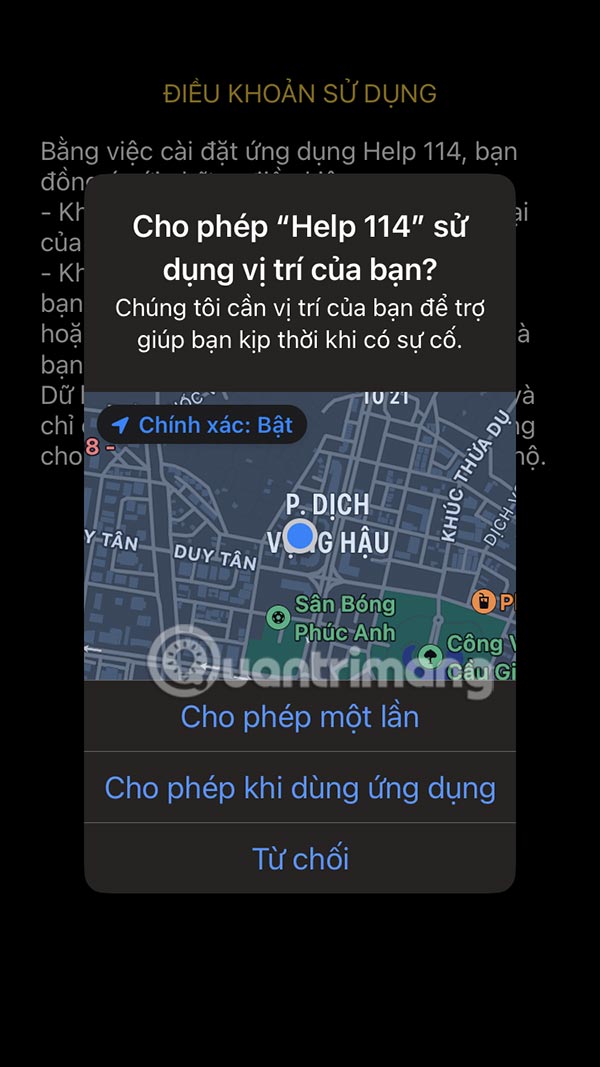
Step 2:
Next, you enter your phone number to register for the Help 114 application and receive a code sent to your phone number to fill in the application interface.

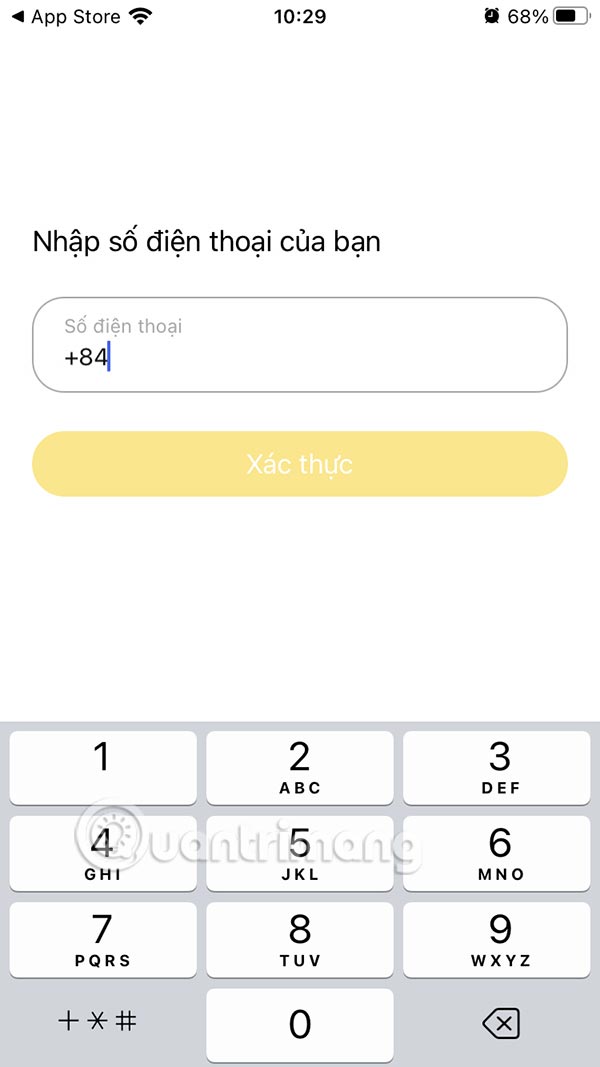
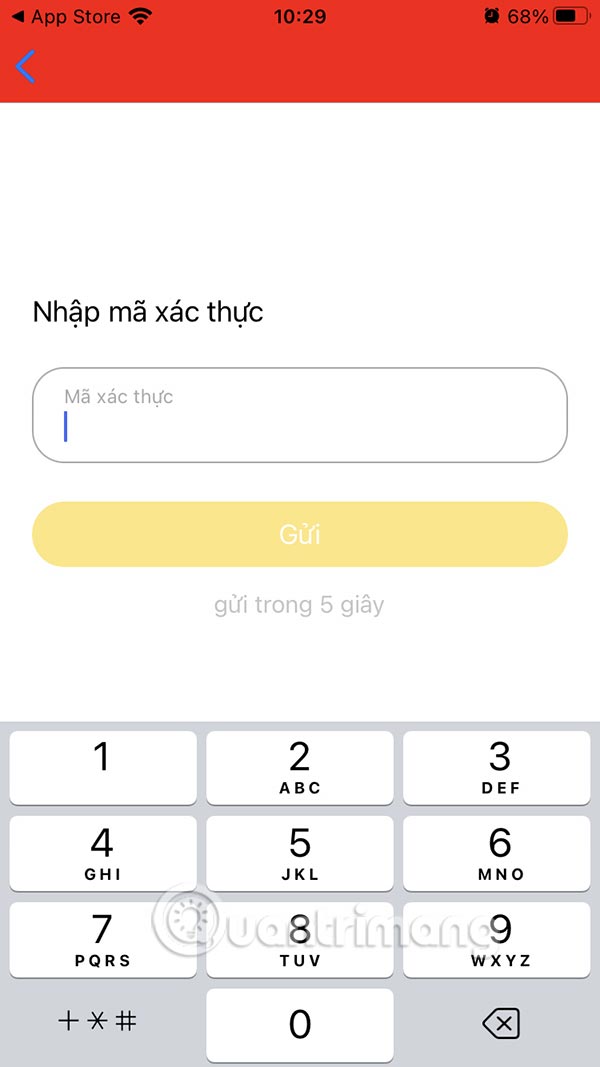
Step 3:
After accessing the application interface you will see 3 buttons 114, 115 and 113.
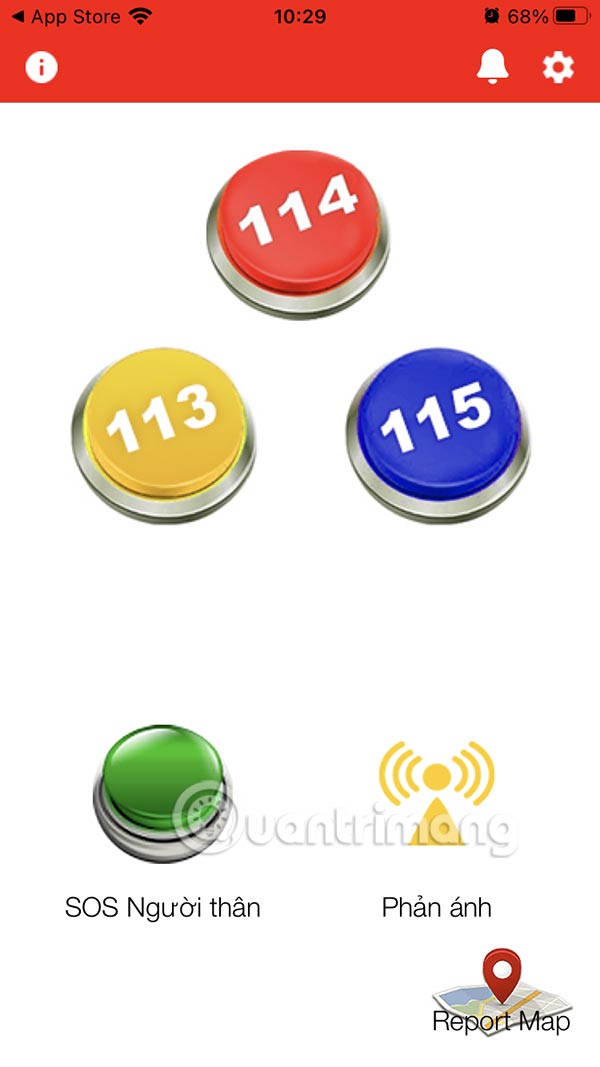
When you press one of these buttons, your phone will automatically call the operator and simultaneously send your current location to the authorities, helping them quickly identify the area where the incident occurred.
The application has the feature of transmitting location and video call, images only applicable in Ho Chi Minh City and connecting to 114 Ho Chi Minh City. If you are in another province, the call will be transferred to the local switchboard 114, but you will not be able to use the video call or send photos feature. Other functions on the application can still be used normally anywhere.
Step 4:
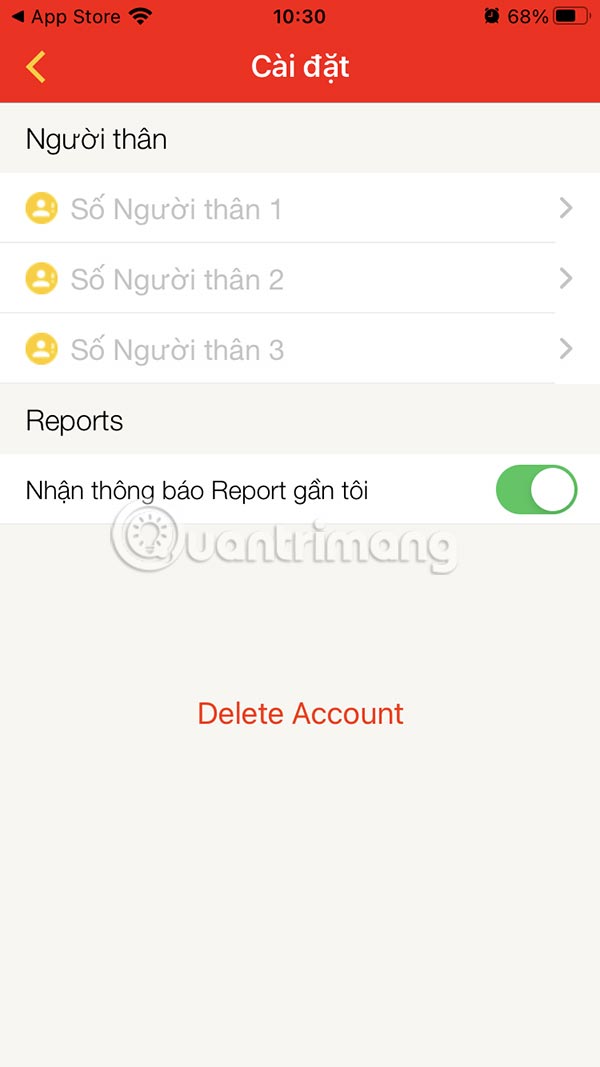
select the gear icon to add a relative's contact number and support them when needed.
Step 5:
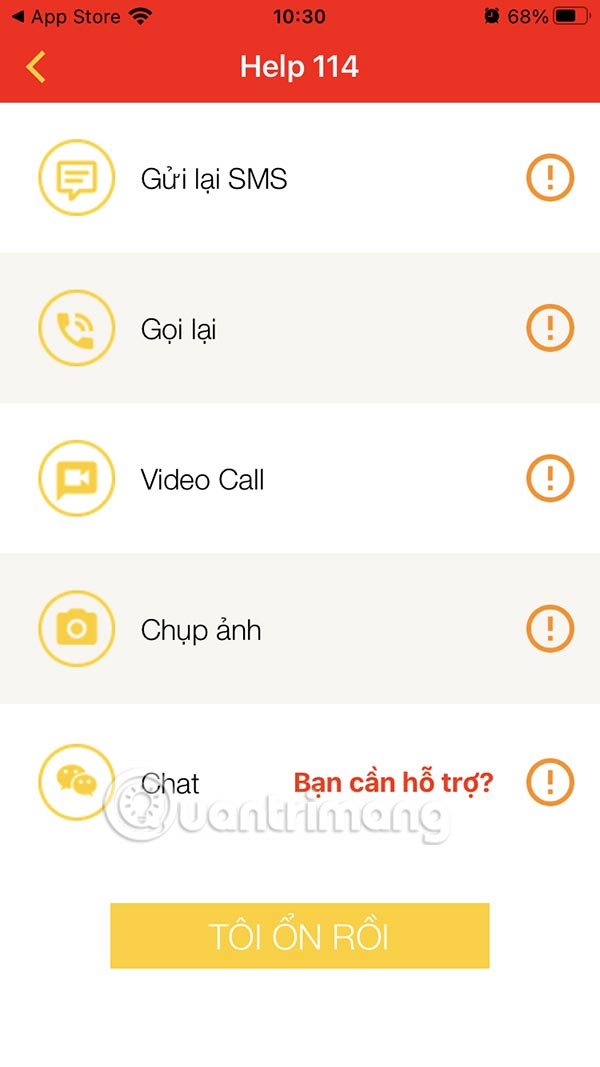
When you select the application buttons, there will be options for messaging and video calling.
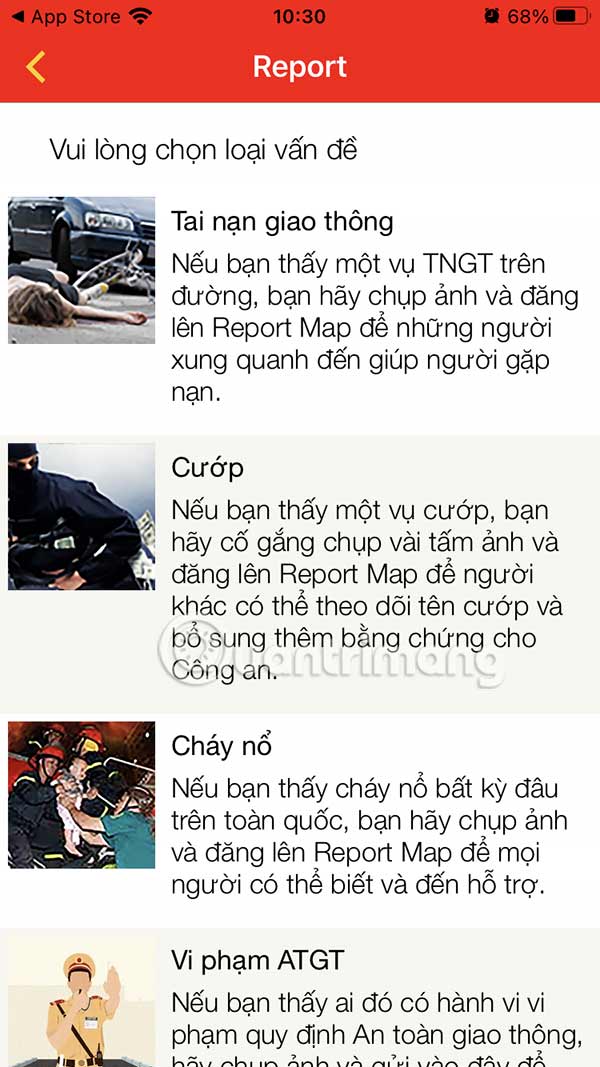
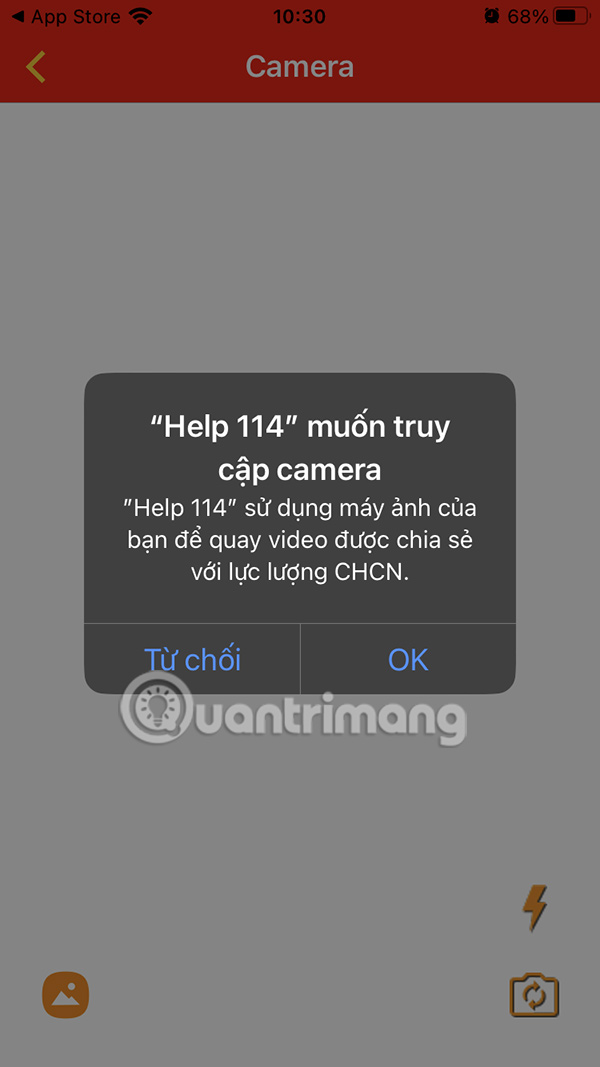
In addition, when clicking on the Feedback section , you will choose the problem you see or are having. You will need to take a photo or send a video of the scene so that the system can receive and process your feedback.
FAQ
How to use Help 114 to call for rescue?
You can download the Help 114 application for your phone from the link below.
What does this guide cover?
This guide explains use help 114 to quickly call for rescue, including the main steps, important details, and practical considerations.
Who is this guide for?
It is designed for readers who want a clear, practical overview and a reliable process they can follow without unnecessary complexity.
Related Articles
 Rescue Cut Answers from 1 -- 1003 minutes read
 Using Bitdefender Rescue CD on the Infected Computer3 minutes read
 How to Install Rescue Cut on the Computer3 minutes read
 How to Turn Off Ads for Rescue Cut Game3 minutes read
 Use Kaspersky Rescue Disk to Apply on Infected Computers4 minutes read
 How to Unlock All Characters in Rescue Cut3 minutes read
Reader Comments 0
Sign in with email or Google to join the discussion.