Table of Contents
The following guide provides a clear overview of IBM, with the most relevant background, details, and practical takeaways.
IBM Overview
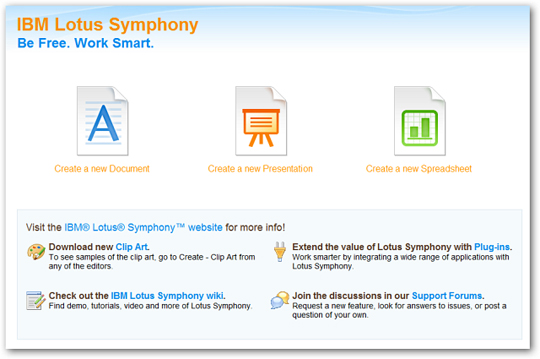
Lotus Symphony Document This is a Word processing application - replacing MS Word. It has all the tools you need in handling text documents. With a simple interface that separates components into tabs, each program and text is tabbed.

There are many document templates that you can select and download

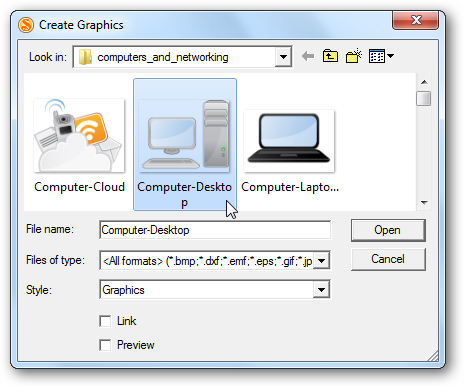
In addition, there is a fairly complete library of Clip Art images so that you can use text insertion. If you cannot find the image you want, you can download it from the website.
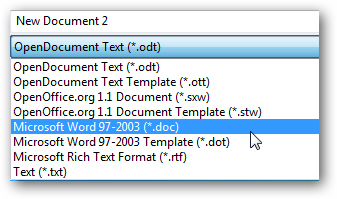
Save documents in a variety of formats
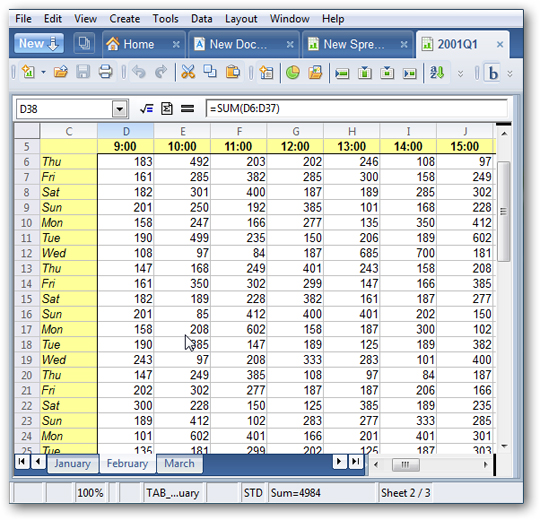
Lotus Symphony Spreadsheet This is an alternative to MS Excel and it allows you to create tables or use existing templates.
Lotus Symphony Presentation Presentation is an alternative version of MS PowerPoint, you can create slideshows from an empty file or from existing versions.

Web browser You can open the web browser in a new tab on this application. It is opened when you download additional objects on the site and perform a quick search when working on documents.
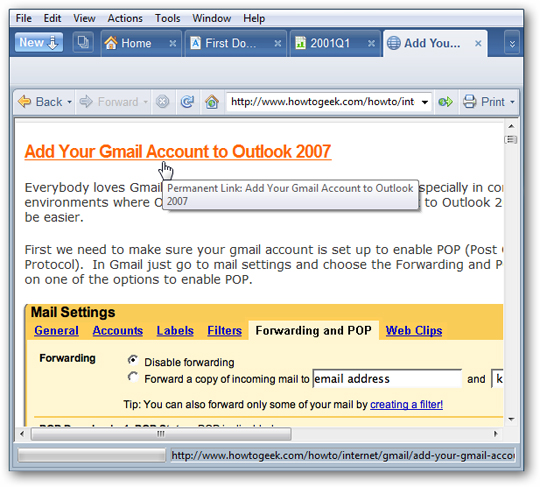
Summary If you need a simple office package, Symphony is a good choice to perform most of the necessary tasks. However, it does not include client email applications and database applications such as MS Access. The entire application is opened on a window and the partition is tabbed, making navigation easier.
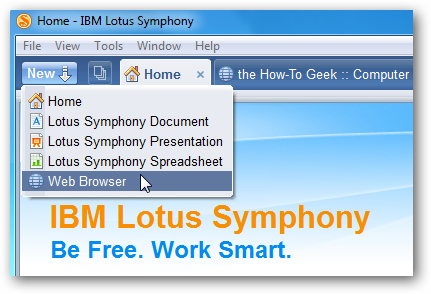
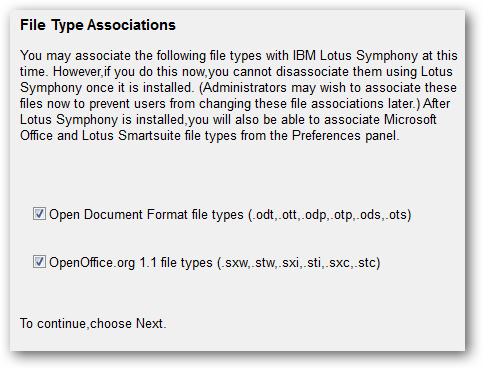
You can combine Symphony with open document formats.
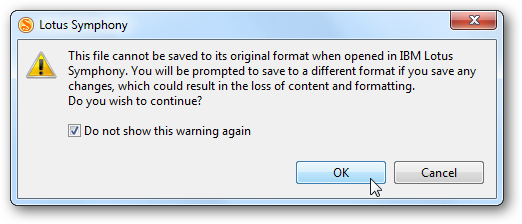
It will open documents from Microsoft format (. Doc,. Docx,. Xls,. Pptx ) but you may lose some advanced formats. Note that there may be some problems with the documents when opened between different programs.
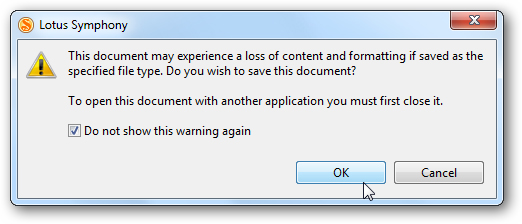
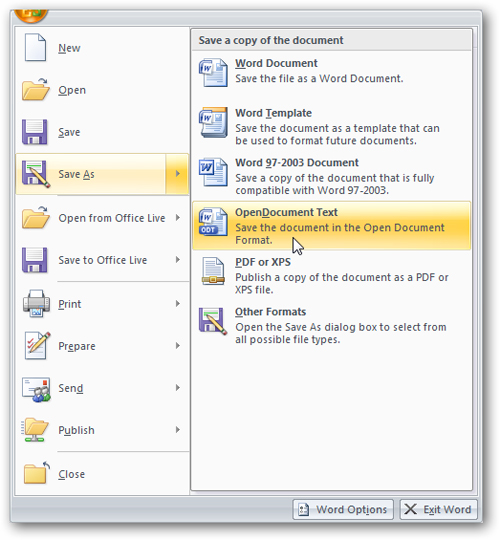
If you work with Microsoft Office users, remember they can save documents in Open Document format
You can easily save documents, slideshows and tables to PDF format.

In addition, there are many additional plug-ins that you can download for more useful features for applications.
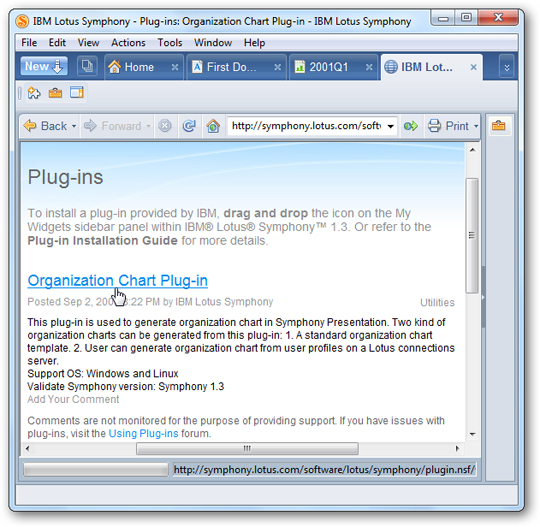
And see the basic instructions for tasks that you don't know or use.

If you are a small business, a student or an individual person, it is not necessary to spend a large amount of money to get an office suite, Lotus Symphony is a good way to replace and still create Professional documents you need.
FAQ
What is the main topic of IBM Lotus Symphony - Free Replacement for MS Office?
The following guide provides a clear overview of IBM, with the most relevant background, details, and practical takeaways.
Why is IBM important?
IBM Overview Lotus Symphony Document This is a Word processing application - replacing MS Word.
What should readers remember about IBM?
It has all the tools you need in handling text documents.
Related Articles
 The Most Beautiful Lotus Wallpaper for Computers You Can't Miss3 minutes read
 minutes read
 Invite Neat Office Experience -- the $$ 199.99 Office Suite for3 minutes read
 Instruction for Registering Lotus Account4 minutes read
 Quickly Receive Softmaker Office 2016 Free License Key (69.95 USD)4 minutes read
 Instruction to Change Lotus Account Password3 minutes read
Reader Comments 0
Sign in with email or Google to join the discussion.