Table of Contents
Learn how to use an Android phone to measure light and sound in a room with clear steps, practical tips, and troubleshooting guidance for a reliable result.
Recently, many people have been using their Android phones to measure the light and sound in their rooms. They are trying to improve their working environment, and Android phones have been a great help in that.
Use your phone as a pocket light meter
Adjust your desk lighting with a free app
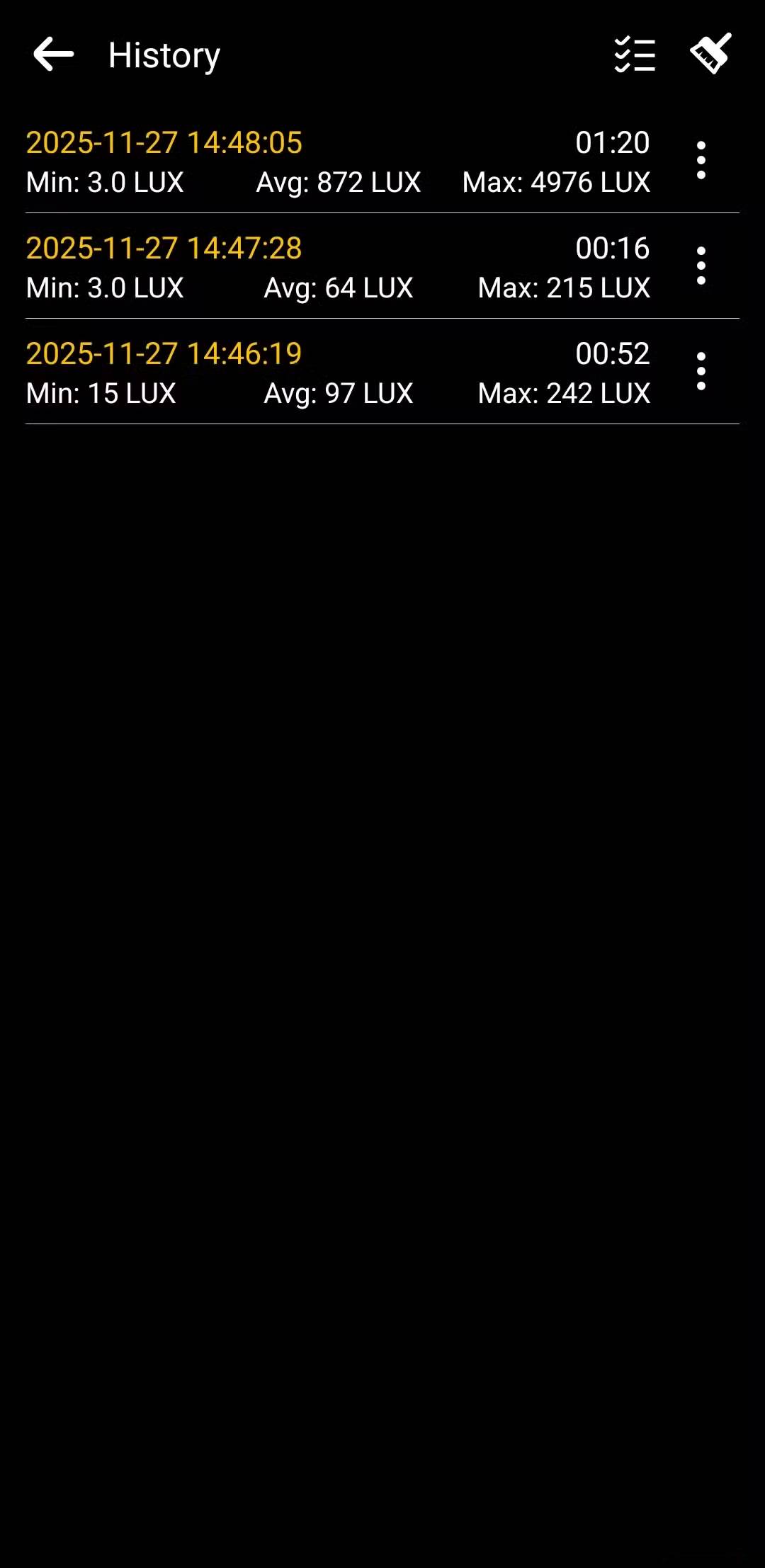
Many people always think that a specialized device is needed to measure light accurately. Light meters are not necessarily too expensive. But if you are not a photographer or someone who needs to use this device for professional work, then spending money on a device that is rarely used is really unreasonable.
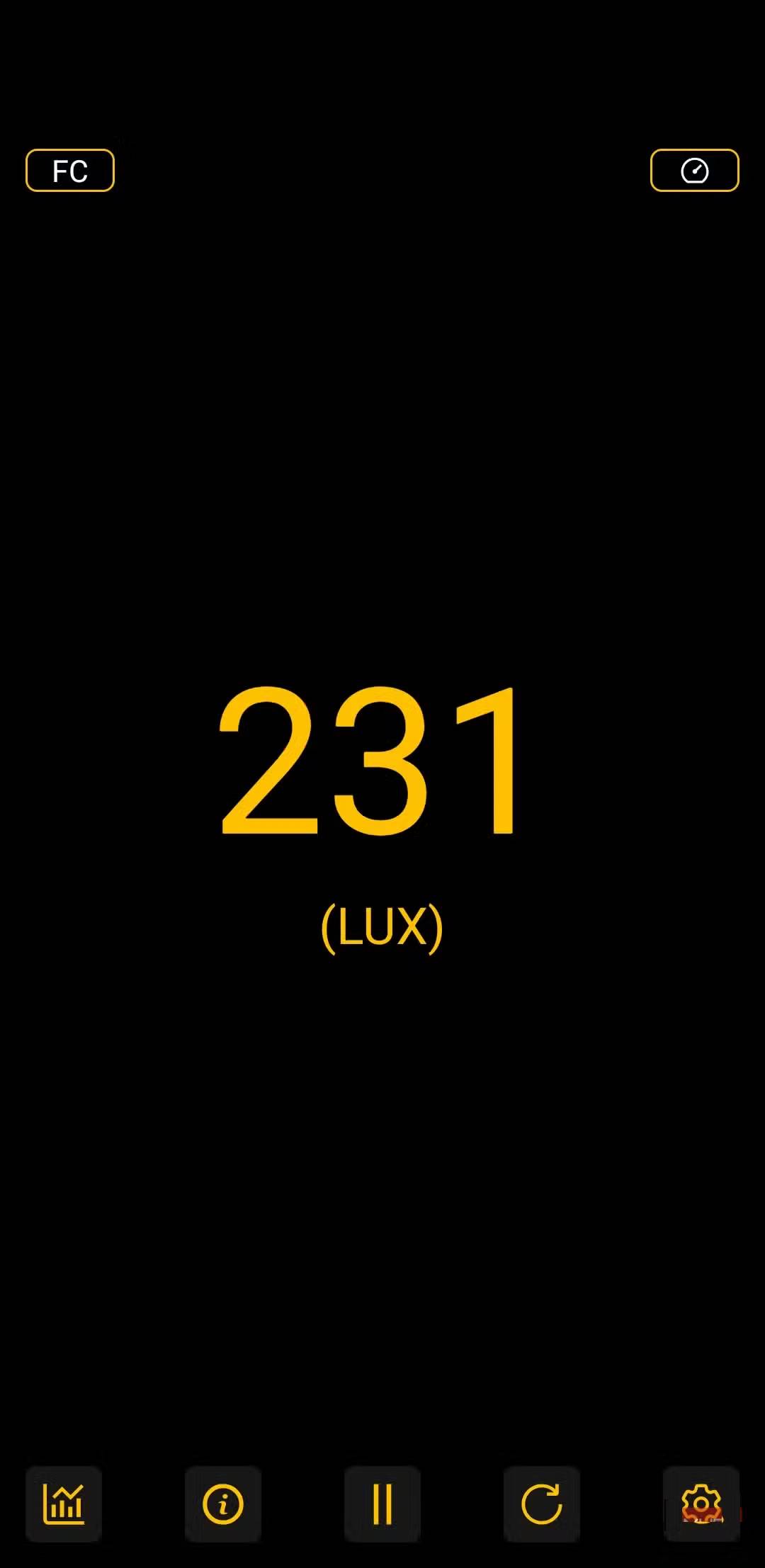
This one got a lot of people thinking. Android phones can automatically adjust their brightness based on their surroundings, so they must be reading the light somehow. And they do! All Android phones have an ambient light sensor near the front camera. Its primary function is to help with adaptive brightness, but with an app like Light Meter, you can actually see and use that data yourself.
I tried this out while testing a desk lamp I purchased for my setup. The lamp has a few different brightness levels, and I wanted to set it to the level that was appropriate for my workspace. By the way, for a general office environment, the recommended light level is between 300 and 600 lux.
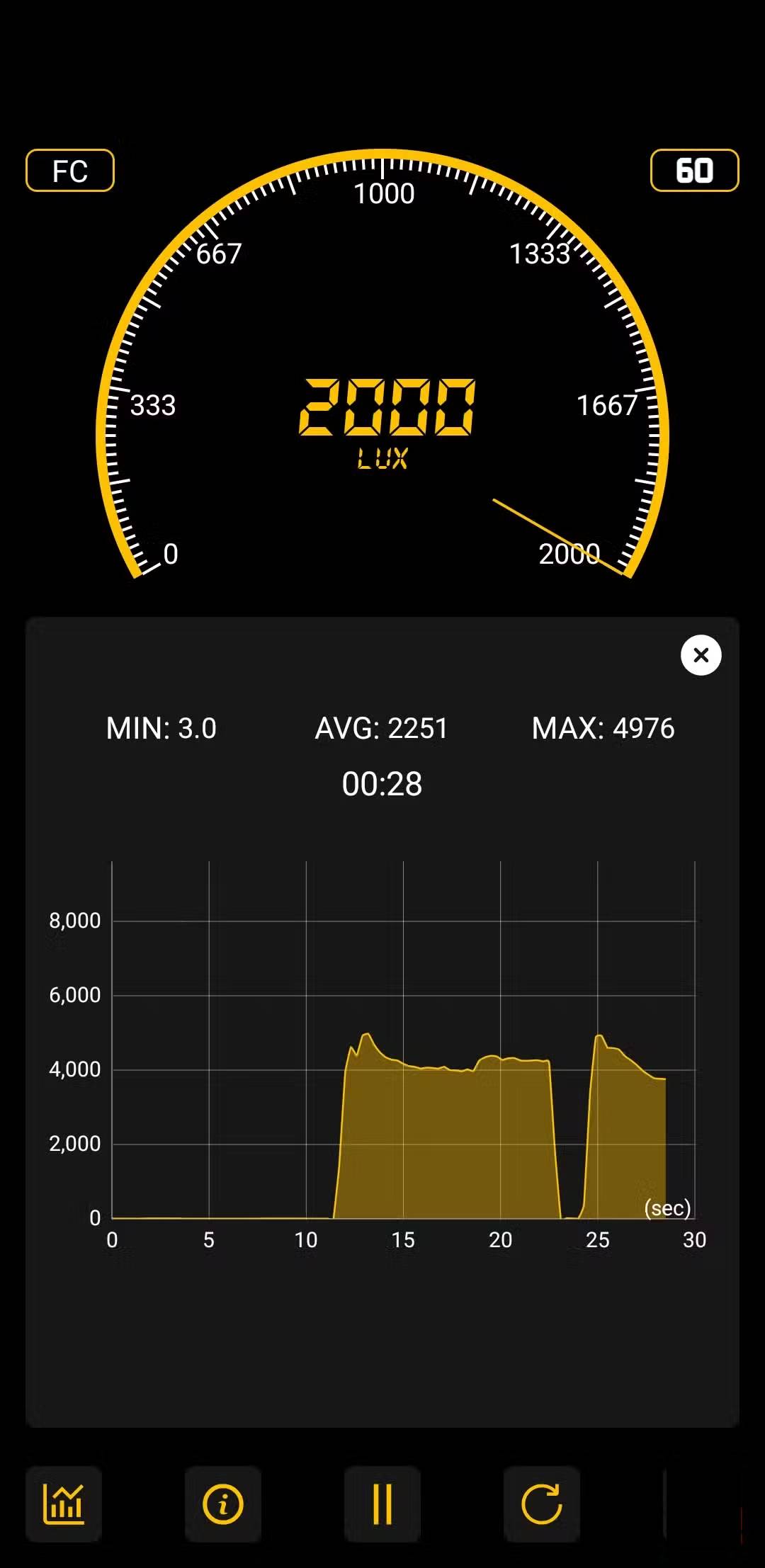
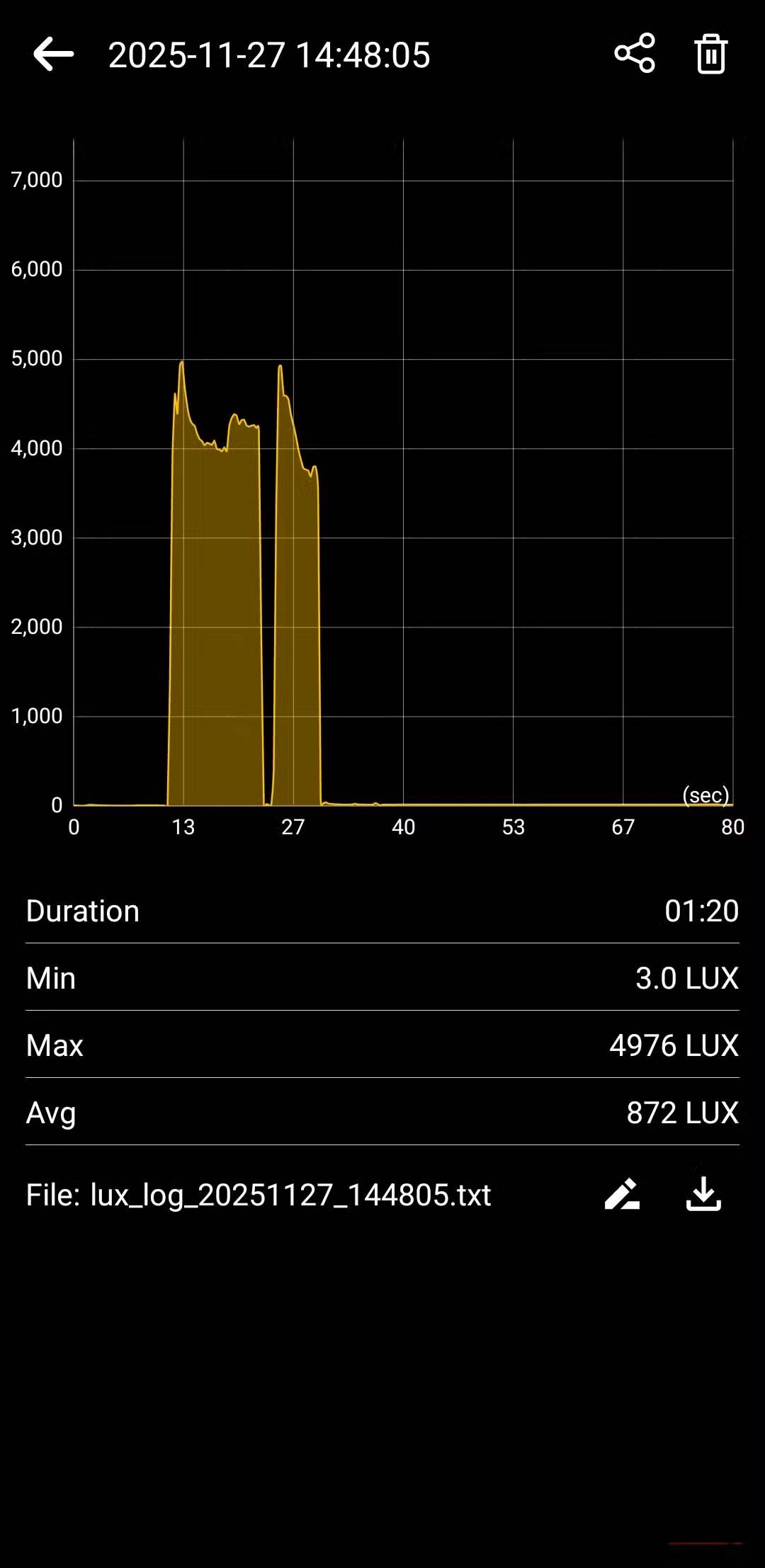
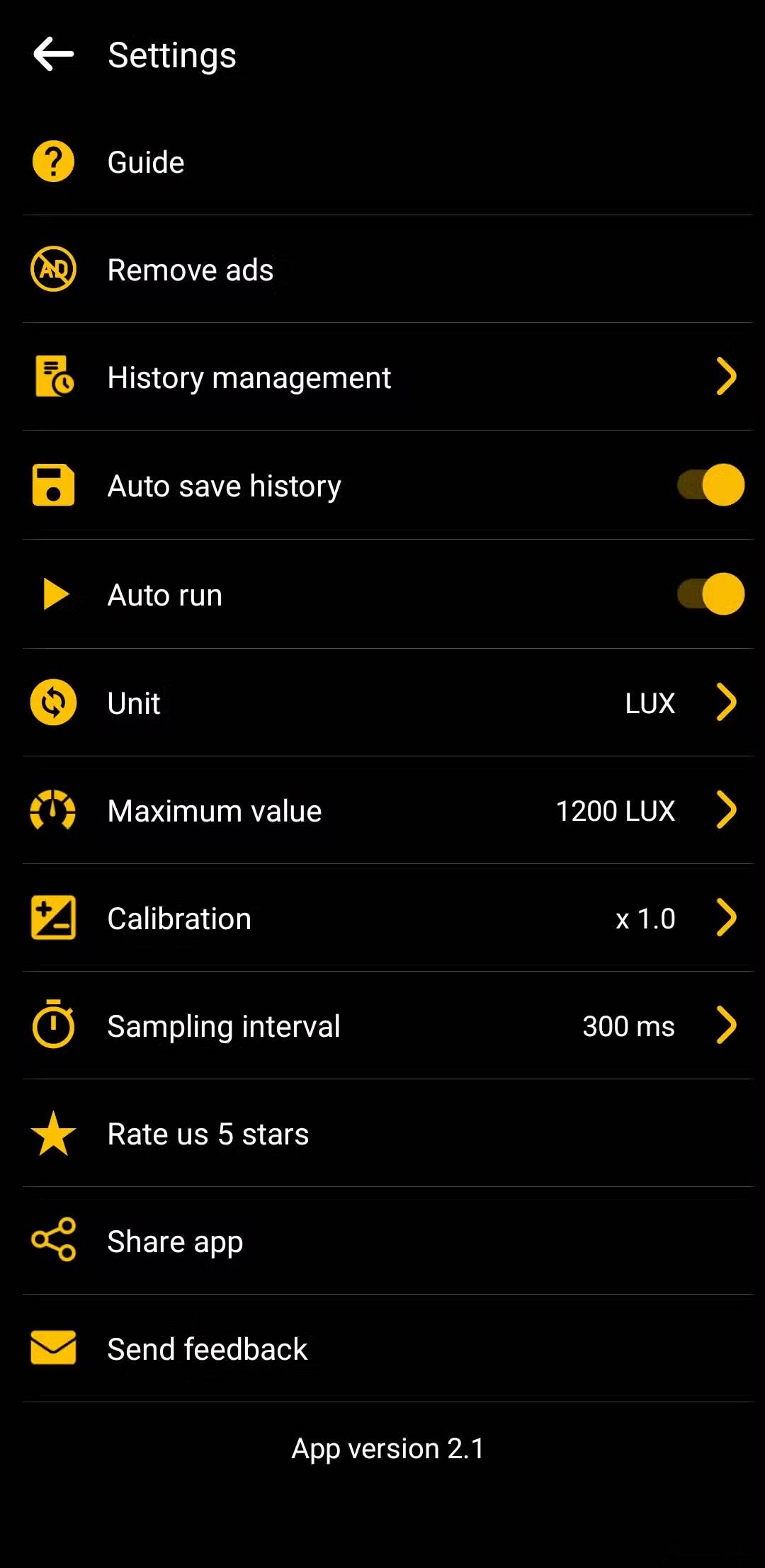
All you have to do is open the Light Meter app on your phone, place it on a table, and toggle between different brightness levels. The app lets you choose between a digital and analog interface, and it saves all your readings, which is useful for comparing results. This app is perfect for people who just want to check if a room is too dark or too bright without buying another device that will just sit there.
How to measure daily noise with your phone
Explore ambient noise
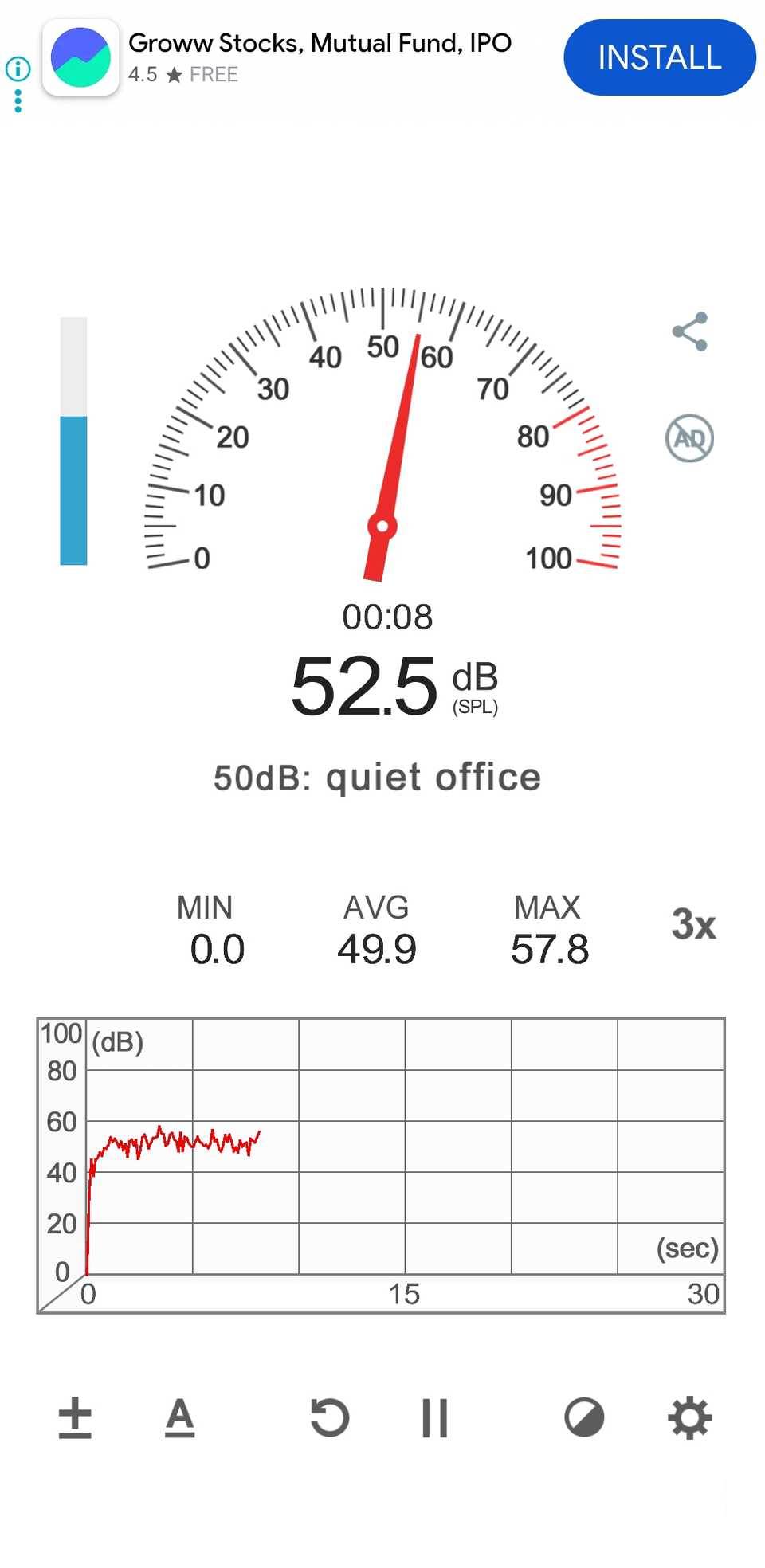
Noise is one of those things you only notice when it becomes annoying. There's a loud street, a whirring fan, or even nearby construction. Many people never really think about how loud their environment is until they start recording voiceovers for video with a dedicated microphone.
The first time they listened to the raw recording in Audacity, they were shocked by how much background noise there was. Sounds they had completely missed suddenly became hard to ignore.
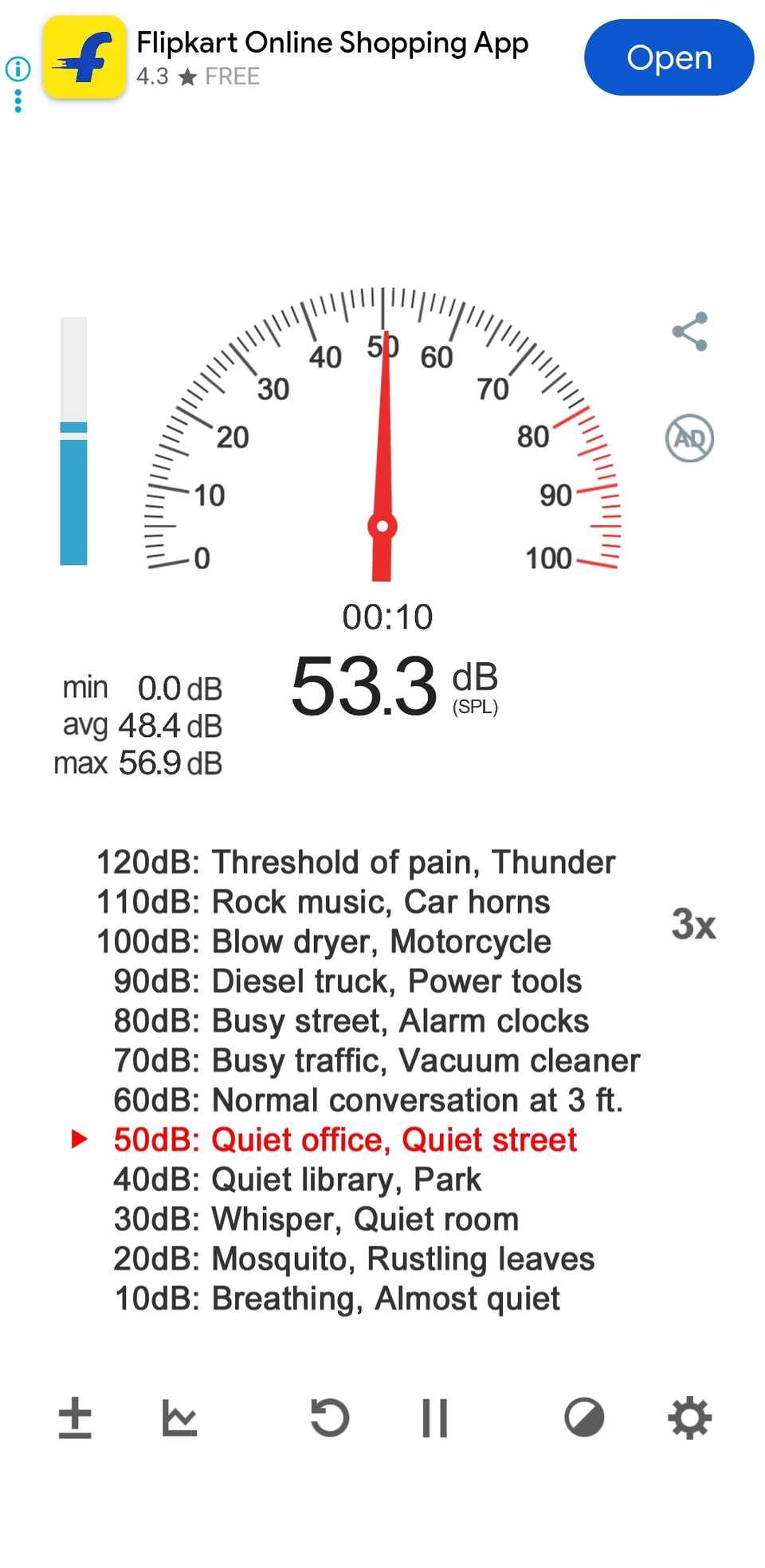
Android phones come with microphones that are incredibly capable of processing sound, and there are plenty of apps like Sound Meter that can measure sound levels in decibels. When you first open the app, a 'quiet' room will hover around 40 to 50 decibels. With the fan on, the sound jumps to 55 decibels.
Finally, you can move the recording setup to a different corner of the room, adjust the fan speed, and even add a door noise blocker to see what difference it makes. All of this has helped reduce the overall noise level to 20 decibels, which is a much more acceptable level for recording.
Using Sound Meter is as easy as Light Meter. You open the app and it starts displaying real-time noise levels. The app also labels sound ranges with examples like quiet office, busy street, or heavy traffic, helping you understand what those numbers actually mean in real life.
The real accuracy of these built-in sensors
Convenience vs. Accuracy
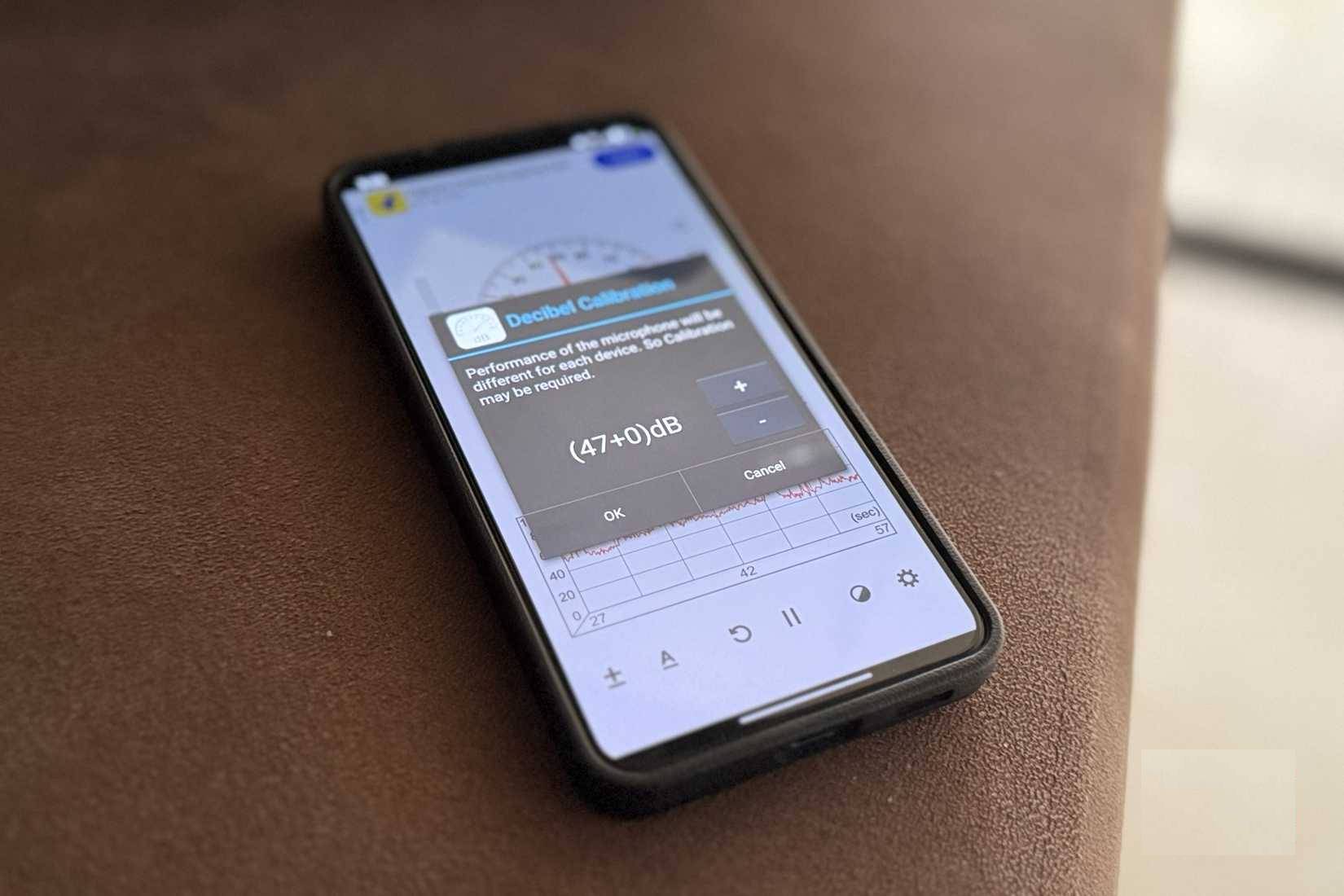
Using an Android phone to measure light and noise levels is convenient, but the obvious question is how accurate these results are. The short answer is that they are not lab-grade measuring devices, but they are not completely useless.
Smartphone sensors and microphones are not designed to be used as measurement tools, and the quality of these components can vary from phone to phone. However, if you have a relatively modern Android phone that is not physically damaged, these light and noise measurement apps can be quite accurate for everyday use.
You can get even more accurate results if you calibrate them. Of course, they will never replace professional tools in a studio, lab, or industrial environment.
Phones can measure a lot more too
In addition to light and noise, you can use your Android phone to measure a lot of things. Apps like Google Fit can use your phone's sensors to track your steps, distance, and even get an approximate heart rate using the camera and flashlight.
There are also apps like AR Ruler, which turns your phone camera into a virtual tape measure. It lets you measure objects, room sizes, square footage, and even your height. If you have a Pixel 8 Pro or one of the later Pro models, you can even use the Pixel Thermometer app to check the surface temperature of objects.
Final Thoughts
Use this guide as a practical checklist for how to use an android phone to measure light and sound in a room. Work through the steps in order, verify each result, and adjust the options to match your needs.
FAQ
What do you need before following this How to Use an Android Phone to Measure Light and Sound in a Room guide?
Review the required tools, accounts, settings, or materials mentioned in the article. Learn how to use an Android phone to measure light and sound in a room with clear steps, practical tips, and troubleshooting guidance for a reliable result.
What are the main steps for how to use an android phone to measure light and sound in a room?
Follow the sections in order, especially Use your phone as a pocket light meter, Adjust your desk lighting with a free app, How to measure daily noise with your phone. Complete each step before continuing and verify the result as you go.
What should you do if the process does not work as expected?
Recheck the prerequisites, update the relevant app or service, review the settings, and repeat the step that caused the issue. Use any troubleshooting notes included in the guide.
Related Articles
 When You Turn Off the Light in the Room, Where Did the Light Go6 minutes read
 Please Download Google's Measure App, Which Supports All Android-compatible ARCore Smartphones3 minutes read
 How to Measure the Speed of Charging on the Phone5 minutes read
 The Best LED Light Bulb for Every Room in Your House in 20207 minutes read
 Microsoft's Quietest Room in the World, No One Can Stand for More Than 45 Minutes5 minutes read
 How to Mute the Screen Shot of Android Phone5 minutes read
Reader Comments 0
Sign in with email or Google to join the discussion.