Table of Contents
FBang livestreaming cannot currently be recommended as an active workflow. FTECH still describes FBang on its corporate product page, but the old mobile-store downloads and fbang.vn web tools used in this guide are not reliably available. Verify a current official app, secure login page, support channel, privacy policy, and creator terms before installing anything or sharing account information.
What to verify before going live
- Start from FTECH's official FBang product page.
- Look for a current HTTPS service link and official Google Play or App Store listing.
- Confirm the developer name, last update, privacy label, age rating, required permissions, and support contact.
- Read current creator, moderation, gift, payout, copyright, and account-verification rules.
- Check whether the service is available in your country and whether livestreaming is enabled for your account.
- Run a private or limited-audience test, if offered, before promoting a broadcast.
If the developer does not publish a current secure route, do not use an APK mirror, copied desktop client, third-party “stream key,” or paid account.
Why the old instructions are no longer sufficient
The original guide assumed that the FBang app, website, account verification, beauty filters, gifts, and creator program were all active. Those conditions cannot be confirmed now. Even if an archived app opens, its account, streaming, moderation, and payment servers may not work or be maintained.
The screenshots below are therefore preserved as a historical record, not as current setup instructions.
Legacy mobile livestream flow
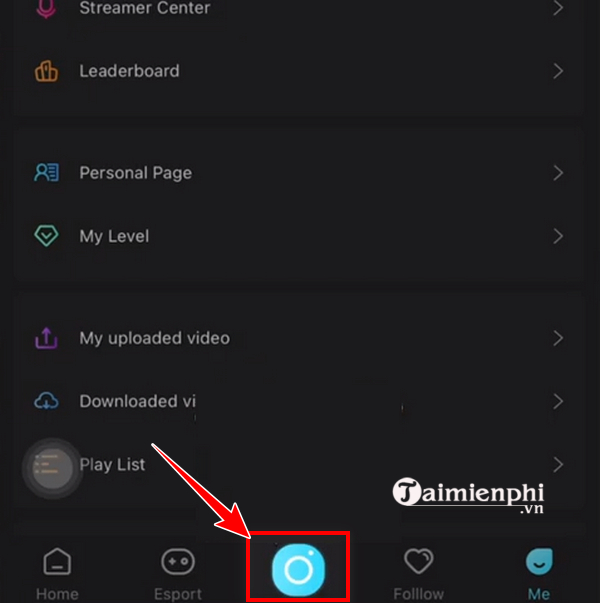
1. The old app opened a creation menu from the center button.
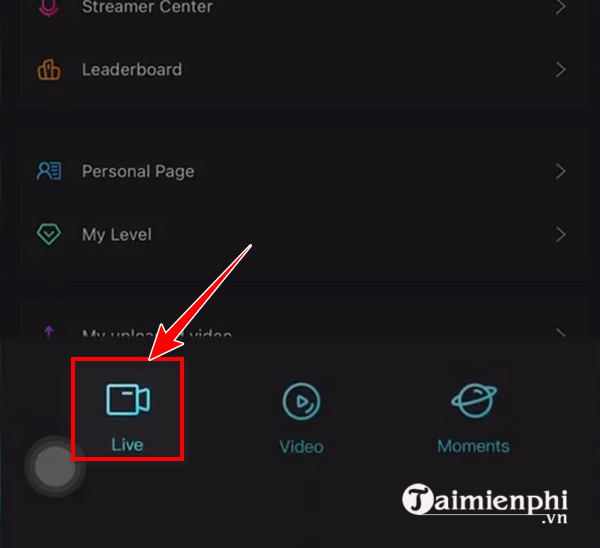
2. Users selected Live from the creation choices.
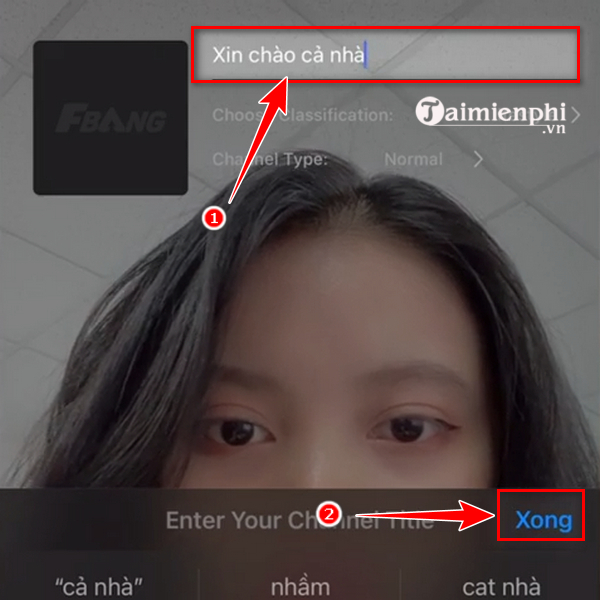
3. The user entered a title. A current platform should receive a clear, accurate title that describes what will happen and avoids misleading claims.
4. The user captured or selected a thumbnail. Do not expose a private photo, notification, document, address, or other personal information in a thumbnail.

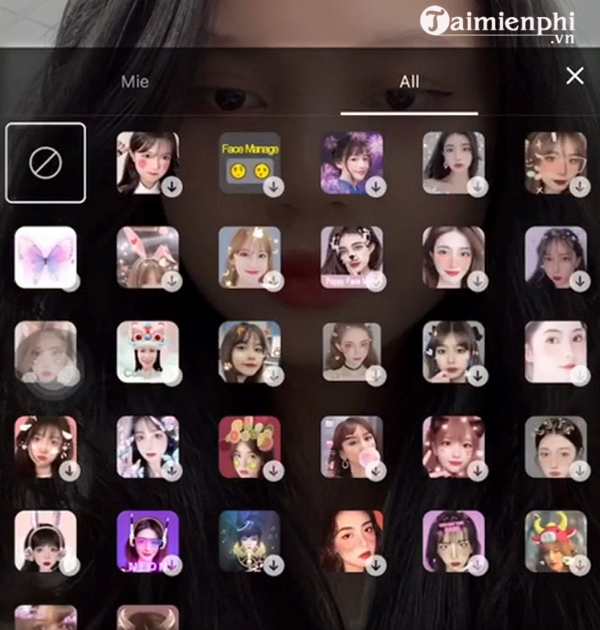
5. The former camera interface offered appearance controls.
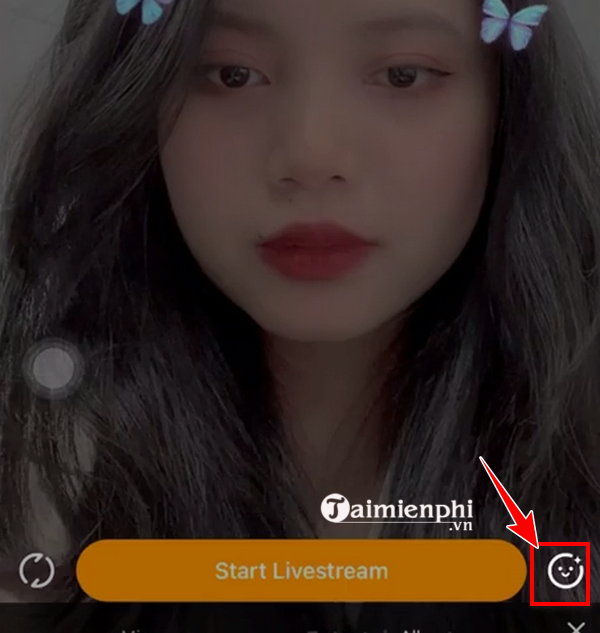
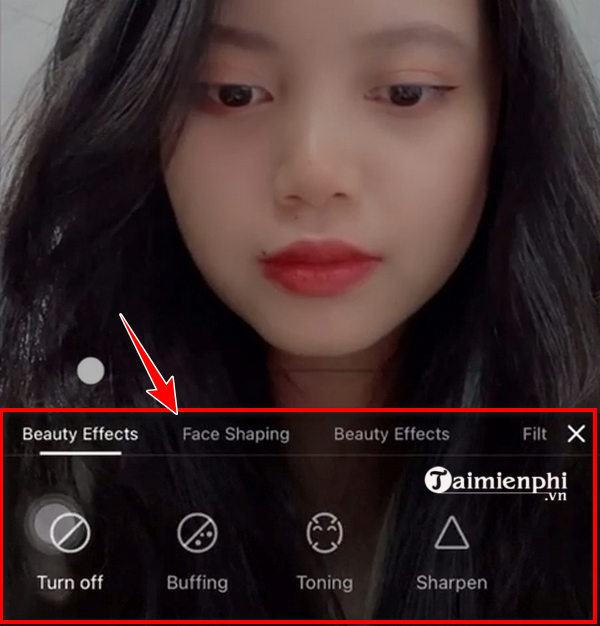
6. Beauty and face-shaping effects could be adjusted. These were optional visual filters, not a requirement for streaming.
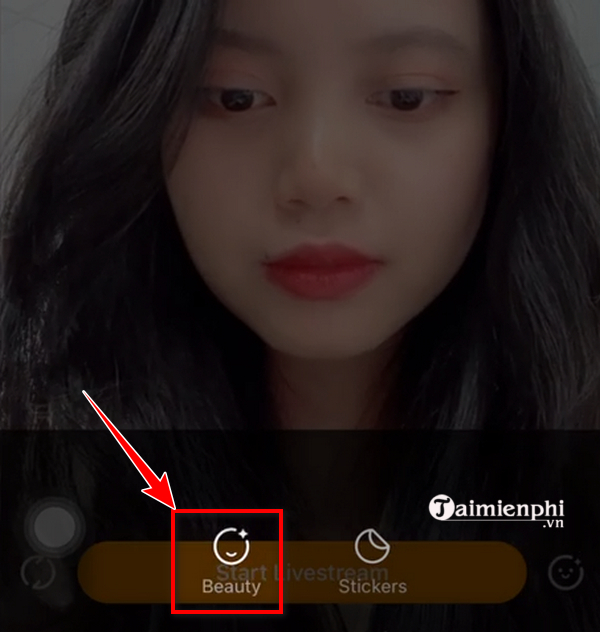
7. The interface also offered stickers.
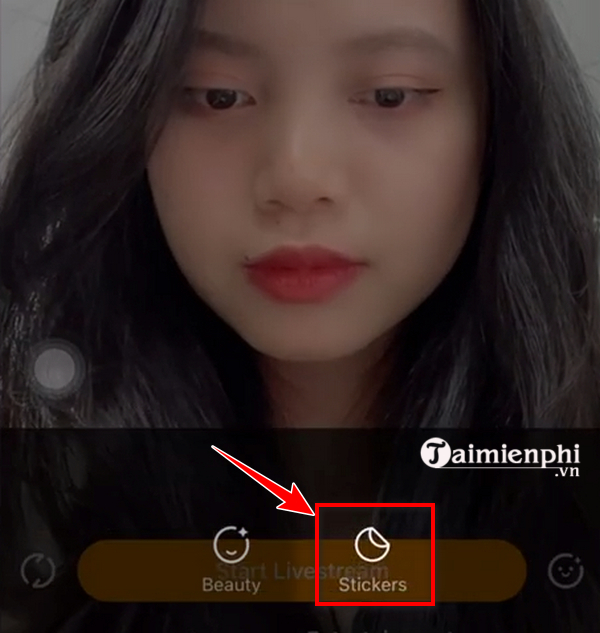
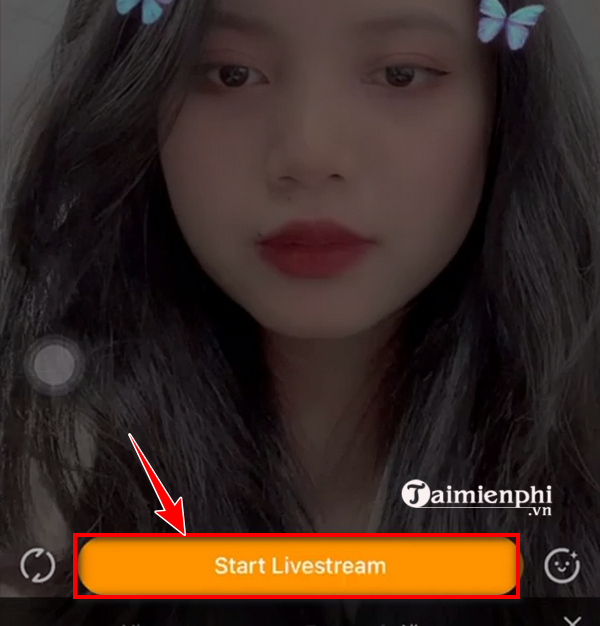
8. Start Livestream began the broadcast. On any current app, check the camera preview, microphone level, audience setting, title, and background before selecting the final start button.
Legacy desktop flow
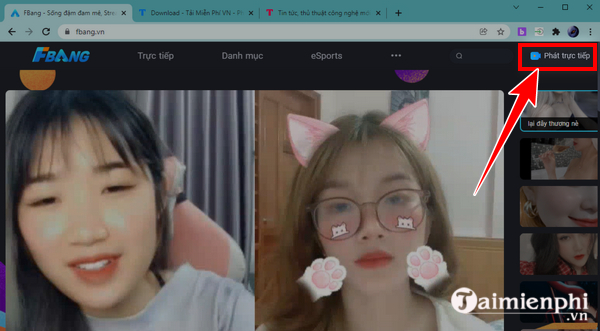
The old desktop process directed users to fbang.vn, required login, and offered a Live Stream button. The original article also said the account had to be verified through the mobile app.
Do not upload an identity document to an old or unsecured page. Account verification can involve sensitive personal information, so confirm the data controller, purpose, retention period, deletion process, and HTTPS connection first.
Safe livestream checklist for any current platform
- Account: use a unique password and enable two-factor authentication when available.
- Permissions: grant camera, microphone, photo, and screen access only when needed.
- Privacy: hide notifications and remove documents, addresses, school or work details, and other identifying items from view.
- Audio: test speech level, background noise, music rights, and headphone monitoring.
- Connection: leave upload-speed headroom and use a stable network.
- Moderation: prepare chat rules, blocked words, and a moderator for larger events.
- Copyright: stream only games, music, sports, and video you are allowed to broadcast.
- Commerce: check gift, payout, tax, sponsorship, refund, and age rules; livestreaming does not guarantee income.
- Emergency stop: know how to end the broadcast immediately if private information appears.
Use a verified alternative
Our updated guide to FBang account availability explains the same service-status concern for registration. For a current production tool that can stream to supported destinations, follow the OBS Studio installation guide, then use the destination platform's official stream setup.
Related Articles
 How to Register for Fbang, Create an Fbang Account4 minutes read
 YouTube Announces New Features, Enabling Users to Livestream Directly from the Computer Web Browser3 minutes read
 Instructions for Using Cubetv on the Phone: Livestream5 minutes read
 How to Create and Insert Livestream Frames for Books8 minutes read
 How to Livestream YouTube from Web Browser6 minutes read
 First Time Livestream from Mars, at 23:00 Today3 minutes read
Reader Comments 0
Sign in with email or Google to join the discussion.