Table of Contents
YouTube ReVanced is an unofficial, community-developed way to patch the Android YouTube app. It is not made, distributed, or supported by Google or YouTube. Although the ReVanced project publishes open-source tools, that does not make every “pre-patched” APK found online trustworthy, and no installation method can guarantee that account or playback errors will never occur.
If you only want ad-free viewing, background playback, or offline downloads, the lowest-risk option is the official YouTube app with YouTube Premium (or Premium Lite where available). This article explains the trade-offs before you install anything and what to do if a third-party package has already been given access to your Google account.
What ReVanced actually is
ReVanced is a patching project. ReVanced Manager applies selected patches to compatible Android apps and signs the resulting package so it can be installed. The project is separate from the discontinued YouTube Vanced app.
This distinction matters: the official ReVanced website and GitHub repository provide the project’s tools, while many unrelated sites distribute ready-made, “pre-patched” YouTube APKs. A package hosted by an unknown site may have been changed after compilation. Open-source code lets people inspect the project, but it does not verify the provenance of every APK using the ReVanced name.
Why account and playback errors happen
ReVanced depends on several moving parts: a supported YouTube version, compatible patches, the patched app’s signature, and—in some non-root configurations—a separate Google-services compatibility component. YouTube can also change its service without notice. As a result, a setup that worked yesterday can later show login loops, failed playback, buffering, or “this content is not available” messages.
Common causes include:
- an outdated ReVanced Manager, patch set, or compatibility component;
- a YouTube APK version that is not supported by the current patches;
- packages obtained from different sources or signed with different keys;
- corrupted app data after an update;
- network filtering, DNS, VPN, or account-security checks; and
- a server-side YouTube change that requires the ReVanced project to update its patches.
These failures are not necessarily evidence that a Google account has been banned, but repeated sign-in prompts should not be solved by entering credentials into another APK from an unverified source.
Security checks before using any unofficial Android app
- Verify the source. The ReVanced project identifies
revanced.appas its official website. Avoid look-alike domains and packages shared through file-hosting links, forums, or videos. - Do not treat a pre-patched APK as official. If you cannot verify who built and signed a package, do not install it or enter a Google password through it.
- Keep Google Play Protect enabled. Google recommends leaving Play Protect on because it scans apps during installation and periodically afterward. A warning does not by itself prove an app is malware, but routinely choosing “install anyway” removes an important safety check.
- Review permissions. A media client should not need access to contacts, SMS, accessibility services, device administration, or the ability to install other apps.
- Use a separate test profile if you understand the risk. Do not test unofficial packages on a phone or Google account that contains sensitive work, payment, or personal data.
For Google’s explanation of app scanning, see Use Google Play Protect. Parents should also know that a modified YouTube client is not a substitute for the controls described in our guide to limiting inappropriate YouTube content.
If you already installed a questionable ReVanced APK
- Uninstall the patched YouTube app and any associated compatibility package obtained from the same unverified source.
- Open the Google Play Store, go to your profile picture > Play Protect, and run a scan.
- In your Google Account security settings, review signed-in devices, recent security activity, and third-party access. Sign out unfamiliar sessions and remove access you do not recognize.
- Change your Google password if you entered it through a suspicious package, reused it elsewhere, or see unfamiliar activity. Turn on two-step verification if it is not already enabled.
- Reinstall the official YouTube app from Google Play and install pending Android security updates.
If only the patched app stopped playing videos and there are no signs of account compromise, changing the password repeatedly is unlikely to fix compatibility. Check the project’s official announcements for a documented outage or patch update instead.
Safer ways to get the features people seek
The free official YouTube app and website remain the simplest options. YouTube Premium adds supported ad-free playback, background play, and in-app offline viewing where offered. Creators can download videos they uploaded through YouTube Studio; viewers should use YouTube’s own download controls and respect copyright and the platform’s terms.
Browser content controls, notification settings, and Digital Wellbeing tools can solve many interface and distraction problems without modifying the YouTube APK. If a feature is not worth exposing a primary Google account to an unknown package, use the official app until a supported option is available.
About the older installation screenshots below
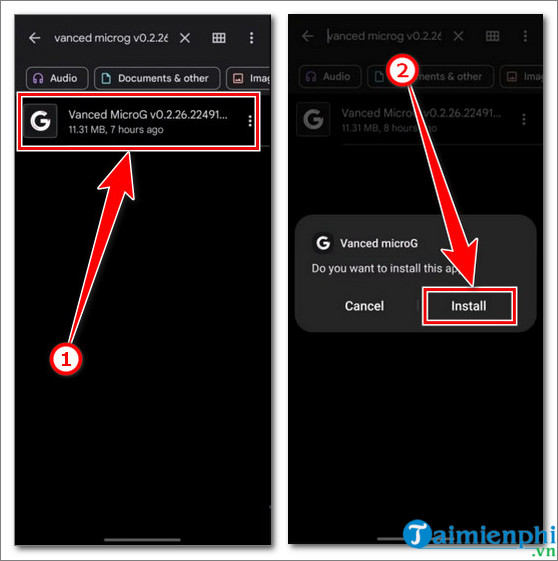
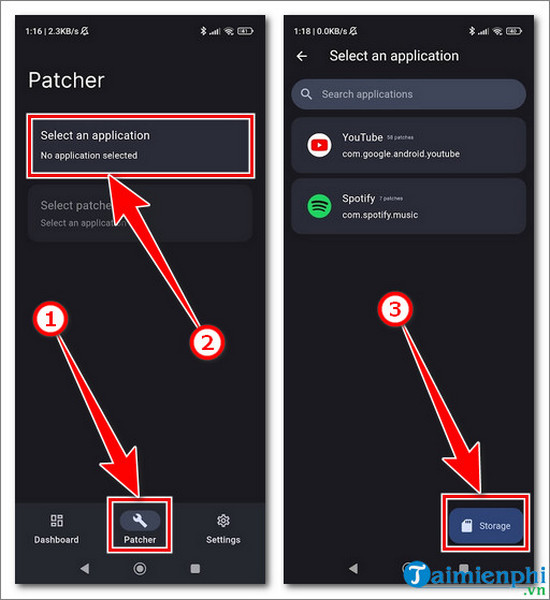
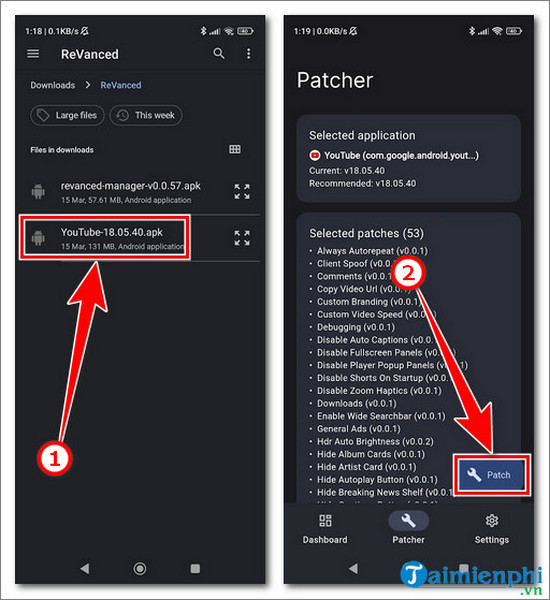
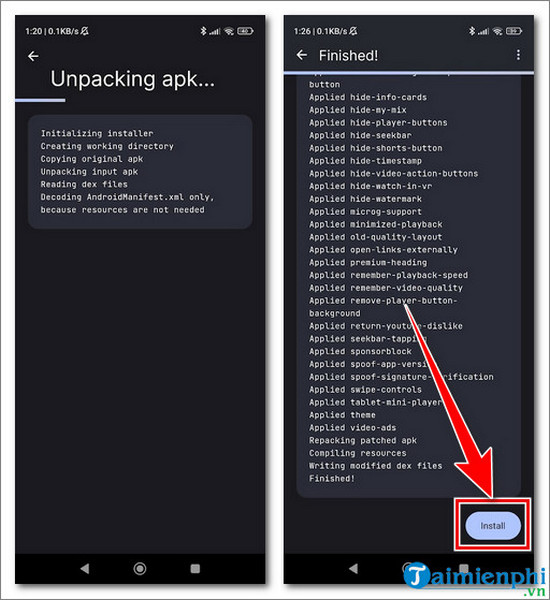
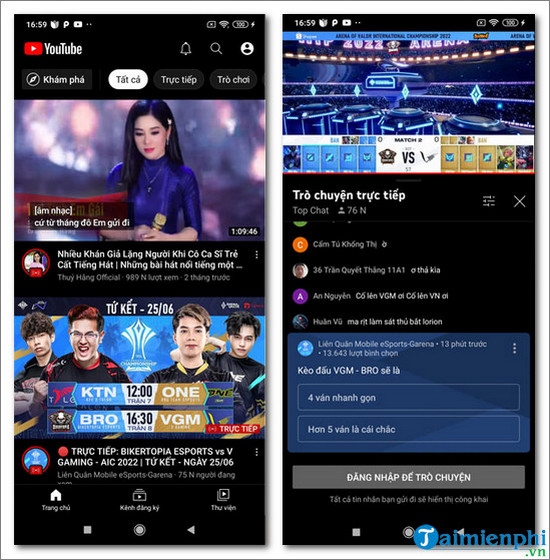
The following images are retained from the original article for identification and historical context. They show an older ReVanced workflow and may no longer match current releases. They should not be read as instructions to bypass Play Protect or install packages from an unknown source.
Related Articles
 How to Update YouTube Revanced 18.19.35 Quickly and Easily4 minutes read
 How to Prevent YouTube from Suspending?5 minutes read
 Useful Tips with URL YouTube You May Not Know7 minutes read
 How to Use YouTube Manager to Download Videos on YouTube Channel8 minutes read
 All the Errors on YouTube and How to Fix It: YouTube Error14 minutes read
 10 Ways to Download YouTube Videos Fast and Simple14 minutes read
Reader Comments 0
Sign in with email or Google to join the discussion.