Table of Contents
SmartPSS has been discontinued. For a currently supported Dahua desktop client, download SmartPSS Lite from Dahua's official support portal. The old SmartPSS installer shown in this article may still run on some systems, but it should not be the starting point for a new installation.
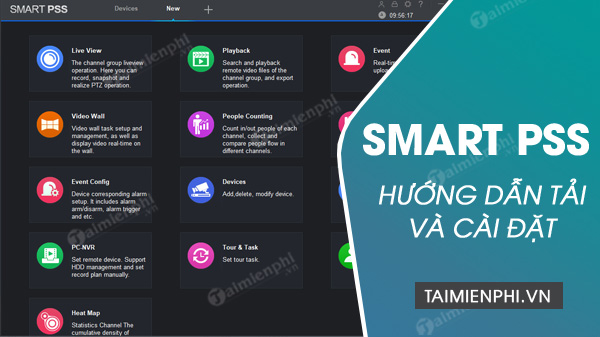
Before downloading SmartPSS Lite
- Confirm that the cameras, NVR, DVR, or access-control device are Dahua models supported by the current client.
- Check the current operating-system requirements on the download page.
- If replacing an existing SmartPSS installation, record device addresses and settings before uninstalling anything. Do not assume every legacy configuration will import automatically.
- Use a Windows account with administrator approval for installation, then run the client as a normal user unless a task specifically requires elevation.
Download SmartPSS Lite safely
- Open the Dahua support tools portal.
- Search for SmartPSS Lite and select the package for your operating system and region.
- Read the release notes and system requirements before downloading.
- After download, right-click the installer, open Properties, and check its digital-signature or publisher information. Do not continue if the file came from a mirror, has an unexpected publisher, or triggers an unexplained security warning.
Fake download buttons and outdated mirrors are a common route to unwanted software. Review TipsMake's guide to avoiding malicious advertising and keep Windows SmartScreen protection enabled.
Install SmartPSS Lite on Windows
- Close other video-management clients and start the verified installer.
- Choose the interface language and read the license terms.
- Select only the modules you need. Install a storage or recording service only if this PC is intended and provisioned to store video.
- Keep the default installation folder unless organizational policy requires another location.
- Complete setup, restart if prompted, and launch SmartPSS Lite.
- Create the requested local application credentials with a unique password. Store recovery information securely.
The exact module names and screens vary by release, so follow the current installer's labels rather than trying to match an old screenshot pixel for pixel.
Add a device securely
- Place the PC and recorder on a trusted network and confirm the device's local IP address.
- In SmartPSS Lite, open device management and add the recorder or camera using the method supported by that model.
- Use a dedicated viewing account with only the permissions needed, instead of sharing the device's main administrator password.
- Test live view, playback, time settings, and storage status.
- Apply current device firmware supplied for the exact model and keep client software updated.
Avoid exposing a recorder directly to the public internet or creating broad port-forwarding rules. For remote viewing, use the vendor's supported secure method or a properly managed VPN, and follow the organization's camera-retention and privacy policy.
What the old SmartPSS screenshots show
The remaining images document the discontinued SmartPSS installer: opening the setup package, approving the prompt, choosing a language, selecting SmartPSS and the optional Storage Service, choosing a folder, completing installation, and opening the old interface.
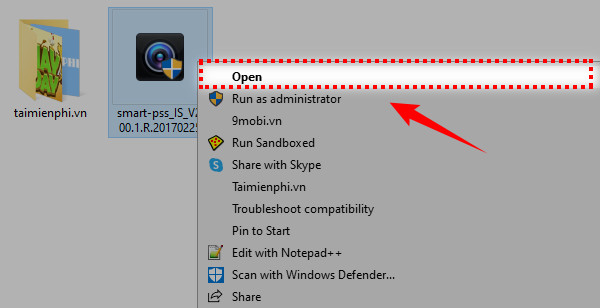
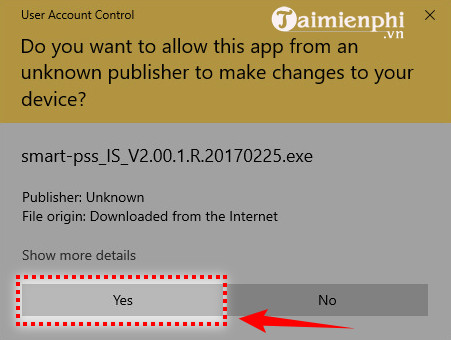
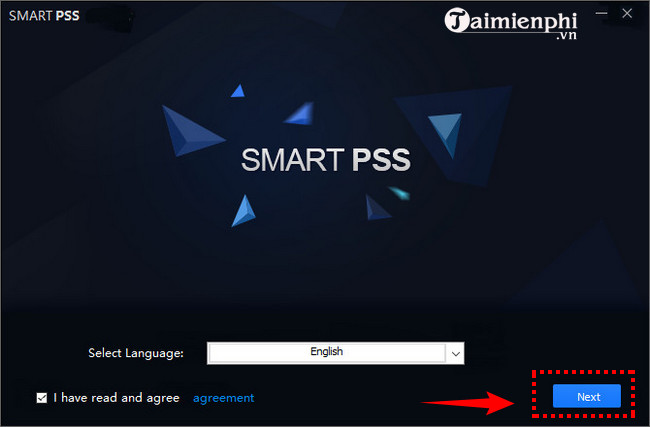
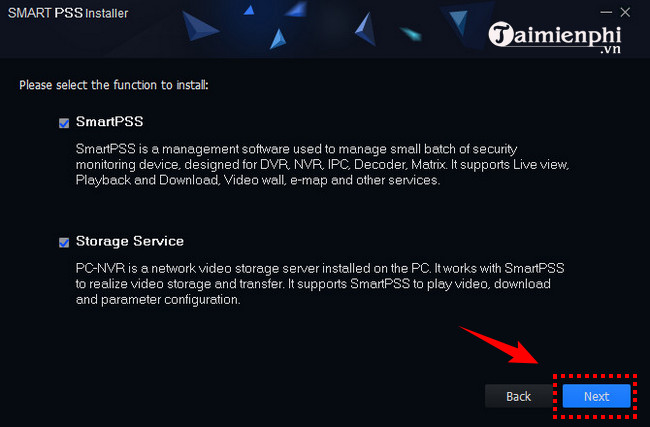
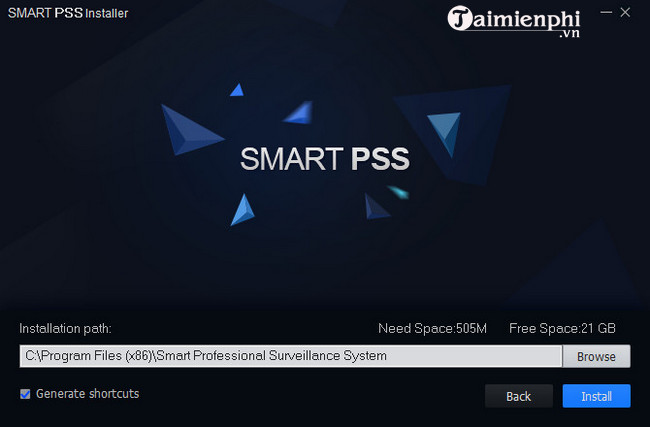
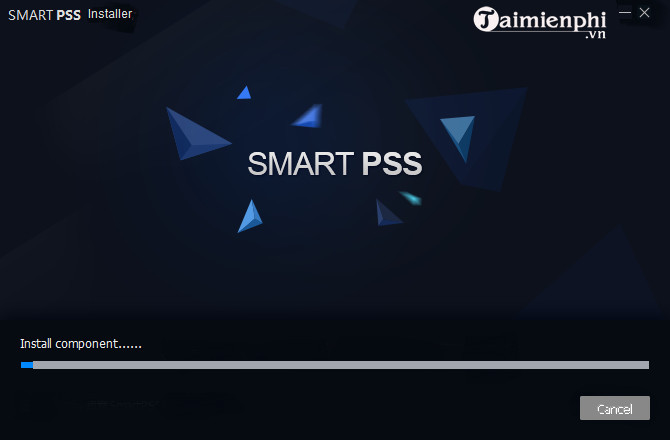
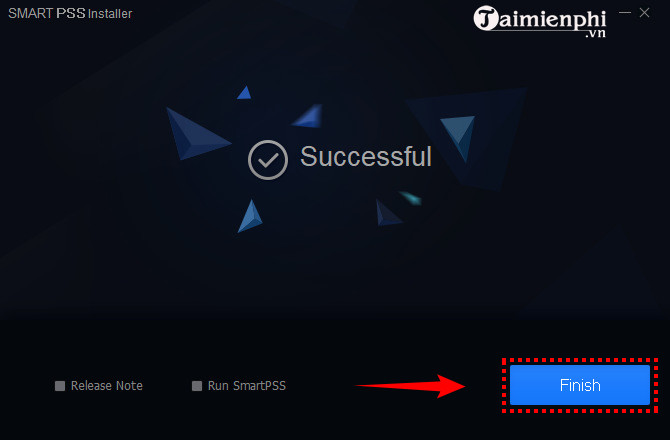
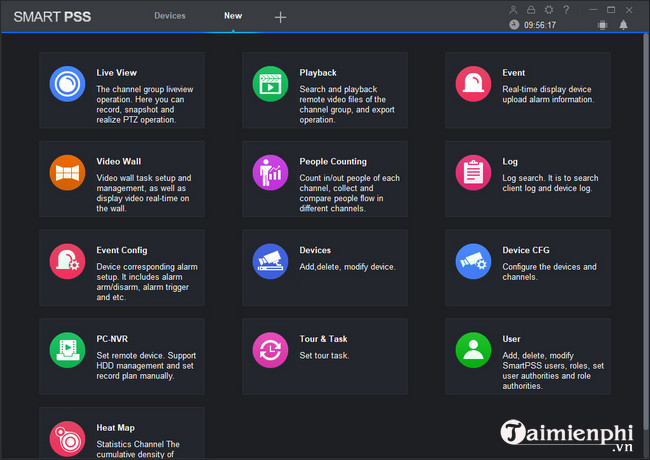
These images are preserved for readers maintaining an older workstation, but the discontinued package should not be downloaded from an unofficial archive. If a legacy installation is still required for a controlled system, isolate it, document the exception, and obtain the installer and support guidance from Dahua or the authorized integrator.
If installation fails
- Confirm the OS version and hardware meet the current requirements.
- Download a fresh copy from the official portal and verify the publisher again.
- Install pending Windows updates and restart.
- Check whether endpoint-security or organizational policy blocked the installer; do not disable protection without administrator approval.
- For device-connection problems, verify the local IP, subnet, credentials, permissions, and recorder time before changing firewall rules.
Related Articles
 How to Download and Use Smart PSS: Step-by-Step Guide7 minutes read
 Why Install VPN on Smart TV: Explained6 minutes read
 How to Install Apps to Smart TV: Practical Guide9 minutes read
 How to Install Any Application (APK) on a Smart TV4 minutes read
 How to Install Kodi and Complete Your Smart TV Setup5 minutes read
 Download Au Mix for PC, Install Au Mix on Your Computer3 minutes read
Reader Comments 0
Sign in with email or Google to join the discussion.