Table of Contents
After more than a decade of using Smart TVs, many people have never tried a VPN. Sure, they've seen VPN ads pop up on videos, but they've never really bothered to explore the technology.
After more than a decade of using Smart TVs, many people have never tried a VPN. Sure, they've seen VPN ads pop up on videos, but they've never really bothered to explore the technology. However, with such a large streaming library, they never think they're missing out.
Choosing the Best VPN for Smart TV
Install Proton VPN
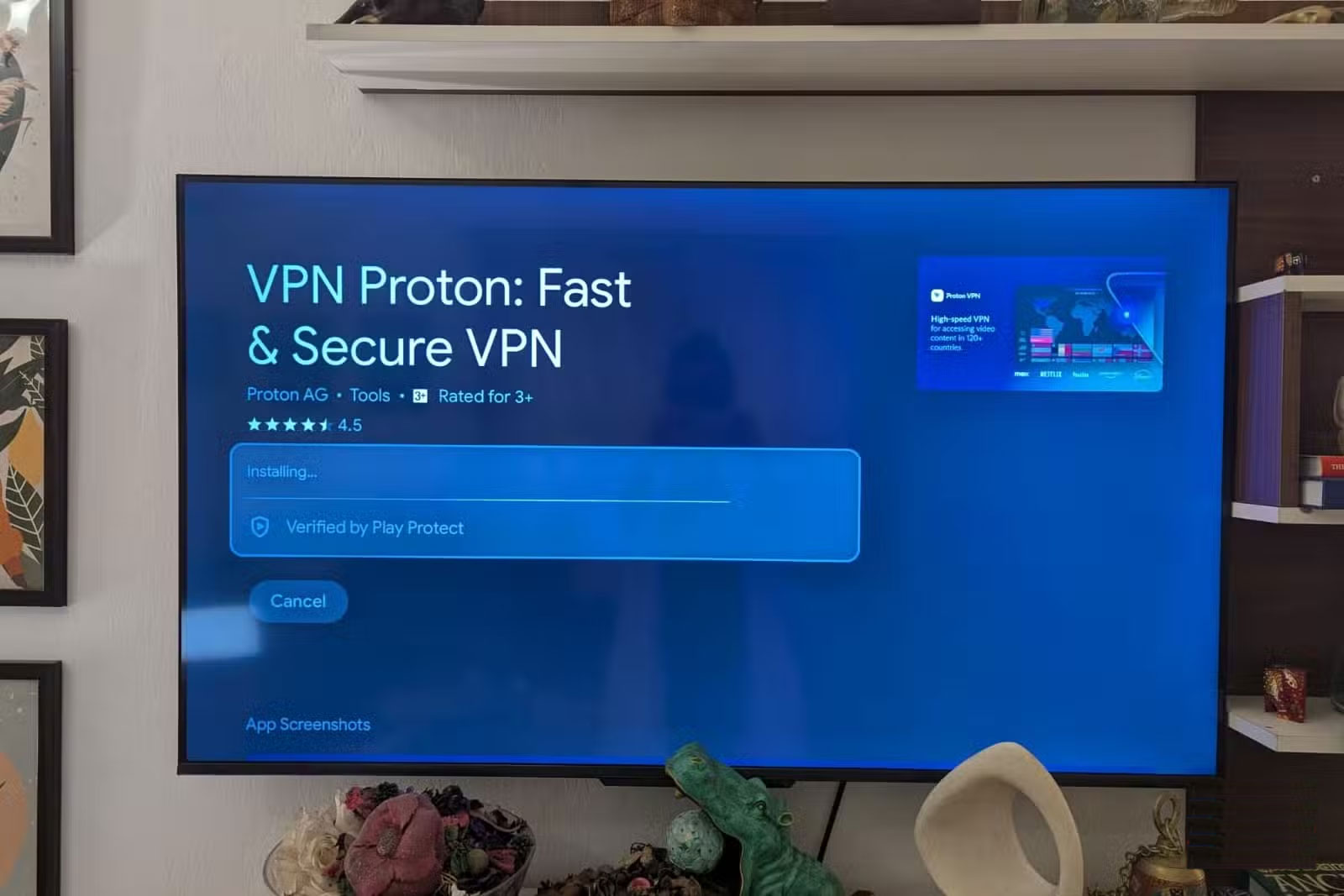
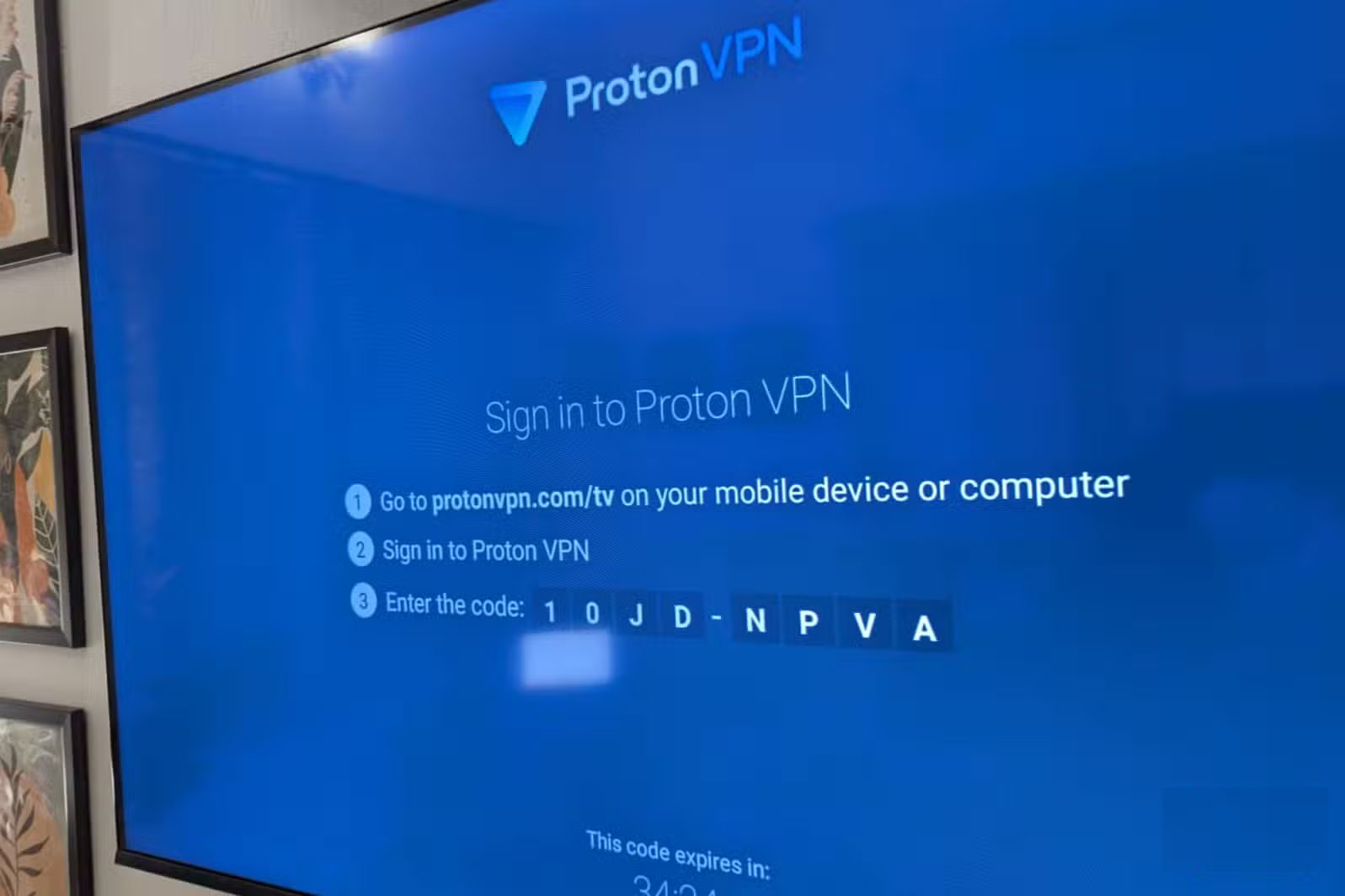
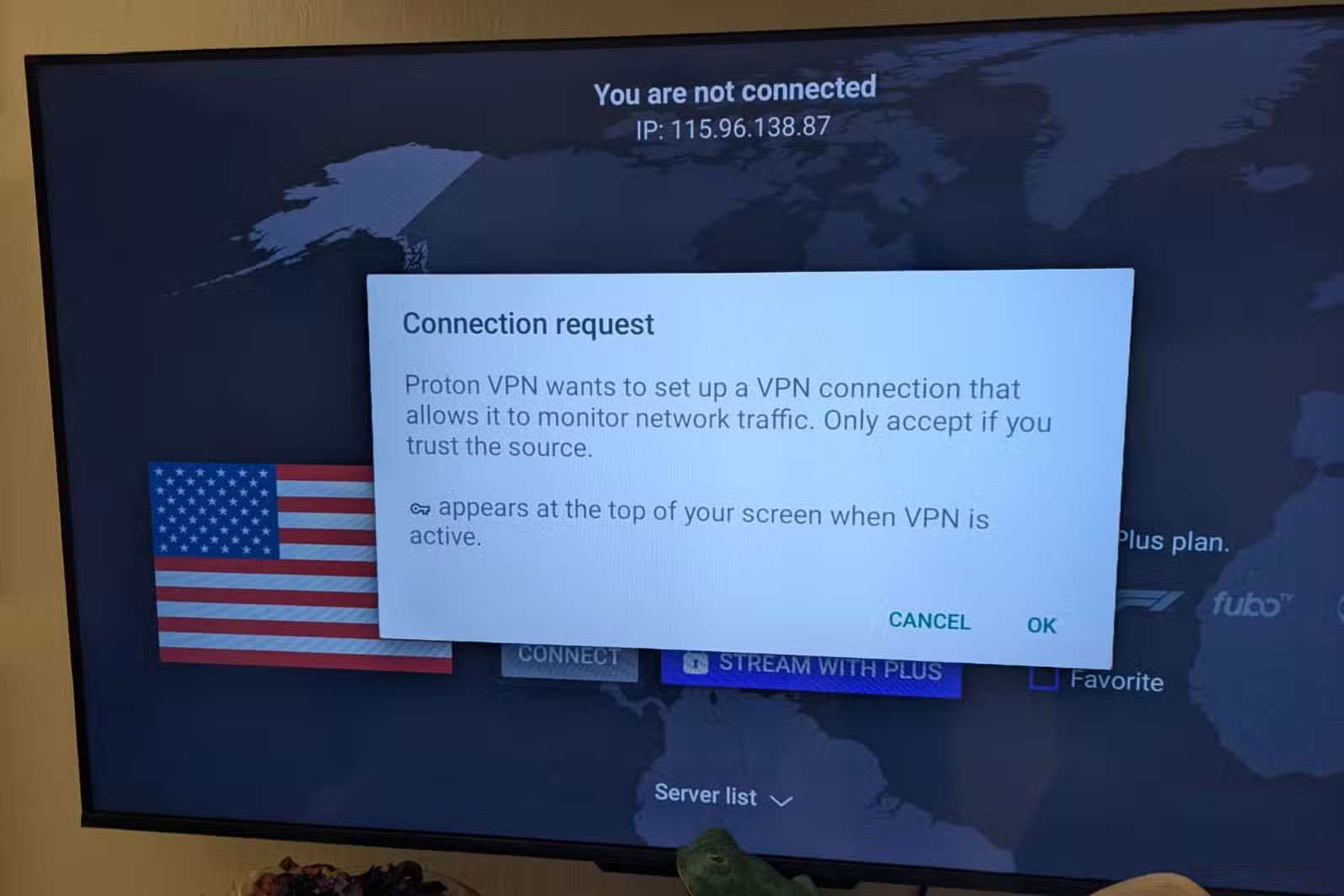
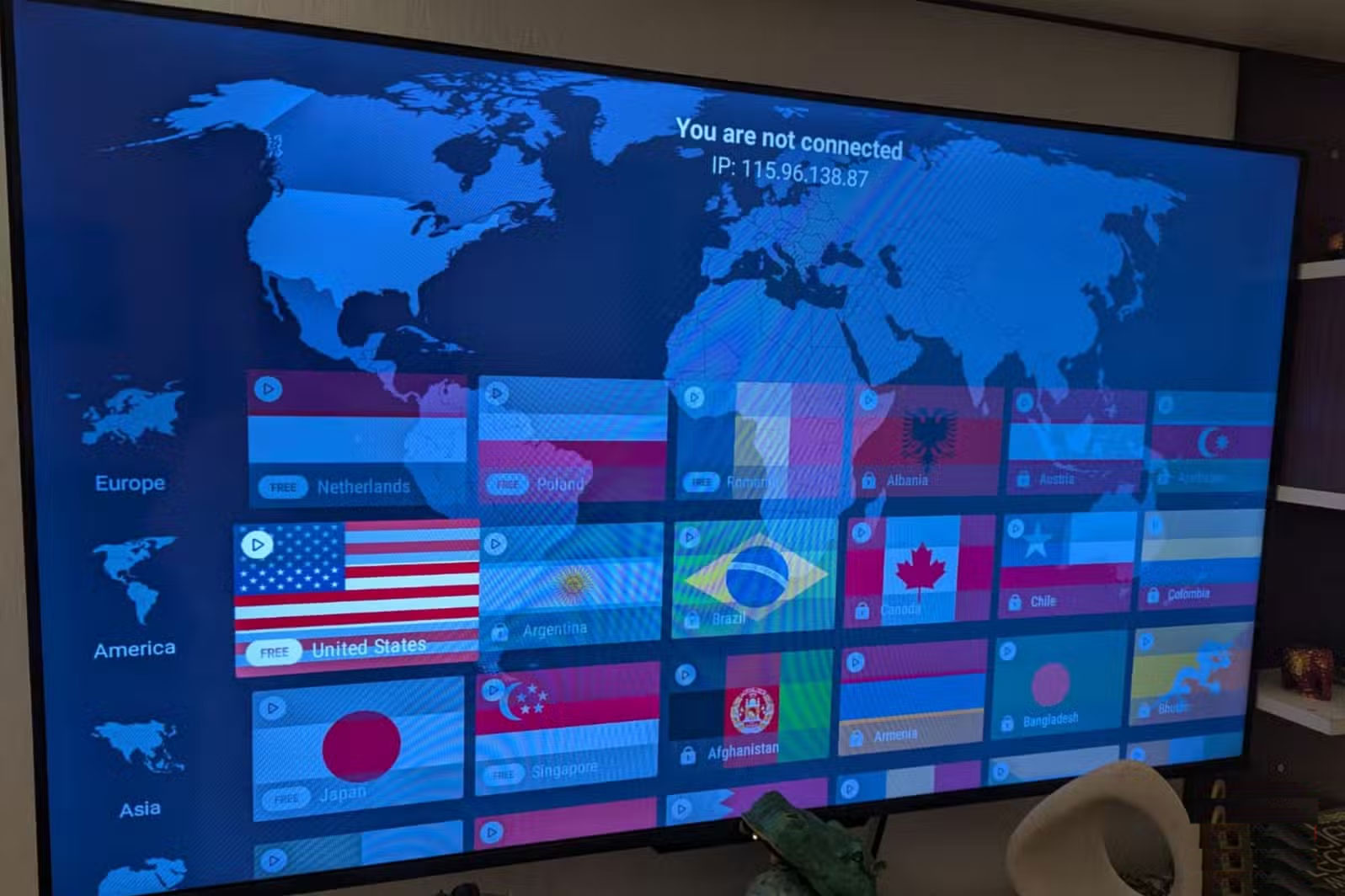
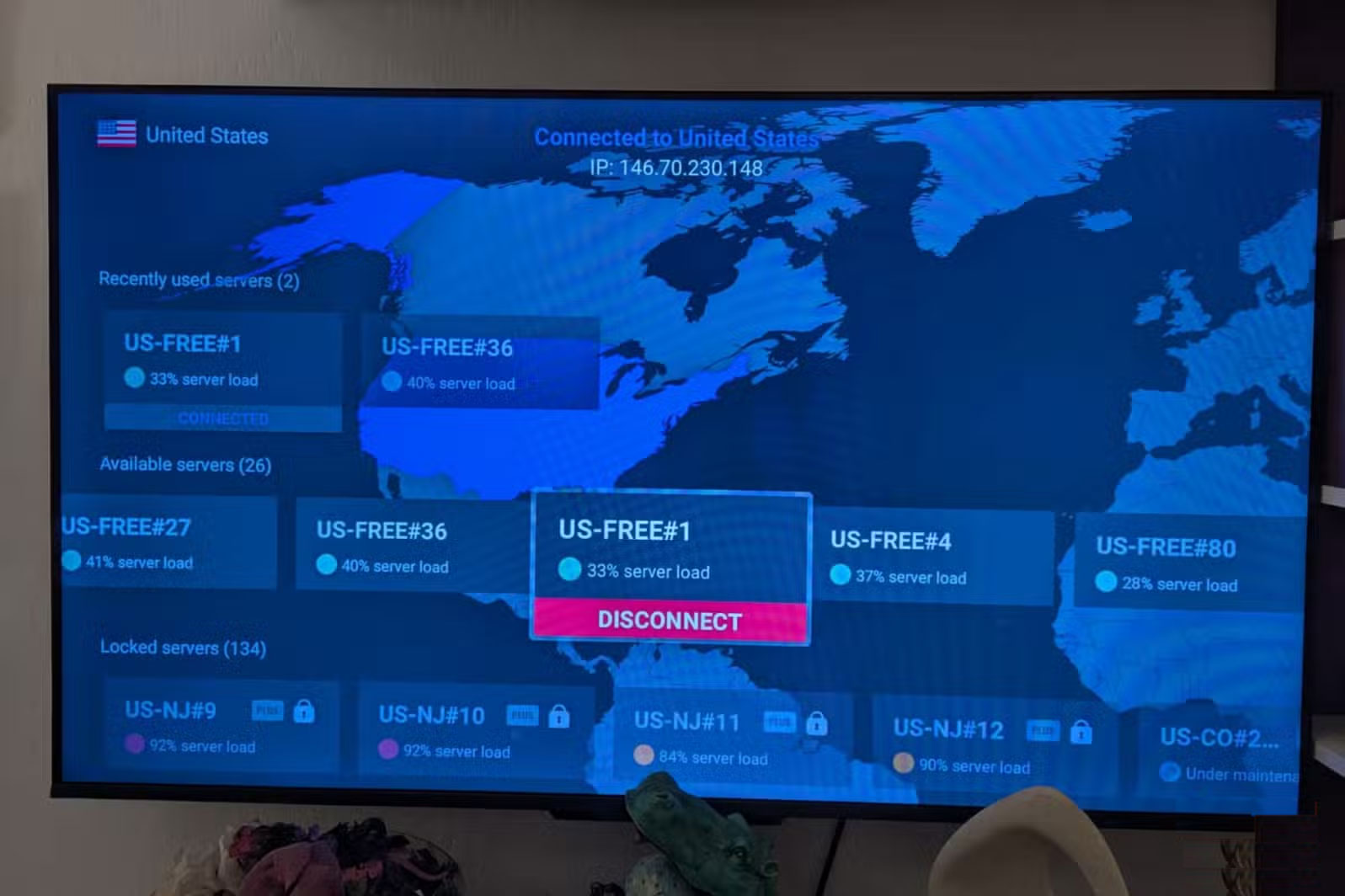
If you're new to virtual private networks (VPNs), they're network software that helps you route your internet traffic through a location other than your current one. VPN providers have servers all over the world (in most major countries, in fact), and when turned on, a VPN will make it appear as if you're logging in from another country.
Proton VPN's setup process is intuitive, taking less than 3 minutes (download and install). Once installed and running, the app will prompt you to log in from your mobile device or computer via an 8-digit code. There's no option to scan the QR code with your phone's camera, but having 35 minutes to wait before the login code expires is appreciated.
Once you open Proton on your phone or computer, things are pretty straightforward. A sign-up prompt will appear, asking you to create a paid account; select the free sign-up option in the bottom right corner to create an account using your email ID (there is no Google sign-up option ).
Be sure to check the terms of service for different streaming platforms. Using a VPN may violate their Terms of Service (TOS) and result in blocking or restrictions.
Streaming experience on Netflix
Netflix speed is not affected by Proton VPN
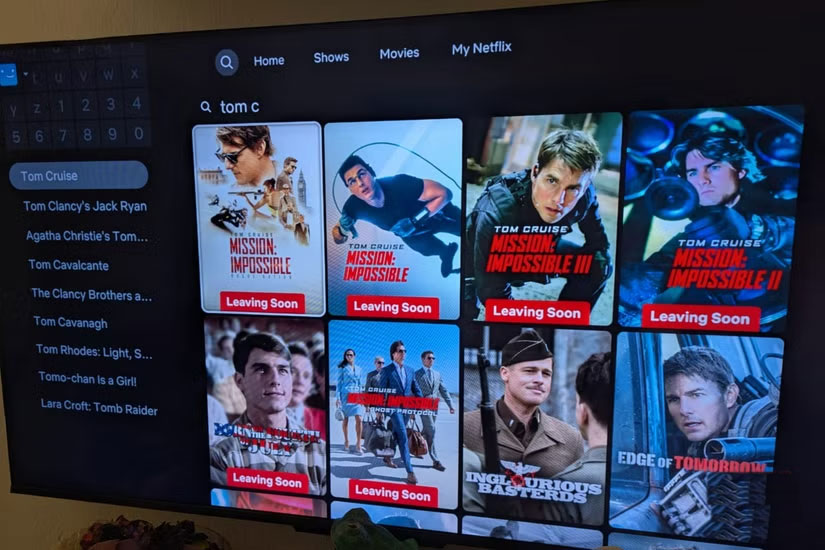
Right off the bat, you'll notice that connection speeds aren't affected by the VPN, and the Realme TV in our testing was as smooth as ever. Netflix was the main platform used for streaming, followed by Amazon Prime and YouTube. The Netflix user experience is pretty much the same across countries, so you shouldn't notice any major differences after logging in with a VPN.
That said, the "Top Shows in Your Area" section will carry over to whatever server location you choose, and of course, additional content from Netflix's country-specific catalog will now be available to watch. In practice, a treasure trove of entertaining TV shows and action movies.
Of course, Netflix doesn't stream every show you want to watch, but by switching VPN server locations across the UK, US, Japan, and South Korea, you can unlock tons of hidden Netflix movies (and TV shows) for free.
(Re)discovering YouTube
Another goldmine when it comes to streaming with a VPN
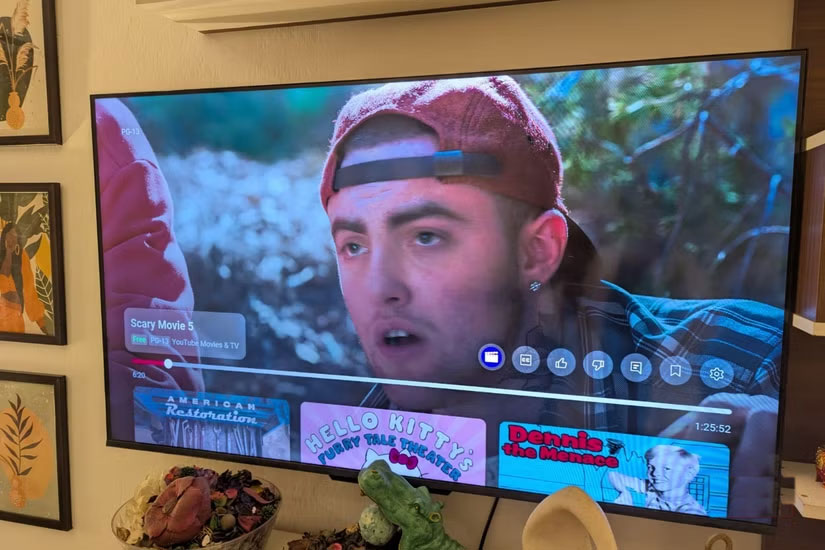
According to Deadline, in the US alone, YouTube offers an extensive Movies & TV section that is completely free with ads, including over 4,000 TV episodes and 1,500 movies. This library is not available in most other countries, including India. With a VPN running on a Smart TV, YouTube has no trouble accessing this library, which consists mainly of blockbuster comedies, action, and thrillers from the 1990s and 2000s. You can spend days watching all the genre movies on YouTube, all for free, and there's plenty of content for kids, too, if you're interested.
Smart TV + Free VPN
A breakthrough, with caveats
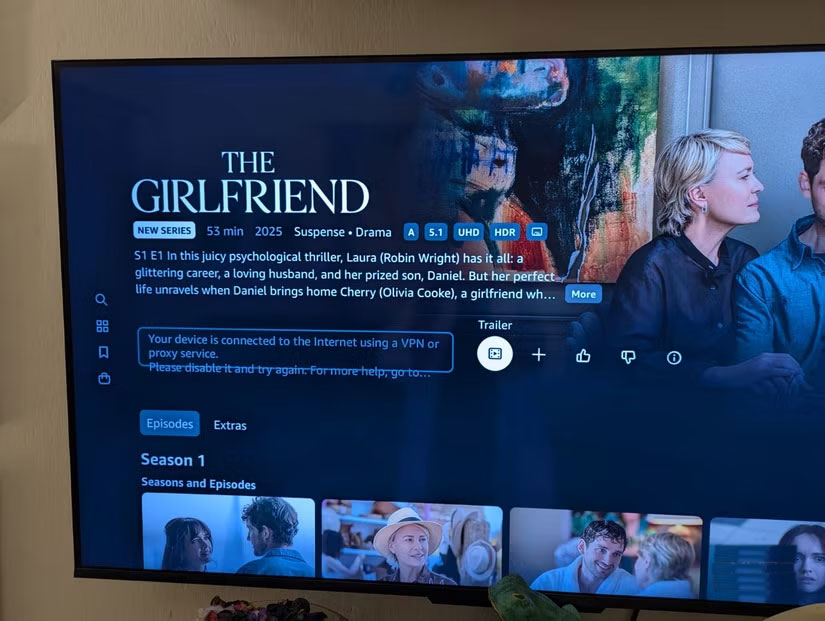
While it may seem petty to nitpick what was truly an eye-opening experience, it's worth noting that not all platforms are VPN-compatible. Amazon Prime, for example, country-locks its catalog when it detects a VPN running on a Smart TV. Newer shows and movies still have to be rented/purchased on YouTube, with no free-to-watch option. And while the Play Store on TVs has started showing US-specific apps (e.g., Fox ONE), most content is locked.
Still, installing a VPN on your Smart TV is very practical. It costs nothing (or next to nothing, for most basic paid VPNs), it doesn't slow down your connection, and with the right combination of platform and country, you'll likely find what you want no matter where you are.
This is truly a whole new world of streaming.
FAQ
Why Install VPN on Smart TV: Explained?
In practical terms, after more than a decade of using Smart TVs, many people have never tried a VPN. Sure, they've seen VPN ads pop up on videos, but they've never really bothered to explore the technology.
What factors are most important?
The article highlights that with a VPN running on a Smart TV, YouTube has no trouble accessing this library, which consists mainly of blockbuster comedies, action, and thrillers from the 1990s and 2000s.
What is the main takeaway?
The main takeaway is that smart TV + Free VPN A breakthrough, with caveats While it may seem petty to nitpick what was truly an eye-opening experience, it's worth noting that not all platforms are VPN-compatible.
Related Articles
 How to Install Kodi and Complete Your Smart TV Setup5 minutes read
 The Difference Between Smart TV and Internet TV7 minutes read
 How to Download and Use Smart PSS: Step-by-Step Guide7 minutes read
 How to Install and Remove Applications on Smart Samsung Tvs5 minutes read
 How to Install Apps to Smart TV: Practical Guide9 minutes read
 How to Install Any Application (APK) on a Smart TV4 minutes read
Reader Comments 0
Sign in with email or Google to join the discussion.