Table of Contents
To check for leaked account credentials safely, start with the breach monitor in your password manager and an email-address search from a reputable notification service. Do not paste a password you still use into a random website, and do not pay a site to reveal breach records about another person.
What can be checked safely?
| Check | What it tells you | Important limit |
|---|---|---|
| Email breach search | Whether an address appears in known incidents and which data types were exposed | It does not reveal which current password belongs to the address |
| Password-manager leak scan | Whether a saved credential matches known leaked data | It covers only credentials saved in that manager |
| Reused-password warning | Whether the same password protects several saved accounts | It cannot see passwords stored elsewhere |
| Account activity review | Recent devices, sessions, forwarding rules, and security changes | Availability and history vary by service |
1. Use Have I Been Pwned for an email-address check
Open Have I Been Pwned, enter an email address you own, and review any listed breaches and exposed data categories. Its email-breach search and Pwned Passwords database are separate; it does not connect a password to a named person.
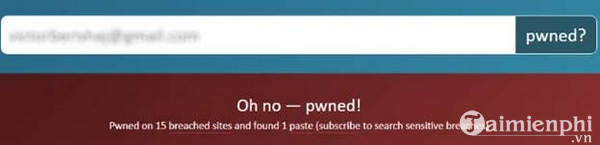
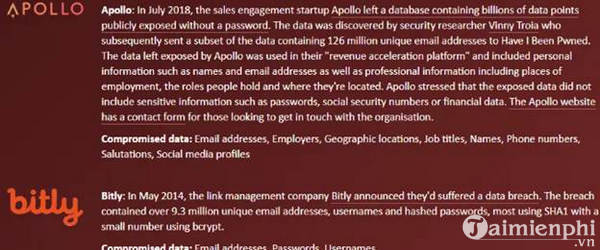
A “no breach found” result means only that the address was not present in the service's available data. It does not prove that the account, password, browser, or device is safe.
2. Run the check built into your password manager
Google Password Manager, Microsoft Edge Password Monitor, Apple Passwords, and many dedicated password managers can flag saved credentials that are compromised, reused, or weak. Use the provider's built-in menu or official app rather than following an unexpected email link.
When an entry is flagged, change the password on the real service first, generate a unique replacement, and then confirm that the password manager saved the new credential.
3. Review the account's own security page
For email, cloud storage, banking, social media, and work accounts, review recent logins and active sessions. Remove devices and connected apps you do not recognize. Check whether recovery email addresses, phone numbers, inbox forwarding, or authentication methods were changed.
About Credit Karma identity monitoring
The original article showed Credit Karma's Identity Monitoring page. Availability, eligibility, features, and the data shown can vary by country and account, so it is not a universal password-checking method.
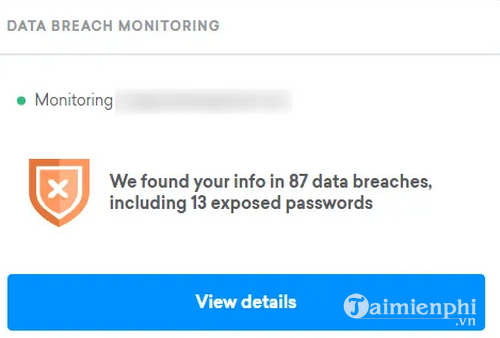
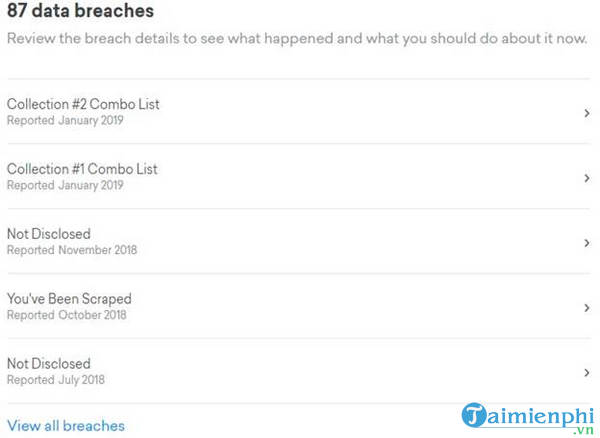
Do not create a financial-services account solely to run a basic password check without first reviewing its current terms, privacy practices, regional availability, and identity-verification requirements. The password manager and email-breach methods above are more direct.
Why DeHashed is not a first choice for consumers
The legacy article also recommended DeHashed, a service that searches breach data by identifiers such as email addresses and usernames. Its old screenshots are retained below.
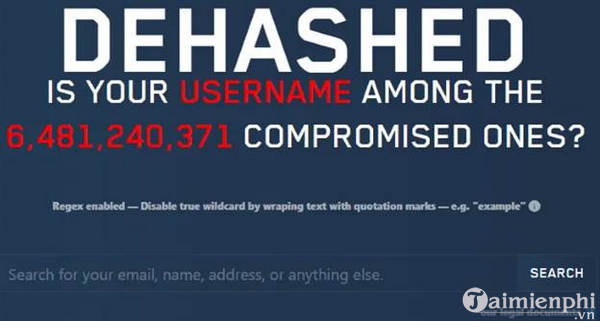
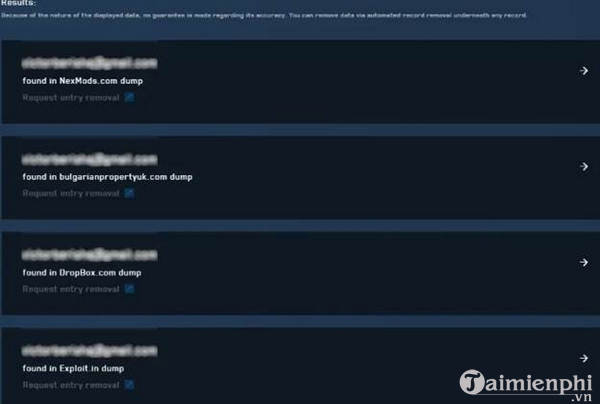
Breach-data search services can expose sensitive personal information and may have paid-access or verification requirements. Use them only for a legitimate incident-response purpose, within applicable law and organizational policy, and only for accounts or systems you are authorized to investigate. Never use leaked data to attempt a login.
If a credential is exposed
- Navigate directly to the affected service from a trusted device.
- Change the password to a new, unique one.
- Sign out other sessions and review recovery settings.
- Replace the same password anywhere it was reused, beginning with the primary email account.
- Enable multi-factor authentication or a passkey and store recovery codes separately.
- Watch for phishing messages that refer to the breach.
The full guide to checking whether a password was compromised covers current browser and device tools. Then apply the steps for creating a strong, unique password and set up two-factor verification where supported.
Related Articles
 Has Your Password Been Leaked? Please Check Now7 minutes read
 Check Email with Password Leaked by the Information Security Website3 minutes read
 How to Check If a Snapchat Account Is Leaked?3 minutes read
 How to Check If Your Account Has Leaked Data Online5 minutes read
 Google Launched the Password Checkup 'God' Utility to Make Your3 minutes read
 VNCERT Warns Internet Users in Vietnam to Change Their Email and Facebook3 minutes read
Reader Comments 0
Sign in with email or Google to join the discussion.