Table of Contents
Besides creating gameshow-style questions with various combined games, teachers can also write prompts to create specific games, such as creating a 'Golden Bell' game on Canva AI.
Besides creating gameshow-style questions with various combined games, teachers can also write prompts to create specific games, such as the "Golden Bell" game. Based on the concept of this game, teachers can incorporate questions into the lesson to enhance the students' experience. Below is a guide to designing the "Golden Bell" game using Canva AI.
For more context before choosing a tool, compare Claude and ChatGPT and review these practical AI tools for students.
The Golden Bell Ringing game on Canva AI
Guide to creating a "Golden Bell Ringing" game on Canva AI
Step 1:
First, access ChatGPT and enter the command to create the "Golden Bell Ringing" game. Teachers can refer to the prompt below.
Tạo thiết kế trò chơi Rung chuông vàng trên Canva dựa vào kiến thức tài liệu tải lên. Có 15 câu hỏi chọn đáp đúng sai, đáp án đúng hiện thông báo Đúng và được đi tiếp kèm hiệu ứng vỗ tay. Nếu sai sẽ có thông báo Loại và hiện đáp án đúng. Mỗi câu hỏi sẽ có đếm ngược 15 giây, hiện ngay thời gian đếm ngược khi học sinh bắt đầu câu hỏi.
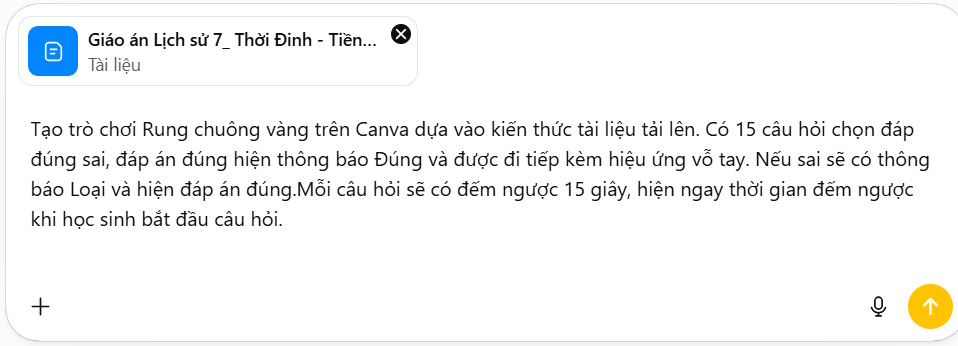
Now we will see the entire "Ring the Golden Bell" game prompt created on ChatGPT. We will use this command for Canva AI.
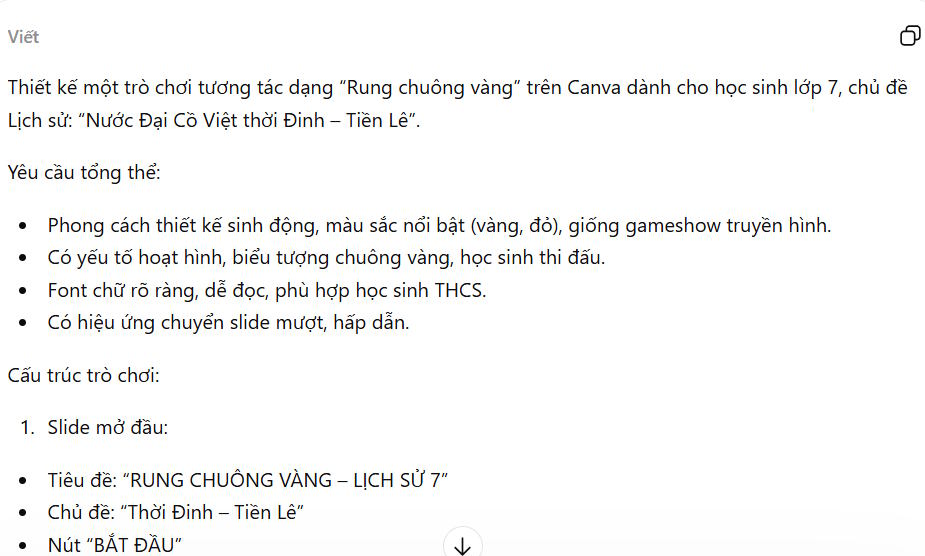
Step 2:
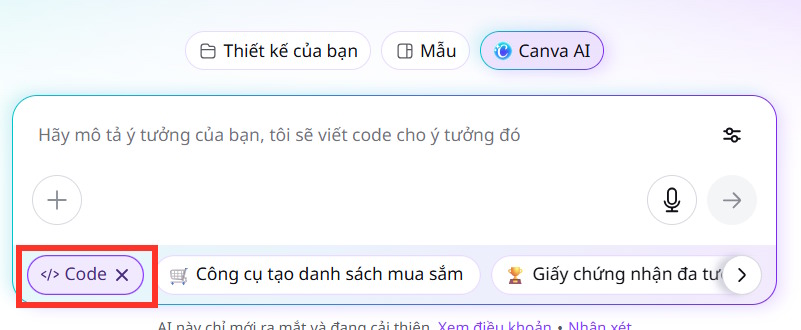
Go to Canva AI and then select Code below.
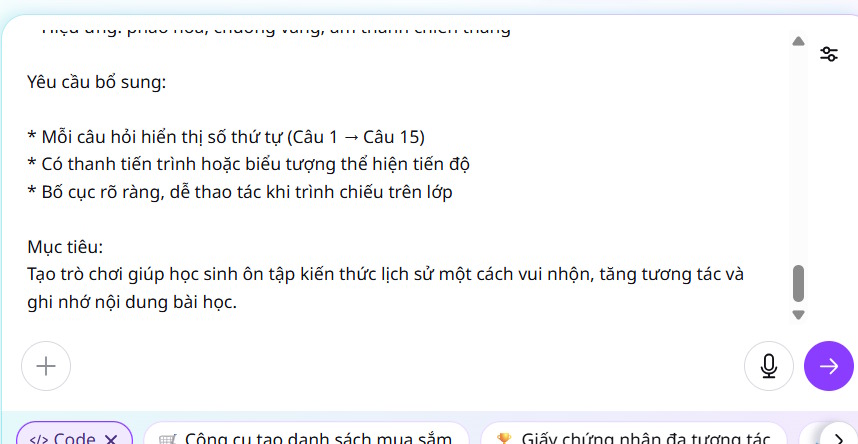
Continue pasting the entire prompt from ChatGPT into Canva AI to start generating the game code. Wait a moment for Canva AI to build the "Ring the Golden Bell" game.
Step 3:
The result is that you have created the "Ring the Golden Bell" game on Canva AI, as shown below.
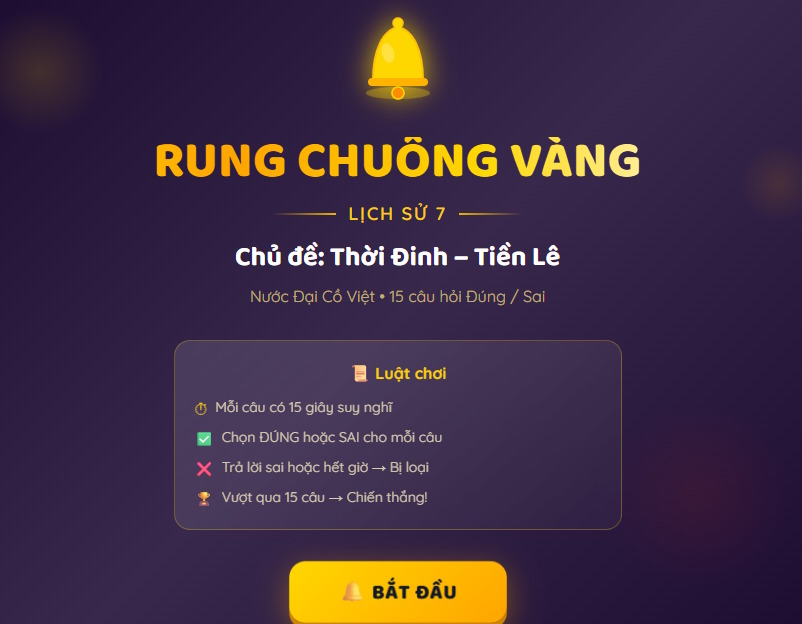
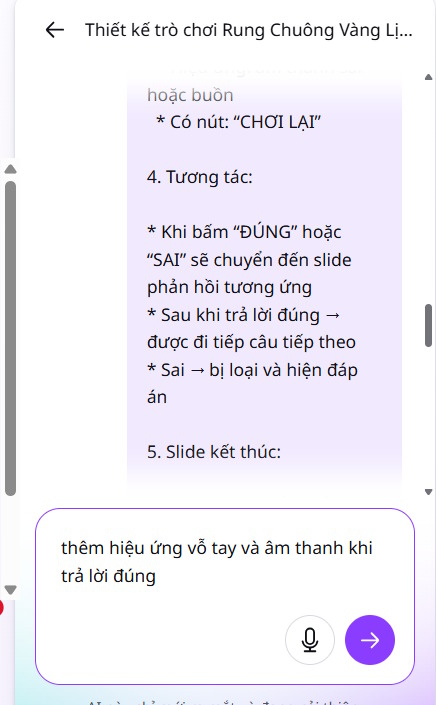
If teachers want to modify any part of the game, they can enter the command in the box to change the game.
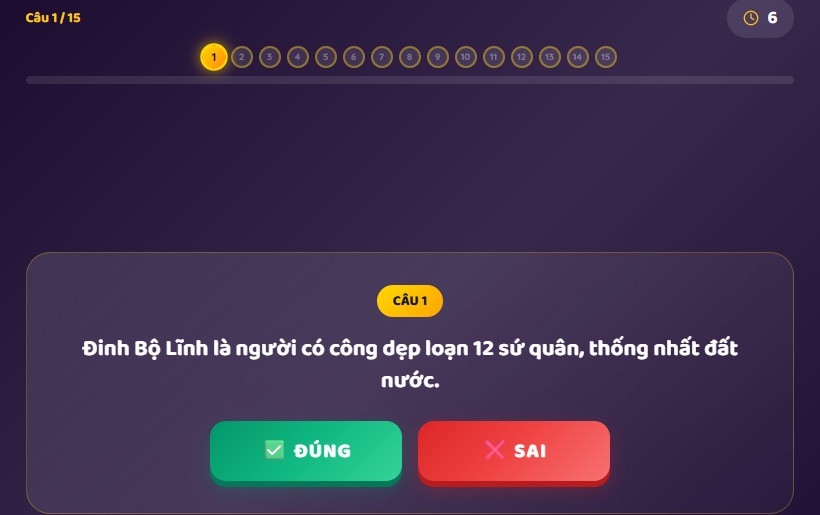
The game interface will include questions and true/false answers based on the description you create, along with a countdown timer.
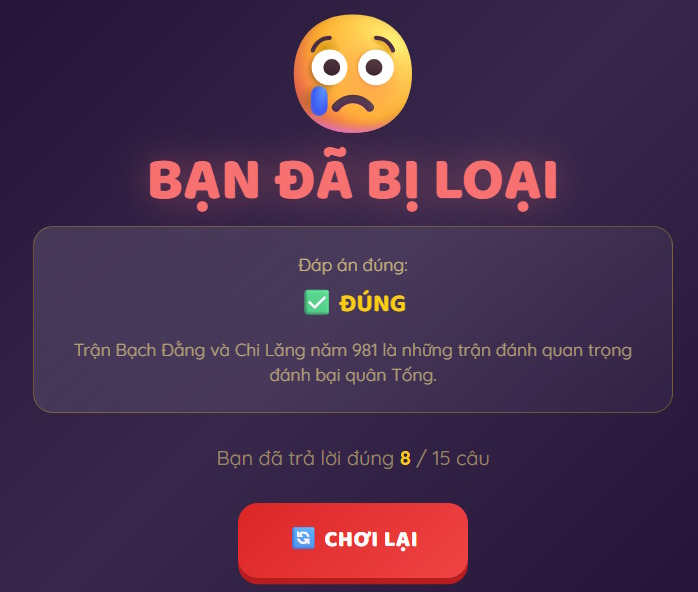
For each incorrect answer, the correct answer is displayed along with a message indicating the player has been eliminated.
Step 4:
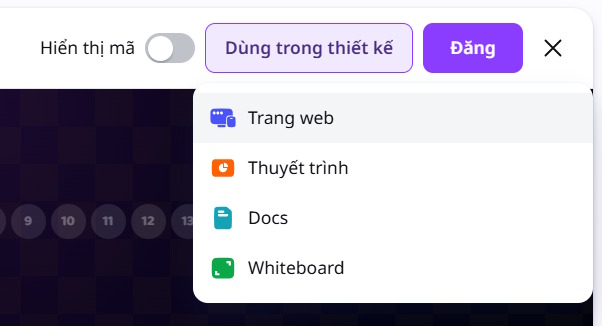
Teachers can click on "Post" and then choose the design they want to convert to, or they can create a website to play the game.
Related Articles
 Guide to Designing Posters in Canva AI4 minutes read
 Guide to Designing Writing Practice Exercises in Canva4 minutes read
 How to Design Greeting Cards on Canva AI4 minutes read
 How to Underline Text in Canva3 minutes read
 How to Design 3D Text on Canva3 minutes read
 Quickly Create Gameshows on Canva4 minutes read
Reader Comments 0
Sign in with email or Google to join the discussion.